
QR code to download the app

Scan To Download

Live Studio

Live Streaming Studio
Produce Crisp Podcasts, Interviews, Demos and Webinars

Host live shows with remote guests from your browser. Share your screen, sell your products, add your branding and multistream your show to social media, no downloads required.

Why Live Studio?

A live streaming studio is software that mixes your camera, mic and guests into one stream. Live Studio runs in your browser.

Stream from Browser

Go live straight from your browser without complex setups.

Invite Guests

Easily add guests, manage participation, and ensure smooth live control.

Multistream Your Shows

Choose from 45+ integrations and multistream your show to social media and your website.

How a Live Studio Session Works

Set up your live streaming studio and go live from your browser in five steps.

Enter the Studio.

From your dashboard, select Studio Livestream, enter your name and select Enter Studio.

Invite Attendees.

Click Invite Attendees, then copy the link or send it with the sharing options.

Set Up Your Studio.

Add your logo, set a background, add overlays, set up a ticker or add your products.

Pick Your Destinations.

Choose your social destinations and click Save Changes.

Go Live.

Click Start Broadcast in the top-right corner.

What's Inside Live Studio?

What's Inside Studio?

Packed with powerful live streaming studio features to make streaming simple, professional, and engaging.

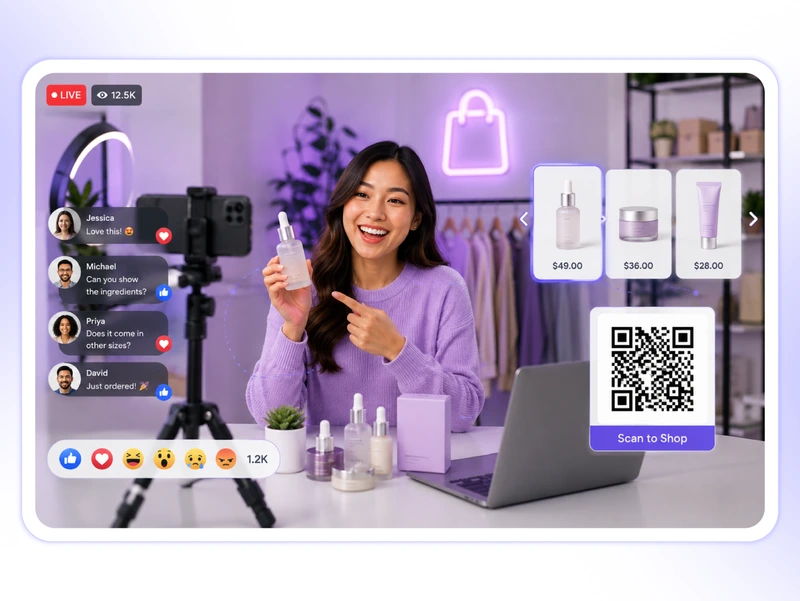
Live shopping stream with product cards, prices and a Scan to Shop QR code beside the host

Live Sell Online

Sell products live with shoppable cards, QR codes, and direct purchase links.

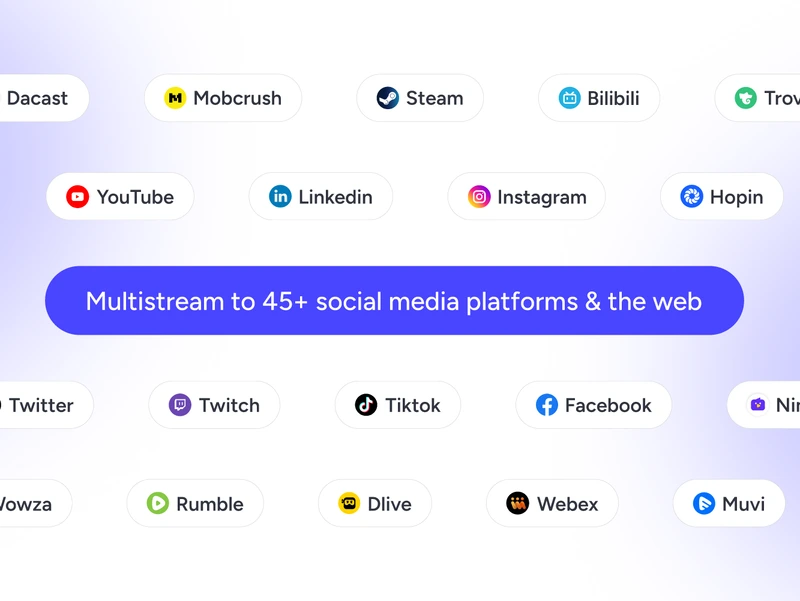
Platform name buttons around a multistream banner

Multistream Your Show

Choose from 45+ integrations or add a custom destination.

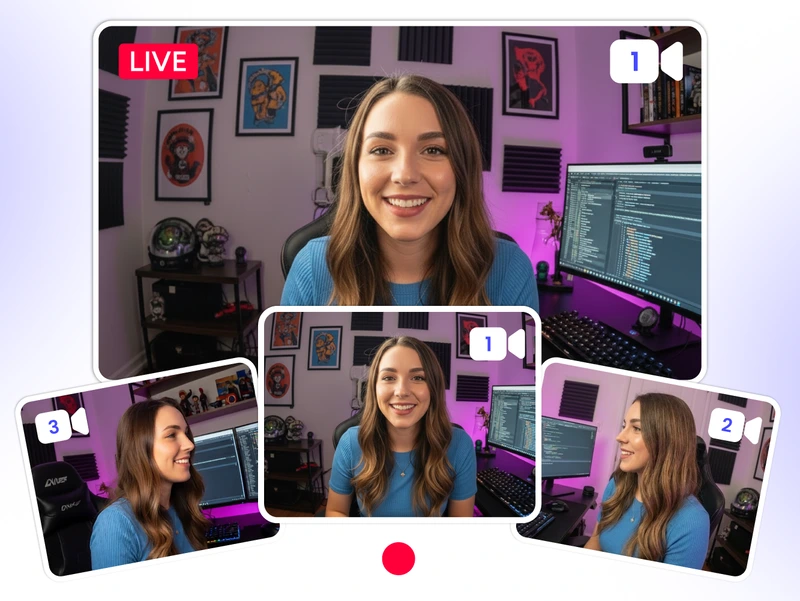
Live stream of a creator with three camera angles to switch between

Stream from Multiple Angles

Connect up to 4 cameras and switch angles effortlessly during your live studio stream.

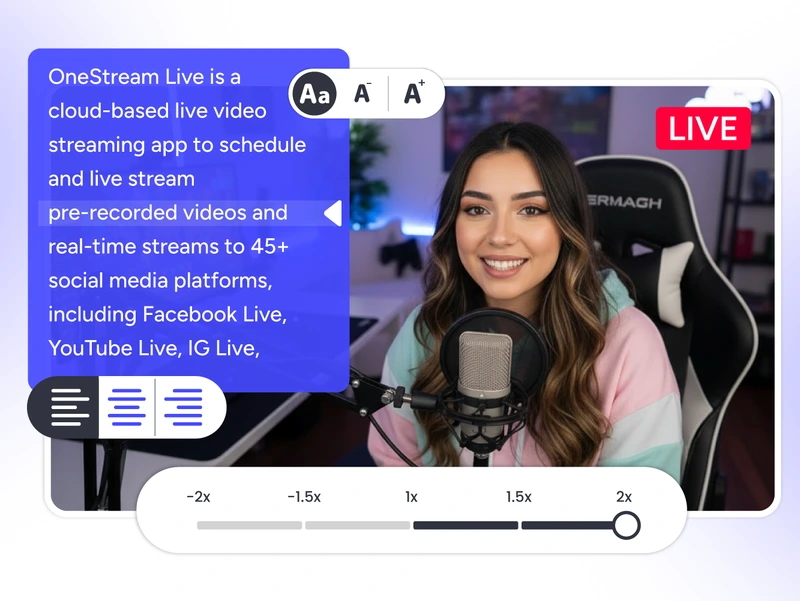
Live stream with a teleprompter panel beside the host, with text size, alignment and scroll speed controls

Teleprompter

Stay on script with built-in teleprompter for smooth, professional studio streaming.

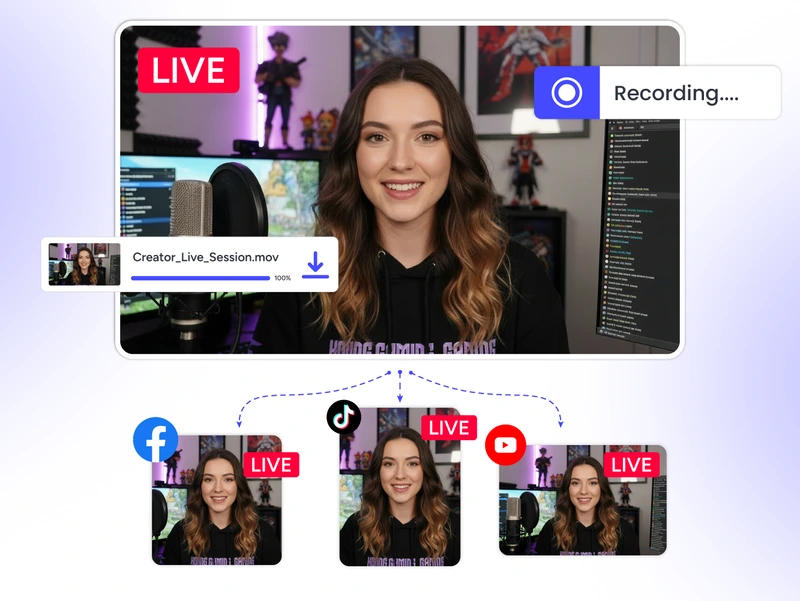
Live stream being recorded, with the recording ready to download while it goes to Facebook, TikTok and YouTube

Record as You Stream

Record while you stream, or record without going live. Download the recording afterwards.

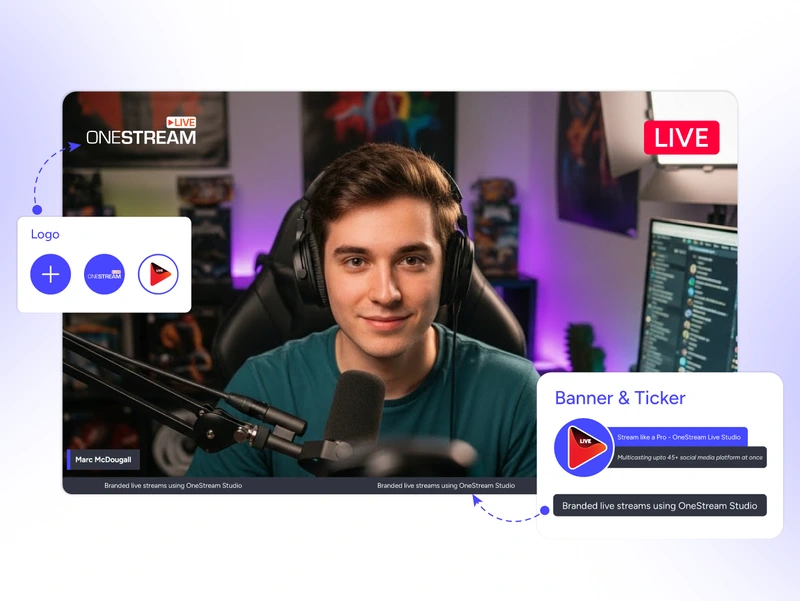
Streaming video studio branded overlays - custom logos, tickers and professional live stream branding

Branded Streams

Add your logo, overlays and banners so every stream looks like your show.

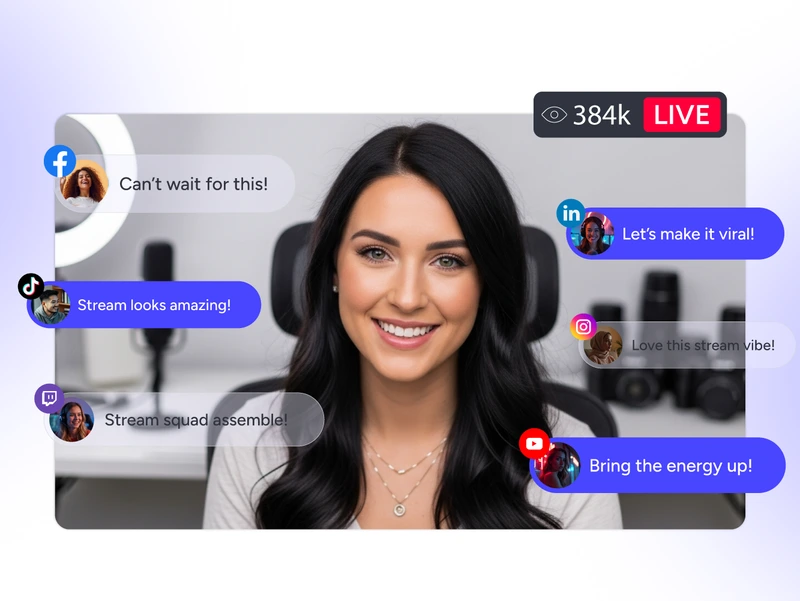
Live stream with viewer comments from social platforms around the host

Engagement & Interaction

Connect with your audience in real time and manage your live chats in one place, from a single dashboard. Show important comments on screen.

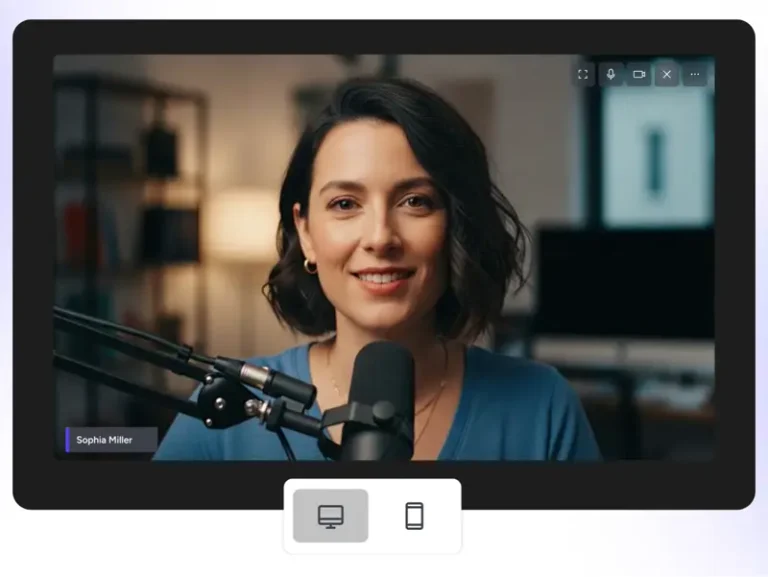
Live Studio preview switching from a landscape desktop layout to a vertical portrait layout

Go Live in Portrait Mode

Stream vertical videos directly to Instagram, TikTok, YouTube, Facebook & more.

Who Can Be in Your Studio

Give everyone the right seat, from host to guests.

Host

You run the show: admit guests, switch layouts and scenes, and choose where it streams.

Co-Host

Invite a co-host to help manage your studio session: add or remove guests and upload media while you focus on your interview or podcast. See team member roles

Guests

Invite guests by link, and customize the invitation link with your own unique slug. Neither you nor your guests need to install software.

What Else We Offer?

Take your live streams further with powerful Live Studio features built for complete control.

Invite Guests

Broadcast with up to 16 guests on screen and many more backstage.  

Stream Scheduling

Announce your stream early to hype up and maximize viewers.

Branded Streams

Brand your live streams with custom logos, overlays, and backgrounds.

Dynamic Layouts

Frame your live studio content in clean, professional styles.

Scenes

Set scenes with your preferred layouts, media assets, overlays, and other visual elements.

Banners & Tickers

Highlight key messages while streaming, with scrolling or pinned text.

Intros & Outros

Open with impact, close with confidence.

Media Sharing

Share your screen, images, audio, and videos while live streaming.

Other Ways to Live Stream with OneStream Live

Not every show needs a studio. Pick the way that fits your stream.

Pre-Recorded Streaming

Schedule your recorded videos to go live on multiple platforms at the time you choose.

24/7 Live Streaming

Keep a YouTube channel live around the clock with your pre-recorded videos.

External Encoders

Stream from OBS, Zoom, Streamlabs or another encoder, and multistream to all your chosen platforms at once.

Multistreaming

Go live on YouTube, Facebook, Twitch, LinkedIn and more at the same time, from one dashboard.

Why Creators Love It?

Real stories from real creators — why they choose Live Studio.

"OneStream Live Studio has many more features than its competitors. I love the pre-loaded graphics, stream starting soon videos, cool backgrounds, hand raise feature, and reaction emojis."
Rumor, OneStream Live user
Rumor
Trustpilot Review

Frequently Asked Questions

Clear answers to help you stream with confidence.

How do I invite guests to my Live Studio session?

Create a Studio session and click Invite Attendees, then copy the link and share it with your guests via text, WhatsApp or email. They can join the session directly through this link.

No. You can send them a link, and they can easily join the live session. They don’t need to sign up or download anything. You can, however, turn on authentication, in which case your guests sign in with a OneStream Live account, Google, LinkedIn or Facebook.

It depends on your plan: up to 4 guests on the Free plan, 6 on the Basic plan, 10 on the Standard plan, 12 on the Professional plan and 16 on the Enterprise plan.

Live Studio is on every plan, including the Free plan. On the Free plan, live sessions run up to 1 hour per session and you stream to 2 destinations at once at up to 720p. Downloading recordings, background music and effects, media share, intervals and uploading your own media are on the Basic plan and up; teleprompter, RTMP source, custom invitation links and Live Sales are on the Professional plan and up. In the web app, each Owner, Admin or Cohost can add one extra camera on the Basic, Standard and Professional plans, or four on the Enterprise plan. Paid plans raise the limits: 5 destinations on the Basic plan, 10 on the Standard plan, 30 on the Professional plan and 50 on the Enterprise plan. See pricing for the full comparison.

You can choose from 45+ integrations or add a custom destination. How many you go live on at the same time depends on your plan: see pricing.

Live Studio runs in your browser and works in all browsers. Nobody needs to install anything: not you, and not your guests. There’s also the OneStream Live app for iOS and Android.

Yes. In the web app or the mobile app, you can record without going live; in the mobile app, tap Start Recording in your studio session to record it. You can also turn on Automatically Record Live Event when you schedule a broadcast to record while you stream.

You can customize fonts, colors and backgrounds for your live streams. You can also customize the layout design, add tickers, banners and logos. And you have the option to add intros, intervals and outros for professional branding.

You can connect up to 4 cameras to OneStream Live Studio and switch between different camera angles. Requires a paid plan.

Start Your First Studio Session

Host live shows with guests from your browser and multistream them to social media. No credit card required.