





QR code to download the app

Scan To Download

Multistreaming

Multistream for Free
to Multiple Platforms

Send one stream to YouTube, Facebook, Twitch and more. Free: 2 destinations, live up to 1 hour per session.

For creators, churches and businesses

OPPO
Hyundai
RushBrush
Vivo
British Council
Cartoon Network
Disney
Khaleej Times

What Is Multistreaming?

Multistreaming (simulcasting) is sending one live video to several platforms at once, such as YouTube, Facebook and Twitch.

Reach More People

Go live where each part of your audience already watches.

One Stream, Multiple Destinations

OneStream Live sends your stream to the destinations you select, up to your plan's number of destinations.

Live, Pre-recorded or Scheduled

Go live in real time, or schedule a video you already have.

How to Stream on Multiple Platforms at Once

To stream to multiple platforms, send one stream and let the cloud deliver it, in three steps.

Choose Source

Go live from Live Studio in your browser, stream a pre-recorded video, or connect OBS or another encoder.

OneStream Live Create menu with the source choices: Livestream, Encoder Streaming, Pre-recorded Stream and 24-hour Stream
Add Add Destinations Platforms group

Select Destinations

Choose from 45+ integrations, plus custom RTMP destinations, and switch on as many at once as your plan allows: 2 on Free, up to 50 on Enterprise.

Schedule or Go Live

Start now, or schedule the stream for later. Your stream goes out to every destination you selected.

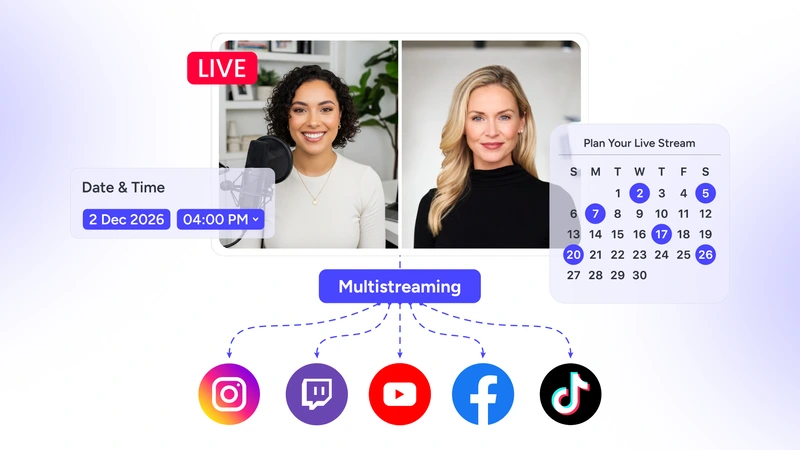
Two-guest live stream with a date and time picker, sent to Instagram, Twitch, YouTube, Facebook and TikTok

Multistream Free, Then Add Destinations as You Grow

Looking for a free multistreaming platform? Free is $0, no credit card: 2 destinations, live up to 1 hour per session.

Plan Destinations at once Max resolution Price
Free 2 720p $0 forever, no credit card
Basic 5 720p $15 billed monthly, or $144 billed yearly (save $36)
Standard 10 1080p $39 billed monthly, or $384 billed yearly (save $84)
Professional 30 1080p $49 billed monthly, or $468 billed yearly (save $120)
Enterprise 50 1080p $99 billed monthly, or $996 billed yearly (save $192)

Need more? Add 5 destinations to any paid plan for $10/month.

Multistream With OBS or Another Supported Encoder

Keep your OBS scenes and send one stream to OneStream Live instead of one per platform.

In Encoder Streaming, choose your stream key and open its encoder page.

Copy the Server URL and Stream Key into OBS as a custom stream, then start sending the signal.

Once OneStream Live detects it, choose your destinations (up to your plan's number), add the stream details, and schedule or go live from OneStream Live.

On Free, encoders connect over RTMP; on Basic and up you can also use RTMPS, SRT or WHIP.

Who Multistreams With OneStream Live

Creators, churches and teams use OneStream Live to live stream on multiple platforms from one dashboard.

Gamers and Creators

Stream to Twitch and YouTube at the same time from OBS or our Studio.

Churches

Send Sunday services to YouTube and Facebook in one stream, and to your own website on Basic and up. Church streaming

Podcasts and Talk Shows

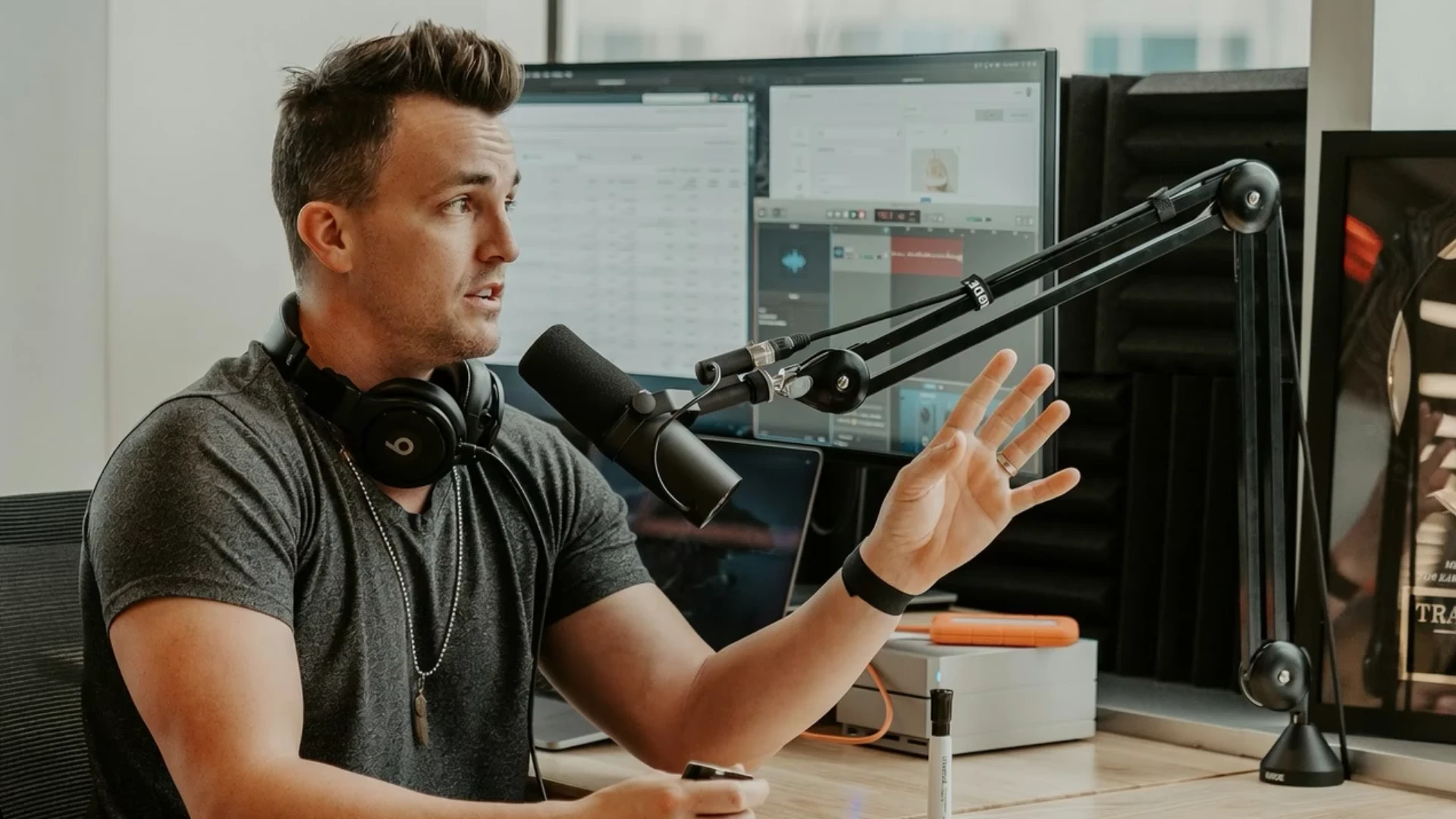
Go live on YouTube and LinkedIn, and invite guests into Live Studio.

Businesses and Agencies

Run launches, webinars and client streams with team seats and roles.

Pre-recorded Shows

Schedule a video you already have to go out live on the destinations you choose. Pre-recorded streaming

Multistreaming Tools

The tools that come with multistreaming on OneStream Live. Some depend on your plan.

Cloud Transcoding

When your stream reaches our servers, it’s transcoded into the format and settings each destination needs.

Team Collaboration

Invite team members as Admin or Co-host to run streams with you. Team members included: 1 on Free and Basic, 4 on Standard, 6 on Professional, 10 on Enterprise.

Branded Streams

Upload your own branding on Basic and up.

Cloud Recording

Record your Live Studio sessions; download recordings on Basic and up.

Unified Chat

Unified Chat currently supports YouTube, Facebook, LinkedIn, Twitch and Kick, plus Stream Player and Custom Website chat, on every plan. You can reply to these supported sources except a Facebook Profile. Unified Chat

Embed Stream Player

Embed your live stream on your website or blog with a stream player, on Basic and up. Stream player

Launch Custom Website

Build a website for your live streams on Basic and up. Custom domains are on Professional and up.

Why Creators Love It?

Real stories from real creators and why they choose multistreaming.

"I’ve used Restream and StreamYard before, but OneStream Live easily outperforms them in stream stability and quality."

Rhys Marks, OneStream Live user
Rhys Marks
Facebook
"Reliable streaming solution. I've tried several streaming platforms and OneStream consistently delivers quality streams without buffering."

Callie Louise, OneStream Live user
Callie Louise
Product Hunt
"We've been using OneStream Live for the past 4-5 years for our annual 5-day virtual conferences, and it has been a life-changer."

Karen May, OneStream Live user
Karen May
Facebook
"OneStream's best use-case is for pre-recorded streams that you can schedule - Set them and forget them."

Marcius R., OneStream Live user
Marcius R.
Capterra
"After looking for a live streaming scheduler, this platform helps our production team to be productive."

Sturdy D, OneStream Live user
Sturdy D.
Capterra
"I don't know how I ever lived without OneStream. It allowed me to grow my business by over 300%."

Leigh Ann D., OneStream Live user
Leigh Ann D.
Capterra
"OneStream Live offers professional-grade control over bitrate, frame rate, and encoder presets."

Ardalan Khoshiyan, OneStream Live user
Ardalan Khoshiyan
Facebook
"OneStream Live is the best streaming app, that tackles your needs for multi streaming on your social platforms."

Ahmed Mustafa, OneStream Live user
Ahmed Mustafa
Facebook

Multistream From Your Phone

Use OneStream Live on iOS and Android. Mobile live streaming

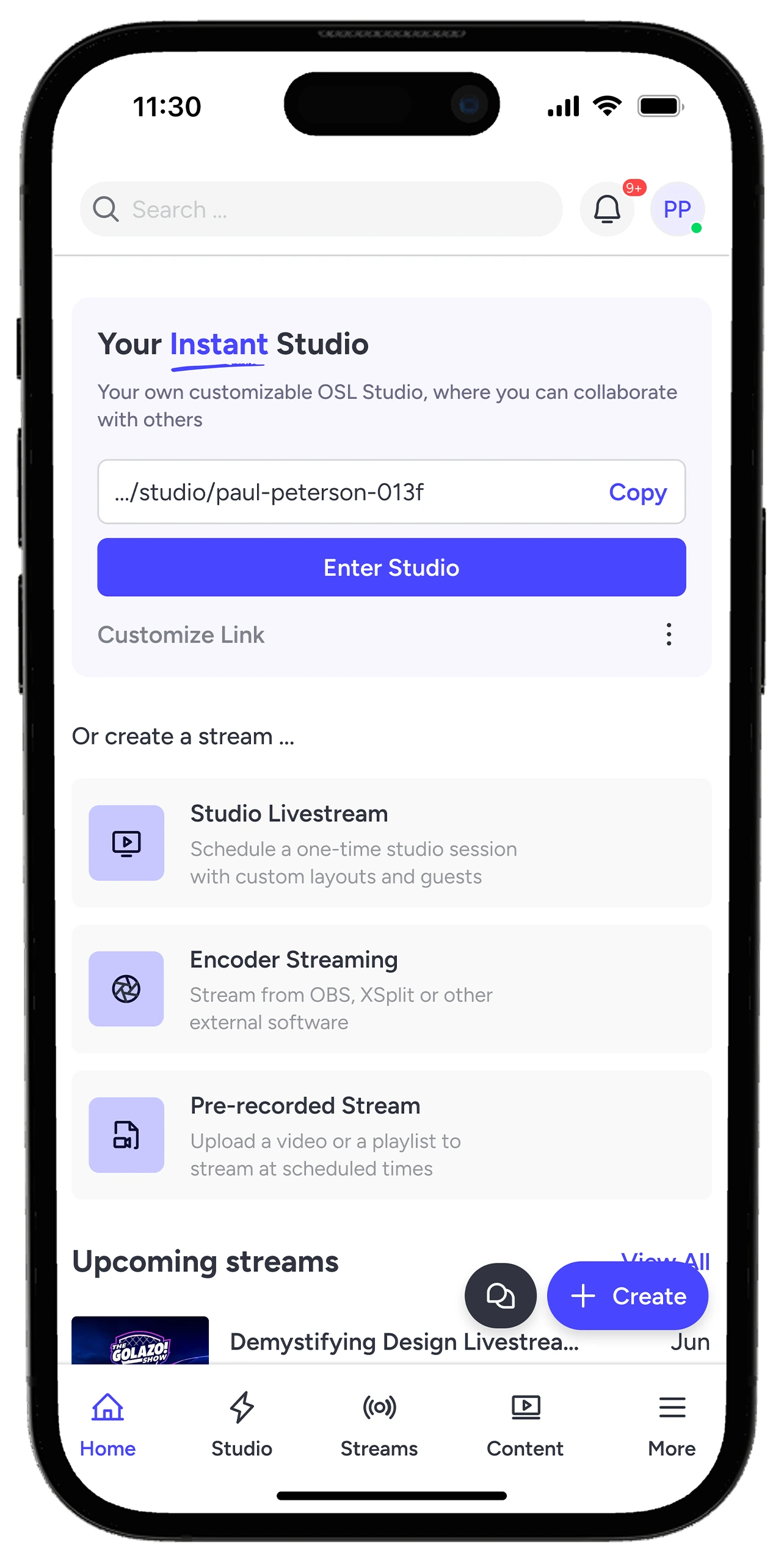
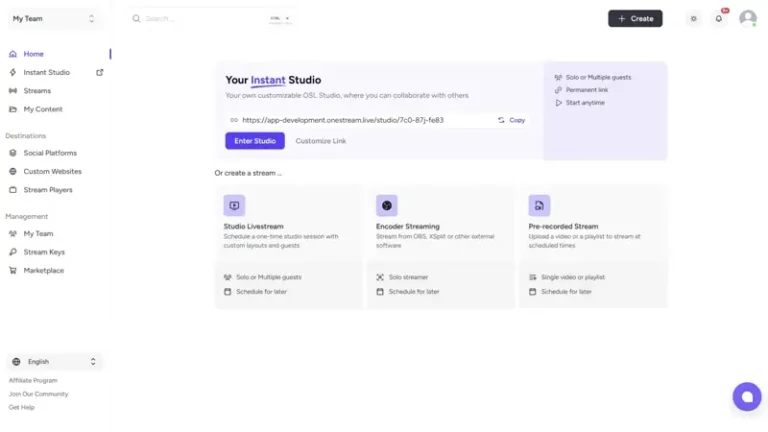
OneStream Live app home screen with an Instant Studio link and options to start a Studio, encoder or pre-recorded stream

Frequently Asked Questions

Clear answers to help you multistream with confidence.

What is multistreaming?

Multistreaming, also called simulcasting, is broadcasting one live stream to several platforms at the same time. You send one stream to OneStream Live, and we deliver it to each destination you choose, such as YouTube, Facebook and Twitch, or your own website on Basic and up.

Create a free OneStream Live account, connect your destinations, and choose your source: Live Studio in your browser, a pre-recorded video, or an encoder such as OBS. Then go live or schedule the stream. OneStream Live sends it to every destination you switched on. On Free you stream to 2 destinations at once, live up to 1 hour per session or pre-recorded up to 15 minutes.

Yes. The Free plan is $0 forever with no credit card, and it lets you stream to 2 destinations at the same time in 720p, with live streams up to 1 hour per session, pre-recorded videos up to 15 minutes, 1 GB of storage and up to 3 streaming events scheduled at a time. For more destinations, paid plans start with Basic at $15 billed monthly, or $144 billed yearly, for 5 destinations.

It depends on your plan: 2 on Free, 5 on Basic, 10 on Standard, 30 on Professional and 50 on Enterprise. On any paid plan you can also buy an add-on of 5 more destinations for $10/month.

Choose from 45+ integrations, including YouTube, Facebook, Instagram, Twitch, TikTok, Kick, LinkedIn and X, plus custom RTMP destinations (for example Steam or Amazon Live) and, on Basic and up, your own website. How many you stream to at once depends on your plan, and some platforms have their own account requirements. Explore Destinations.

You can go live on the social platforms your audience uses at the same time, including YouTube, Facebook, Instagram, TikTok and LinkedIn. Choose from 45+ integrations; how many you stream to at once depends on your plan, from 2 on Free to 50 on Enterprise.

The best multistreaming platform is the one that fits how you stream. When you compare multistreaming services, check how many destinations the free plan includes, whether you can go live from your browser, an encoder and a pre-recorded video, and what each paid plan adds. OneStream Live’s Free plan streams to 2 destinations at once, live up to 1 hour per session and pre-recorded up to 15 minutes, with no credit card.

Yes. In Encoder Streaming, choose your stream key and open its encoder page. Copy the Server URL and Stream Key into OBS as a custom stream, then start sending the signal. Once OneStream Live detects it, choose your destinations, add the stream details, and schedule or go live from OneStream Live. External encoders work on every plan, including Free, with Free live streams up to 1 hour per session.

Yes. Connect both channels and switch them on for your stream. Twitch allows simulcasting if your Twitch stream is at least as good as on other platforms: don’t direct Twitch viewers to your stream elsewhere, and don’t show chat or activity from other platforms on your Twitch stream. Links to your other profiles in your Twitch bio are fine. If you have an exclusivity agreement with Twitch, follow it.

You send one stream to OneStream Live, and it goes to every destination you select, up to your plan’s number of destinations. We recommend an upload speed of at least 2.5 Mbps for 720p and 4.5 Mbps for 1080p.

No. Live Studio is browser-based: stream from your browser without installing extra software. You can also connect OBS if you already use it.

Start Multistreaming Free

$0 forever, no credit card, 2 destinations at once. Live streams up to 1 hour per session, pre-recorded up to 15 minutes.