

Church Streaming
Church Live Streaming
for Every Service
Stream your church services live or pre-recorded to YouTube, Facebook and more, or embed them on your church website.
- No Credit Card Required
Why Live Stream Your Church Service?
Why Live Stream Your Church Service?
Members who can't be there in person, because of illness, travel or distance, can still watch the service live where they already are.
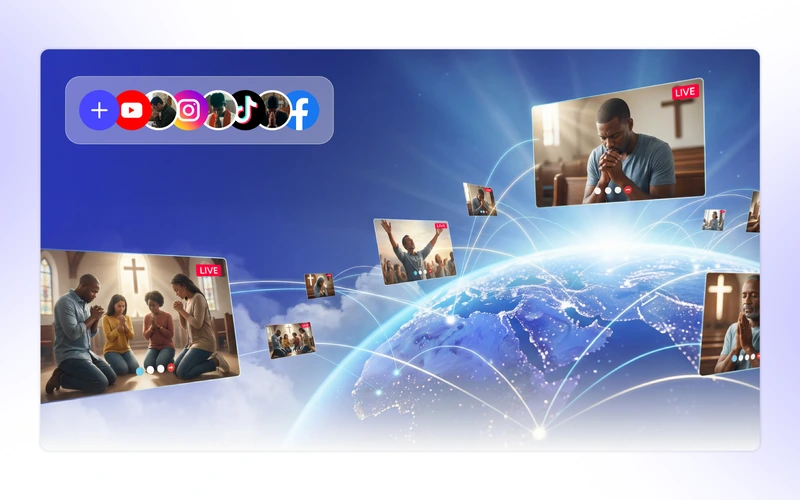
One Stream, Several Channels
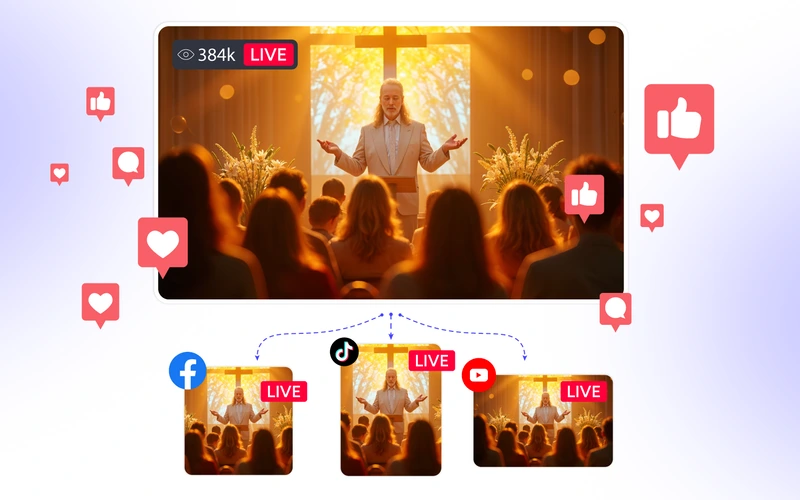
Choose from 45+ integrations and stream to YouTube, Facebook and more at once.
Reach Members at Home
Give people who can't attend a way to join the service live, from home or wherever they are, on the channels they already use.
Set It Up Ahead
Schedule a broadcast with its title and destinations before the day, or schedule a recorded service to play at a set time.
What Your Church Needs
What Your Church Needs
Tools for the service and for the week around it.
Expand Your Reach
Stream to YouTube, Facebook and other channels at once, and on your own website from the Basic plan, so members can watch where they prefer.
Worship Together
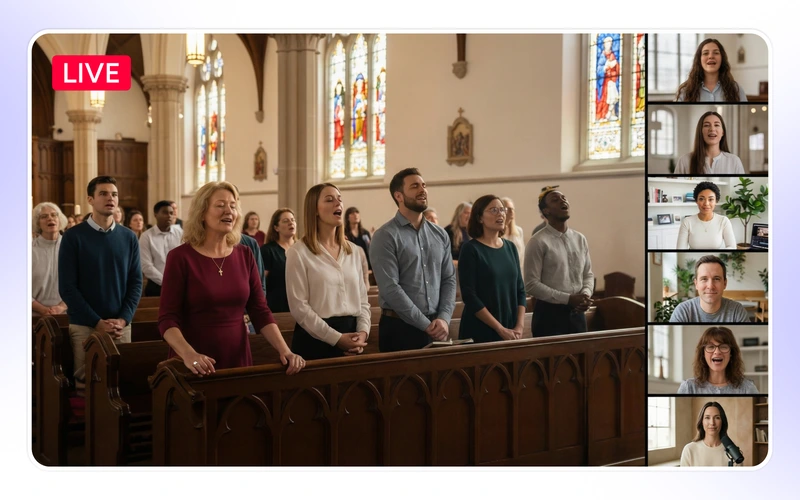
Members who can’t attend in person can watch the service live on the channels you stream to, and follow along with the congregation in real time.
Embed Your Sermon
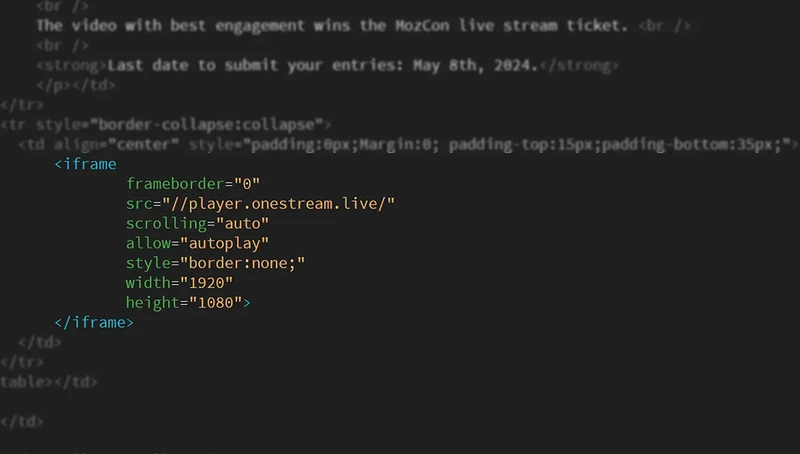
Embed live sermons on your church website or landing pages, so your congregation can watch without leaving your site. Embeddable stream players come with every paid plan.
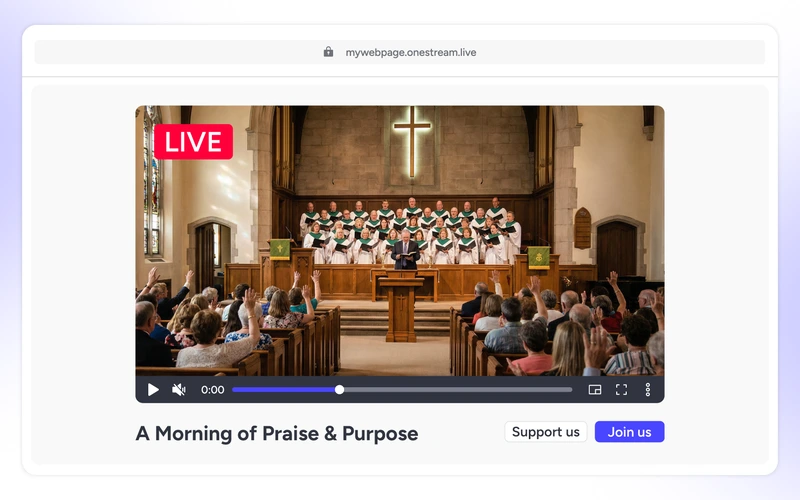
Build Church Webpage
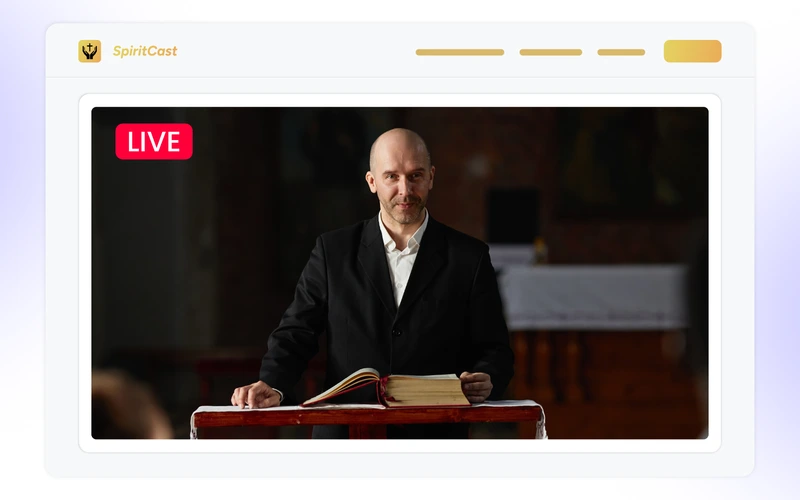
No website yet? Create a streaming page for your church with a schedule of upcoming services. Add a password for private services and use your own domain if you wish.
Connect with Community
Your congregation can follow the service wherever they are. During the service, Unified Chat shows comments from YouTube, Facebook, LinkedIn, Twitch and Kick in one place, on every plan, and you can reply there, except to a Facebook Profile.
Three Ways to Stream Your Service
Pick the one that matches your setup. Each sends one stream to every destination you select.
Schedule a browser broadcast
- Open Studio Livestream from your dashboard and allow your camera and microphone.
- Click Schedule Broadcast, turn on your destinations and add the title and description.
- Set the date and time, then click Schedule Broadcast.
From OBS or another encoder
- Click Encoder Stream in your dashboard.
- Copy your Server URL and Stream Key, paste them into your encoder and start the stream.
- Once the video feed appears in OneStream Live, select your destinations, enter the stream details and click Go Live Now.
A recorded service
- In Pre-recorded Stream, click Add Videos, choose your file and click Continue.
- Select your destinations and click Continue.
- Add the stream details, set the date and time, click Continue, then click Schedule Broadcast. The video goes live automatically at that time.
The Stats Don't Lie
From small congregations to global ministries, the growth is real.
90% Churches Go Live
Nearly 90% of church leaders now livestream their services or events.
1 in 4 Attend Online
1 in 4 Americans attend church online at least once a month.
3x More Engagement
Churches that go live see up to 3x more engagement than in-person only.
Built For Your Church
Tools to go live, schedule recorded services and keep your congregation connected.
Multistream Your Service
One service, sent to each destination you select, so members can watch on YouTube, Facebook or wherever they follow you. Choose from 45+ integrations.
Go Live in Real Time
Go live from Live Studio in your browser, from the iOS or Android app, or from an external encoder such as OBS or Zoom, on every plan.
Pre-Recorded Streaming
Schedule recorded church live streams to broadcast like they’re happening live.
Schedule Recorded Services
Upload a recorded service and schedule it to go live at a set time, up to 60 days ahead.
Team Management
Give volunteers their own login to run the stream and answer chat, without sharing your social account passwords.
Invite Guests
Bring pastors, speakers or leaders into your stream from Live Studio with an invitation link.
Which Plan Fits Your Service
Live sessions and recorded streams have different limits. Choose by how you stream and how long your service runs.
| Plan | Free | Basic | Standard |
|---|---|---|---|
| Price | $0 forever, no credit card | $15/month | $39/month |
| Destinations at once | 2 | 5 | 10 |
| Live service (Studio or encoder), per session | Up to 1 hour | Up to 2 hours | Up to 6 hours |
| Recorded service, per stream | Up to 15 minutes | Up to 1 hour | Up to 3 hours |
| Resolution | 720p | 720p | 1080p |
| Website player / church webpage | — | 1 / 1 | 2 / 2 |
| Team seats included | 1 | 1 | 4 |
| Maximum guests in Live Studio (plus you) | 4 | 6 | 10 |
| Scheduled events | 3 at a time | Unlimited | Unlimited |
Why Churches Love It?
Real stories from churches who use OneStream Live for live streaming.
Frequently Asked Questions
Frequently Asked Questions
Find clear answers about our church live streaming software.
How do I live stream a church service?
Choose how you’ll go live: from your browser in Live Studio, from the mobile app, from OBS or another encoder, or as a recorded video you schedule. Connect your YouTube, Facebook or other channels as destinations, select them, and start or schedule the stream. OneStream Live sends it to each destination you selected.
Can my church stream for free?
Yes. The Free plan is $0 forever with no credit card. It streams to 2 destinations at once at 720p and allows 3 scheduled events at a time. On the Free plan, a live service can run up to 1 hour and a recorded one up to 15 minutes. Paid plans differ by mode: on the Basic plan, live sessions run up to 2 hours and recorded streams up to 1 hour; on the Standard plan, up to 6 hours live and 3 hours recorded.
Can we show the service on our church website?
Yes, on paid plans. From the Basic plan, you can embed a stream player on your existing site with a copy-and-paste code, or create a streaming page for your church if you don’t have a website. A custom domain and password protection for private services come with the Professional and Enterprise plans.
Can I schedule services in advance?
Yes. You can schedule a Live Studio or encoder broadcast for a set date and time as well as schedule a recorded service to play at a set time. On every plan, you can schedule pre-recorded videos up to 60 days in advance.
What equipment does my church need?
It depends on how you stream. In Live Studio: a computer with a browser, a camera and a microphone. From a phone: the OneStream Live iOS or Android app. With an encoder: your existing OBS, Zoom or other encoder setup. For a recorded service: the video file, which you upload and schedule. Streams go out at up to 720p on the Free and Basic plans and 1080p from the Standard plan up. We recommend an upload speed of at least 2.5 Mbps for 720p streams and at least 4.5 Mbps for 1080p streams.
Can volunteers run the stream?
Yes, with team seats. Invite volunteers as team members with their own OneStream Live login. A Co-host can start or stop broadcasts, update events, manage studio layouts, upload media, handle attendees and respond to live chat messages, but can’t see your social platform connections, stream keys or billing. The Free and Basic plans include 1 seat, the Standard plan 4, the Professional plan 6 and the Enterprise plan 10.
Can I customize the look of the stream?
Yes, OneStream Live allows you to add overlays, backgrounds, logos, banners, tickers, intros and outros, and even create multiple camera angles to enhance the visual appeal of your church service stream.
Can we live stream church services 24/7?
Yes, on YouTube, as a continuous stream of your recorded videos, for up to 30 days per broadcast. It’s a $30/month add-on per stream on the Basic, Standard and Professional plans. The Enterprise plan already includes 3 concurrent 24/7 streams. 24/7 setup guide
Stream This Sunday's Service
Free plan: 2 destinations, no credit card, live sessions up to 1 hour.
