Multistream for Gamers
Stream to Twitch and
YouTube at Once
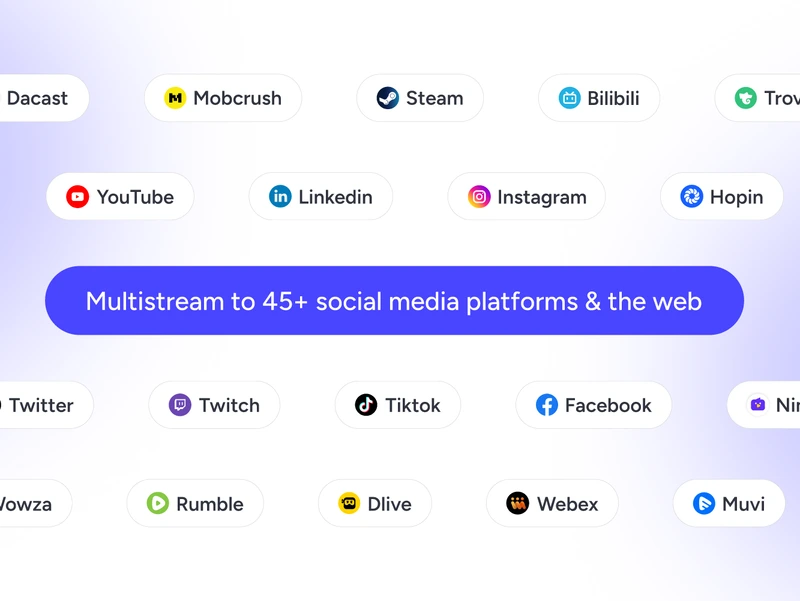
Stop choosing between platforms. Multistream your gameplay to Twitch, YouTube, Kick, Rumble, Trovo and more at once, from OBS or your browser. Share your screen live and grow your audience 10x faster.
- No Credit Card Required
How to Stream to Twitch and YouTube
Multistream to Twitch and YouTube at the same time, plus other platforms like Kick, Rumble and Trovo.
In Your Browser (Live Studio)
Create Your Free Account
Create a free OneStream Live account. No credit card needed.
Connect Twitch and YouTube
Connect your Twitch and YouTube accounts.
Go Live From Live Studio
Select Twitch and YouTube, then go live from Live Studio in your browser: follow the Live Studio setup guide.
With OBS or Another Encoder (External Encoder)
Create Your Free Account
Create a free OneStream Live account. No credit card needed.
Connect Twitch and YouTube
Connect your Twitch and YouTube accounts.
Add Your Stream Key
In Encoder Streaming, choose your stream key and copy the Server URL and Stream Key into your encoder, then start sending the signal.
Pick Your Channels
Once OneStream Live detects it, select Twitch and YouTube and give each its own title (not available for custom RTMP destinations).
Go Live
Schedule or go live from OneStream Live.
New to YouTube live? YouTube says enabling live streaming for the first time may take up to 24 hours.
Why Multistream Your Gameplay?
Your Twitch community, your YouTube subscribers and your fans on Kick, Rumble and other platforms watch the same live game, and you only run one stream.
Reach More Viewers
Choose from 45+ integrations and go live on several at the same time.
Build Gaming Community
Give viewers on each channel a chance to become regulars.
Live on More Platforms
Be live where your viewers already are.
Tools for Game Live Streaming
All the tools you need for game live streaming to reach more viewers and engage your fans. From PC game streaming to mobile, all in one place.
Screensharing
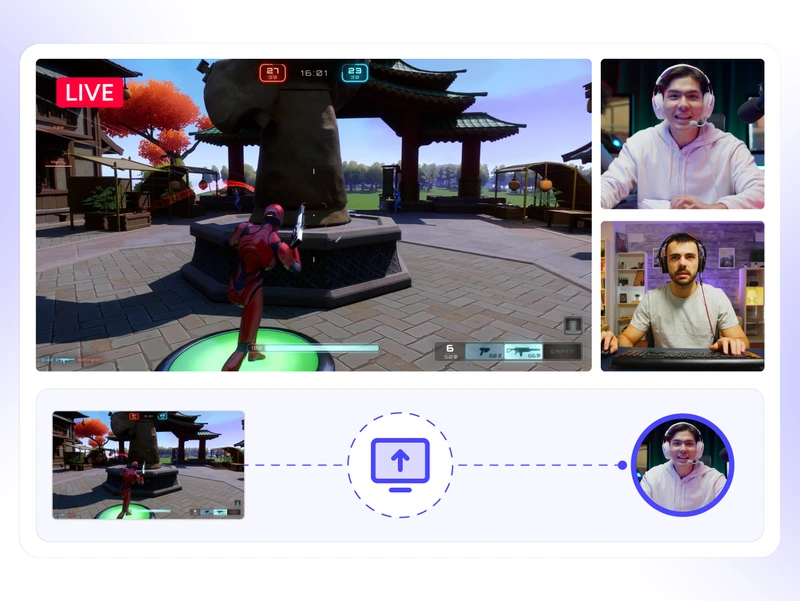
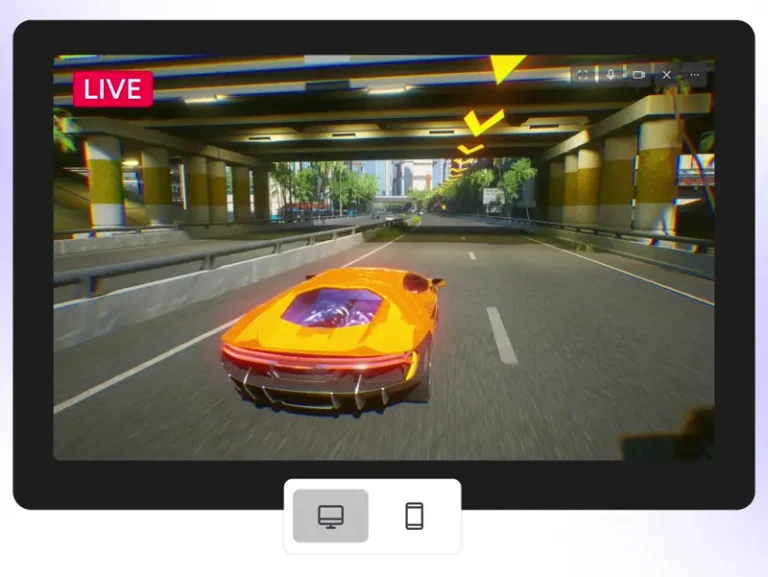
Share your gameplay screen live from your desktop or mobile so your viewers never miss a move.
Encoder Streaming
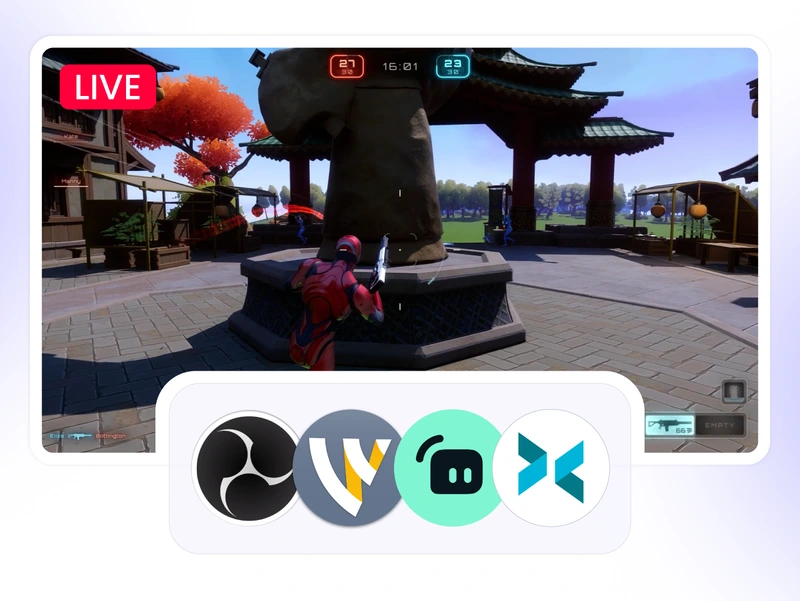
Plug in OBS, vMix, Wirecast, Zoom or another supported encoder for pro video game streaming setups.
Multistream From One Dashboard
Stream your gameplay to Twitch, YouTube and more at once. Choose from 45+ integrations.
Live in Portrait Mode
Stream vertical videos directly to Instagram, TikTok, YouTube, Facebook and more.
Unified Chat
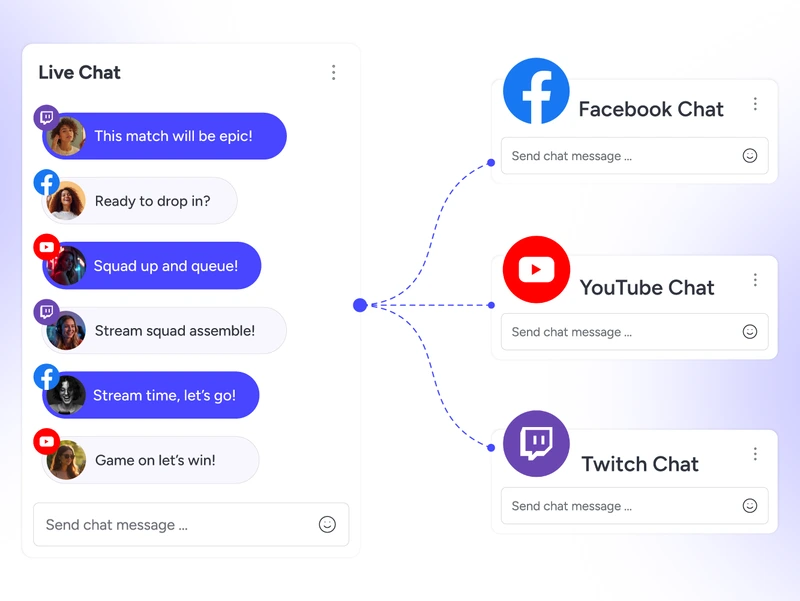
Read and reply to comments from Twitch, YouTube, Kick and more in one chat window, from a single dashboard.
Custom Branding
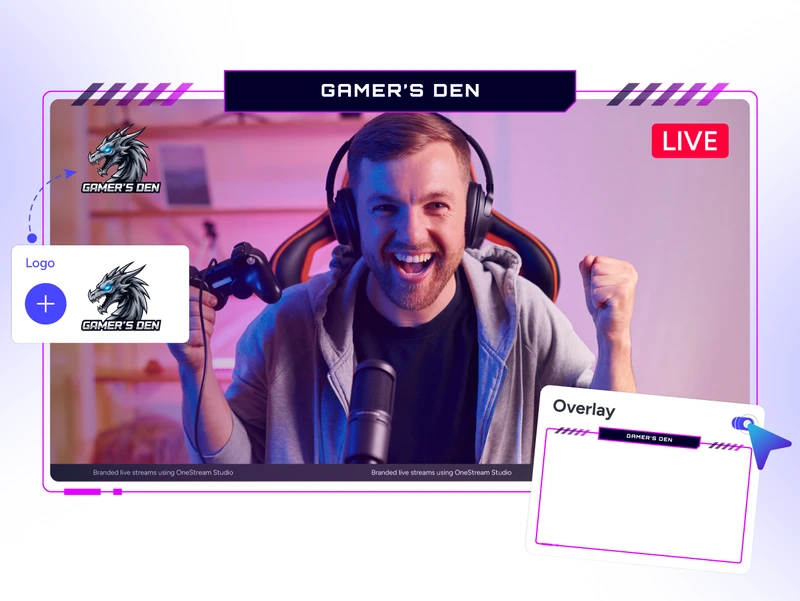
Add your own logo, overlays and banners to your game live streams. Make every gameplay worth remembering.
Setups Supported
Stream from your computer, the OneStream Live app on iOS and Android, or a console that supports a custom server.
Computer
iOS and Android App
Consoles With a Custom Server
The Stats Don't Lie
The game live streaming world is exploding. Your audience is already out there waiting.
1.4b+ Gaming Viewers
The global game live streaming audience has grown to over 1.4 billion viewers, and your future fans are already watching.
10x More Reach
Streamers who go live on multiple platforms simultaneously grow their audience up to 10x faster than single-platform streamers.
70% Higher Engagement
Live game streams generate 70% more engagement than pre-recorded gaming content. Real-time is where the community is built.
What It Costs
Start free. Upgrade when you need more destinations, longer sessions or 1080p.
| Plan | Price | Destinations at once | Resolution | Live session length |
|---|---|---|---|---|
| Free | $0 forever, no credit card | 2 | 720p | Up to 1 hr per session |
| Basic | $15 billed monthly, or $144 billed yearly | 5 | 720p | Up to 2 hrs per session |
| Standard | $39 billed monthly, or $384 billed yearly | 10 | 1080p | Up to 6 hrs per session |
Custom branding, Custom Websites and Stream Players are on the Basic plan and up. On the Free plan, pre-recorded streams run up to 15 minutes.
Toolkit For Game Streaming
The best tools to live stream video games, grow your reach, and keep your gaming squad connected.
Invite Your Squad
Invite friends, teammates or guests into your gameplay stream without complex setups.
Stream Recorded Content
Stream recorded video game streaming sessions like they’re happening live with pre-recorded streaming.
Record While Streaming
Record your gameplay while streaming so you can save, edit, and reuse your content later.
Embedded Stream Player
Grab your embed code, style the player, and stream your games anywhere on the web with an embeddable stream player.
Overlays on Your Gameplay
Share your game screen in Live Studio and add your logo and overlays on top of your gameplay.
Why Gamers Love It?
Real stories from gamers who use OneStream Live.
Frequently Asked Questions
Get answers to common questions about game live streaming.
How do I stream to Twitch and YouTube at the same time?
Connect your Twitch and YouTube accounts to OneStream Live. With an encoder: copy your Server URL and Stream Key from Encoder Streaming into OBS or another supported encoder and start sending the signal; once OneStream Live detects it, select both channels and go live from OneStream Live. Or select both and go live from Live Studio in your browser.
Can I multistream to Twitch and YouTube for free?
Yes. The Free plan is $0 forever with no credit card. It streams to 2 destinations at once at 720p, with live sessions up to 1 hour, which covers Twitch plus YouTube. For more, the Basic plan ($15 billed monthly, or $144 billed yearly) streams to 5 destinations, and the Standard plan ($39 billed monthly, or $384 billed yearly) streams to 10 in 1080p.
Does Twitch allow simulcasting?
Yes, under its Simulcasting Guidelines (Twitch Terms of Service, section 11). Your Twitch stream must be at least as good as on other platforms. You can’t actively direct Twitch viewers to your other live stream, though ordinary links on your profile are fine. And you can’t show merged chat or other cross-platform activity on your Twitch stream. A combined chat you read on your own screen is fine. The rules apply to all streamers, and an exclusivity agreement can add more, so check your agreement and Twitch’s current guidelines.
Can I use OBS or another encoder with OneStream Live?
Yes. Point OBS, vMix, Wirecast, Zoom or another supported encoder at your OneStream Live server URL and stream key, and keep your scenes as they are.
How does OneStream Live send my stream to Twitch and YouTube?
Your encoder sends one stream to OneStream Live, and it goes to every destination you select, up to your plan’s number of destinations. We recommend an upload speed of at least 2.5 Mbps for 720p and 4.5 Mbps for 1080p. You can also share your PC screen while you play with OneStream Live Studio, and go live straight from your browser.
Can I connect a game console?
Yes. Any gaming console that can send a stream to an external RTMP server URL and stream key can connect to OneStream Live’s RTMP server. Once connected, you can multistream your game to Twitch, YouTube, Rumble and more, all at the same time.
Can I see my live comments in one place?
Yes. With OneStream Live Unified Chat, you can see and manage live comments from your connected platforms in a single dashboard.
Can I record my gameplay while live streaming video games?
Absolutely. OneStream Live Studio lets you record your gameplay while you stream, so you can save and reuse your content anytime.
Go Live on Twitch and YouTube Today
Multistream your gameplay to Twitch, YouTube, Kick and more from one dashboard. No credit card required.