



QR code to download the app

Scan To Download

Your Phone is Your Streaming Hub

Mobile live streaming without the gear. Host live streams from your phone to 45+ platforms at once. Set up in seconds, broadcast to millions in minutes.

Live Stream on the Go

Live stream from phone with Android and iOS apps built for streamers who are always on the move.

Stream Directly From Your Phone Camera

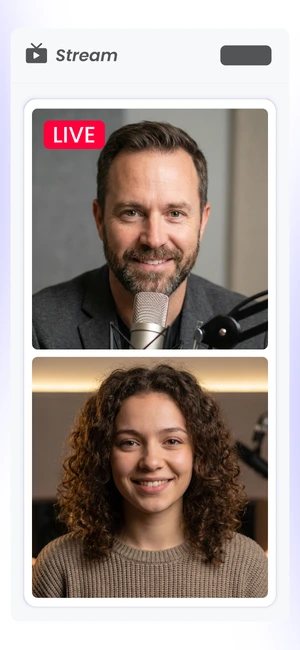
Creator using mobile live streaming from a smartphone camera with OneStream Live

Use your smartphone’s front or back camera to go live instantly. Stream on the move with zero effort.

Go Live Everywhere

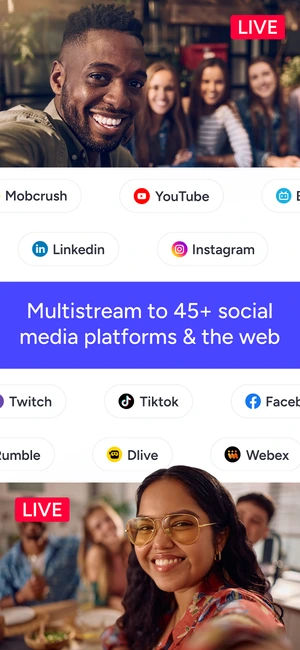
Mobile live broadcasting to Facebook, YouTube, Instagram and 45+ destinations with OneStream Live

Broadcast simultaneously to Facebook, YouTube, Instagram, and 45+ destinations via OneStream Live’s multistreaming feature. Real-time or pre-recorded, your call.

Schedule Streams in Advance

Scheduling a mobile live broadcasting stream in advance from a smartphone with OneStream Live

Upload videos directly from your phone or cloud and schedule them to stream later. Plan your mobile live stream up to 60 days in advance.

Face ID and Fingerprint Login

Face ID and fingerprint login for secure mobile live broadcasting with OneStream Live

Log in instantly with fingerprint or face ID. Quick and secure mobile live streaming.

Join Studio Sessions

Guest joining a OneStream Live Studio broadcast from a smartphone

Join live broadcasts as a guest using only your smartphone. No laptop required. Just accept the invite and join the show.

Embed Streams

Copying a OneStream Live stream embed code from a smartphone for a website or blog

Copy and share your stream’s embed code straight from your phone. Easily embed mobile video streams into websites, blogs, or anywhere on the web.

How It Works

Ready to go live from mobile? Here's how to set up.

Download the application (iOS or Android)

Sign up free or log in

Tap “Live Broadcast”

Enter your stream details – add a title, description, and hashtags.

Select your destinations – choose up to 45+ social platforms to go live.

Hit “Go Live” and start your live broadcast

The Stats Don't Lie

Mobile streaming is taking over - here’s the proof.

62% User Preference

62% of users prefer mobile streaming over desktop streaming

$61.6b Market Value

$61.6 billion projected mobile live streaming market value by 2033, up from $8.6B in 2024

59% of Creators

59% of content creators now monetize through mobile video streaming

80% Prefer Live

80% of consumers would rather watch a brand’s live stream than read a blog post

48% Prefer Mobile

48% of U.S. content creators use mobile-first platforms for streaming

Stream From Any Device

Stream from desktop, laptop, tablet, or smartphone with a mobile streaming setup that stays in sync. Use the app or go live directly from your browser, wherever you are.

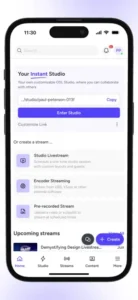
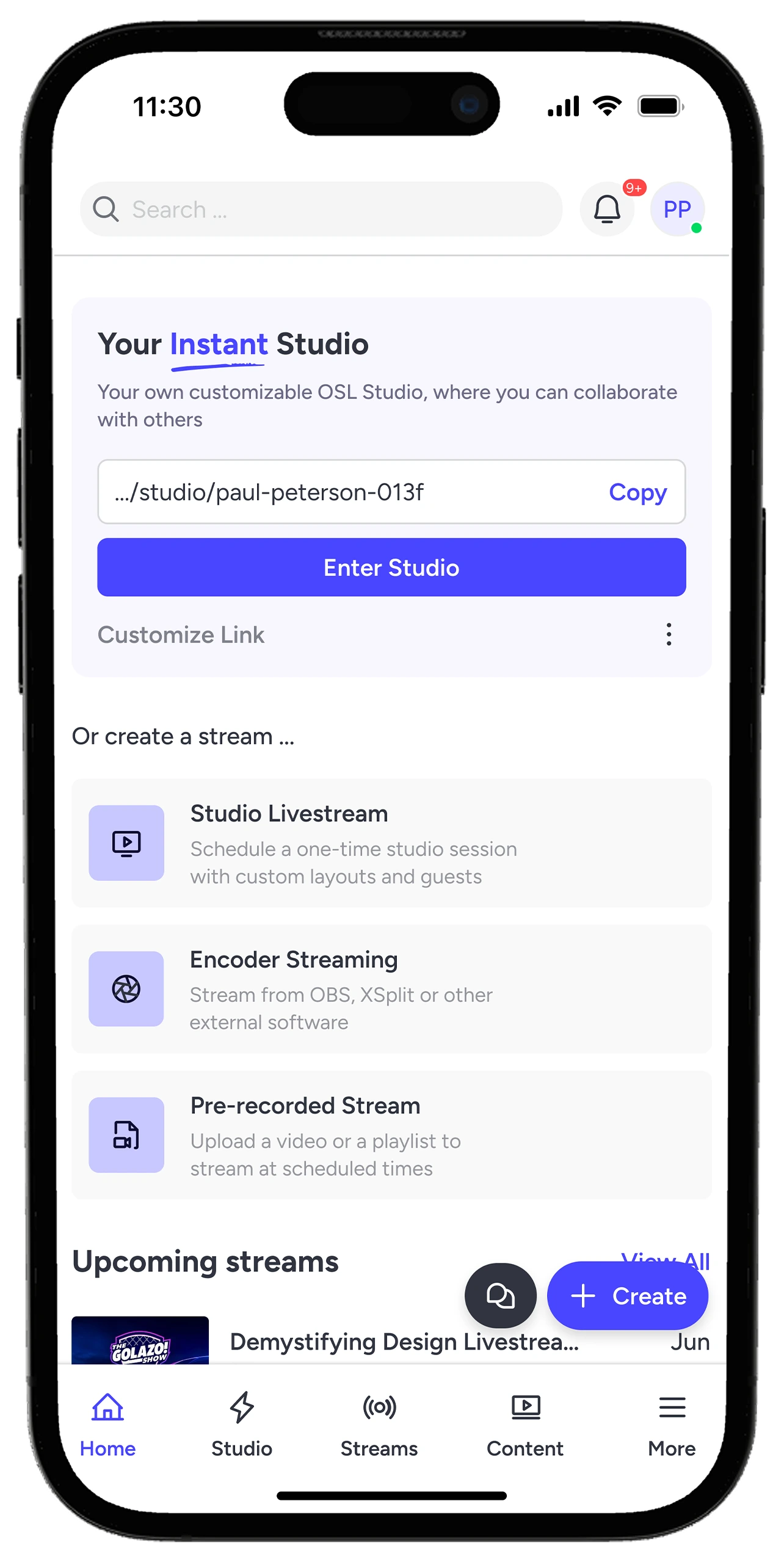
OneStream Live mobile app - live streaming service for iOS and Android devices

Why Creators Love Us?

Hear it from the creators who use mobile live streaming.

"I have found OneStream Live one of the best platforms to stream your pre-recorded files. With a variety of packages that include amazing features and a great support team, they ensure the customer is satisfied."

Pasta la Vista gave OneStream Mobile Live Broadcasting review
Pasta la Vista
Google Play Review

Frequently Asked Questions

FAQs

Clear answers to help you choose the best Mobile Live Streaming App with confidence. Still stuck? Chat with support or explore our Help Center.

What is mobile live streaming?

Mobile live streaming lets you broadcast video in real time using your smartphone or tablet from virtually anywhere with an internet connection.

Yes. OneStream Live lets you multistream your mobile live content to 45+ social platforms simultaneously, including YouTube, Instagram, Facebook, TikTok, LinkedIn, Twitch, and more.

No. You can start with just your phone. A tripod, a mic, and a solid internet connection can level up your stream quality, but they’re optional.

Yes. With OneStream Live Studio, you can stream from your mobile browser and invite guests into your live session, no laptop needed.

Yes. Schedule live or pre-recorded streams directly from your phone, up to 60 days in advance.