What exactly is the OneStream Live Microsoft Edge extension?
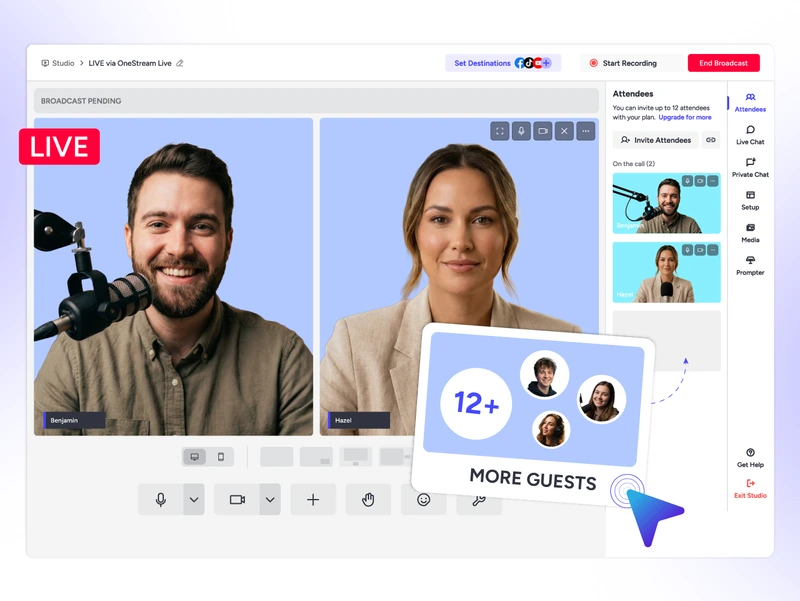
It’s your Studio streaming command center built right into your Edge browser, with no extra apps and no more tab-switching.
Do I need a OneStream Live account to use the Edge extension?
Yes, you need a OneStream Live account to use the Edge extension. Signing up takes two minutes, and it’s free.
Which platforms can I stream to with this extension?
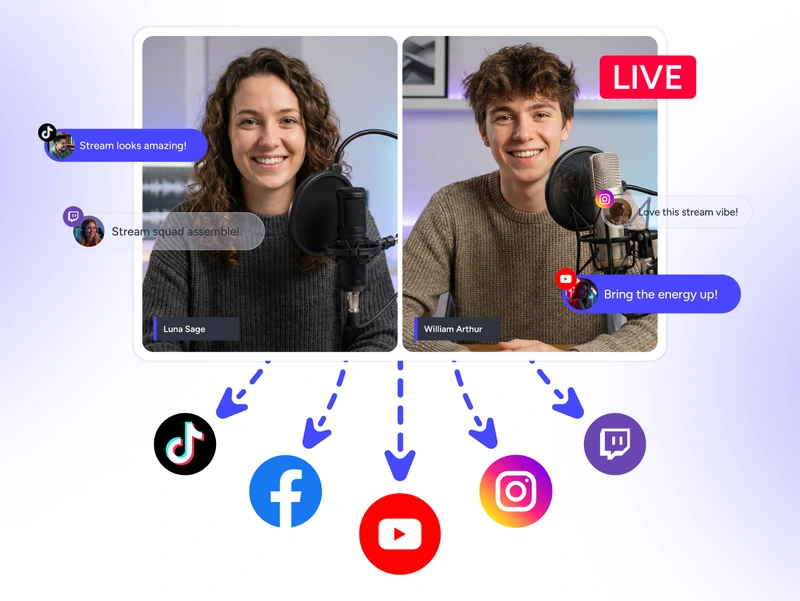
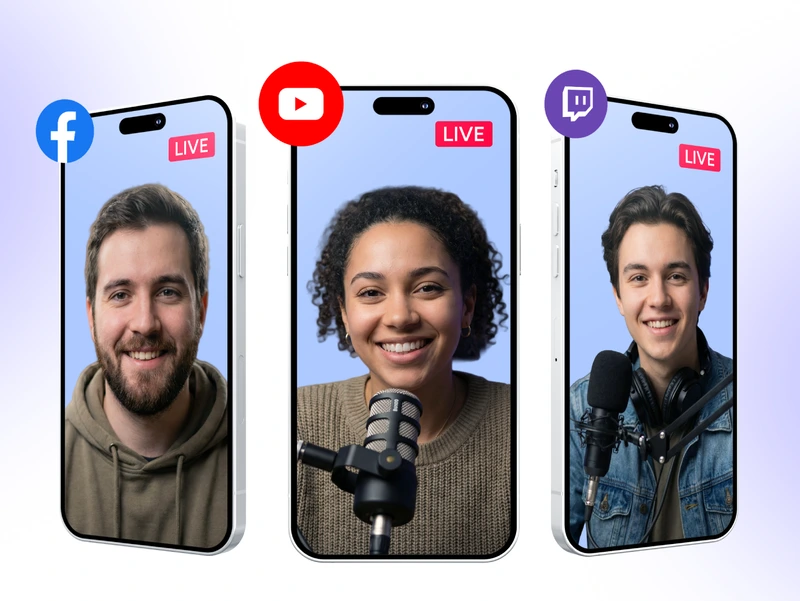
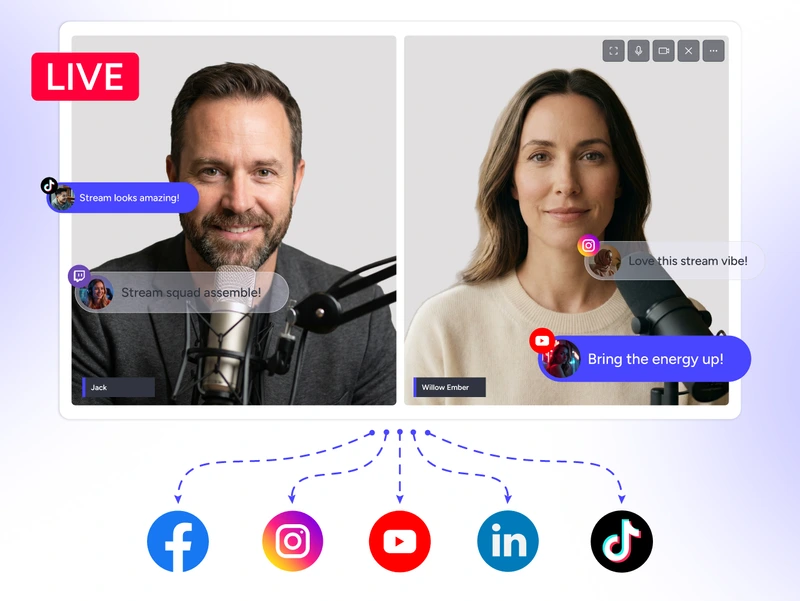
45+ social platforms, all at the same time. YouTube, Instagram, TikTok, Facebook, Twitch, LinkedIn, and more. Stream everywhere your audience already hangs out.
Does it work on both Mac and Windows PC?
Absolutely. The OneStream Live Edge extension is built to run smoothly on both Mac and Windows PC with no weird workarounds or device-specific headaches.
Is live streaming beginner-friendly with this extension?
Very much so. Install the extension, launch a Studio session in one click, invite your guests via a shared link, and you’re live. No production team or tech degree required.
We value your privacy
We use cookies to enhance your browsing experience, serve personalized content, and analyze our traffic. By clicking "Accept All", you consent to our use of cookies.
Cookie Preferences
Strictly NecessaryRequired
Essential for the website to function properly.
Functional
Enable enhanced functionality and personalization.
Analytics
Help us understand how visitors interact with our website.