Do I still need the Chrome extension if I already use OneStream Live?
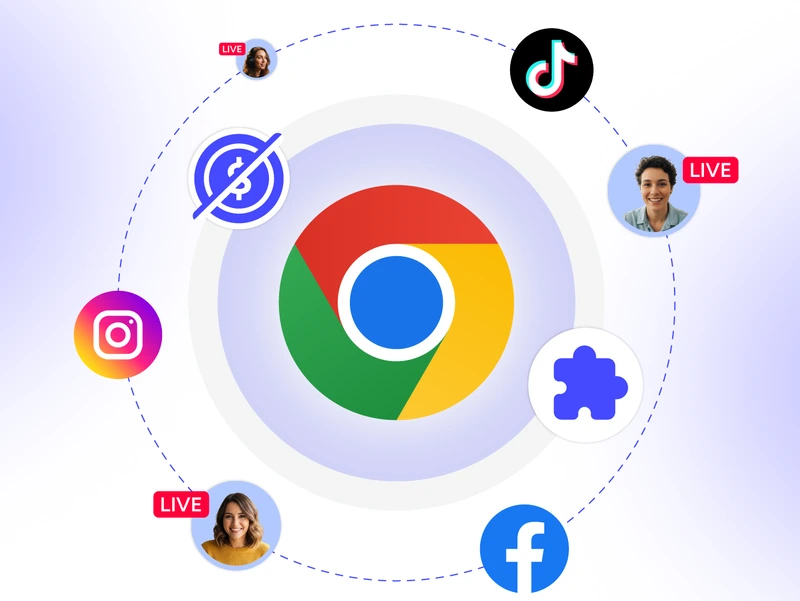
The extension isn’t a replacement; it’s a shortcut. Instead of opening a new tab and navigating to your dashboard, you can launch sessions, join streams, and access everything in one click right from your browser toolbar.
What's the difference between creating and joining a session from the extension?
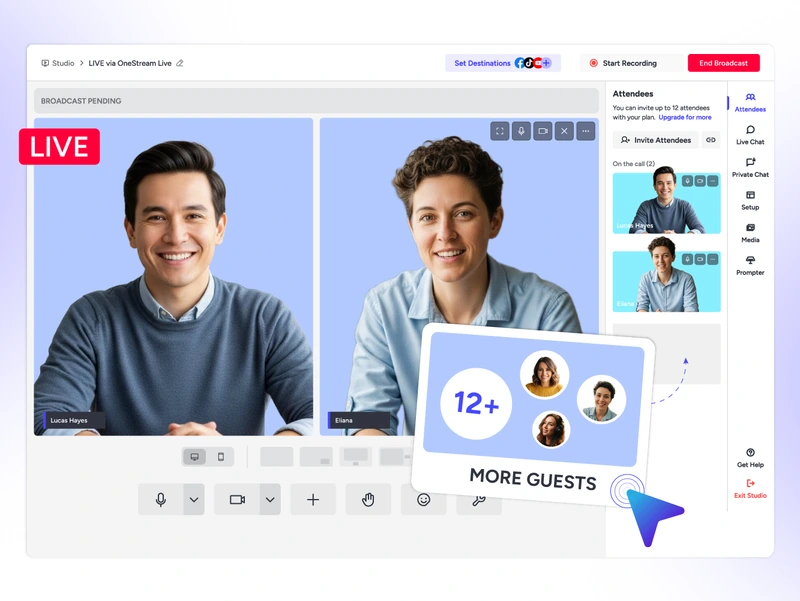
Creating starts a brand new Live Studio session with you as the host. Joining lets you hop into an existing session via a shared link, useful when you’re a guest on someone else’s live show.
Can I use the Chrome extension on a Chromebook?
Yes, since Chromebooks run Chrome natively, the extension works just as smoothly as it does on Mac or Windows. No compatibility issues.
Will the extension slow down my Chrome browser?
No. The extension is lightweight and only activates when you need it, so it won’t eat into your browser’s performance or slow down your other tabs.
Is the OneStream Live Chrome extension free to install?
Yes, the extension itself is completely free to install. You just need a OneStream Live account to start streaming; no credit card is required to get started.
We value your privacy
We use cookies to enhance your browsing experience, serve personalized content, and analyze our traffic. By clicking "Accept All", you consent to our use of cookies.
Cookie Preferences
Strictly NecessaryRequired
Essential for the website to function properly.
Functional
Enable enhanced functionality and personalization.
Analytics
Help us understand how visitors interact with our website.