QR code to download the app

Scan To Download

Connect Custom Platforms

Custom Destinations.
Go Live Anywhere.

Reach the platforms where native integrations can't. Configure custom streaming to broadcast on private servers and niche destinations that support RTMP and RTMPS.

Why Custom Destination?

Connecting any RTMP or RTMPS ready channel expands your reach, grows your audience, and unlocks new opportunities.

Stream Anywhere

Add custom destinations to your multistreaming. Configure OneStream Live using your channel’s server URL & stream key.


Go Beyond Socials

Push live video to private RTMP/RTMPS servers, niche apps, and emerging platforms.

Stay Future-Ready

Any new platform with RTMP or RTMPS support, you can go live there right away.

Your Stream. Your Way.

Send your stream to any platform with total flexibility and zero restrictions.

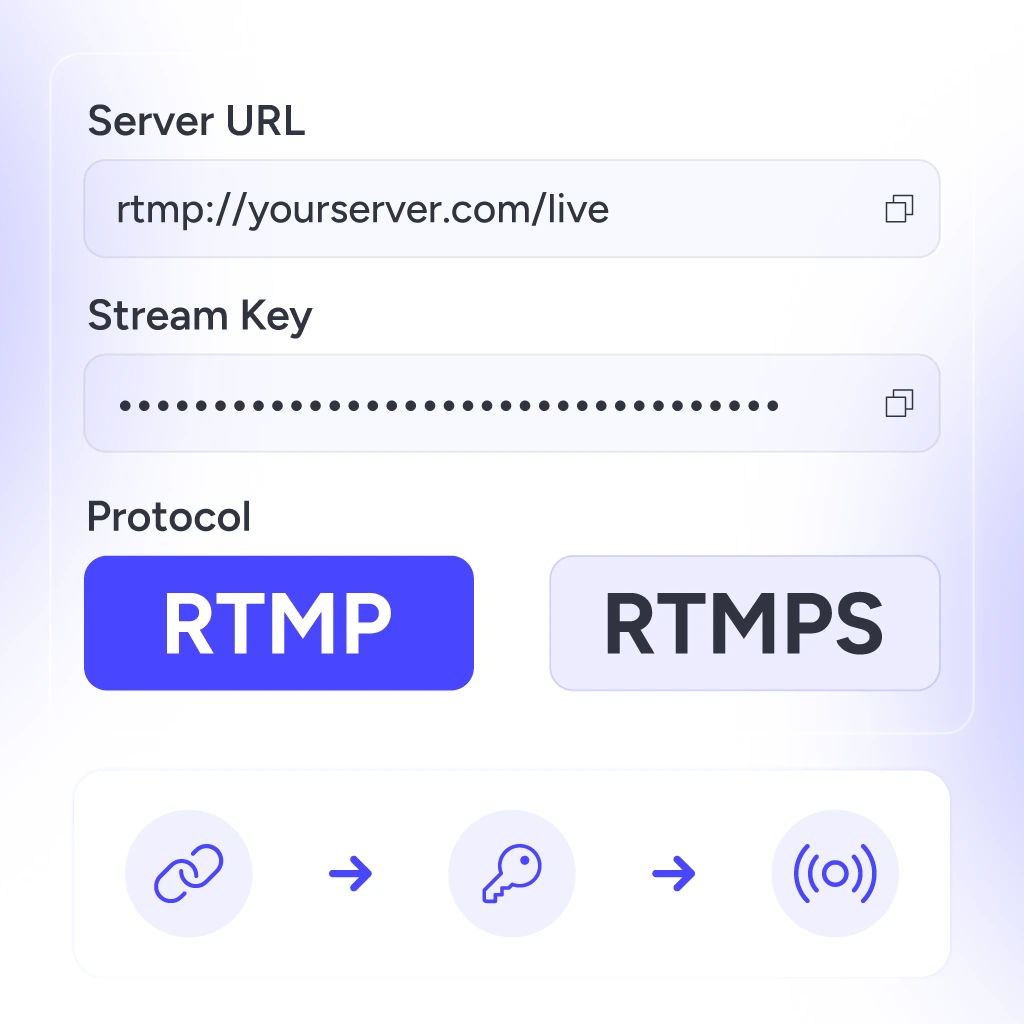
Custom Destination Streaming to any RTMP or RTMPS server using a stream URL and key

Stream to Any RTMP/RTMPS Server

Stream to any custom destination that supports RTMP or RTMPS streaming, simply by entering your server URL and stream key.

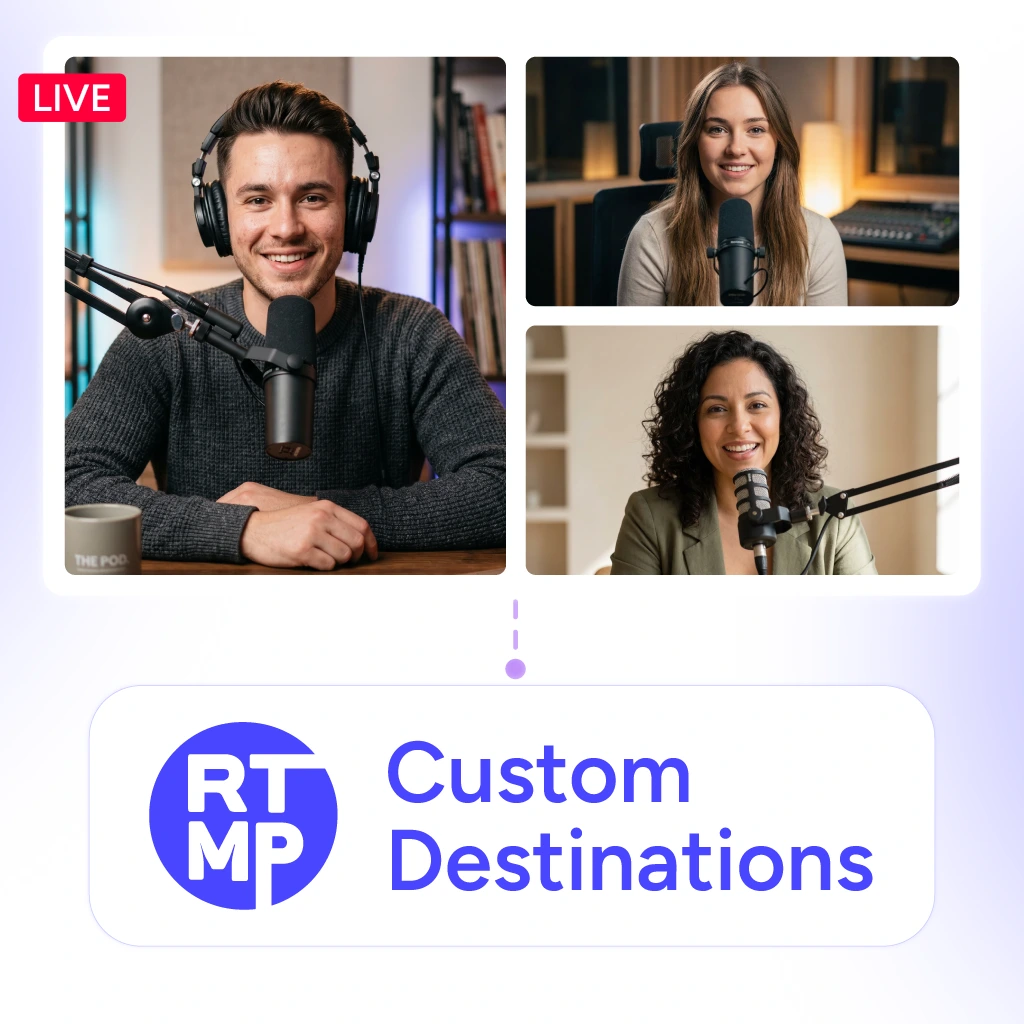
Live Studio Custom Destinations with guests, overlays, and multiple cameras

Live Studio Streaming

Send your Live Studio stream to any custom destination, with multi-camera, overlays, guests, and more.

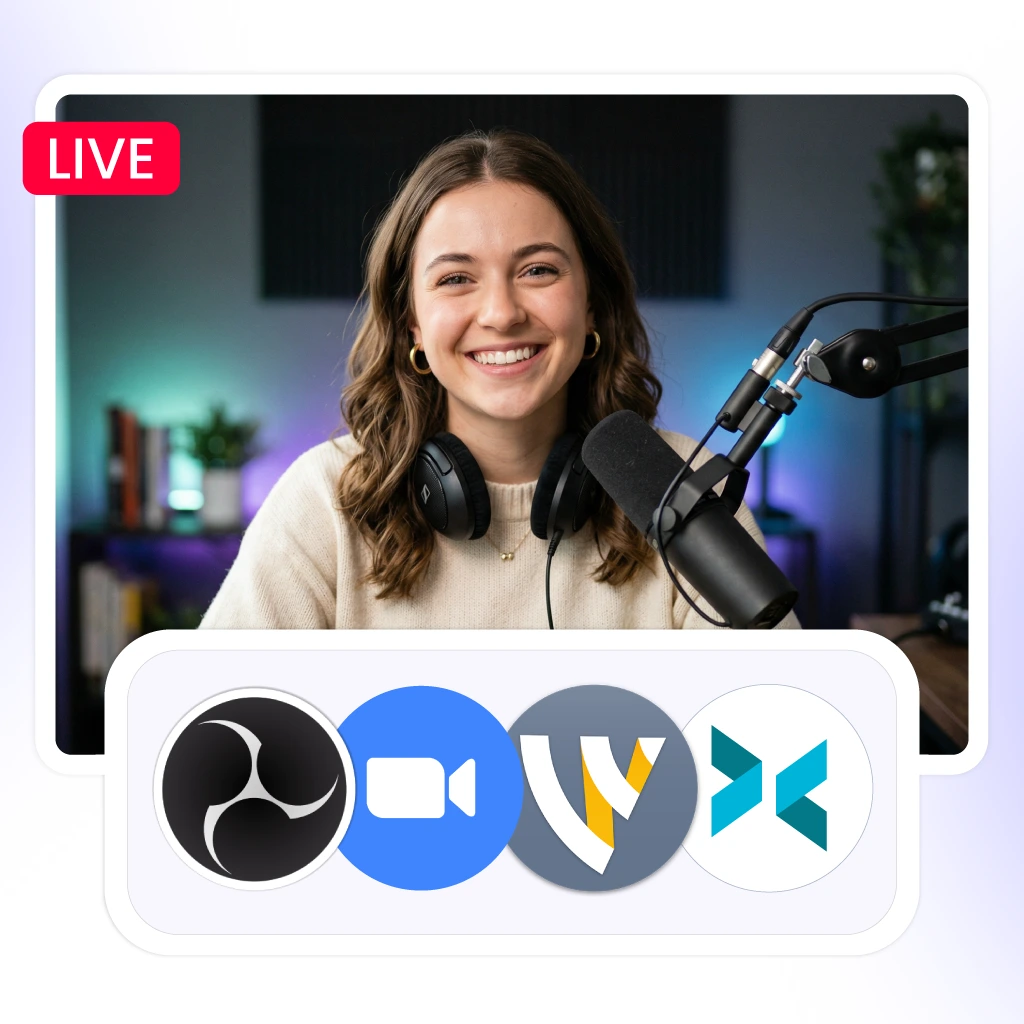
Custom Destination Streaming with OBS, vMix, Wirecast, and other external encoders

Encoder Streaming

Plug in OBS, vMix, Wirecast, XSplit, Zoom, or any other external encoder and go live in minutes.

Custom Destination Streaming across multiple RTMP and RTMPS platforms simultaneously

Manage Multiple Platforms

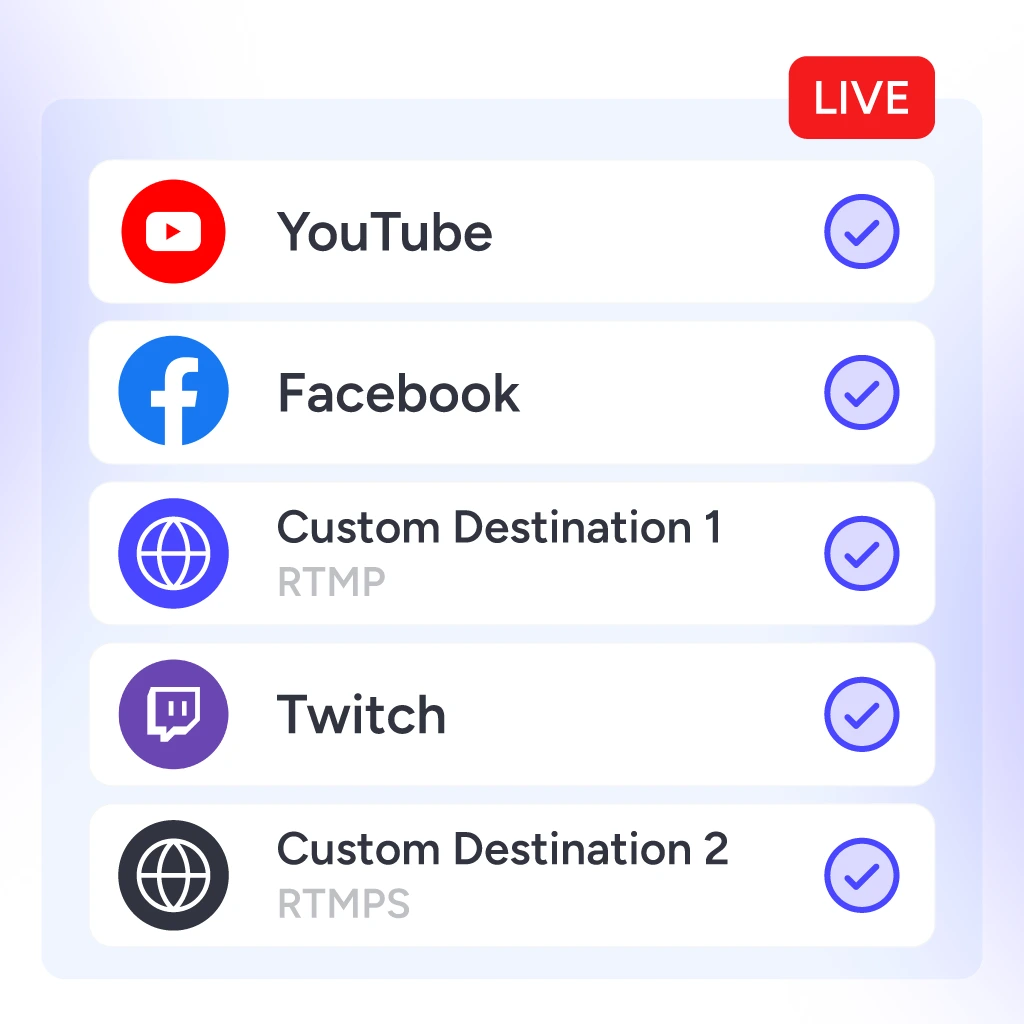
Don’t limit your stream to a single channel. Connect multiple custom RTMP/RTMPS servers and broadcast to each without hassle.

Schedule pre-recorded videos for Custom Destination Streaming to RTMP and RTMPS platforms

Stream Pre-Recorded Videos

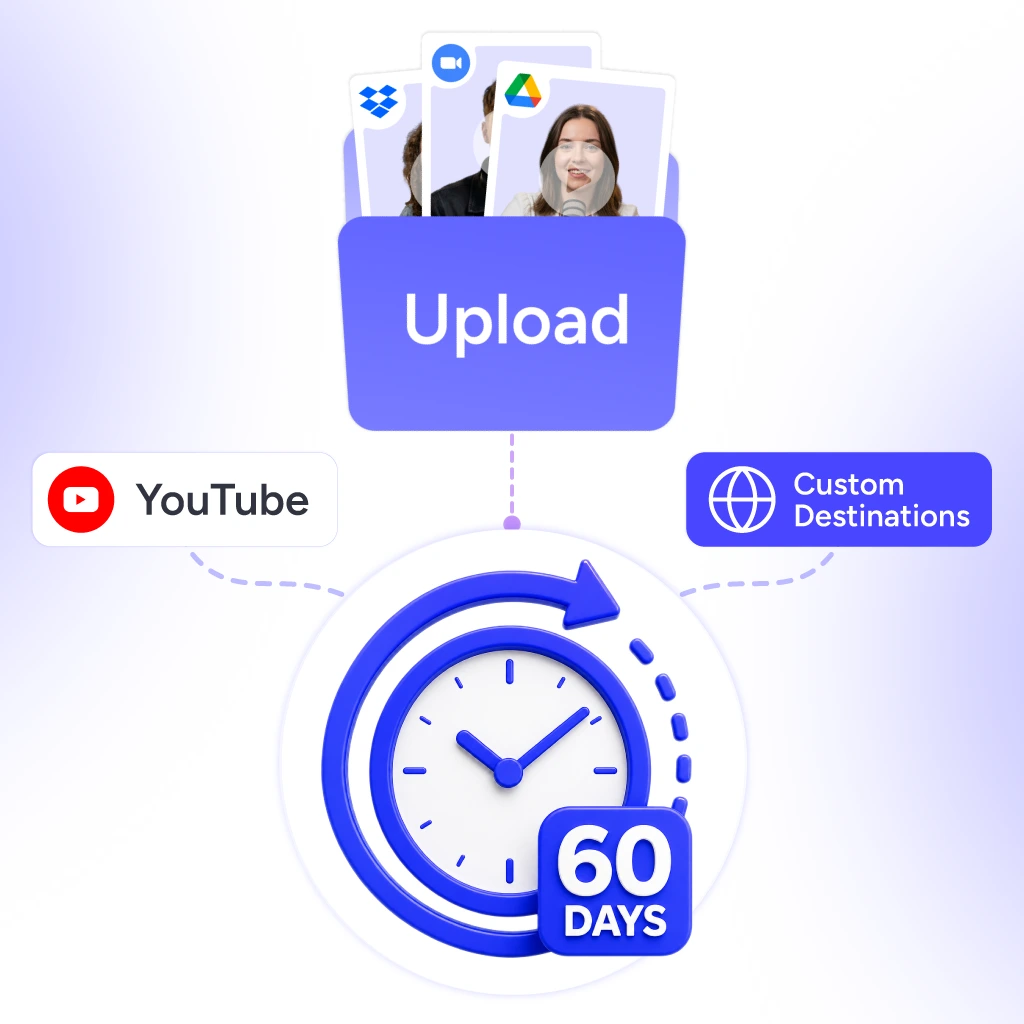
Upload videos and schedule up to 60 days in advance to go live on desired custom RTMP/RTMPS destinations.

How It Works?

Connect your custom RTMP/RTMPS destination hassle-free. No code, no complications.

Grab the URL & Key

Copy them from the platform you want to stream to.

Line
Line

Add Destination

Head to your OneStream Live → Add Account → Custom RTMP.

Line
Line

Enter Details

Name your destination and paste in the RTMP stream key and URL.

Line
Line

Connect & Save

One click to verify and save your custom RTMP(s) setup.

Line
Line

Go Live or Schedule

Stream in real time or queue a pre-recorded RTMP(s) live stream.

What Else We Offer?

Custom streaming destinations are one piece. Here's everything else OneStream Live brings to your stream.

Branded Streams

Add logos, overlays, and custom backgrounds to make every broadcast unmistakably yours.

Playlist Streaming

Queue your pre-recorded videos into a playlist and broadcast on your favourite custom RTMP(S) channel.

Live Selling

Use QR codes to display and sell products online during live streams.

Stream Recording

Record every broadcast as you stream and download to repurpose later.

Cloud Storage

Pull videos straight from Google Drive, Dropbox, Zoom, or Webex into your stream.

Team Management

Invite team members as admins or cohosts and run your streams together.

Video Looping

Loop your pre-recorded videos for continuous, always-on broadcasts.

Open Captions

Add accurate captions to your pre-recorded videos for better accessibility.

Why Streamers Love It?

Real stories from real creators - why they choose OneStream Live for streaming to their own custom destinations.

“44 social media platforms at once, including large ones like Steam and ViewStub. There are plenty of platforms that you'll find useful.”

Marcius R - live streaming websites user testimonial for OneStream
Marcius R.
Reviews.io Review

Frequently Asked Questions

FAQs

Clear answers to help you set up custom RTMP streaming with confidence. Still stuck? Chat with support or explore our Help Center.

What is custom destination streaming?

Custom destination streaming lets you broadcast live video to any platform or server that accepts an RTMP or RTMPS URL and stream key, including private servers, niche platforms, and destinations without native integrations.

Yes. The OneStream Live mobile app (iOS and Android) supports custom destination streaming. Paste in stream keys, add destinations, and go live to any RTMP server, all from your mobile device.

Yes. OneStream Live lets you stream to any custom destination alongside several other native social platforms, all in a single broadcast with no quality loss.

Absolutely. You can upload your video, set a schedule, and OneStream Live will broadcast it as a live stream on the set date and time.

No. You can stream to custom destinations directly from OneStream Live, no extra software needed. If you prefer OBS, vMix, Wirecast, or another external encoder, those work too. Just plug in your stream key and go.