

QR code to download the app

Scan To Download

Teams

Team Management
For Live Streaming

Build a team and take charge with our Team Management feature. Assign roles, control access, and run streams securely without sharing passwords.

Build Scalable Teams

Empower your team, set your own rules, and streamline your workflow with full control.

Role-Based Access

Assign roles such as Admin or Co-Host to control who can schedule, edit, or monitor streams. Make team management hassle-free.

No Passwords Sharing

Keep your streams secure by managing access without password sharing. No fluff, full control.

One Plan, Shared Benefits

Give your team full access to your plan features for smooth team project management. No additional subscriptions required.

Quick Onboarding

Invite teammates by email and get them set up fast. Manage schedules, edits, and streams from one dashboard.

Team Roles & Permissions

Roles & Permissions

Pick the right role for each teammate. Control what they can and can’t do on your streams.

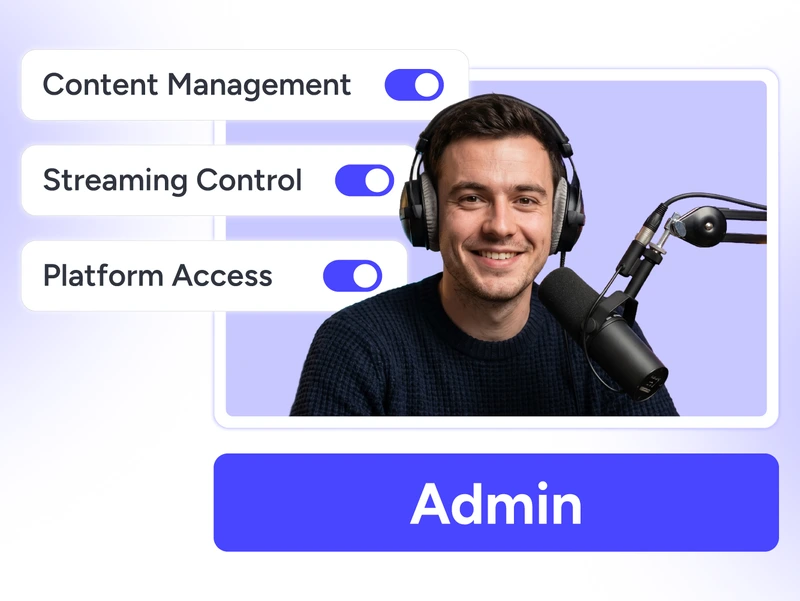
Team management allows admins to manage content, control live streams, and access platform settings for the entire team.

Admin

Let admins create, manage, and control streams, platforms, and content. No access to billing details, team settings, or the owner’s Studio session.

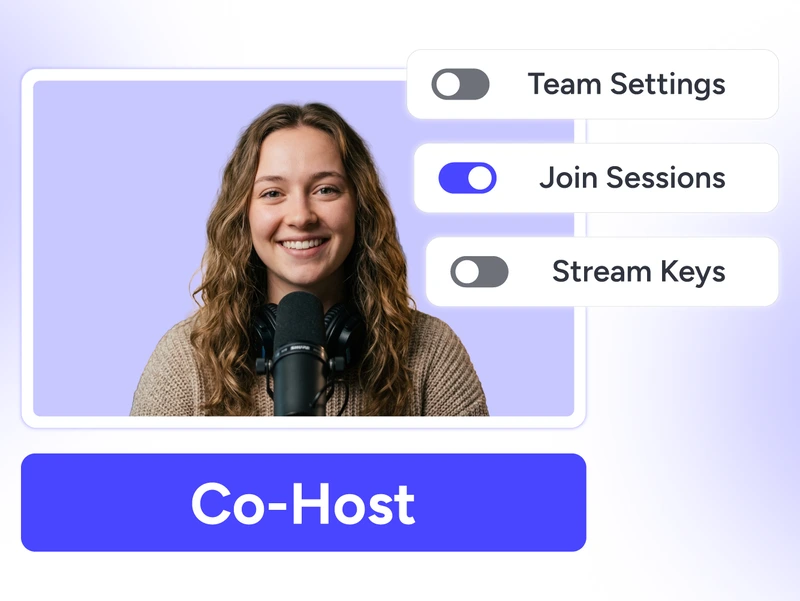
Team management allows co-hosts to join live streaming sessions and assist during broadcasts with limited permissions.

Co-Host

Let co-hosts manage your streams, join sessions, and interact with live chat. No access to team settings, stream keys, or connected platforms.

How It Works

How It Works

Four steps to a fully operational streaming team. Simple as that.

Invite Members

Send email invites to your team.

Line
Line

Assign Roles

Choose Admin or Co-Host.

Line
Line

Grant Access

Select which things they can use.

Line
Line

Go Live

They schedule & manage streams.

Role Capabilities

Two roles, clear permissions. Know exactly who has access to what.

Functionality Admin Co-Host
Create, modify, and delete streams Yes Own streams only
Connect and disconnect social platforms Yes No
Create, modify, and delete custom websites Yes No
Schedule streams on existing custom websites Yes Yes
Create, modify, and delete stream players Yes No
Schedule streams on existing stream players Yes Yes
Reply to live comments Yes Yes
Upload and download content or videos Yes Yes
Delete own uploaded files Yes Yes
Delete files uploaded by other team members Yes No
Create, modify, and delete stream keys Yes No
Join Instant Studio as co-host Yes Yes
Invite, revoke, and manage team members No No
Change team roles No No
Rename team No No
Access billing and subscription settings No No
Access team management settings No No

Why Work In Teams

Team Management helps you share tasks, stay organized, and maintain effective teams across your streams.

Reduced Burnout

Too much on one plate? Delegate tasks and share the workload.

Fix Issues Faster

Have helping hands to manage last-minute hiccups. Fix it up together.

No Extra Costs

Why pay more? Your plan already covers your team.

Productivity Boost

Too much back and forth? Give your team access and get more done, faster.

Scale with Control

Want to expand your team? Add up to 10 members based on your plan.

Grow as You Need

Need more team seats? Add them anytime with flexible addons.

Why Teams Love Us?

Real stories from real teams — why they choose team management.

"This app is so helpful in running my business online. I even had my team join because it made life so much easier. Videos were clear and scheduled correctly."

Tabatha Loukeris, OneStream Live team management reviewer.
Tabatha Loukeris
Trustpilot Review

Frequently Asked Questions

FAQs

Clear answers to help you manage your team. Still stuck? Chat with support or explore our Help Center.

What is team management?

Team management allows you to add team members, as admins or co-hosts, to help you stream hassle-free as a team.

Team seats depend on your plan. You can also add more team members anytime with seat add-ons. Explore pricing.

Co-hosts can manage their own streams, join live sessions, and interact with chat, but cannot access sensitive settings or manage the team.

Absolutely! Assign team management roles and responsibilities to restrict actions. Protect sensitive tasks like stream player configurations.

No. Only the owner can access billing and team settings. Admins and Co-Hosts cannot view billing details or access the owner’s studio session.