

QR code to download the app

Scan To Download

Playlist Streaming

Upload. Queue. Go Live.
With Streaming Playlists

Upload, schedule, and stream your pre-recorded videos in live playlists across 45+ platforms without being actually live.

LIVE
0

Why Live Playlists?

Why Live Playlists?

Stay live 24/7, boost watch time, and keep your audience engaged with video playlists.

Continuous Live Streaming

Run pre-recorded video content as a nonstop live channel.

Maximize Watch Time

Loop your playlist video content to keep audiences engaged.

Effortless Scheduling

Plan your live playlists in advance and let them run automatically.

Live Playlist Features

Advanced playlist controls, smart scheduling, and multistreaming built into one efficient streaming solution.

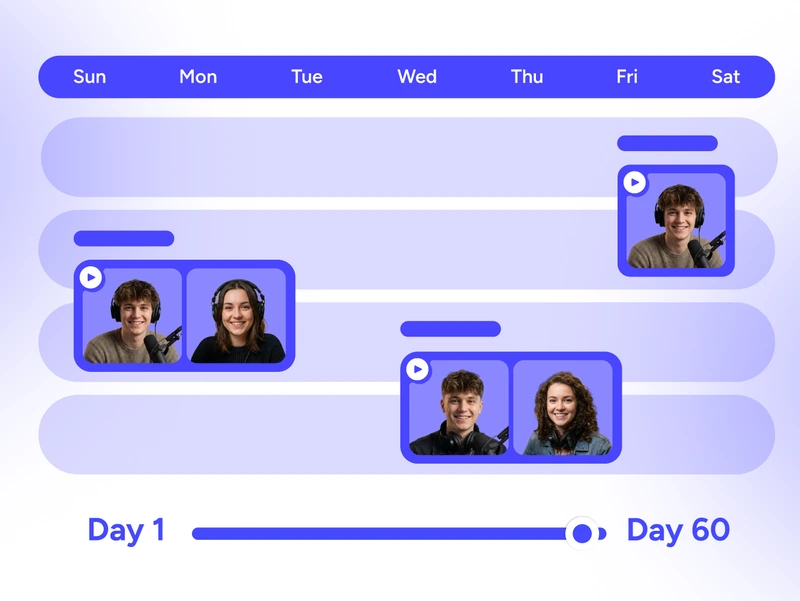
Playlist streaming dashboard showing 60-day advance scheduling for planned live video broadcasts

Schedule Ahead

Automate your online streaming. Schedule video playlists up to 60 days in advance.

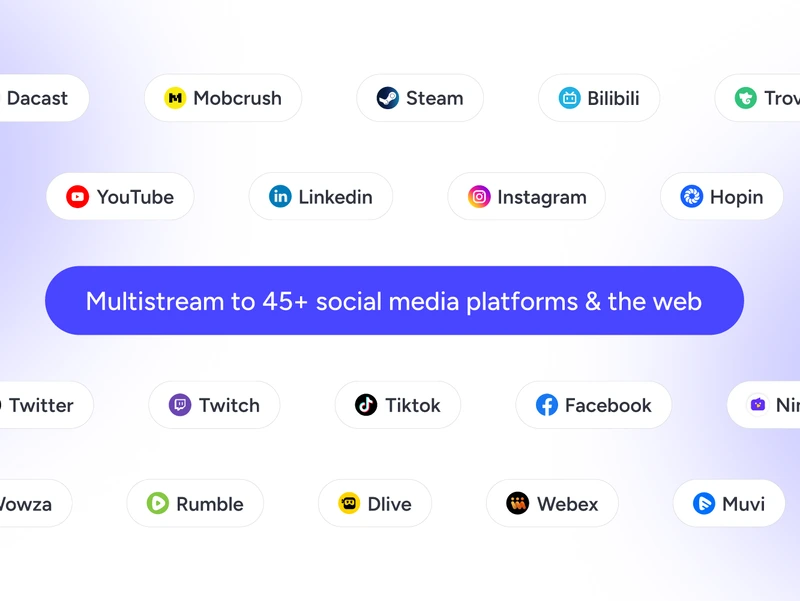
Playlist streaming feature showing multistream setup to 45+ platforms from one dashboard

Multistream Effortlessly

Keep your live playlists running simultaneously on 45+ live video streaming platforms.

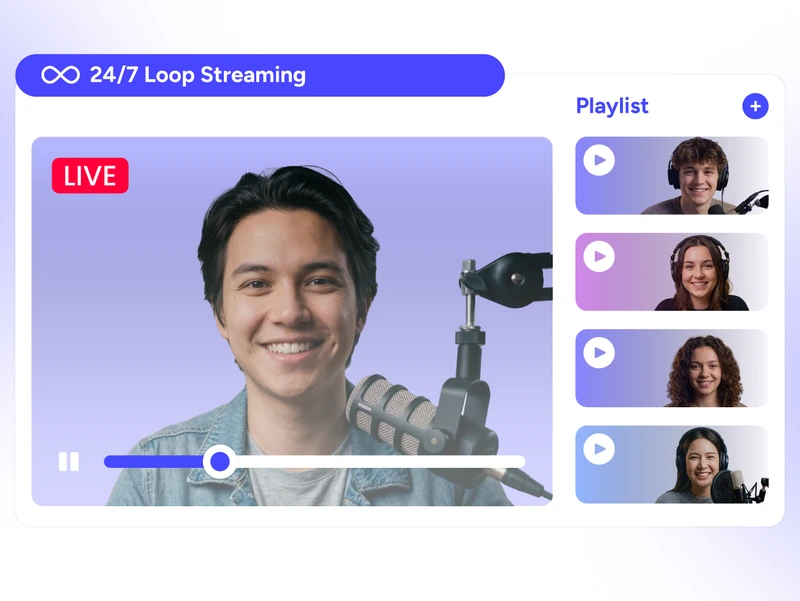
24/7 loop streaming playlist screen for continuous prerecorded live streaming

Stream 24/7

Run continuous live streams by looping your video playlist automatically.

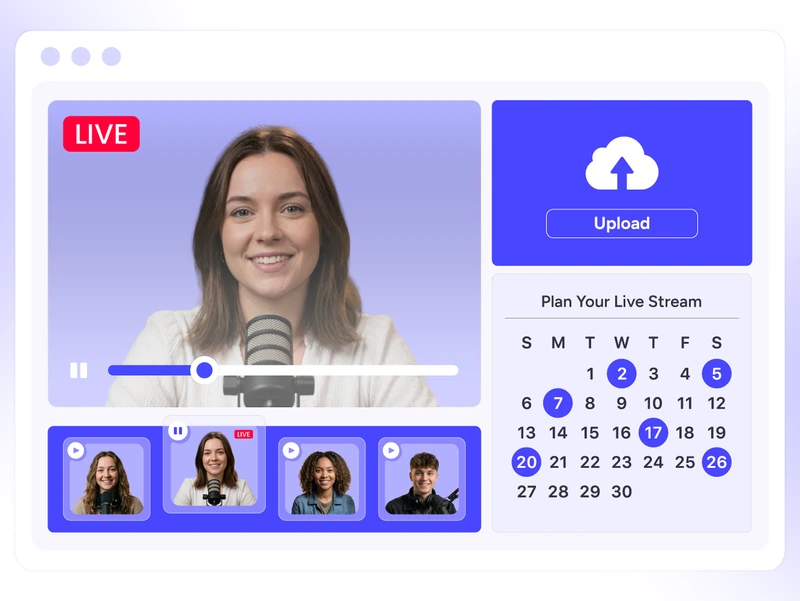
Browser-based playlist control panel for managing live streams without downloads

Take Control

Upload, organize, and manage everything directly from your browser.

Cloud upload options for playlist streaming from Google Drive, Dropbox, S3, and device storage

Upload from Anywhere

Add videos to your live playlists from your device or other cloud storage in minutes.

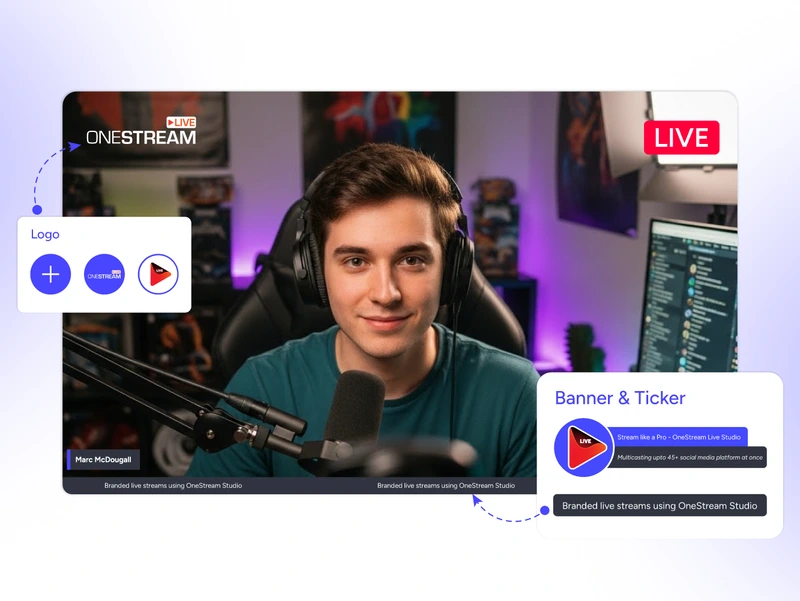
Custom branding and overlay tools for playlist streaming with logos, intros, and lower thirds

Brand your Streams

Add logos, overlays, intros, and outros to maintain consistent branding across all playlist videos.

Why Playlists?

Save time, stay consistent, and keep your live playlists running without manually going live every time.

28.5% Weekly Viewers

Roughly 28.5% of internet users tune into real-time video streaming every week.

8.5b Hours Watched

Viewers globally watched over 8.5 billion hours of live content in a single quarter.

8× More Engagement

People spend up to 8× longer watching live streams than on-demand videos.

Features That Scale

That That Scale

Line up your videos once and let the live playlist do the heavy lifting.

Subtitle & SRT Support

Keep your live playlists for videos accessible and engaging with captions.

360° Video Support

Stream immersive 360° video playlist content without any extra technical setup.

Flexible Video Looping

Control how many times each playlist video repeats to fit your audience flow.

Cloud-Processing

Stream 24/7 without slowing your internet; our cloud handles all the heavy lifting.

Why Creators Love It?

Real stories from real users — why they choose Streaming Playlist.

"You can schedule multiple live streams of the same video and go up to 8 hours max per recorded stream. That's a huge benefit and unlocks a lot of use cases, like streaming multiple podcasts like a radio show."

Marcius R - live streaming websites user testimonial for OneStream
Marcius R.
Capterra Review

Frequently Asked Questions

FAQs

Clear answers to help you with playlist streaming. Still stuck? Chat with support or explore our Help Center.

How many videos can I add to a single playlist?

You can add multiple clips to your streaming playlist—it all depends on your content needs and storage limits.

Not at all. You can still interact in real-time via OneStream Live’s Unified Chat while your live playlists run.

Totally! Rearrange clips, swap ads, or update your video playlists anytime—even after scheduling.

Use royalty-free tracks or licensed music to stream music playlists. Stick to platforms like YouTube Audio Library to play safe.

No—just upload your clips, arrange your live playlists, and hit “Go Live.”