Is the OneStream Live Brave extension safe to use?
Absolutely. Brave is already known for its privacy-first approach, and the OneStream Live extension is built to work within that.
Do I need to download any additional software to start streaming from Brave?
Nope. The extension is all you need; install it directly from the Brave Web Store, and you’re good to go. No extra downloads, no complicated setups.
Can I invite guests to my live show through the Brave extension?
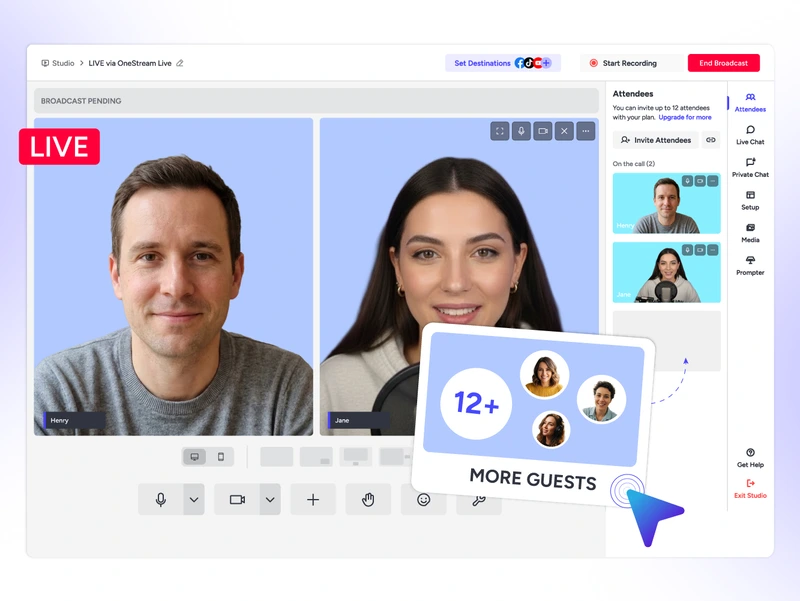
Yes. Share a simple invite link with your guests, and they can join your Live Studio session instantly, no accounts or downloads required on their end.
What happens if I switch devices? Do I lose my settings?
Not at all. Your OneStream Live account syncs everything, so whether you switch from PC to Mac or reinstall the extension, your settings and destinations stay intact.
How is streaming from a browser extension different from using the full OneStream Live dashboard?
The extension gives you faster access. You can launch sessions, join streams, and head to your dashboard in one click without opening a new tab. Think of it as the express lane to your dashboard.
We value your privacy
We use cookies to enhance your browsing experience, serve personalized content, and analyze our traffic. By clicking "Accept All", you consent to our use of cookies.
Cookie Preferences
Strictly NecessaryRequired
Essential for the website to function properly.
Functional
Enable enhanced functionality and personalization.
Analytics
Help us understand how visitors interact with our website.