
QR code to download the app

Scan To Download

Live Studio

Your Live Studio
in the Browser

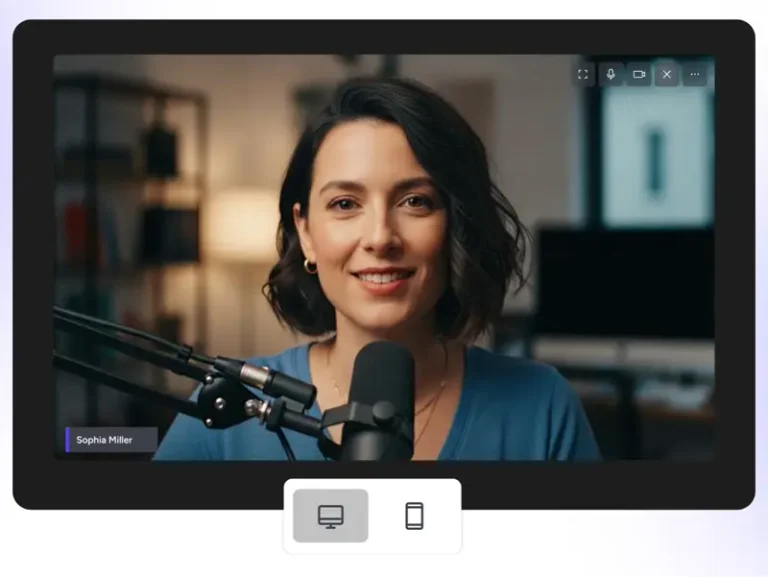
Invite guests, share screens, brand your live studio streams and multistream anywhere - no downloads required.

Why Live Studio?

Because going live should be simple, powerful, and all in one place.

Stream from Browser

Go live straight from your browser without complex setups.

Invite Guests

Easily add guests, manage participation, and ensure smooth live control.

Grow Everywhere at Once

Multistream on 45+ socials and anywhere on the web all at once.

What's Inside Live Studio?

What's Inside Studio?

Packed with powerful live streaming studio features to make streaming simple, professional, and engaging.

Live studio portrait mode streaming - vertical video broadcast to Instagram, TikTok, YouTube and Facebook

Go Live in Portrait Mode

Stream vertical videos directly to Instagram, TikTok, YouTube, Facebook & more.

Live streaming studio guest management interface - invite guests for live broadcast

Live Sell Online

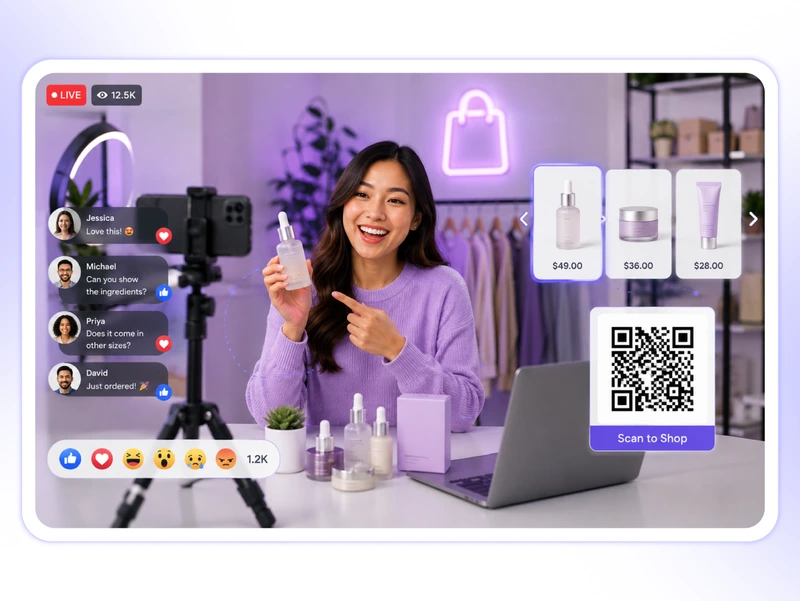
Sell products live with shoppable cards, QR codes, and direct purchase links.

Live streaming studio guest management interface - invite guests for live broadcast

Multistream Everywhere

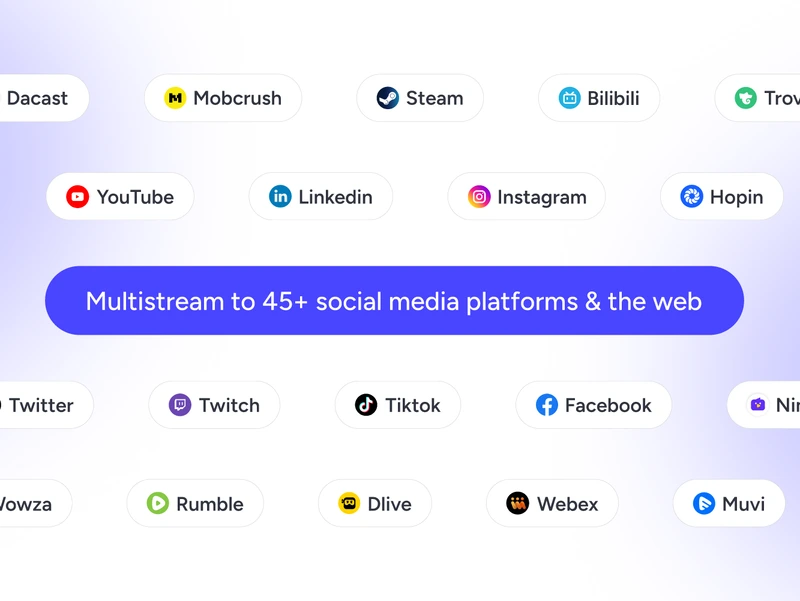
Go live on 45+ social platforms, custom destinations and anywhere on the web.

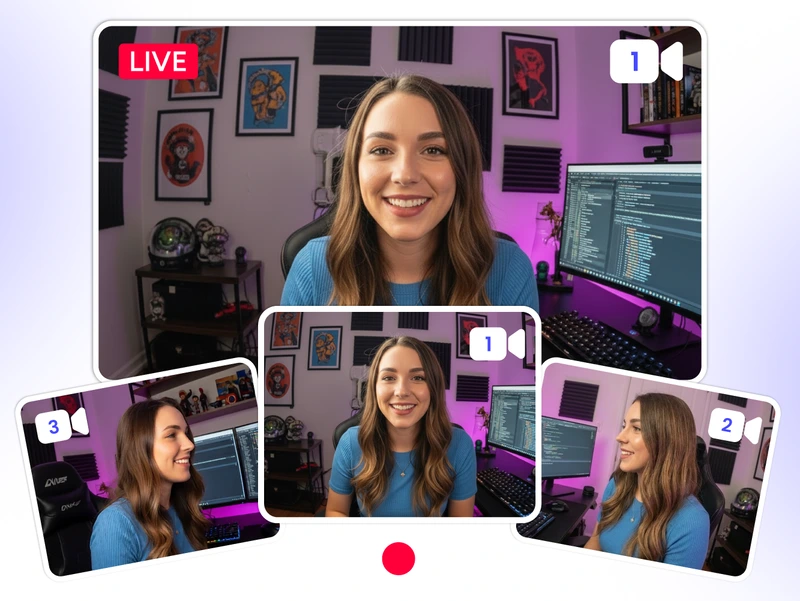
Streamer studio multi-camera setup - switch between multiple camera angles during live streaming

Stream from Multiple Angles

Connect upto 4 cameras and switch angles effortlessly during your live studio stream.

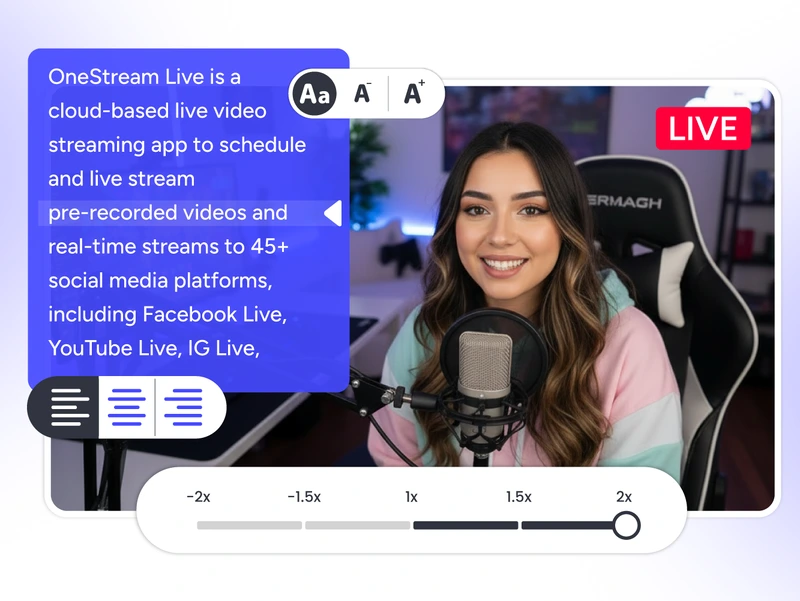
Teleprompter

Stay on script with built-in teleprompter for smooth, professional studio streaming.

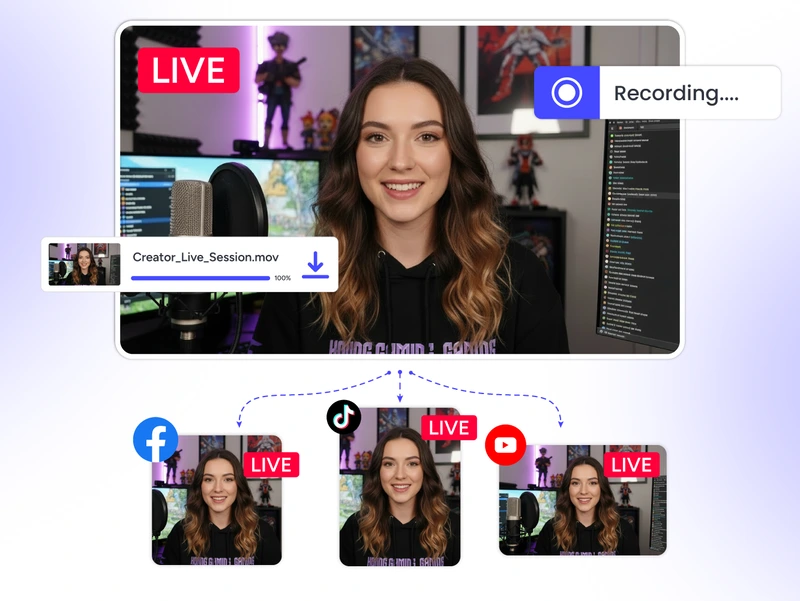
Record as You Stream

Record your live stream studio session and download it later for repurposing.

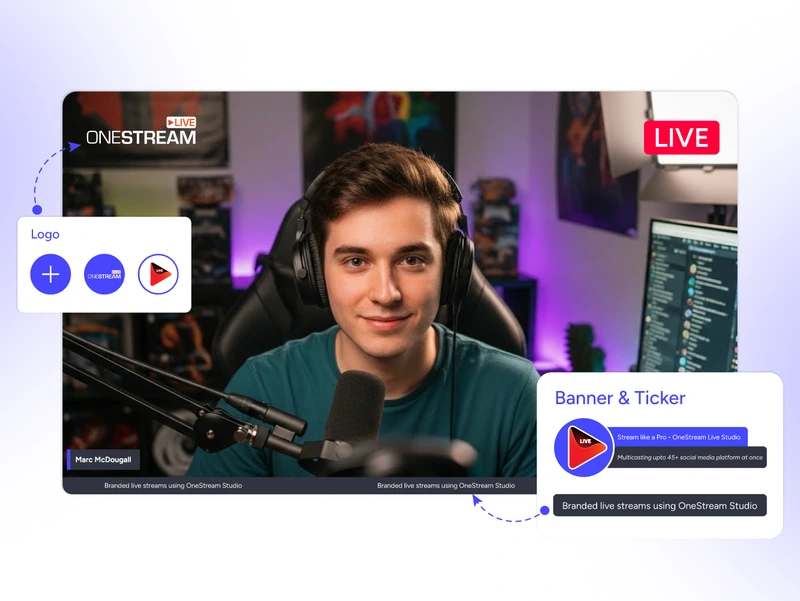
Streaming video studio branded overlays - custom logos, tickers and professional live stream branding

Branded Streams

Create a fully branded live stream studio experience with custom logos, tickers, and HD streaming.

Engagement & Interaction

Connect with your audience in real time and turn viewers into loyal fans.

What Else We Offer?

Take your live streams further with powerful Live Studio features built for complete control.

Invite Guests

Broadcast with up to 16 guests on screen and many more backstage.  

Stream Scheduling

Announce your stream early to hype up and maximize viewers.

Branded Streams

Brand your live streams with custom logos, overlays, and backgrounds.

Dynamic Layouts

Frame your live studio content in clean, professional styles.

Scenes

Set scenes with your preferred layouts, media assets, overlays, and other visual elements.

Banners & Tickers

Highlight key messages while streaming, with scrolling or pinned text.

Intros & Outros

Open with impact, close with confidence.

Media Sharing

Share your screen, images, audio, and videos while live streaming.

Why Creators Love It?

Real stories from real creators — why they choose Live Studio.

"OneStream Live Studio has many more features than its competitors. I love the pre-loaded graphics, stream starting soon videos, cool backgrounds, hand raise feature, and reaction emojis."

Rumor, OneStream Live Studio user review.
Rumor
Trustpilot Review

Frequently Asked Questions

FAQs

Clear answers to help you stream with confidence. Still stuck? Chat with support or explore our Help Center.

How do I invite guests to my Live Studio session?

You can copy your stream link and share with your guests via text, WhatsApp or email. They can join your broadcast directly through this link.

No. You can send them a link, and they can easily join the live session. They don’t need to sign up or download anything.

OneStream Studio is available for all subscription plans.

You can customize fonts, colors and backgrounds for your live streams. You can also customize the layout design, add tickers, banners, and logos. And you also have the option to add intros, intervals, and outros for professional branding.

You can connect up to 4 cameras to OneStream Live Studio and switch between different camera angles.