QR code to download the app

Scan To Download

Summer Sale

Summer Sale
Has Ended!

The sale is over, but you can still put your streams on autopilot. Plan once, schedule in advance, and go live across 45+ platforms.

Summer Sale streaming get audience engagement through live stream across multiple platforms
Users worldwide icon representing the global community of creators using OneStream Live
0 M+

Users Worldwide

Capterra rating badge highlighting customer reviews and why choose OneStream Live
0

Capterra Rating

Trustpilot reviews showing customer trust in OneStream Live
0

Trust Pilot Rating

G2 rating badge reflecting user feedback about OneStream Live
0

G2 Rating

Thousands of brands, creators, and businesses stream smarter with us

OPPO - OneStream Live streaming client for live video broadcasting
Hyundai - live streaming solution client using OneStream multistreaming
RushBrush - online live video streaming client powered by OneStream
Vivo - live stream service client for professional broadcasting
British Council - OneStream Live client for educational live streaming
Cartoon Network - live video streaming client using OneStream platform
Disney - premium live streaming solution client with OneStream Live
Khaleej Times - news live streaming client using OneStream multistreaming
Summer Sale livestream with pre-recorded streaming features

Press Play and Step Away

Set your streams once, keep them running, and stay visible while you are away. Let your content work for you on autopilot.

Pre-Recorded Streaming

Upload one video and stream it across 45+ platforms at the same time

Playlist Streaming

Create a playlist, schedule it up to 60 days in advance, and allow your content to run on autopilot.

Video Looping

Loop your videos so your stream doesn’t stop and your channel stays active.

24/7 YouTube Streaming

Stream non-stop recorded content on your YouTube channel and keep it active 24/7.

Your Streaming Toolkit

Explore powerful pre-recorded streaming features built to keep your streams running non-stop.

Open Captions

Add captions. Reach more viewers.

Embed Stream

Put your streams on your website. Get more eyes.

360° Video Support

Stream in 360°. Stand out instantly.

Unified Chat

Control all chats in one place. No tab switching.

Team Management

Add your team and manage access. No password sharing.

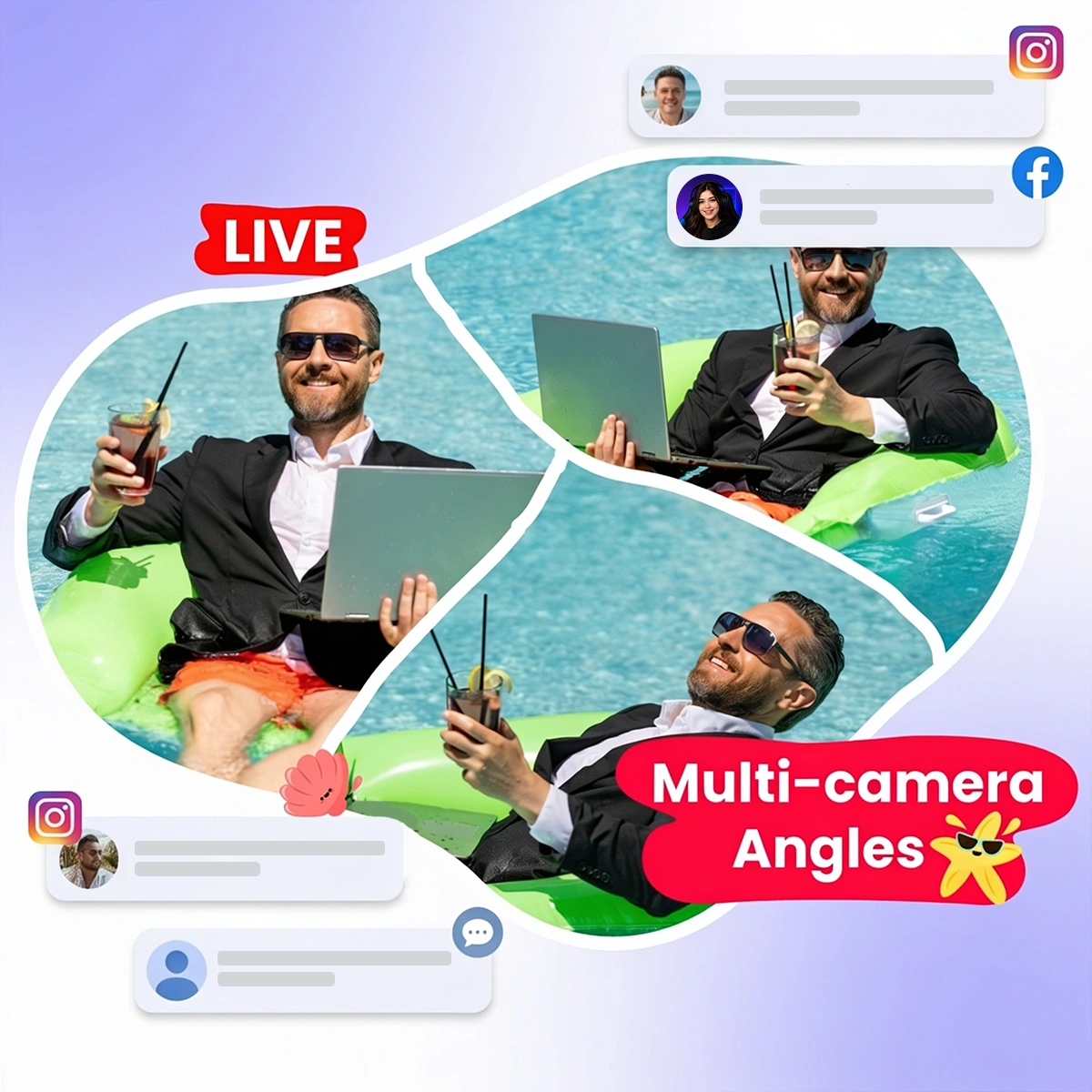
Summer Sale livestream with multi-camera streaming Toolkit

Steps for Hands-Free Streaming

Plan your streams in advance, go live automatically, and stay connected with your audience while you are away.

Record

Record your videos.

Upload

Upload your recorded videos from your device or cloud storage.

Schedule

Select your platforms, pick a time, and schedule your streams.

Go Live

Your streams go live automatically while you are away.

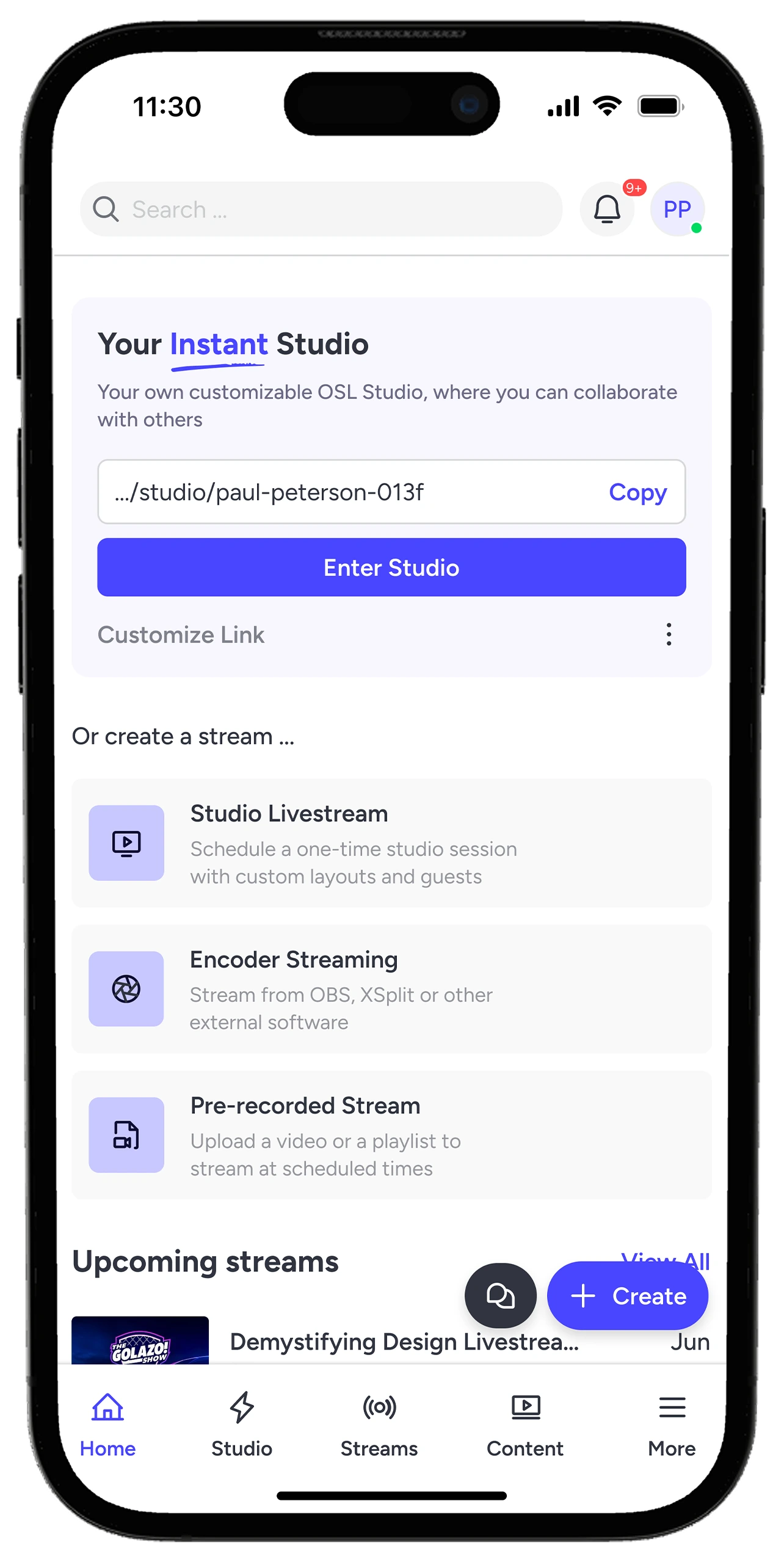
Stream From Mobile

Stream from your mobile phone. Use the app to go live wherever you are.

OneStream Live mobile app - live streaming service for iOS and Android devices

Why Streamers Love It?

Real stories from real creators — why they choose OneStream Live.

“The freedom to go live with pre-recorded video is the most valuable thing. I plan my video, script it, edit it, and then schedule it for going live. In this way, I am consistent on the video-going-live journey.”

Ratish J., OneStream Live custom website user review.
Ratish J.

G2 Review

“OneStream’s best use case is for pre-recorded streams that you can schedule. Set them and forget them. All streams work flawlessly, without any lag or interruption.”

Marcius R - live streaming websites user testimonial for OneStream
Marcius R.

Capterra Review

“I love the ability to pre-record and schedule live videos. It has saved me countless hours in my business.”

Mandy B., OneStream Live pre-recorded streaming reviewer.
Mandy B.

Capterra Review

Frequently Asked Questions

FAQs

Quick answers to everything you need to know about OneStream Live. Stick stuck? Chat with out support or explore our Help Center.

Can I schedule my streams in advance?

Yes. You can upload your videos, pick your platforms, and schedule your streams to go live automatically, even when you’re not online.

No. OneStream Live works directly in your browser. No installation required.

Absolutely. With the OneStream Live mobile app, you can stream recorded videos directly from your phone on both Android and iOS.

Upload your videos, schedule your stream, and let your content play continuously on YouTube with automatic playback for up to 30 days.

Stay tuned! Follow us on social media or subscribe to our newsletter to be the first to know about upcoming deals and offers.