Mobile Live Streaming Simplified
Go Live From Your Smartphone
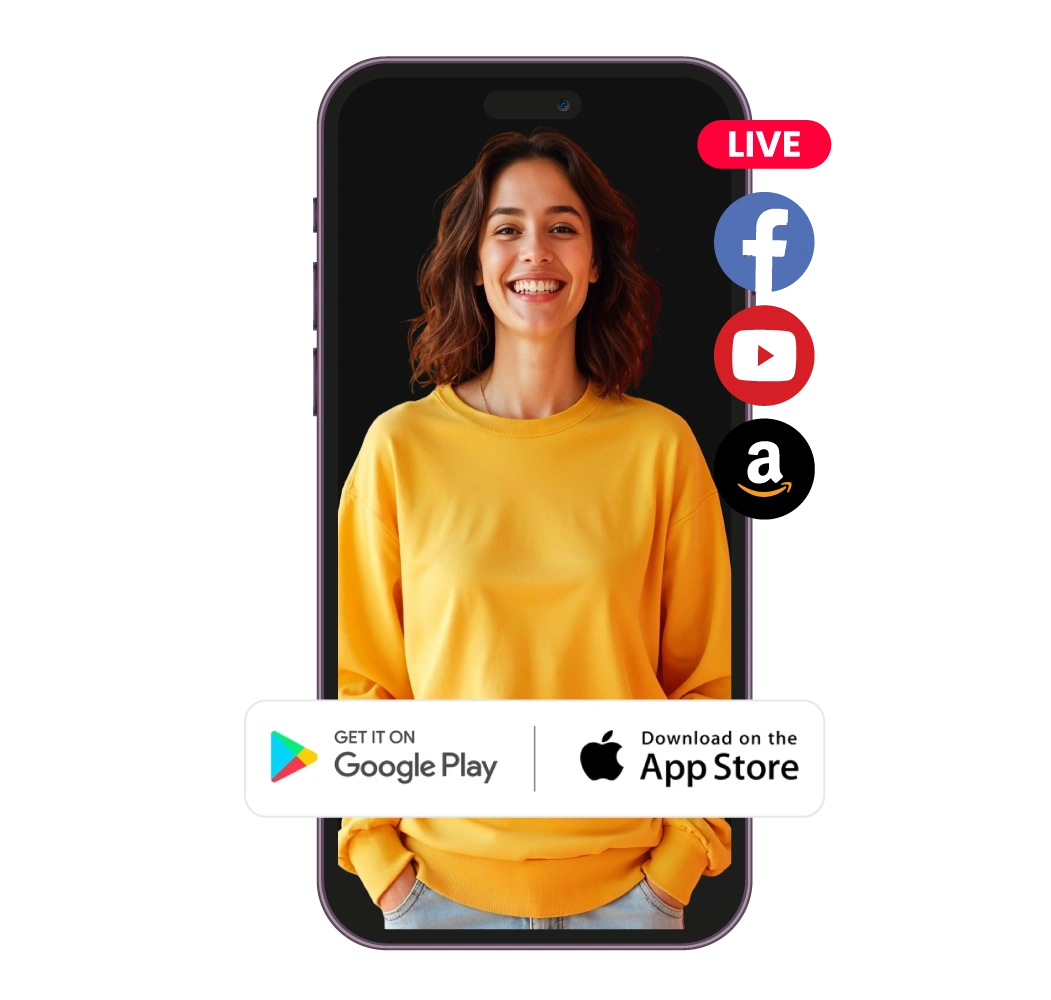
With OneStream Live’s mobile live streaming, your smartphone becomes a professional video broadcast solution. Stream in real-time from wherever you are without any expensive gear!
Go live from your phone. Mobile streaming made easy on Android & iOS.
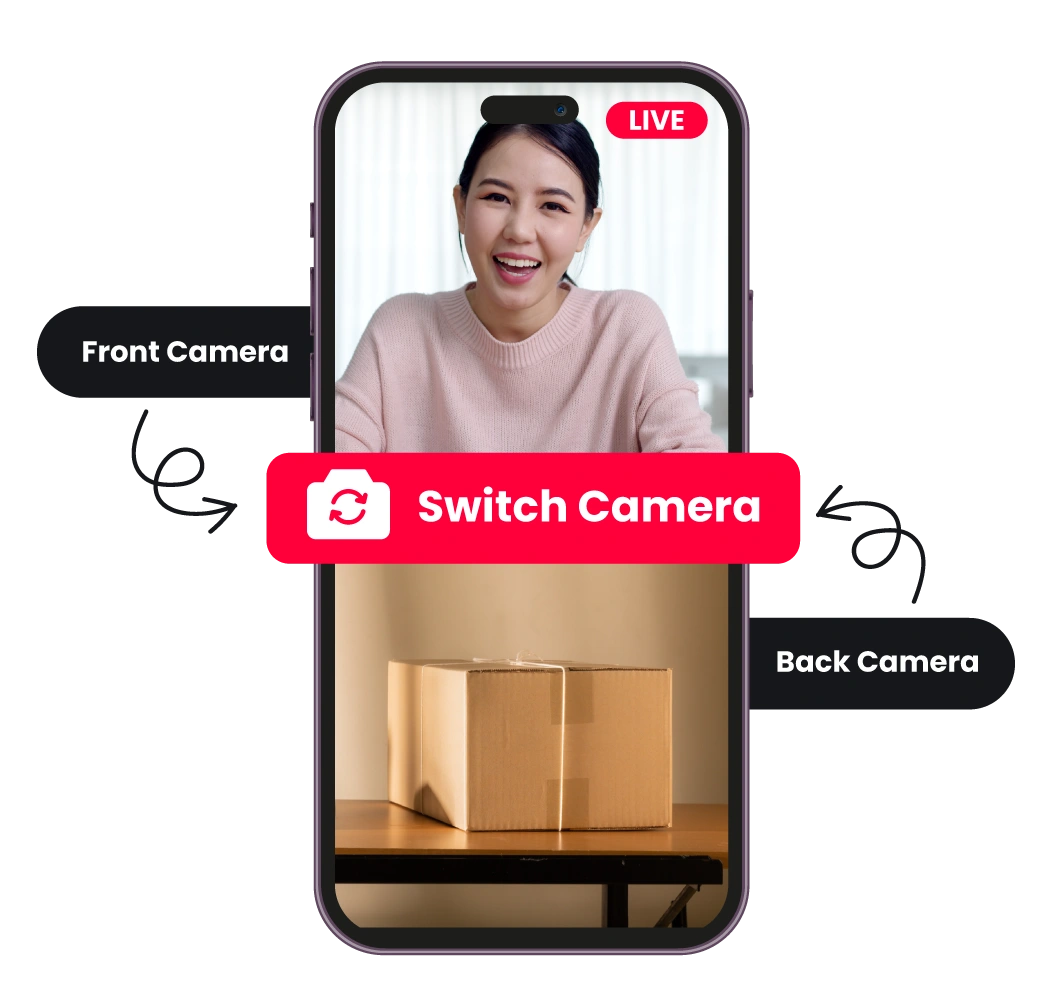
Stream Directly with your Phone Camera
Use your smartphone’s front or back camera to go live instantly. Stream on the move with zero hassle.
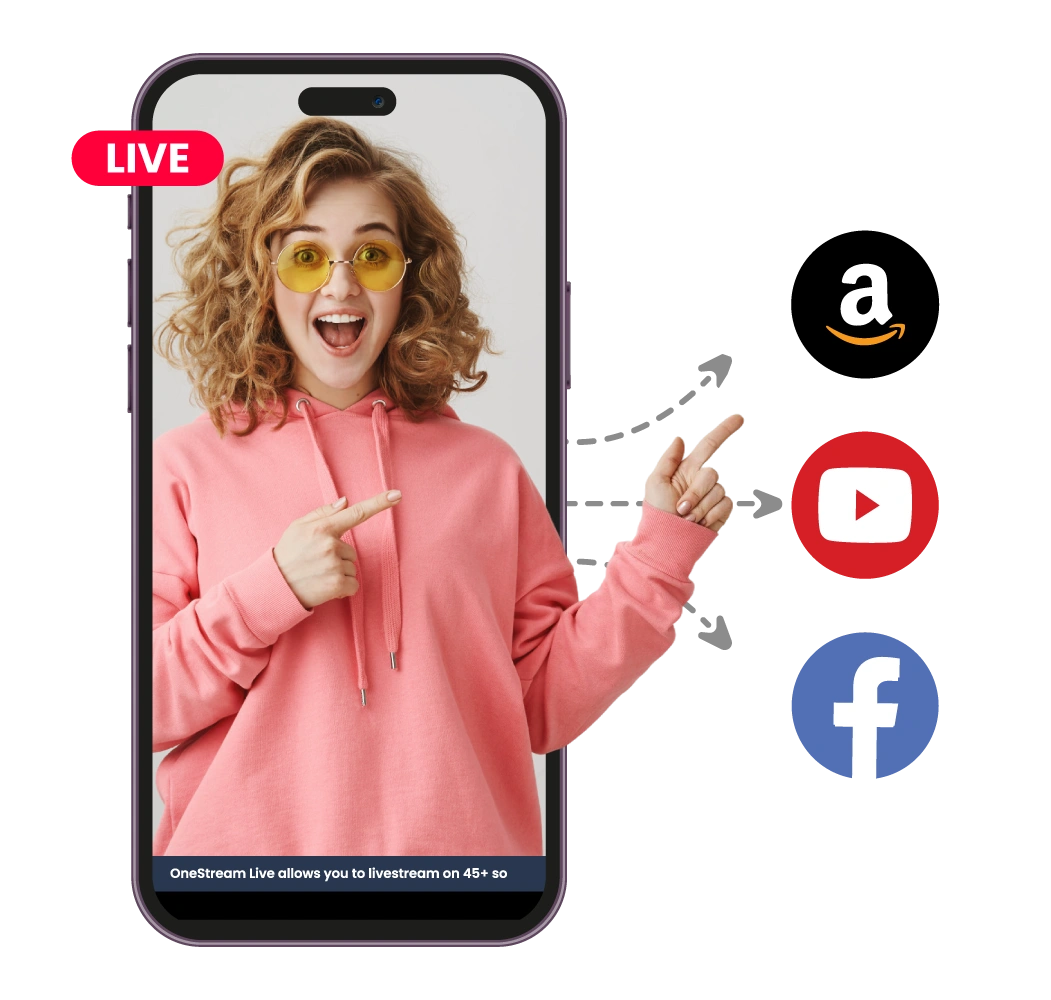
Multistream to 45+ Platforms at Once
Broadcast simultaneously to Facebook, YouTube, Instagram, and 45+ destinations via OneStream Live’s multistreaming feature. Real-time or pre-recorded, it’s your call.
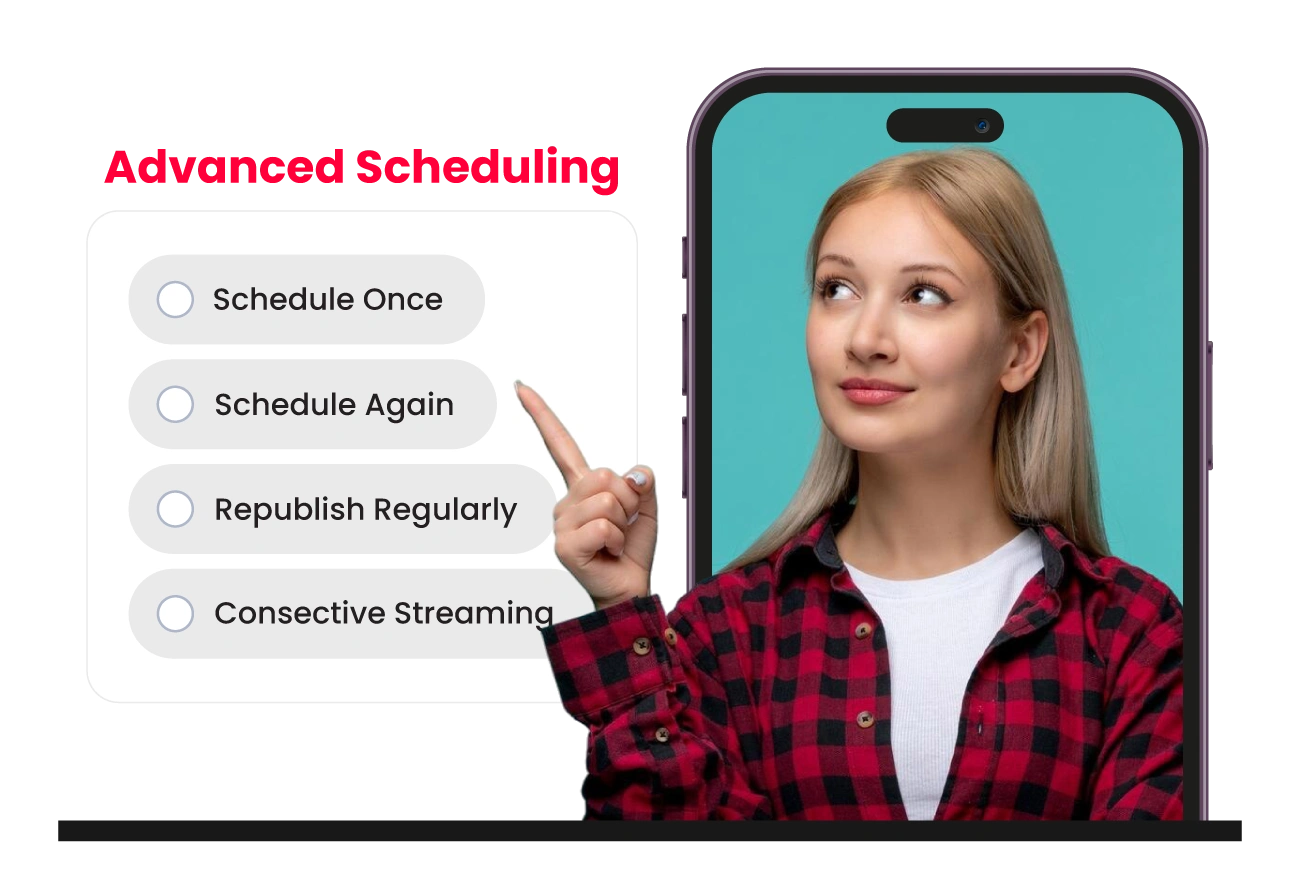
Schedule Pre-recorded Streams in Advance
Upload videos directly from your phone or cloud and schedule them to stream later. Plan your mobile live stream up to 60 days in advance!
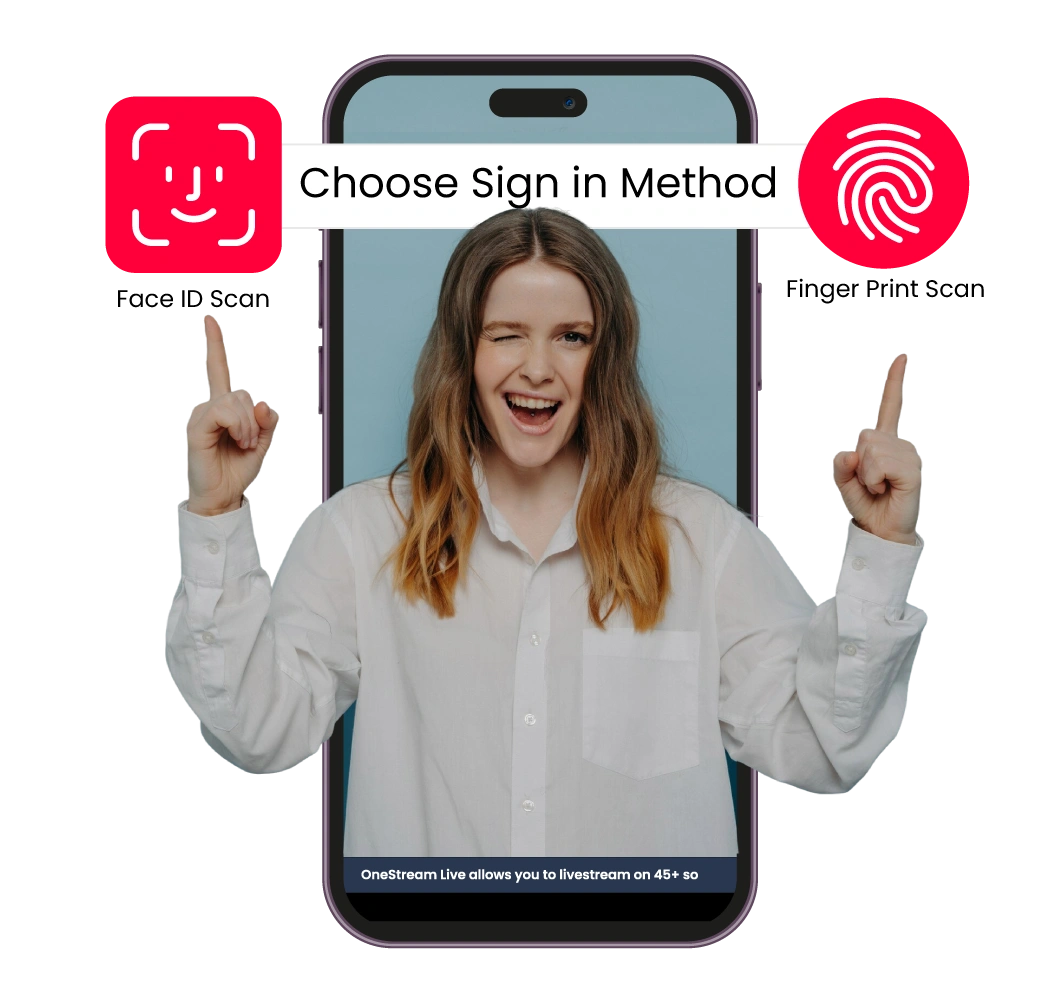
Secure Biometric/Face ID Login
Log in instantly with fingerprint or face ID. OneStream Live’s mobile app makes mobile streaming quick and secure.
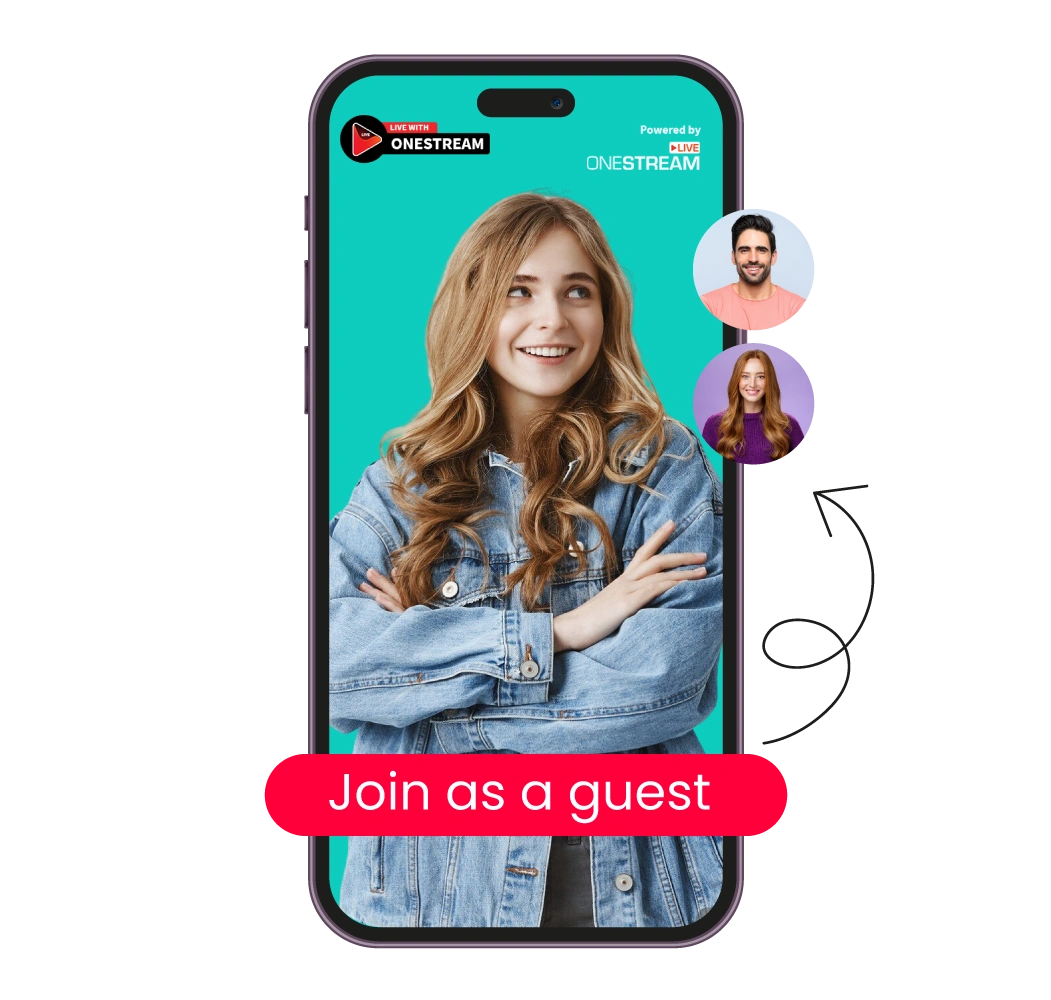
Join Live Studio Sessions
Join live broadcasts as a guest using only your smartphone. No laptop required. Just accept the invite and join the show.
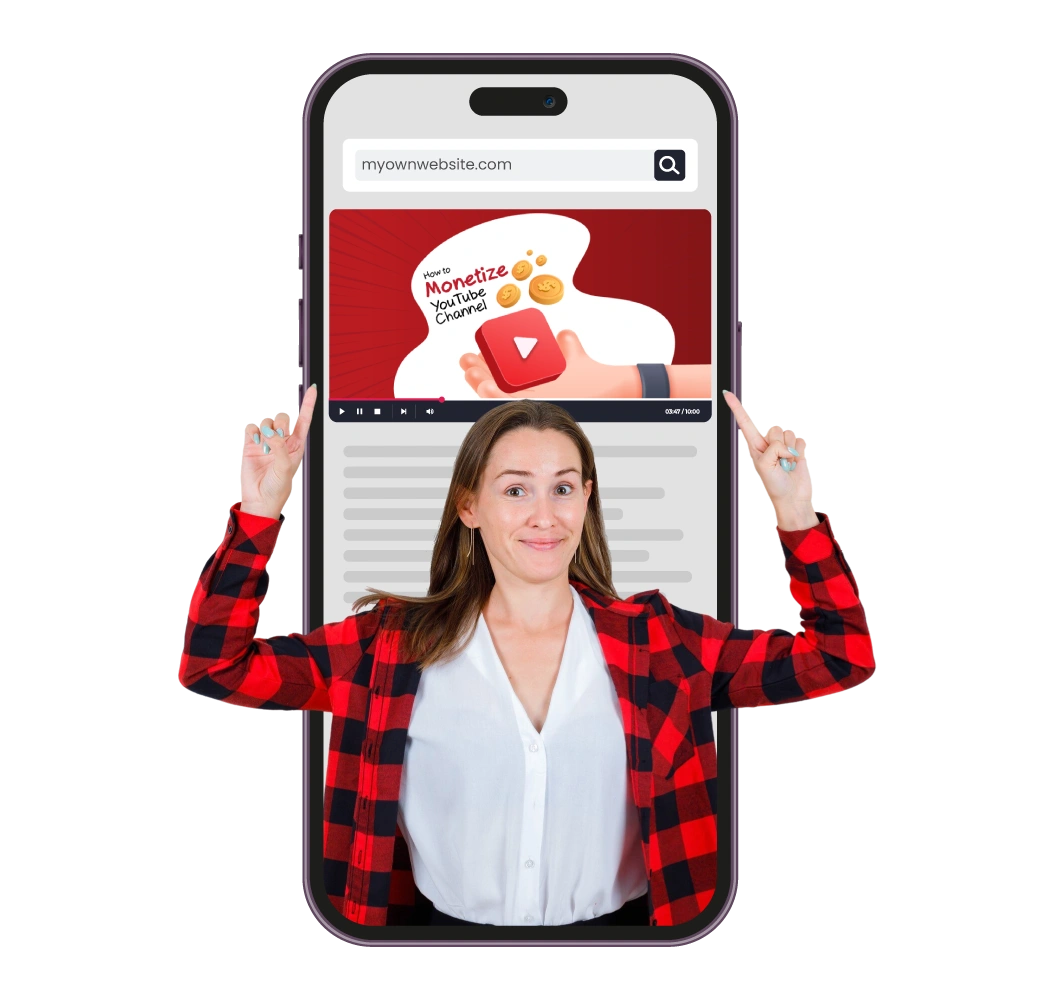
Embed Streams from Mobile
Copy and share your stream’s embed code straight from your phone. Easily embed mobile video streams into websites, blogs, or Hosted Live Pages.
Enter your stream details – add a title, description, and hashtags.
Select your destinations – choose up to 45+ social platforms to go live.
Hit “Go Live All” and start mobile video streaming.
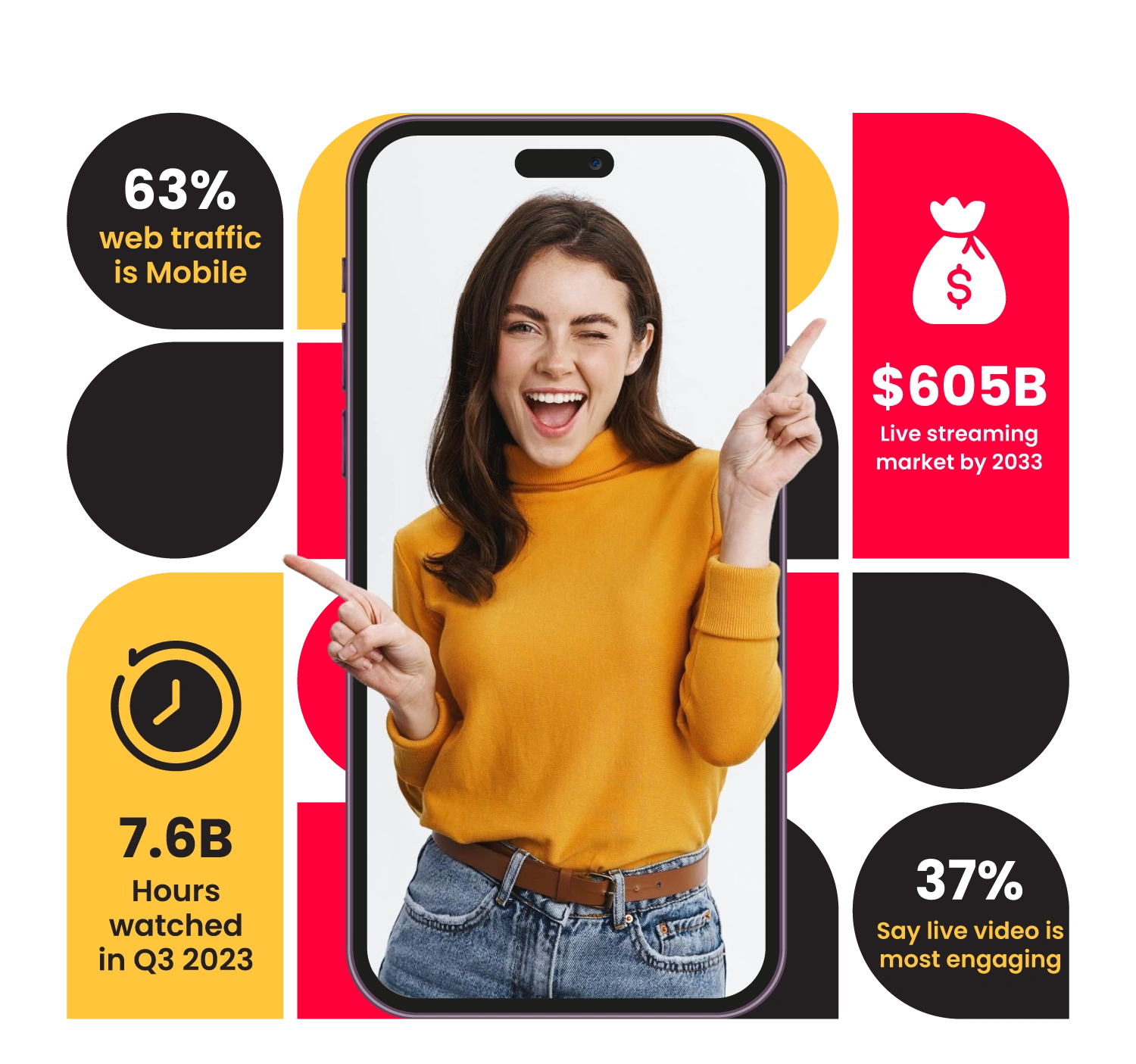
Stats
Mobile Live Broadcastings Taking Over
Live Stream Anywhere, Anytime
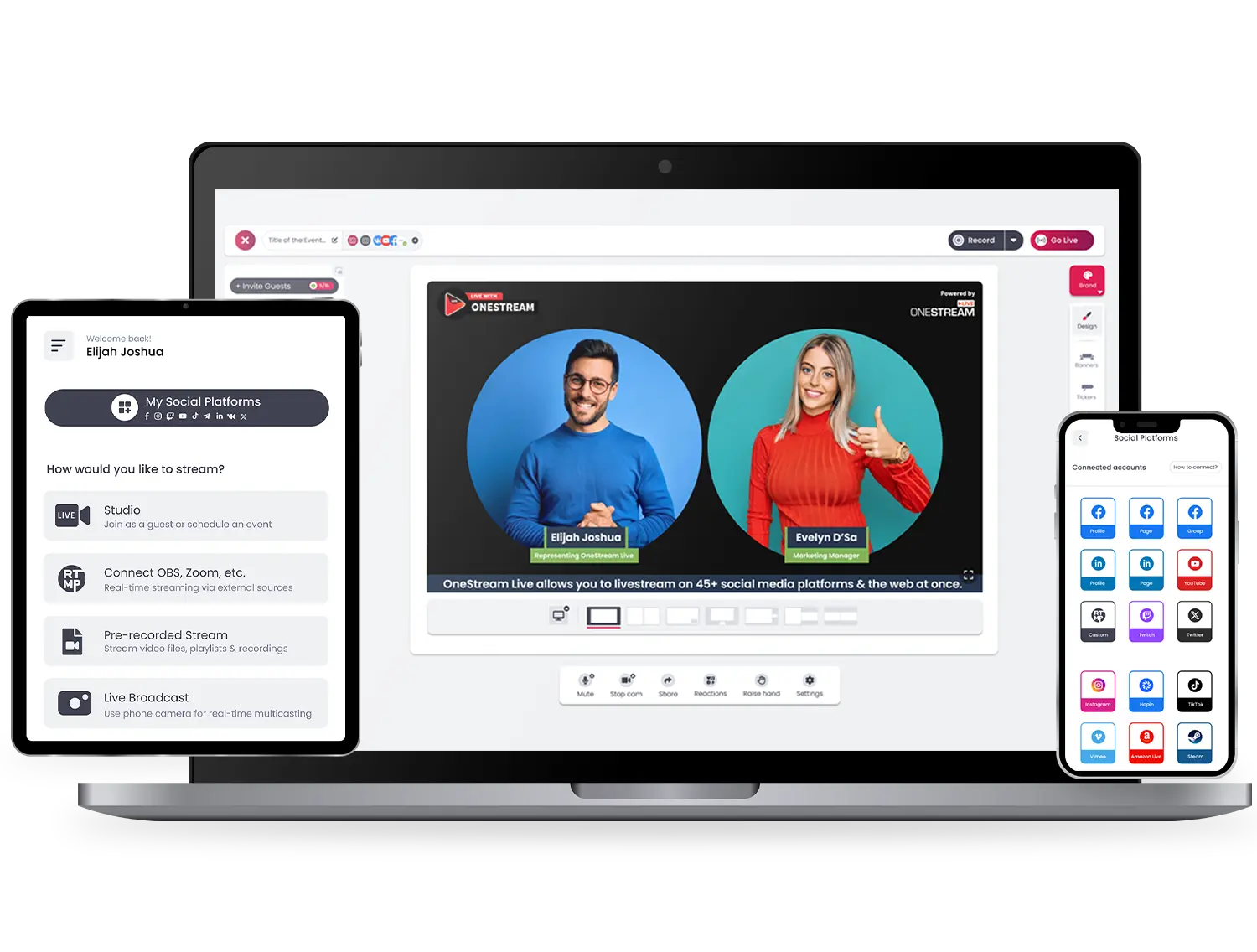
Stream easy and hassle-free with OneStream Live – compatible with all browsers on all devices – desktops, laptops, tablets, and smartphones. Mobile apps are also available for Android and iOS both.
Have any Questions?
What is mobile live streaming?
Mobile live streaming means streaming live video directly from your smartphone or tablet using a mobile app.
Which is the best app for mobile streaming?
There are many great apps in the market, but OneStream Live stands out. It offers HD mobile streaming, lets you invite guests, add branding and overlays, and even stream to multiple platforms from your phone.
What do I need to start a mobile stream?
Just a smartphone and a stable internet connection. Add a mic, light, or gimbal for better quality.
Can I stream to multiple platforms from my phone?
With OneStream Live you can multistream to YouTube, Facebook, TikTok, Instagram, and 45+ more social platforms and the web simultaneously.
Can I schedule live streams from a mobile?
Yes. With OneStream Live, you can schedule live or pre-recorded streams from your phone.