Custom RTMP Streaming
Go Live on Any Destination

Have a niche platform or private server you want to live stream to? OneStream Live’s custom RTMP streaming feature lets you broadcast live to any destination of your choice!
No credit card required

The OneStream Live Advantage

Custom RTMP Streaming with OneStream Live

Stream to Any RTMP Server

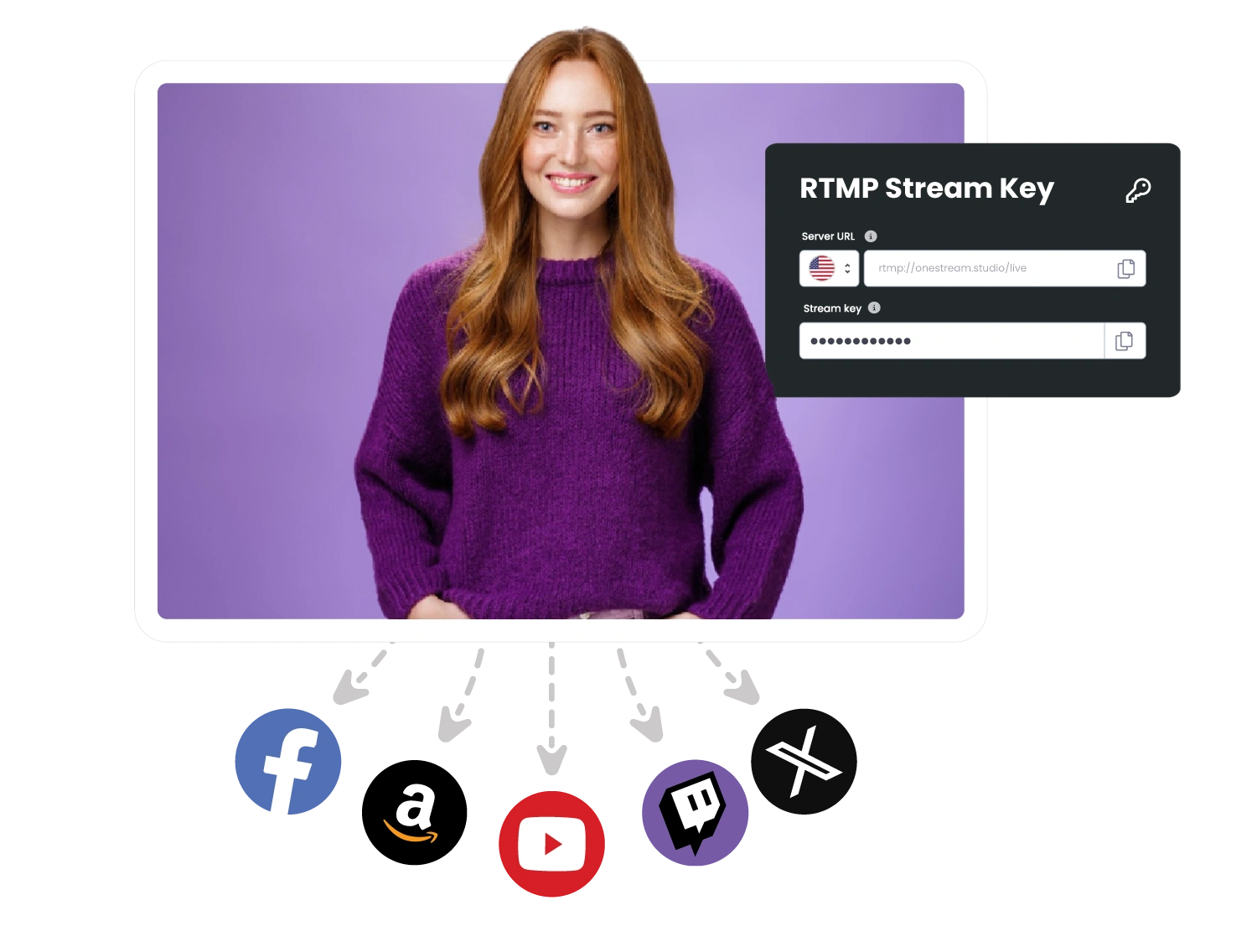
Broadcast to any destination with an RTMP URL—from private servers to niche platforms—using custom RTMP streaming. If it accepts a stream key, OneStream Live can broadcast your videos live to this platform.
RTMP streaming Server
Multistream to RTMP + Socials

Multistream to RTMP + Socials

Send your pre-recorded and real-time live video streams to 45+ social media platforms and any custom RTMP destinations all at once. No need to compromise between reach and flexibility when streaming with OneStream Live.

Schedule Pre-Recorded RTMP Streams

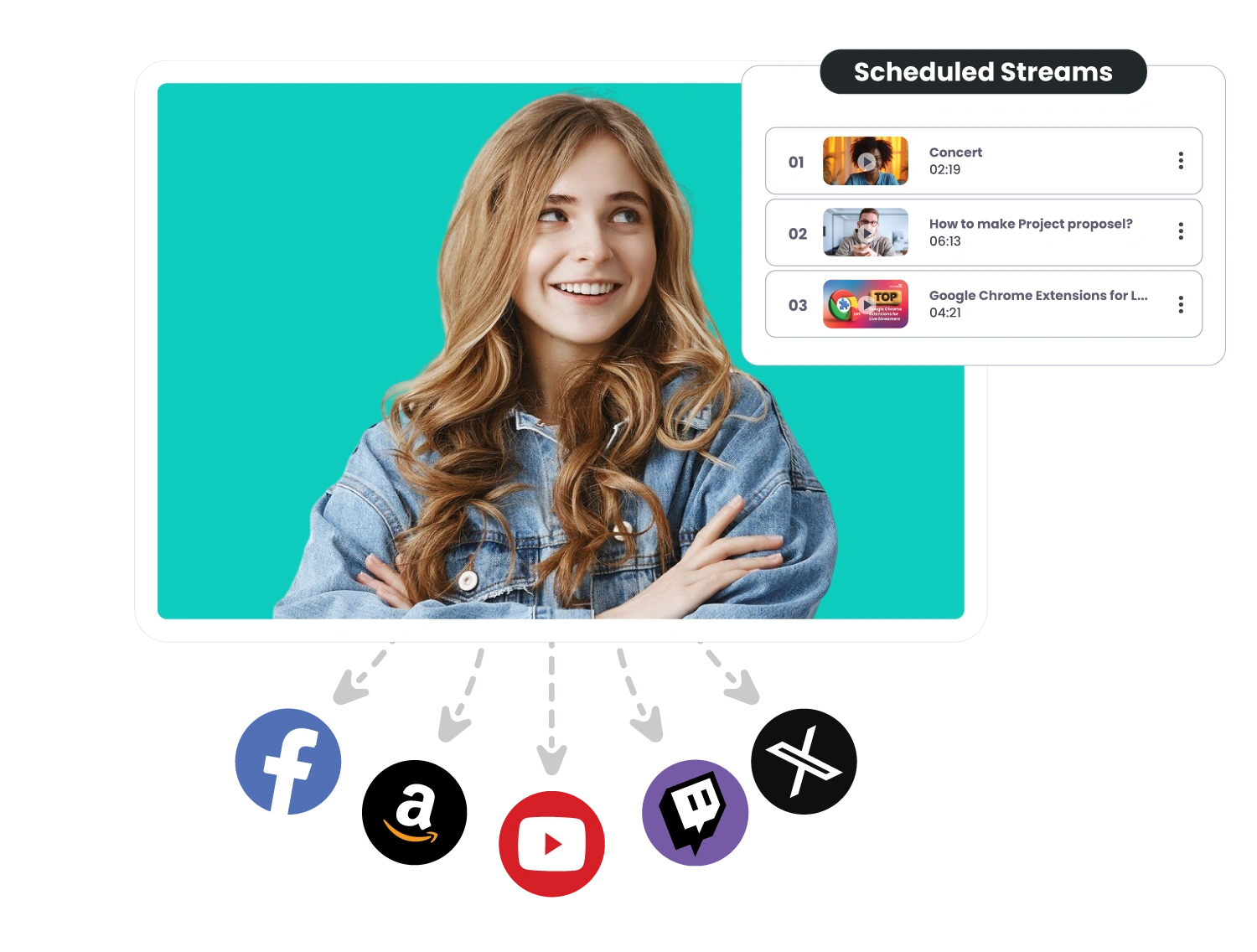
Upload pre-recorded videos and schedule them to broadcast as a live RTMP streams on your desired custom destinations. Schedule up to 60 days in advance, add captions, announce events on connected destinations, and more.
Pre-Recorded RTMP Streaming
Studio or External RTMP Encoders

Use Studio or External RTMP Encoders

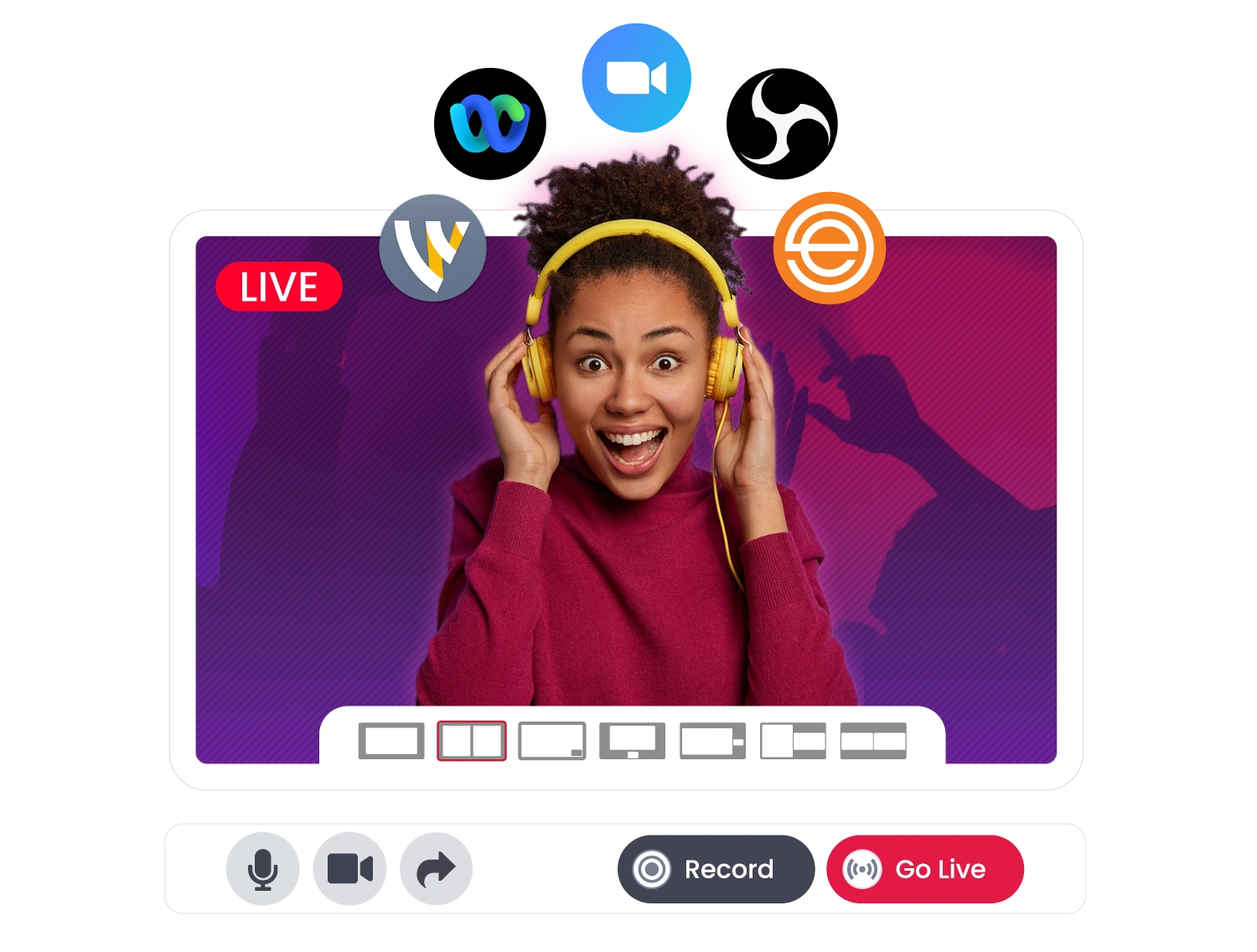
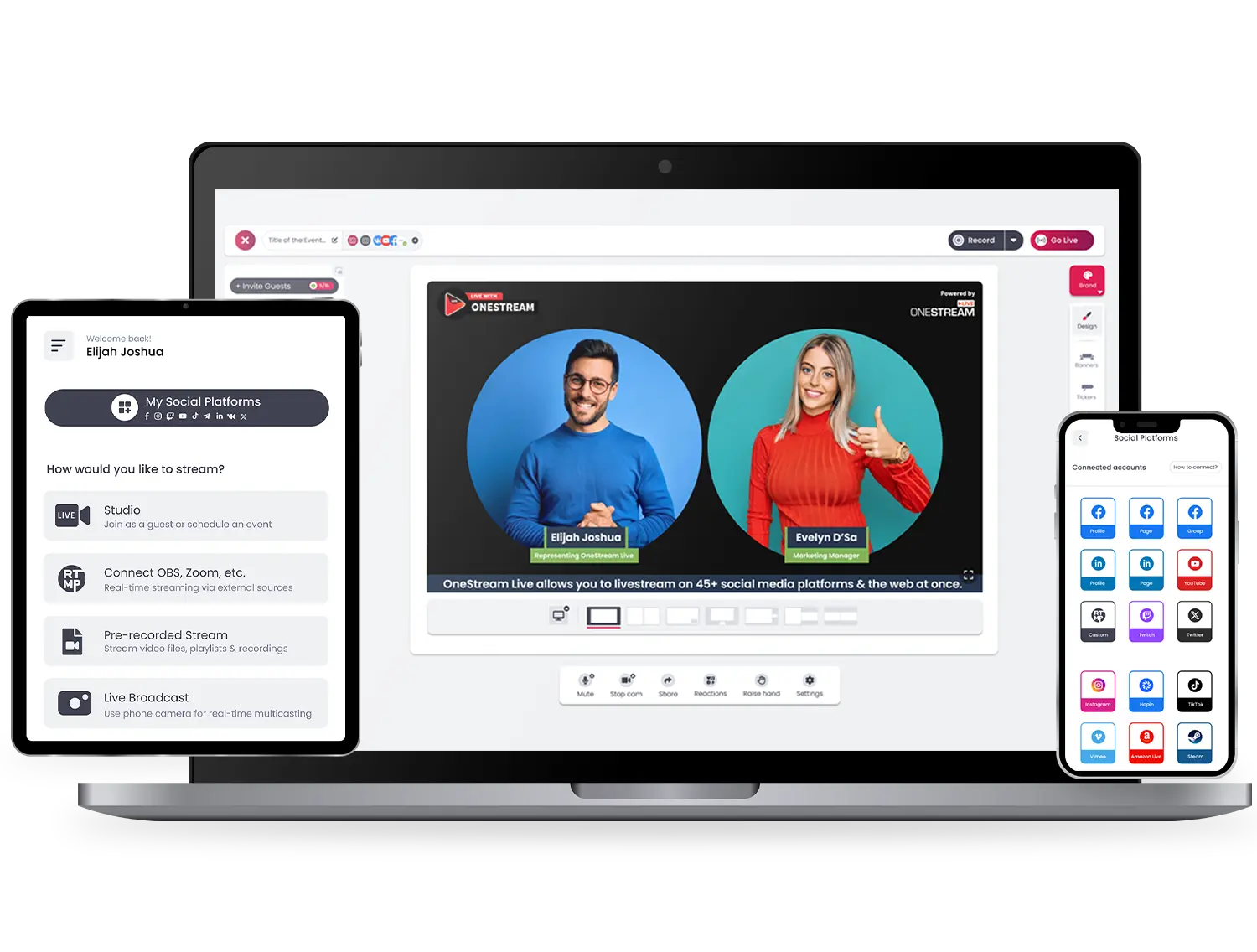
Stream via OneStream Live Studio or connect OBS, XSplit, Zoom, vMix, or any other external RTMP encoder. OneStream Live handles seamless delivery while you focus on content.

Manage Multiple RTMP Destinations

Save multiple RTMP stream keys and switch between them easily. No need to reconfigure settings every time you go live.
Multiple RTMP Destinations | RTMP streaming
Adaptive Bitrate Streaming

Adaptive Bitrate Streaming

Avoid stream drops and buffering with OneStream Live’s ABR streaming and stable cloud infrastructure setup. We optimize every RTMP live stream for smooth delivery.

Getting Started

How to Set Up Custom RTMP Streaming

team-01

Get RTMP URL & Stream Key

Copy the RTMP server URL and stream key from the platform you want to stream to.
team-02

Add Custom RTMP in OneStream Live

In your OneStream Live dashboard, go to Add Account → Custom RTMP.
team-03

Enter Stream Details

Name your destination and paste the RTMP stream key and URL.
team-04

Connect & Save

One click to verify and save your custom RTMP stream setup.
team-5

Go Live or Schedule

Stream in real time or schedule a pre-recorded custom RTMP live stream.
Set Up Custom RTMP Streaming

Use Cases

Unlimited Possibilities with Custom RTMP Streaming

emerging platform

Emerging Platforms

Stream to new or niche platforms like Rumble, DLive, or Kick using custom RTMP when native integration isn’t available.

Educational stream

Corporate & Education Streams

Use RTMP streaming to broadcast webinars, internal meetings, or virtual classes to private RTMP servers and public platforms simultaneously.

website embeds

Website Embeds

Send your RTMP stream to a custom player on your website or blog for a fully branded experience.

Live events

Gaming & Live Events

Connect to RTMP-compatible event platforms for tournaments, virtual expos, or conferences—while multistreaming to your main channels.

Future proof streaming
Future-Proof Streaming

Any platform with RTMP server support can be added to your OneStream workflow—making your live streaming setup flexible and future-ready.

Why Live Streamers Love Us

Live Stream Anywhere, Anytime

Stream easy and hassle-free with OneStream Live – compatible with all browsers on all devices – desktops, laptops, tablets, and smartphones. Mobile apps are also available for Android and iOS both.
amazon-store-btn
Download OneStream Live mobile app or go live from desktop browser

Frequently Asked Questions

What is custom RTMP streaming?
Custom RTMP streaming lets you go live or stream videos to non-reply supported platforms. To connect and start streaming, you just need the RTMP URL and Stream Key.
How do I stream to a custom RTMP destination?
Get the RTMP URL and Stream Key from the platform you want to stream to. In OneStream Live, go to Add Destination, choose Custom RTMP, enter the details, and you’re ready to stream.
How do I set up an RTMP streaming server?
You can set up an RTMP server using tools like NGINX, Wowza, or Red5. But if you want an easier way, platforms like OneStream Live handle everything for you, no server setup needed.
Can I use OneStream Live for custom RTMP streaming?
Yes! OneStream Live supports custom RTMP, allowing you to stream to almost any platform. Just paste the RTMP URL and Stream Key into it, and you’re ready.
Can I stream pre-recorded videos using custom RTMP?
Yes, with OneStream Live, you can upload pre-recorded videos and stream them to any custom RTMP destination that needs to go live in real time.
Is custom RTMP streaming secure?
It depends on the platform and settings. Ensure you’re using trusted RTMP endpoints and keeping your stream key private.