Live Stream
Pre-recorded Videos

Record, repurpose, and restream your pre-recorded content across 45+ platforms. Stream 24/7, use video looping, and playlist live streaming.
No credit card required

Why Choose Pre-Recorded Streaming

audience

More Reach

Multistream pre-recorded content to 45+ platforms and the web at once.

playlist

Flawless Streaming

Record & stream live videos with HD-quality ABR streaming.

Advance Scheduling

Schedule livestreams in advance and let them play on autopilot.

Convenience

Record. Upload. Stream.

Go live in three simple steps:

Record your video.

Upload video to OneStream Live.

Start streaming.

Restream to 45+ Multiple Platforms = Expanded Reach
pre-recorded-streaming-playlist

Flexibility


Playlist Live Streaming

Queue pre-recorded videos in a playlist.

Schedule streams up to 60 days ahead.

Loop video for continuous engagement.

Round-the-Clock

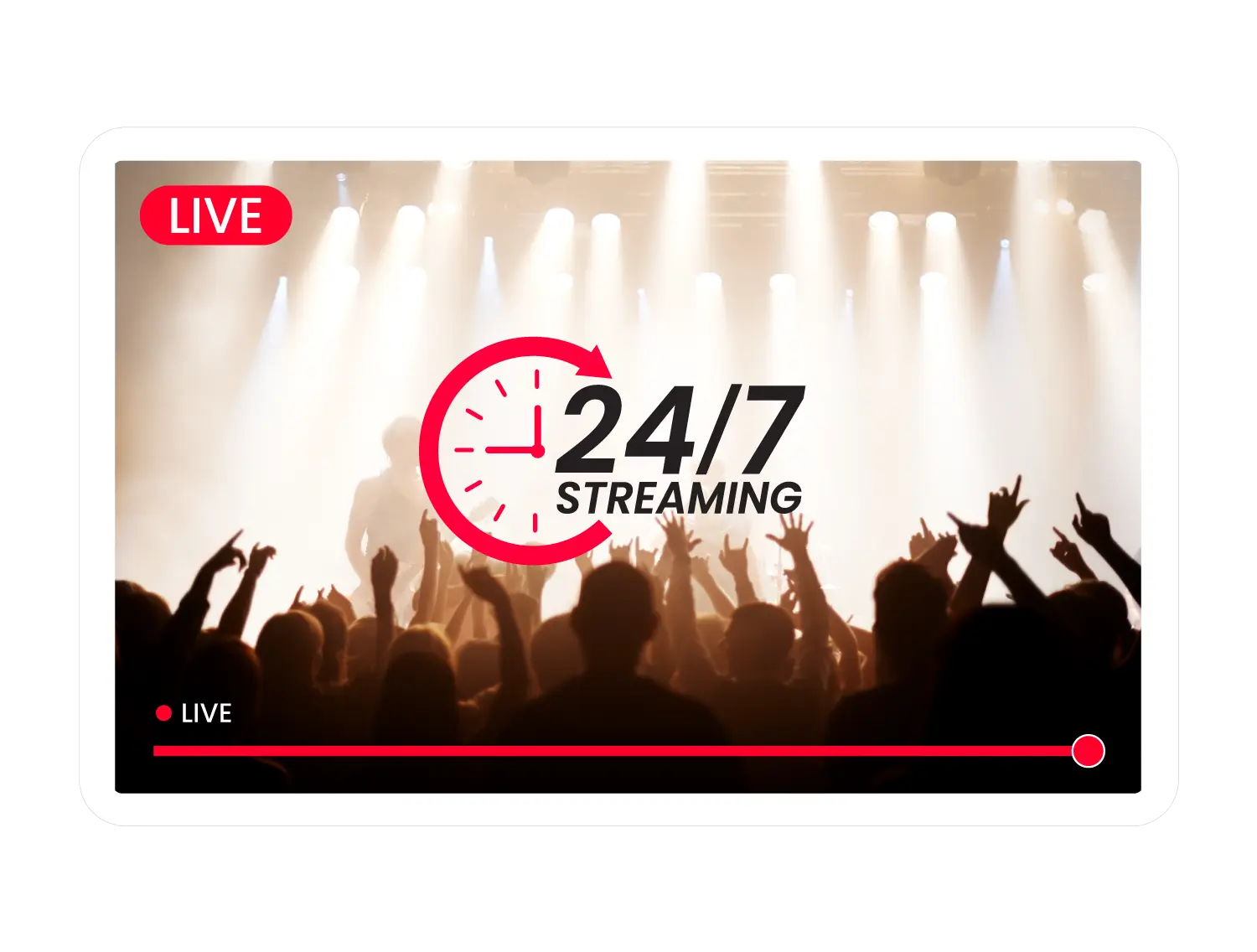
24/7 Live Stream

Stream non-stop recorded content to YouTube.

Schedule YouTube streams to play automatically.

Enjoy YouTube monetization options.

24-7-streaming
advance-scheduling-options

Efficiency


Advanced Scheduling Options

Schedule up to 60 days ahead.

Save time & effort.

Restream & loop videos for nonstop viewing.

Easy Workflow

How it Works

One
Select Recorded Video
Choose & upload a video file to stream.
two
Schedule Live Stream
Pick a date and time up to 60 days in advance.
three
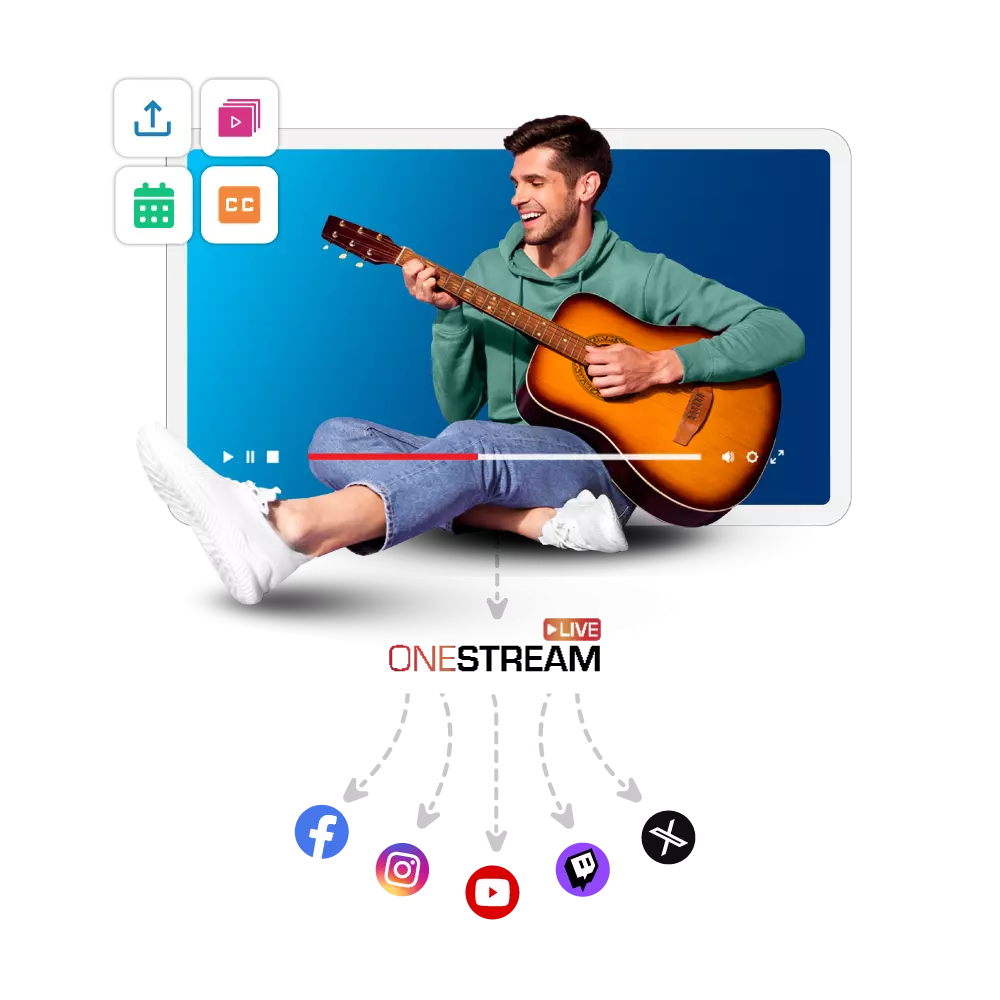
Choose Streaming Destinations
Select platforms and multistream automatically.
onestream-live-pre-recorded

Explore Dynamic Features

Unmatched Pre-Recorded Streaming Features

Record, repurpose, and stream live video content in a few clicks.
add-captions
Open Captions
Add captions to pre-recorded videos for better accessibility and reach.
embed-stream
Embed Stream
Embed live stream on website to engage a larger audience.
360-video-support
360° Video Support
Stream 360° videos for an immersive viewing experience.
video-looping
Loop Videos
Loop your videos for continuous streaming.
multiple-upload-options
Multiple Upload Options
Upload files, record, or capture your screen for live streaming.
Unified Chat
Manage live chat from multiple platforms in one window.
team-management
Team Management
Collaborate with your team to stream live video content efficiently.
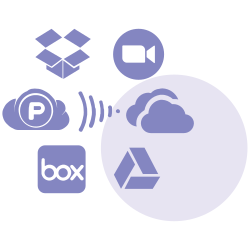
Import videos from cloud storage like Google Drive or Dropbox directly into your live stream
Cloud Storage Integration
Import videos directly from Google Drive/Dropbox etc. for easy streaming.

What Our Clients Say About Us?

"The best thing about OneStream Live is being able to live stream pre-recorded videos. I love being able to loop the video. It creates a whole lot of versatility around staying visible."

Testimonial Image
Brittany Sherell

Coach, Author & Speaker

loop-playlist

Frequently Asked Questions

What type of video file can I stream?
You can stream pre-recorded videos in .mp4, .m4v, .mov, and .flv formats with OneStream Live.
Can I live stream a recorded video from mobile?
Yes! With the OneStream Live mobile app, you can restream recorded videos directly from your phone, whether you’re using iOS or Android.
Can I edit a scheduled playlist?
Yes, with playlist live streaming, you can change videos and their order up to 30 minutes before the stream begins.
Can I import files from cloud storage?
Yes, OneStream Live supports importing videos from cloud storage like Google Drive, pCloud, Box, Zoom, Webex, S3, and OneStream Live storage.
Can I restream previously streamed video?
You can restream any of your previous uploads or previously streamed videos anytime you like.
Can I live stream 24/7 using OneStream Live
Absolutely. You can enjoy uninterrupted 24/7 live streaming of prerecorded videos on YouTube with the Enterprise Plan. However, this feature is also available as an add-on on other plans.

Can't Find a Suitable Answer?

Ask our Support Team