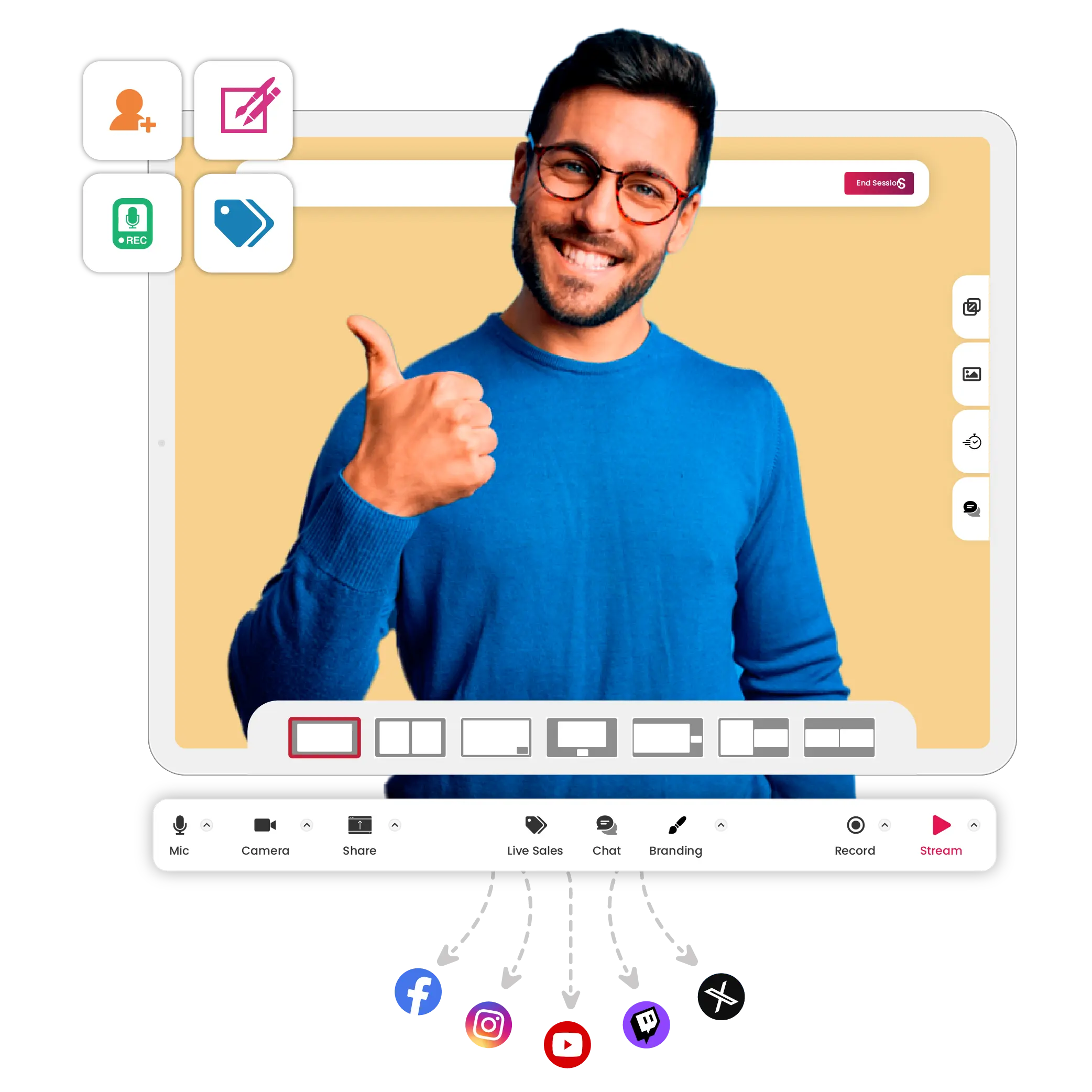
Create and multistream professional-looking live streams seamlessly. Fast and reliable browser-based live streaming studio software to stream your way ahead.
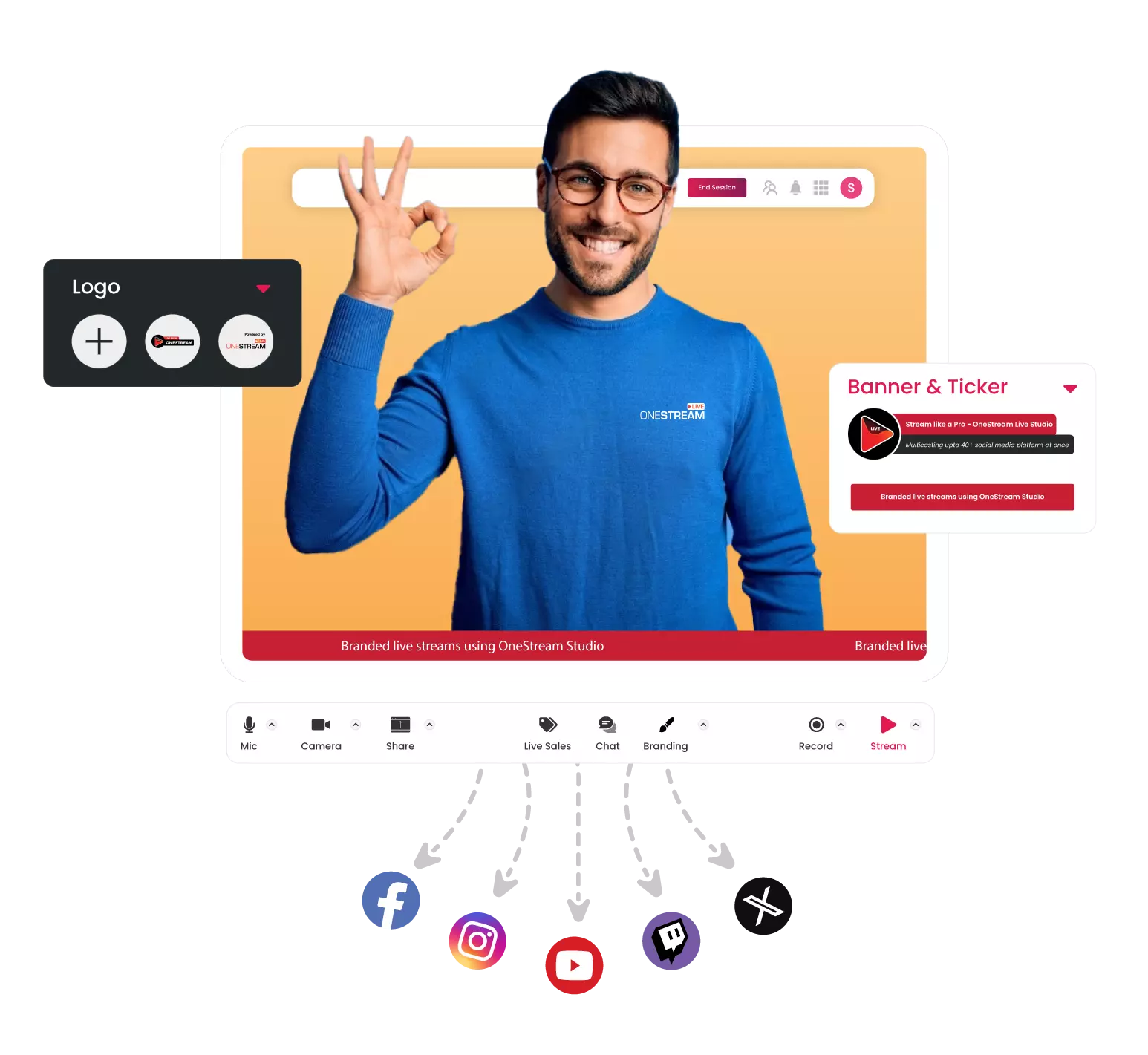
Stand out from the crowd with branded live streams using our exciting streaming studio.
Visual Appeal
Use creative overlays, virtual backgrounds, intros & outros, snap filters, and more.
Branding
Brand your live streams with professional logos, banners & tickers, custom backgrounds, and more.
Invite Guests
Host your Own Live Studio Shows
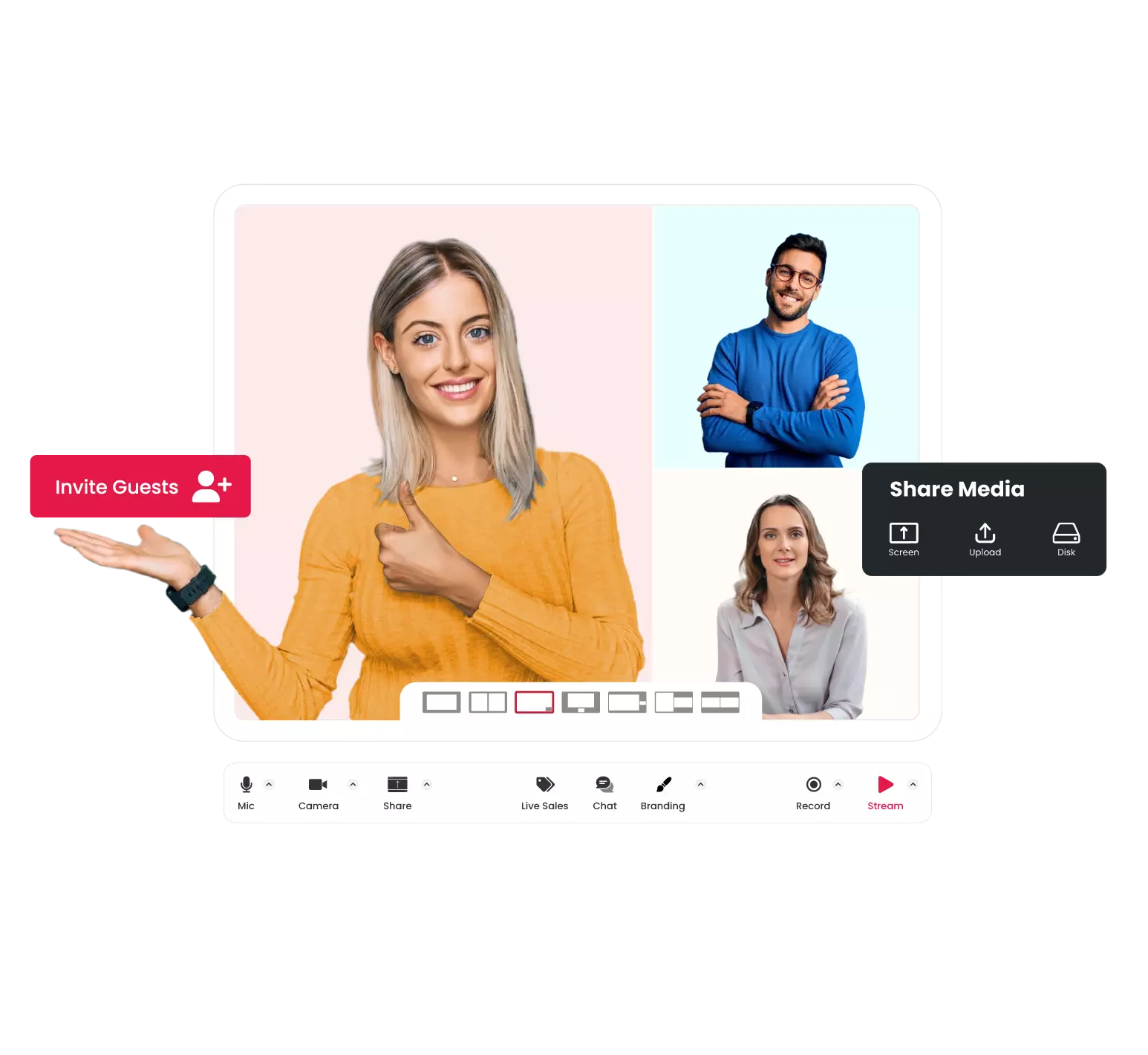
Add up to 16 participants and offer an exciting viewer experience.
User-Friendly Layouts
Customise your layouts according to your requirements. Host a solo show or with multiple guests.
Media Sharing
Share screen, audios, videos, or any external media, directly from your disk. No upload required.
Grow your Audience
Engage and Interact
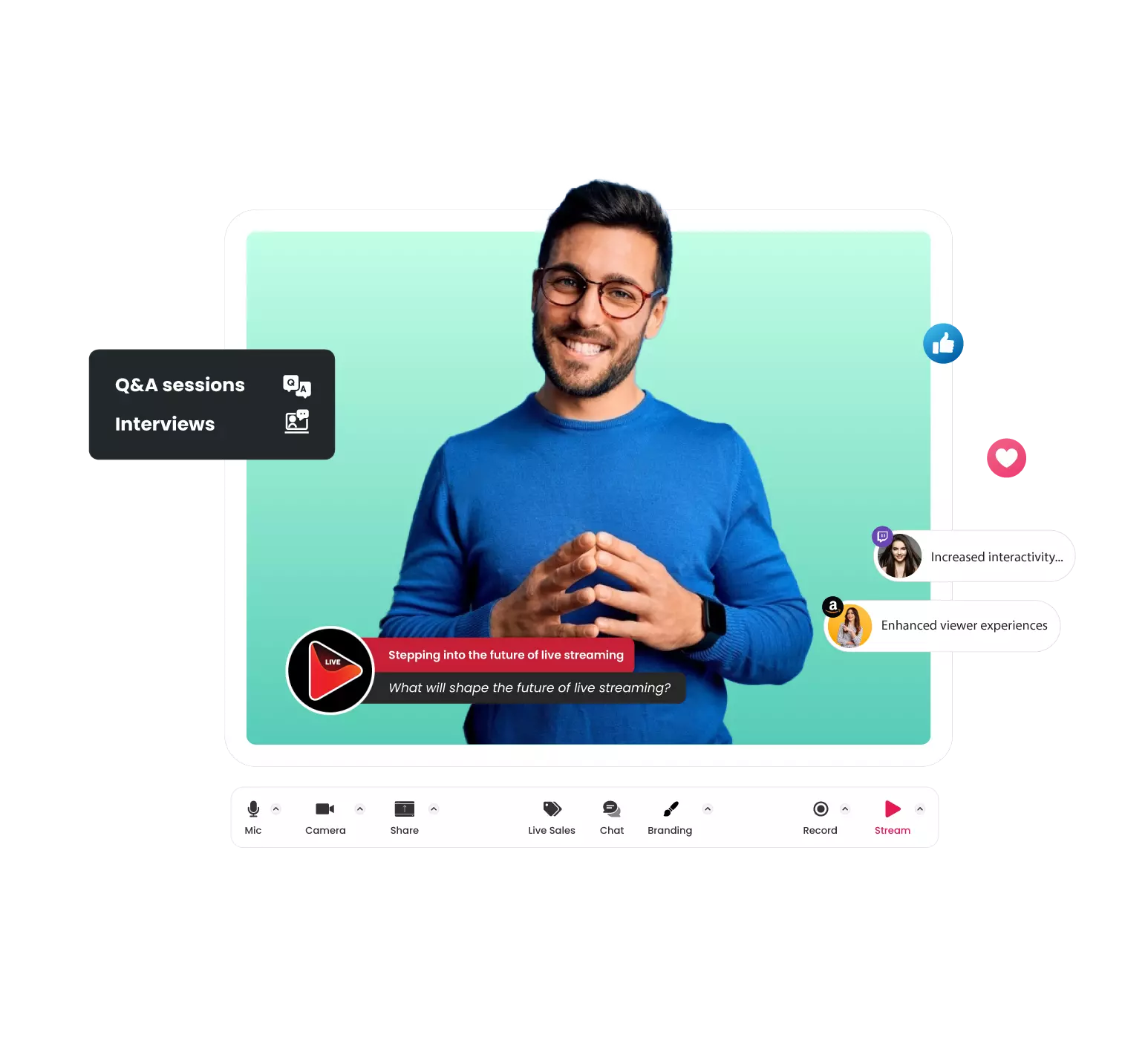
Engage with your audience to drive engagement and build lasting relationships.
Live Studio Streams
Host Q&A sessions, interviews, panel discussions, live product demos, and more.
Unified Chat
Show live comments on screen, respond to incoming messages from all social platforms in real-time.
Go Vertical
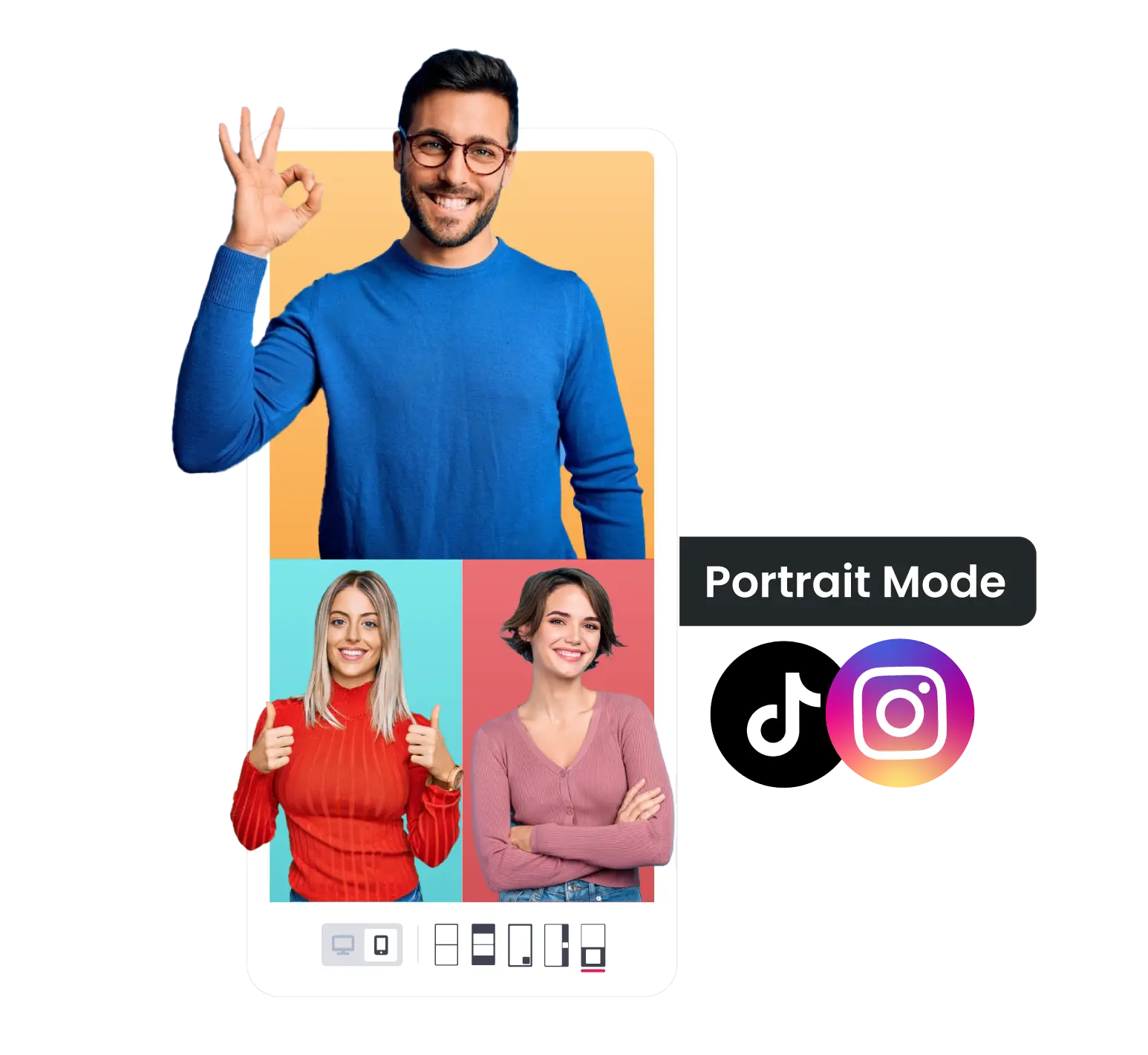
Live Broadcast in Portrait Mode
Switch your Live Studio into Portrait Mode and seamlessly stream vertical content on Instagram, TikTok, Facebook, YouTube, and other platforms supporting vertical videos.
Mobile-first Streaming
Engage viewers with a captivating full-screen experience, making your streams more immersive and visually appealing than landscape streams with black bars.
Discovery Potential
Leverage the trend of vertical video discovery on social media platforms to increase visibility and attract a broader audience, leading to potential growth for your channel.
Smooth streaming
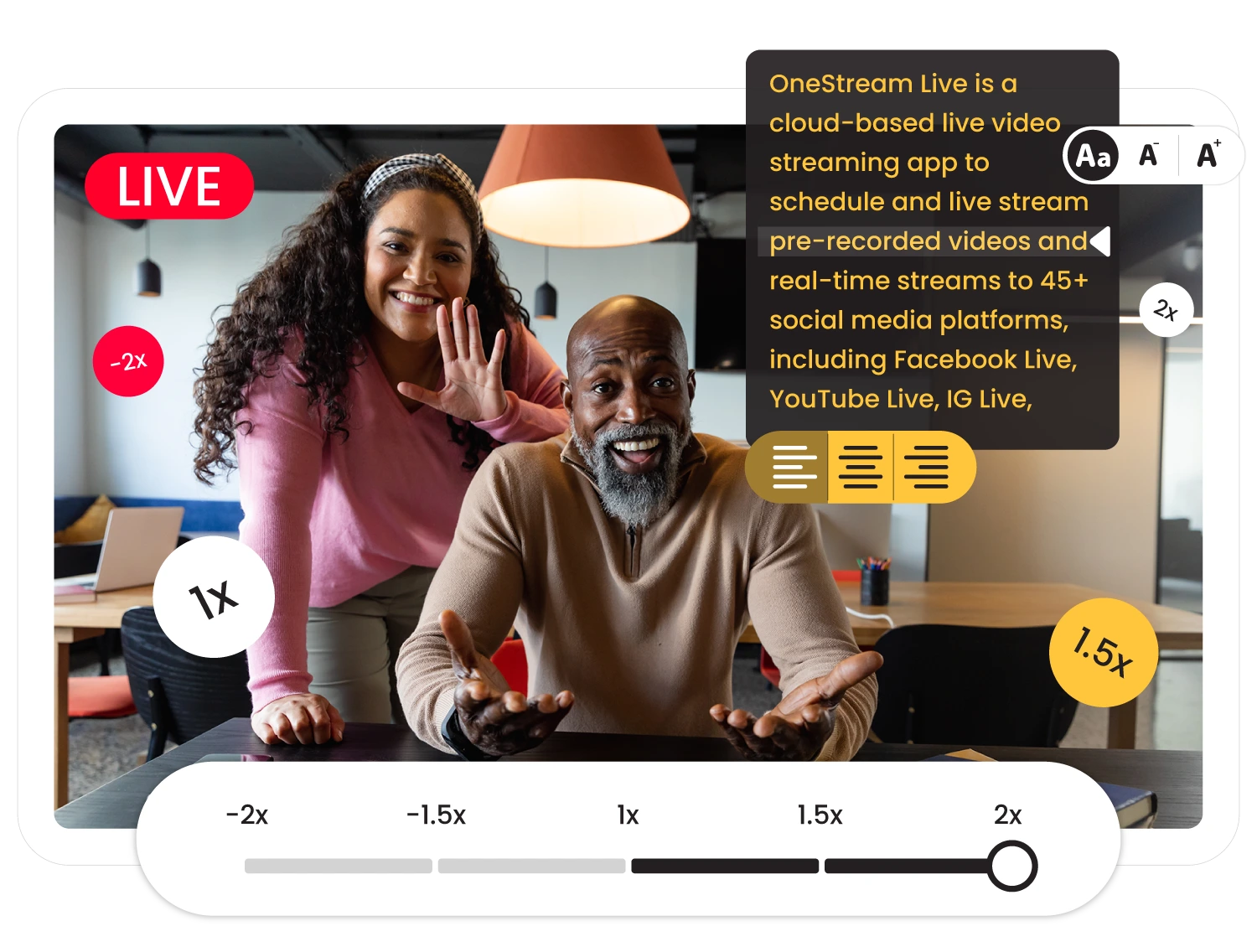
Teleprompter
Boost your on-camera confidence and stay on cue with our intuitive teleprompter technology.
Stay focused
Keep your focus on delivering impactful messages without the hassle of memorization.
Professional presentations
Make every presentation feel easy and professional, from start to finish.
All Angles, One Stream
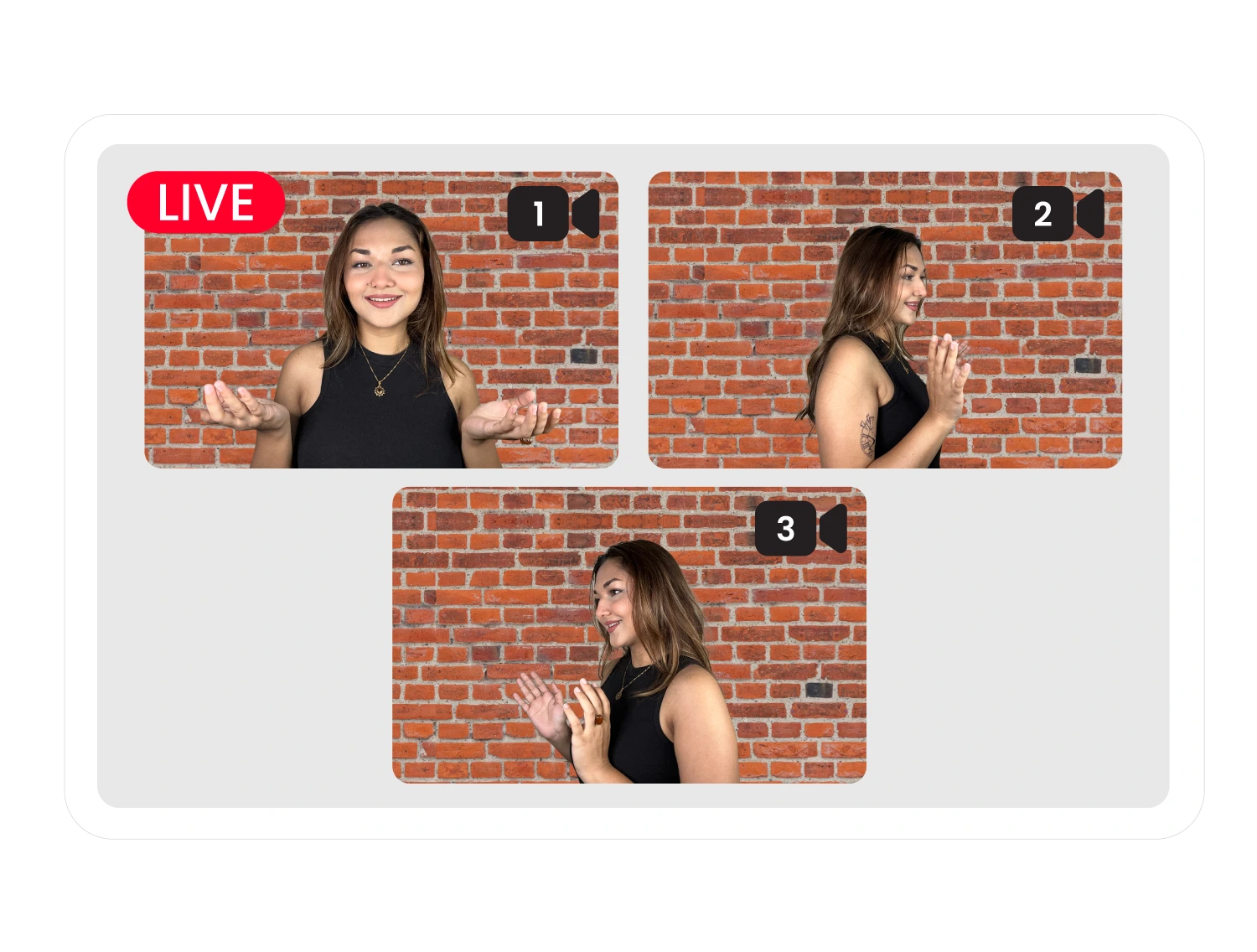
Multi Camera Streaming
Multiple angles
Capture every viewpoint seamlessly from different camera angles, keeping your audience engaged from all perspectives
Multiple sources
Connect multiple types of camera sources for a more dynamic and versatile broadcast.
Make Money
Sell your Products Online
Generate revenue from live streams and turn your passion into profit.
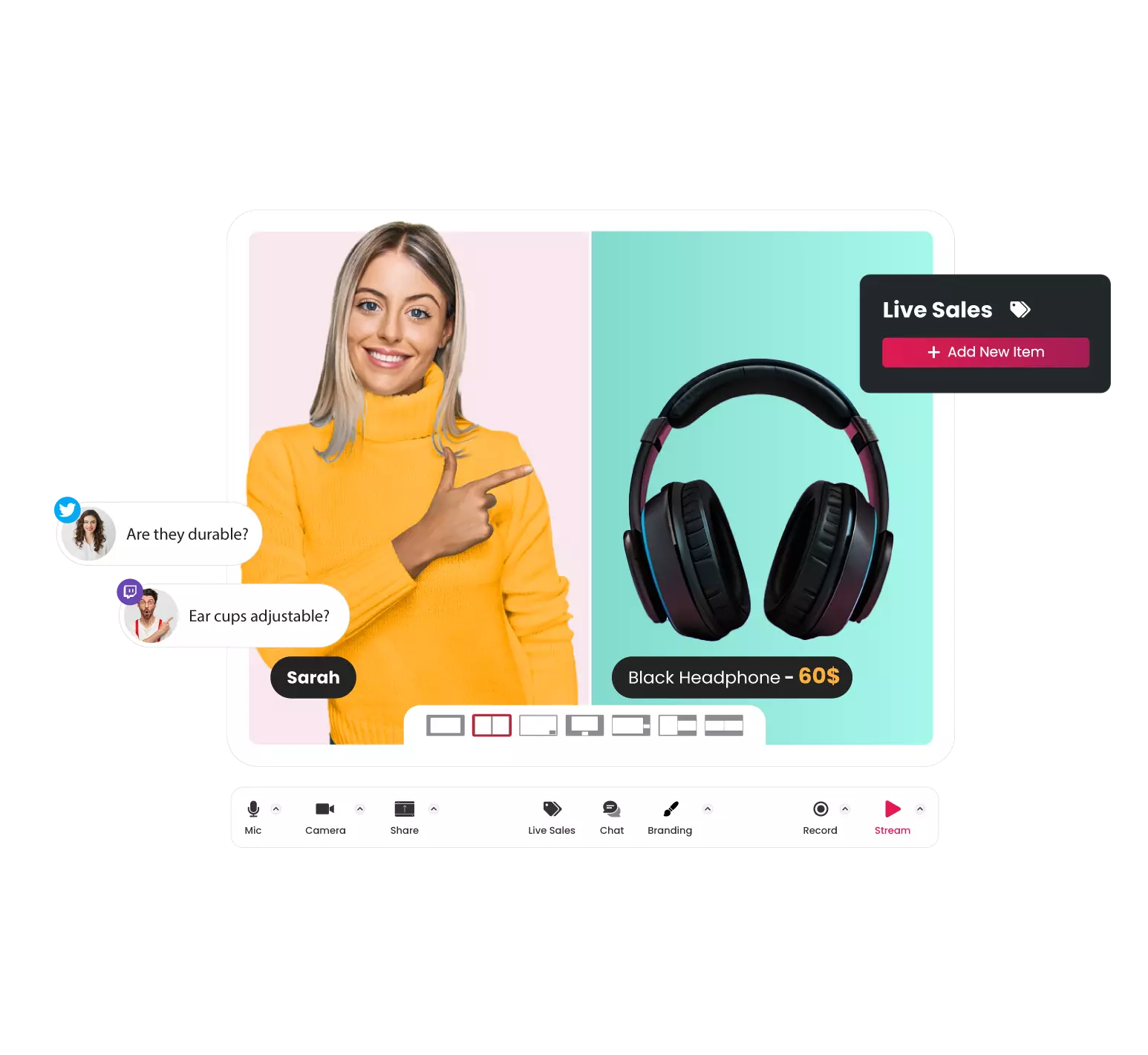
Live Selling
Sell your products during live streams. Add product descriptions, price tags, purchase links, and more.
Live Interaction
Answer your product-related queries in real-time. Build authenticity and loyalty for your brand.
Power up your Streaming
Redefine your Live Video Streaming Experience
Exploit limitless opportunities to elevate your live streaming journey.
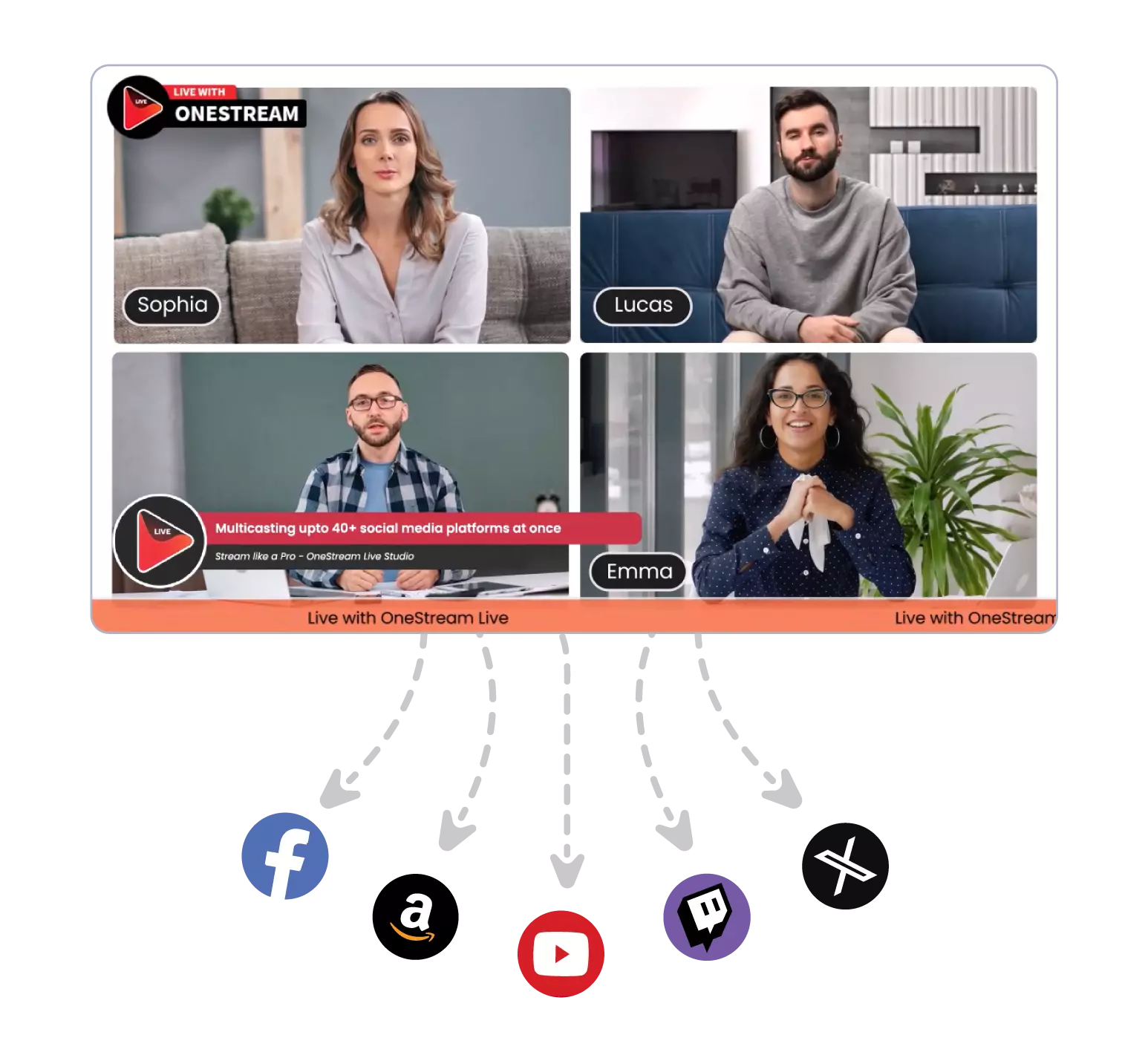
Multistream your Live Studio sessions on 45+ social platforms
and custom RTMP destinations simultaneously.
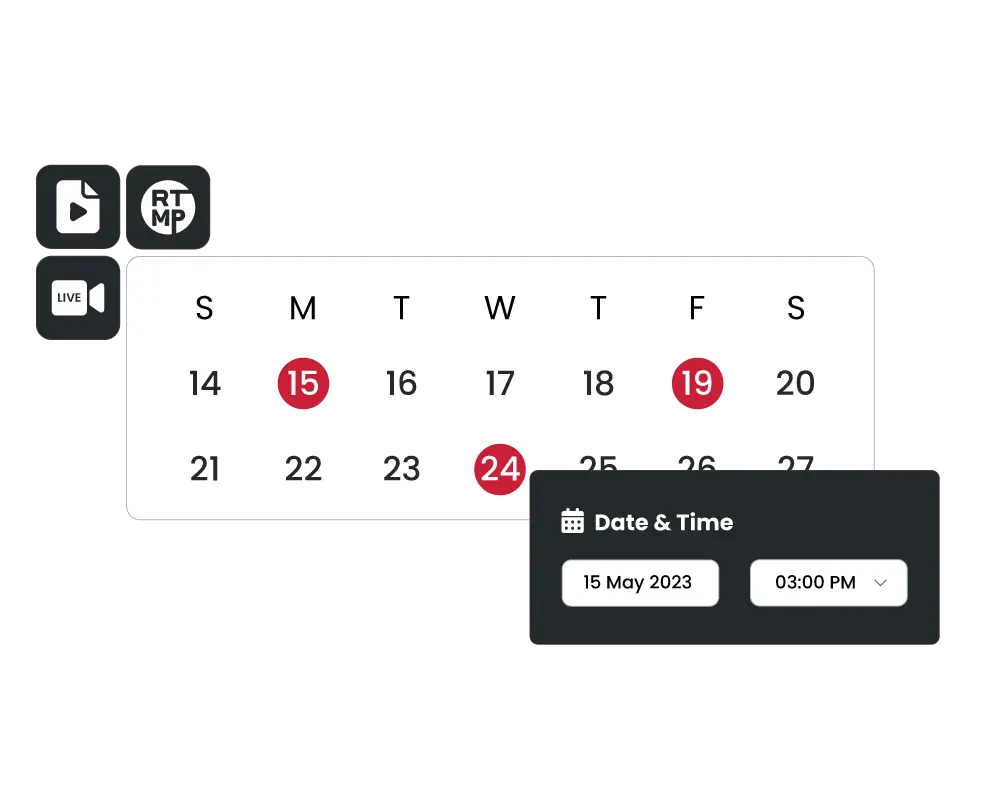
Scheduling
Schedule and announce your event in advance to create a hype among your audience. Capture attention & maximize attendance.
70% increase in engagement with interactive live Streams.
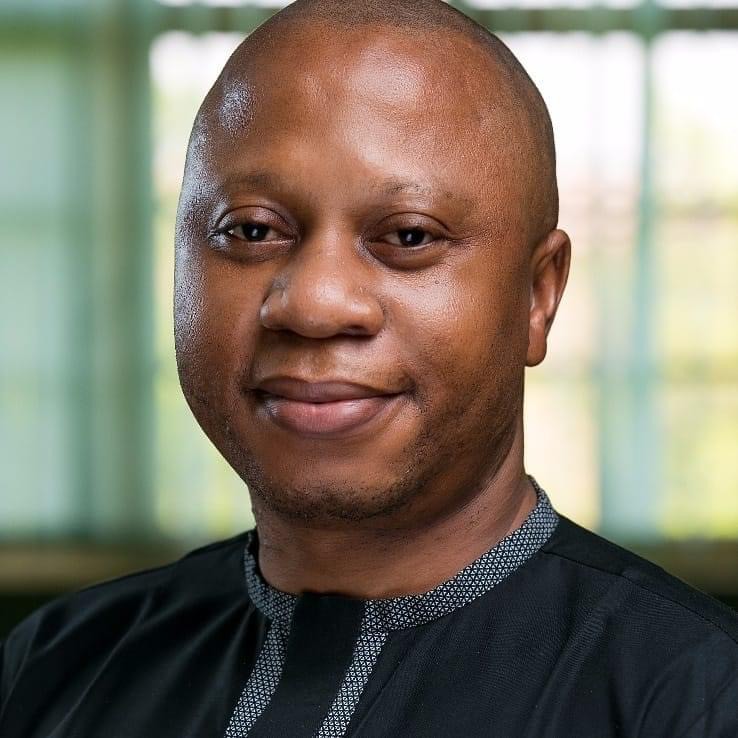
"One of my favorite features in OneStream Live is the ability to share media in the live session, so I can easily share information with my audience."
Ossai Ilome
Corporate Ambassador & Faculty, Labour Business School, Veritas University
Frequently Asked Questions
Have any Questions?
How do I invite guests to my Live Studio session?
You can copy your stream link and share with your guests via text, WhatsApp or email. They can join your broadcast directly through this link.
Do my guests need to have a OneStream Live account?
No. You can send them a link and they can easily join the live session. They don’t need to sign up or download anything.
Which plan do I need to use OneStream Studio?
OneStream Studio is available for all subscription plans.
What customisation options do I have?
You can customise fonts, colours and backgrounds for your live streams. You can also customise the layout design, add headers, tickers, banners, and logos. And you also have the option to add intros, intervals, and outros for professional branding.
What control do I have over my Studio stream participants?
You can keep the guests in the waiting room, toggle their mic on and off, adjust their volume level, control their video settings, and even remove or ban a user from your live stream.
Can I connect multiple cameras to OneStream Studio?
You can connect up to 4 cameras to OneStream Live Studio and switch between different camera angels during streams.