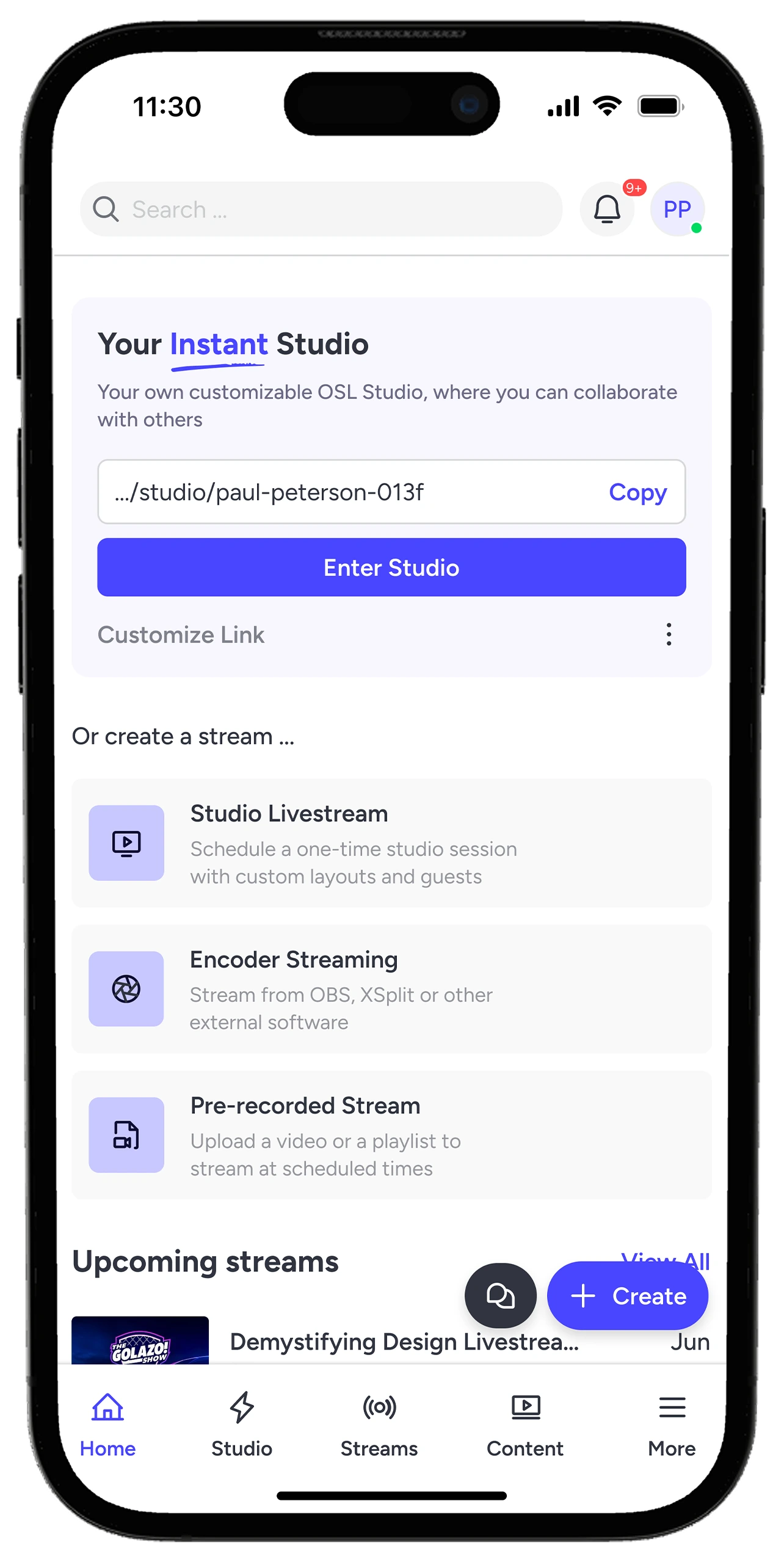
Stream from your mobile phone. Use the app to go live wherever you are.
WhyStreamers Love It?
Real stories from real creators — why they choose OneStream Live.
“The freedom to go live with pre-recorded video is the most valuable thing. I plan my video, script it, edit it, and then schedule it for going live. In this way, I am consistent on the video-going-live journey.”
Ratish J.
G2 Review
“OneStream’s best use case is for pre-recorded streams that you can schedule. Set them and forget them. All streams work flawlessly, without any lag or interruption.”
Marcius R.
Capterra Review
“I love the ability to pre-record and schedule live videos. It has saved me countless hours in my business.”
Mandy B.
Capterra Review
FrequentlyAsked Questions
FAQs
Quick answers to everything you need to know about OneStream Live. Stick stuck? Chat with out support or explore our Help Center.
Yes. You can upload your videos, pick your platforms, and schedule your streams to go live automatically, even when you’re not online.
Do I need any software to get started?
No. OneStream Live works directly in your browser. No installation required.
Can I live stream a recorded video from my mobile?
Absolutely. With the OneStream Live mobile app, you can stream recorded videos directly from your phone on both Android and iOS.
How do I set up a 24/7 livestream on YouTube?
Upload your videos, schedule your stream, and let your content play continuously on YouTube with automatic playback for up to 30 days.
Will there be another Summer Sale?
Stay tuned! Follow us on social media or subscribe to our newsletter to be the first to know about upcoming deals and offers.
We value your privacy
We use cookies to enhance your browsing experience, serve personalized content, and analyze our traffic. By clicking "Accept All", you consent to our use of cookies.
Cookie Preferences
Strictly NecessaryRequired
Essential for the website to function properly.
Functional
Enable enhanced functionality and personalization.
Analytics
Help us understand how visitors interact with our website.