QR code to download the app

Scan To Download

YouTube live streaming platform icon

LIVE

YouTube Live Streaming
Without the Complexity

YouTube live streaming doesn't have to be complicated. OneStream Live gives you one tool to schedule, stream, and engage without the headaches.

Stream Smarter Grow Faster

Stream Smarter

The creators winning on YouTube aren't working harder. They're streaming smarter with OneStream Live.

Content on Autopilot

Loop recorded videos to keep your channel active around the clock. Keep the momentum going by creating a playlist of recorded videos.

24/7 YouTube Live Streaming

Keep your YouTube channel live 24/7. Engage with your audience across all time zones and keep them hooked.

Stream with Guests

Invite up to 16 guests to join your next podcast, interview, or co-hosted show. Solo streams are great, but collaborative ones hit different.

Monetize Fast, Earn Big

Grinding for 4,000 watch hours? Let OneStream Live boost it. Loop recorded videos and stay active 24/7 to hit the watch time threshold faster.

Level Up Your YouTube Stream

Level Up Your Stream

Everything a serious YouTuber needs, all in one tool.

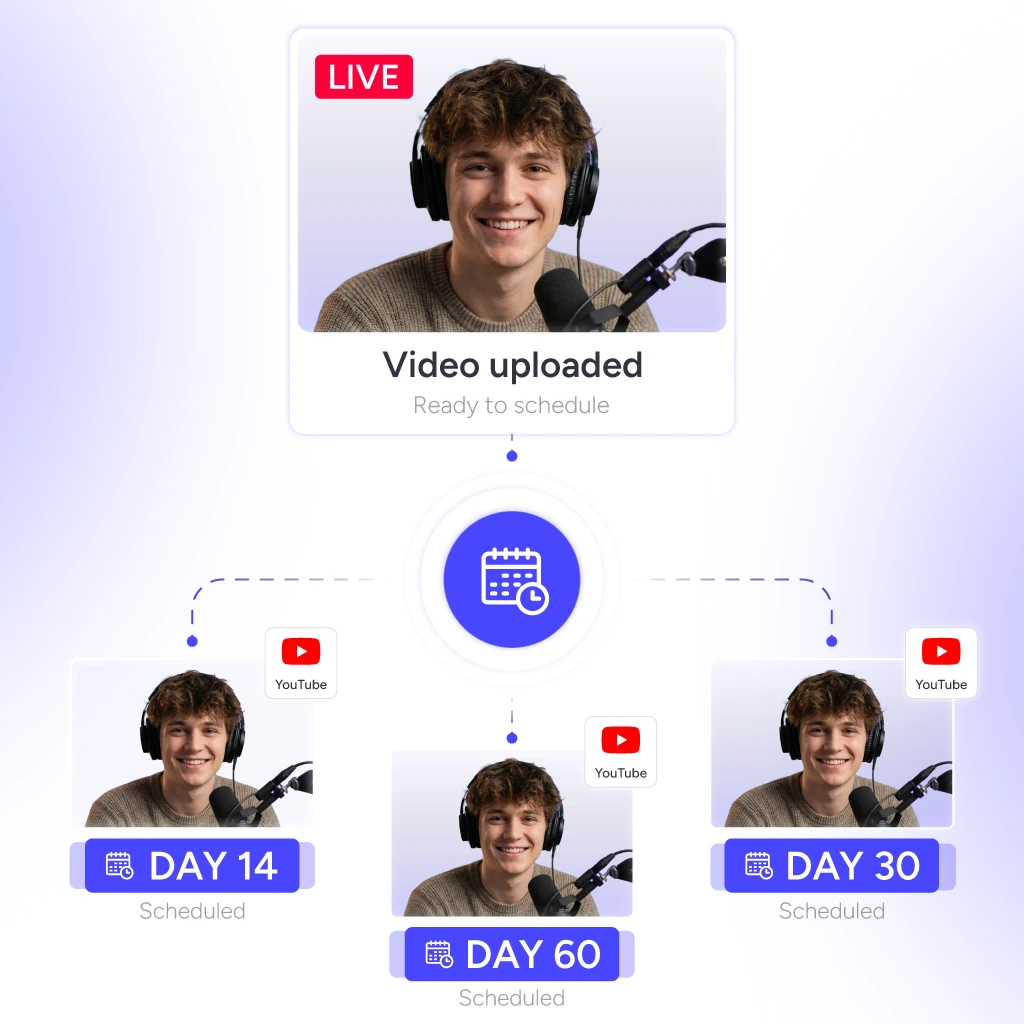
Automated content calendar for YouTube Live Streaming.

Automated Content Calendar

Upload your videos, set a content calendar, and schedule up to 60 days in advance. Your YouTube streaming runs on autopilot while you focus on creating more.

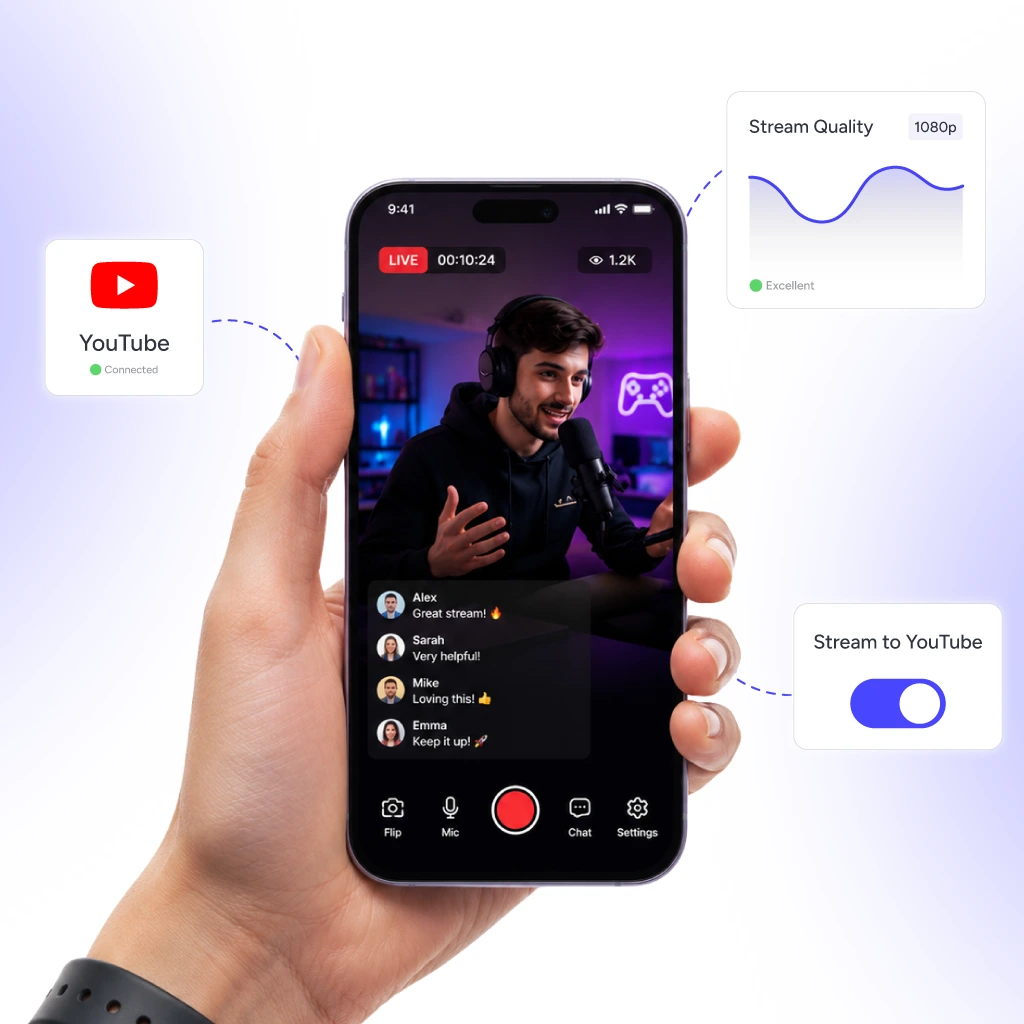
Stream live from pocket studio with YouTube Live Streaming tools

Your Pocket Studio

On the go? No problem, just pull out your phone and go live on YouTube with the OneStream Live mobile app.

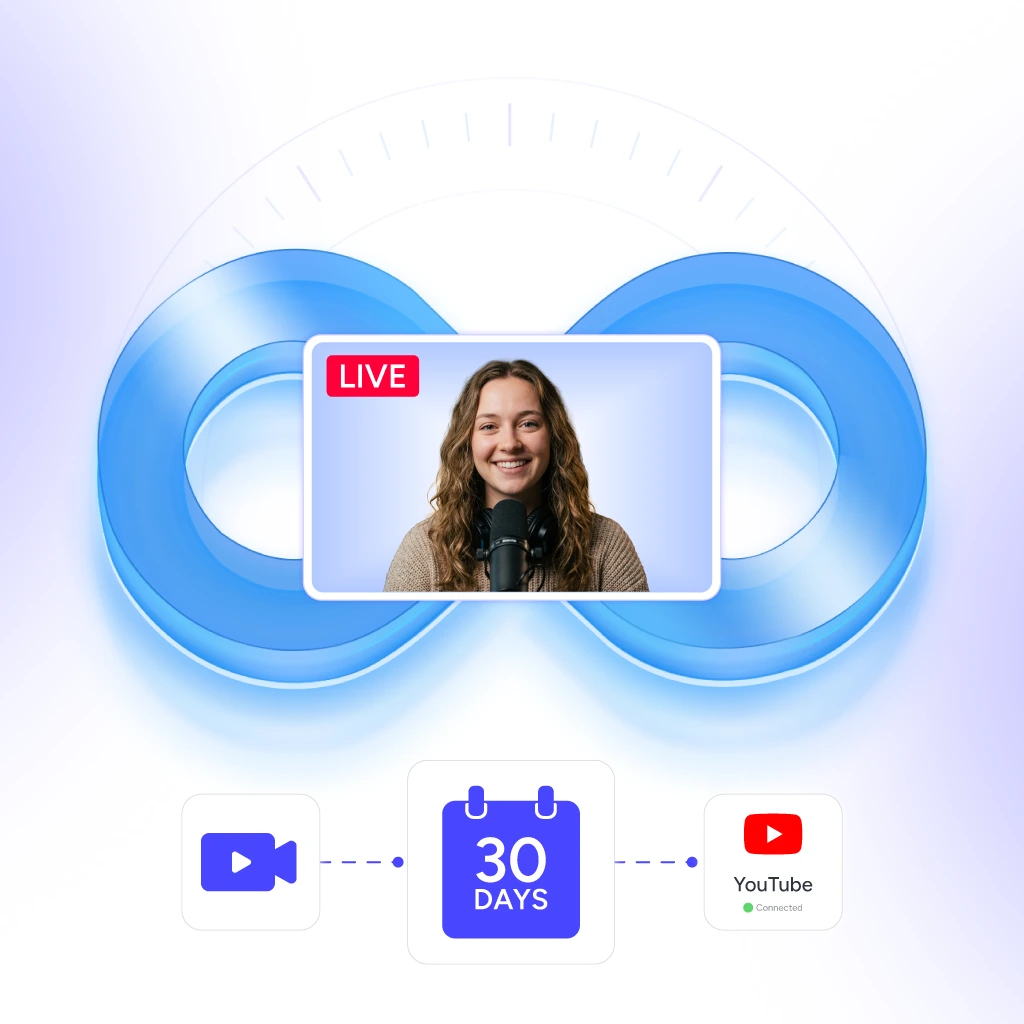
One video always live on YouTube Live Streaming

One Video, Always Live

Keep a single video running on a loop for 30 days. Set it once, forget it, and stay consistently visible without lifting a finger.

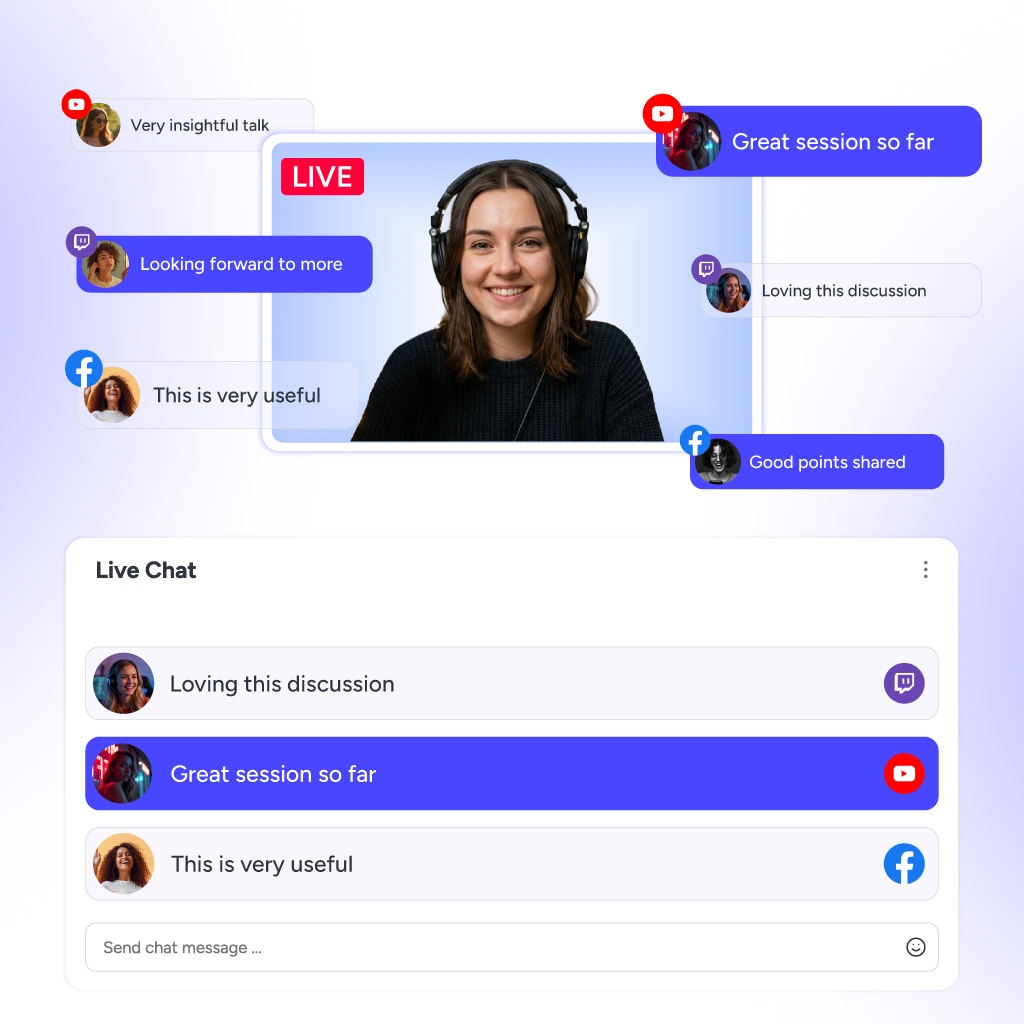
Centralized live chat showing all comments in your live stream

All Comments, One Place

Switching tabs mid-stream to interact with a fan? Not anymore. Every comment, reply, and message from all your YouTube live streams lands in one unified chat window.

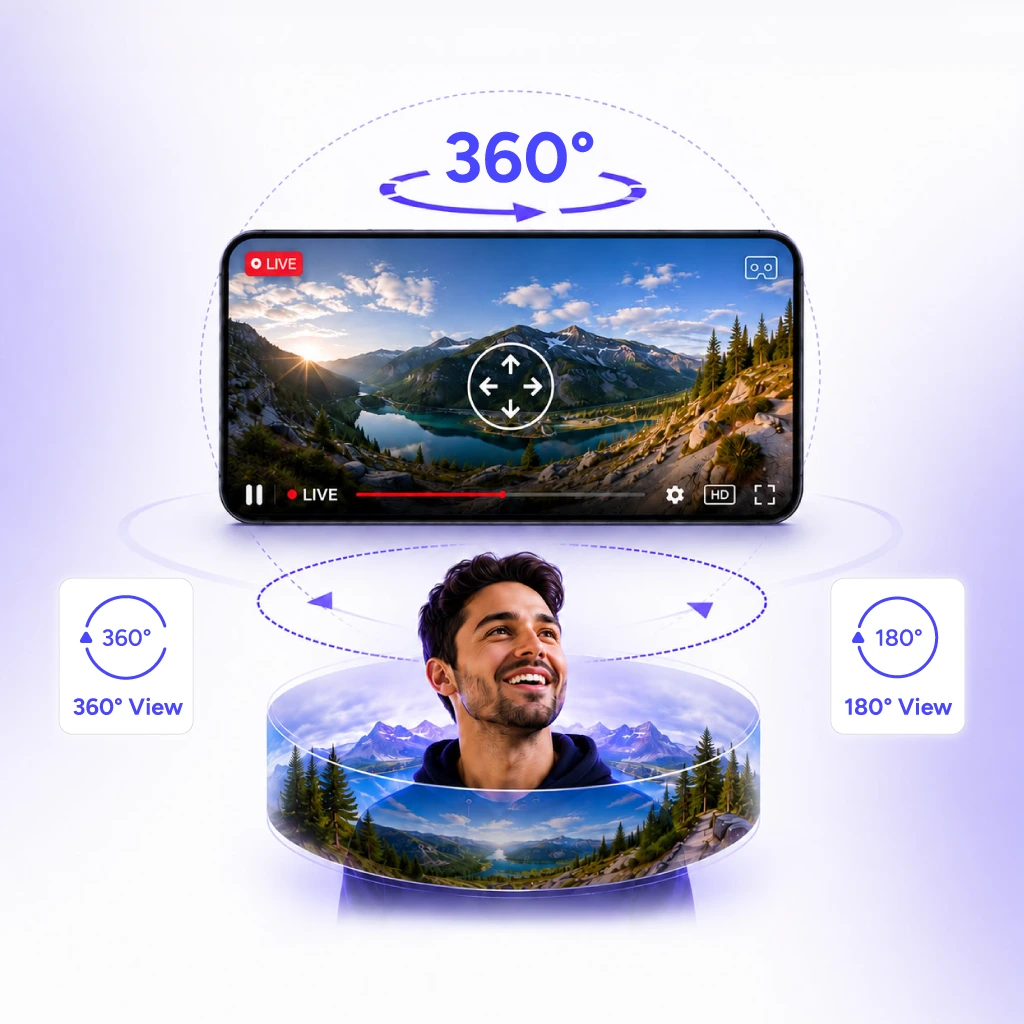
Immersive 360° video streaming experience

360° Video Streaming

Drop your audience into the experience with 180° or 360° video streaming. Immersive content that keeps people watching.

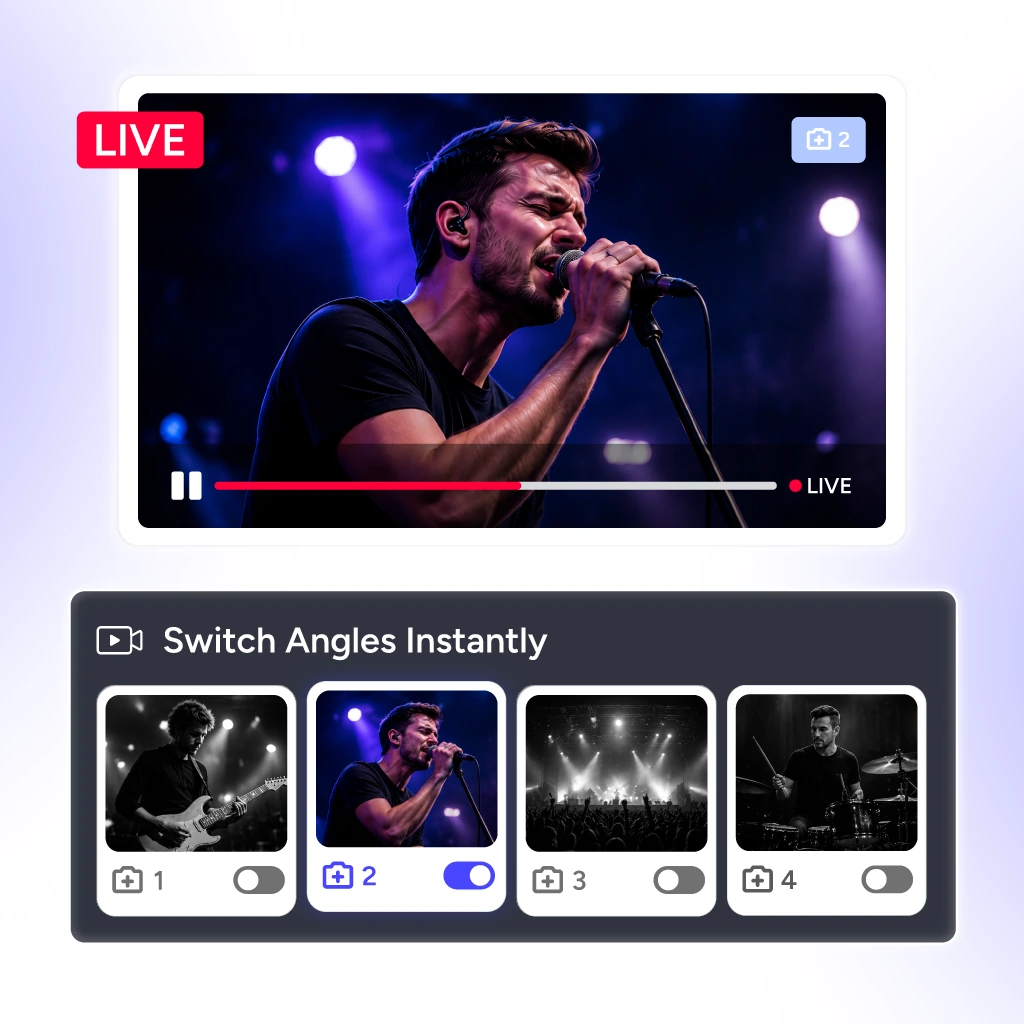
Switch between multiple camera angles while streaming live

One Stream, Multiple Angles

Switch between up to 4 cameras mid-stream and deliver a broadcast that keeps your audience locked in from start to finish.

Built for YouTubers Like You

Built for Creators

Whatever you create, wherever you stream, OneStream Live has you covered.

Gamers

Stream your gameplay, host live esports events, or just run casual streams while engaging with everyone in one window.

Churches

Your congregation isn’t just in the pews anymore. Stream sermons, services, and community events to a global audience.

Content Creators

The algorithm waits for none. Host Q&As, drop tutorials, collab with guests, and stay active with 24/7 YouTube live stream.

News Channels

Your YouTube Live can’t afford to lag. Deliver breaking news to a global audience with the reliability your credibility demands.

Businesses

Use YouTube live video streaming to run product launches, webinars, and product demos to turn viewers into customers.

Event Organizers

Sold-out venue? Great. But why miss the online audience. Stream events to thousands who couldn’t make it in person.

Why Creators Love It?

Real stories from real creators — why they choose OneStream Live for YouTube Live streaming.

"The app works great with YouTube and Facebook. Works with several platforms. This is the only streaming platform I rely on. Very easy to get started."

Ayé D.
G2 Review

Frequently Asked Questions

FAQs

Clear answers to everything you need to know about YouTube live streaming. Still stuck? Chat with support or explore our Help Center.

How to do a live stream on YouTube?

To live stream on YouTube directly, go to YouTube Studio, click on the “Create” button, and select “Go live.” Or simply connect your YouTube to OneStream Live and hit go live.

You need a verified YouTube account, no live streaming restrictions, and either a webcam or streaming software.

No, you only need 1,000 subscribers to live stream from mobile; for desktop streaming, there is no subscriber requirement.

Yes. Use the OneStream Live mobile app or your mobile browser to go live on YouTube directly from your phone, no desktop setup required.

By keeping your channel live 24/7 with pre-recorded content, OneStream Live helps you accumulate watch hours faster and helps you start earning.