
QR code to download the app

Scan To Download

Teleprompter

Teleprompter Lets You
Speak Like You Own it

Use our teleprompter to read your script off the screen flawlessly while maintaining your eye contact and crushing your delivery.

Stream With Confidence

Stream With Confidence

Teleprompter keeps your script anchored while you stay present. Your audience only sees the finished product: a confident, controlled performance.

No Downloads, No Hassle

Your teleprompter doesn’t need an install. It’s already in OneStream Live Studio waiting for you. Log in and go live.

One Script, Entire Team

Supercharge team efficiency by sharing your script in real-time. Keep the whole team on the same page, always.

Clear, On-Screen Script

Adjust text size and alignment to keep your script visible and your eyes locked on your audience. Simple, smart, effective.

Scroll at Your Own Pace

Speed up or slow down, using the online teleprompter. Set your scrolling speed to match exactly how you speak.

Script to Delivery in Seconds

Script to Delivery

Teleprompter lets you fine-tune your setup in seconds. Adjust speed, text size, and background while you're live or during setup.

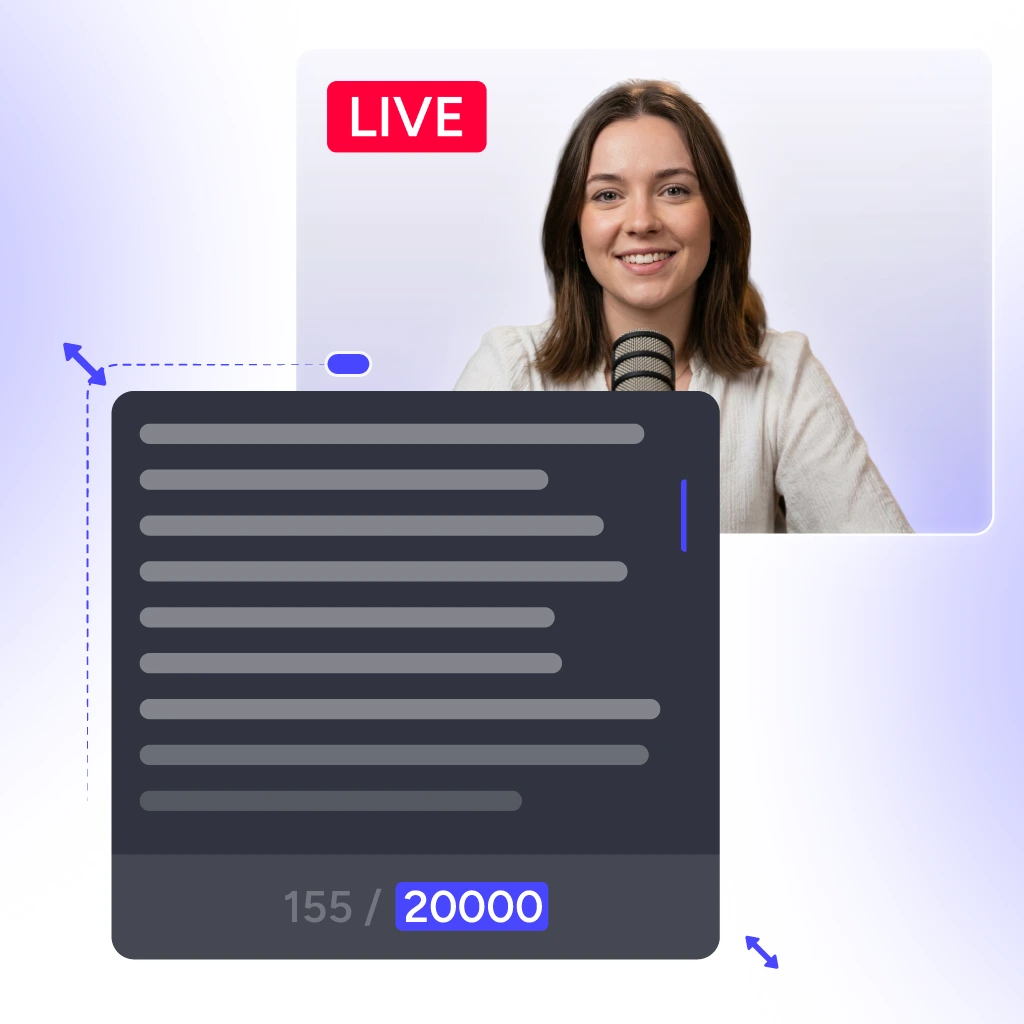
Type or paste a script into the online teleprompter before going live

Type or Upload

Add scripts up to 20,000 characters. Type it fresh or upload from your files. It loads the second you need it.

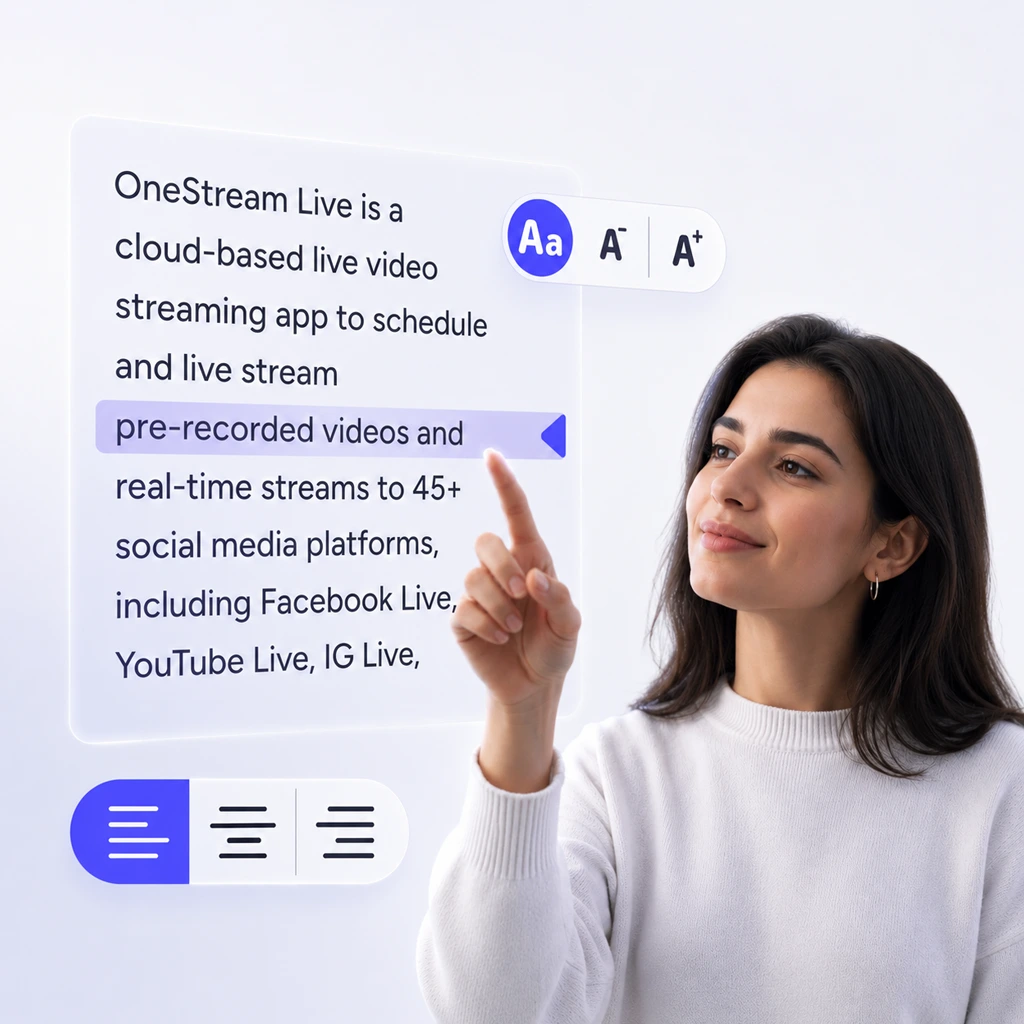
Adjust text size and background on the web based teleprompter to read it your way

Read It Your Way

Change text size on the fly. Pick alignment that keeps you looking straight ahead. Small adjustments, big difference.

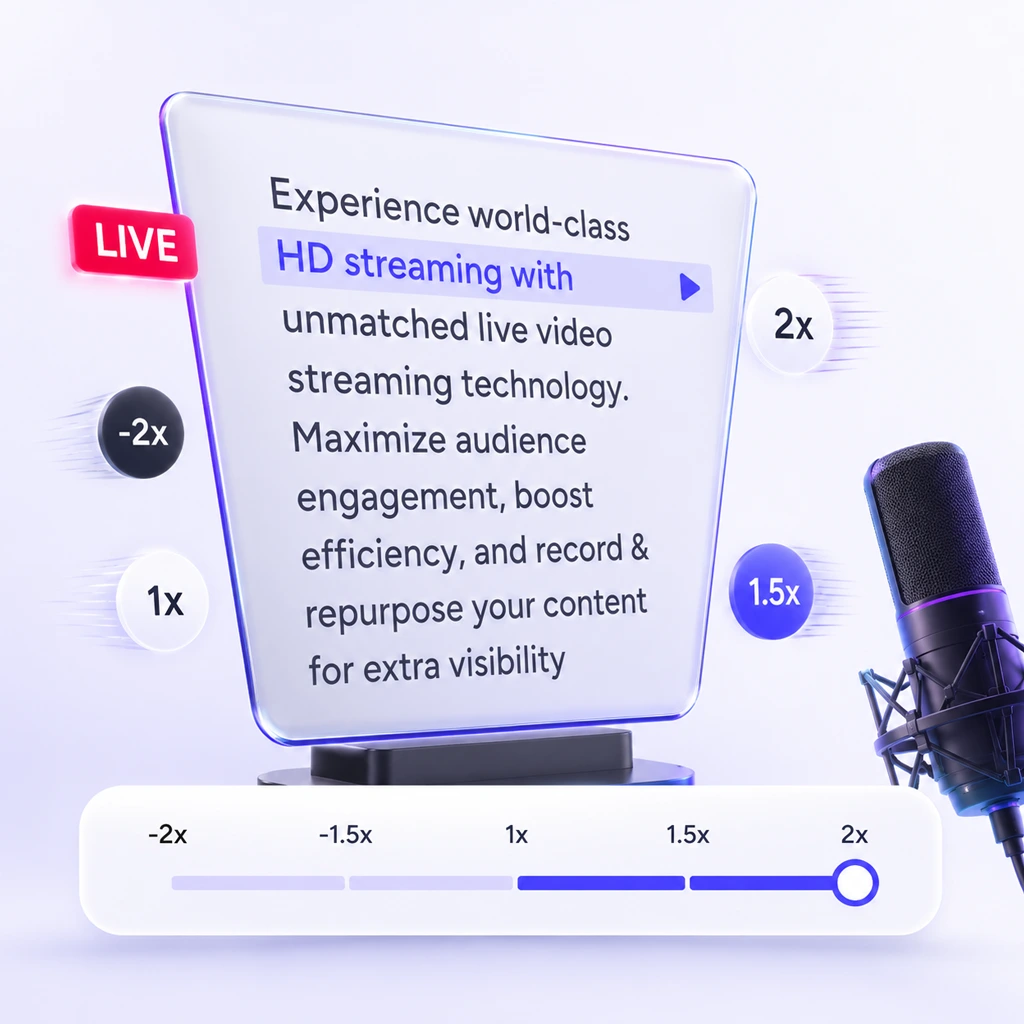
Set scroll speed on the professional teleprompter software to match your speaking pace

Match Your Speaking Speed

Adjust scrolling speed in real-time or before you go live. Your script moves at your natural talking pace.

Distraction free on screen teleprompter that clears the clutter while you present

Clear the Clutter

Make the background transparent or solid color. Less visual noise means more focus on reading. Fewer things to pull your attention away from delivery.

Teleprompter For All

Our teleprompter is perfect for streamers, presenters, and creators who want flawless delivery while staying engaged with their audience.

Content Creators

Stop stressing over script, deliver flawlessly.

YouTube Creators

Nail every stream with confidence.

Business Professionals

Own your pitch & make every word count.

Event Hosts

Stay on point and keep the flow going.

Influencers

No script slips. Stand out, speak loud.

Public Speakers

Engage your crowd and stay on track.

Why Are We Loved?

Real stories from real users — why they choose telepprompter.

"As a new streamer, I always forgot what I planned to speak about once the camera went live. The built-in teleprompter changed that. Now I just copy paste my script and focus on my audience instead of my notes."

Sarah Mitchell, OneStream Live teleprompter user review.
Sarah Mitchell
Trustpilot Review

Frequently Asked Questions

FAQs

Clear answers to everything you need to know about the teleprompter. Still stuck? Chat with support or explore our Help Center.

Can multiple people use the teleprompter at the same time?

Yes. Each team member can enable their own teleprompter independently. Every user sees only their own overlay with their own controls, speed, font size, and playback.

No. It is only visible to the user who enables it. Guests and other team members cannot see your overlay.

Not while it’s active. Script editing is temporarily disabled to protect your live delivery. Once you disable the teleprompter, editing is available again.

Your script stays intact. Closing or hiding the overlay does not delete your content, you can restore the teleprompter anytime and pick up right where you left off.

No. Scripts are auto-saved in real time, so you never have to worry about losing your content between sessions.