

Multi-Camera Live Streaming
Switch between cameras in real time and create dynamic live shows with multicamera live streaming. No complicated setup required.
Want to show more than one angle? Connect multiple cameras and give your viewers a clearer and more engaging view.
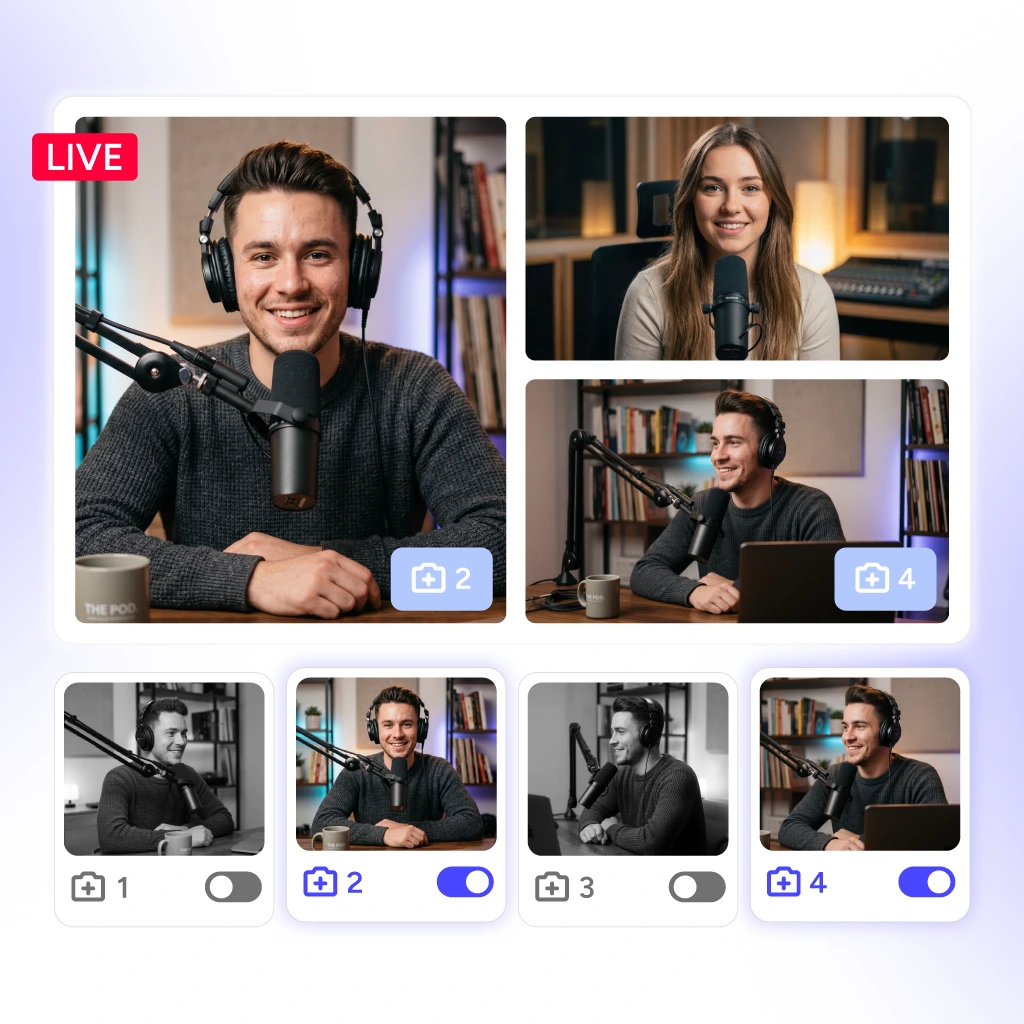
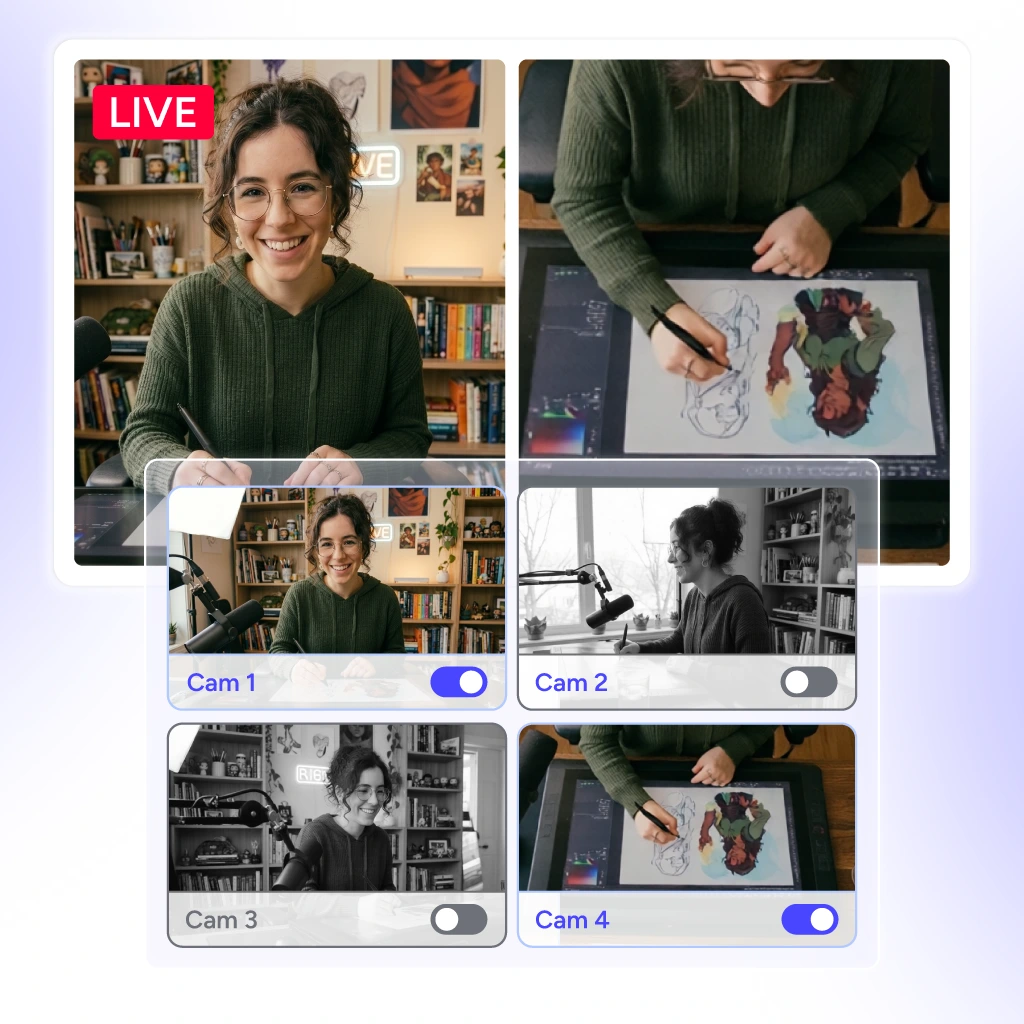
Capture every moment with multiple angles.
Smartphones, tablets, webcams, DSLRs, camcorders and more.
Switch between camera angles seamlessly without pauses.
Run the whole show from one screen. OneStream Live Studio puts your cameras, layouts, and destinations in one browser-based setup, no tool-hopping required.
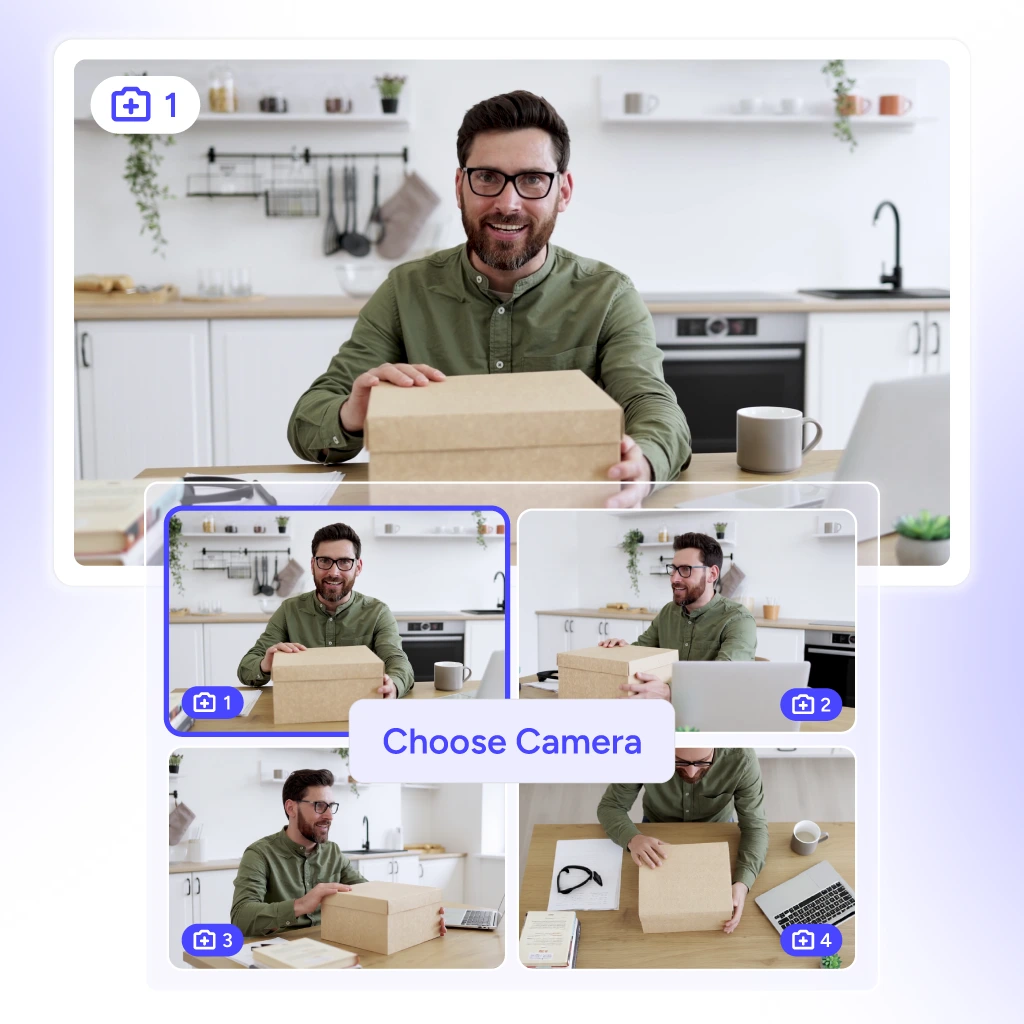
Connect up to four cameras in one stream and choose what your audience sees in real time.
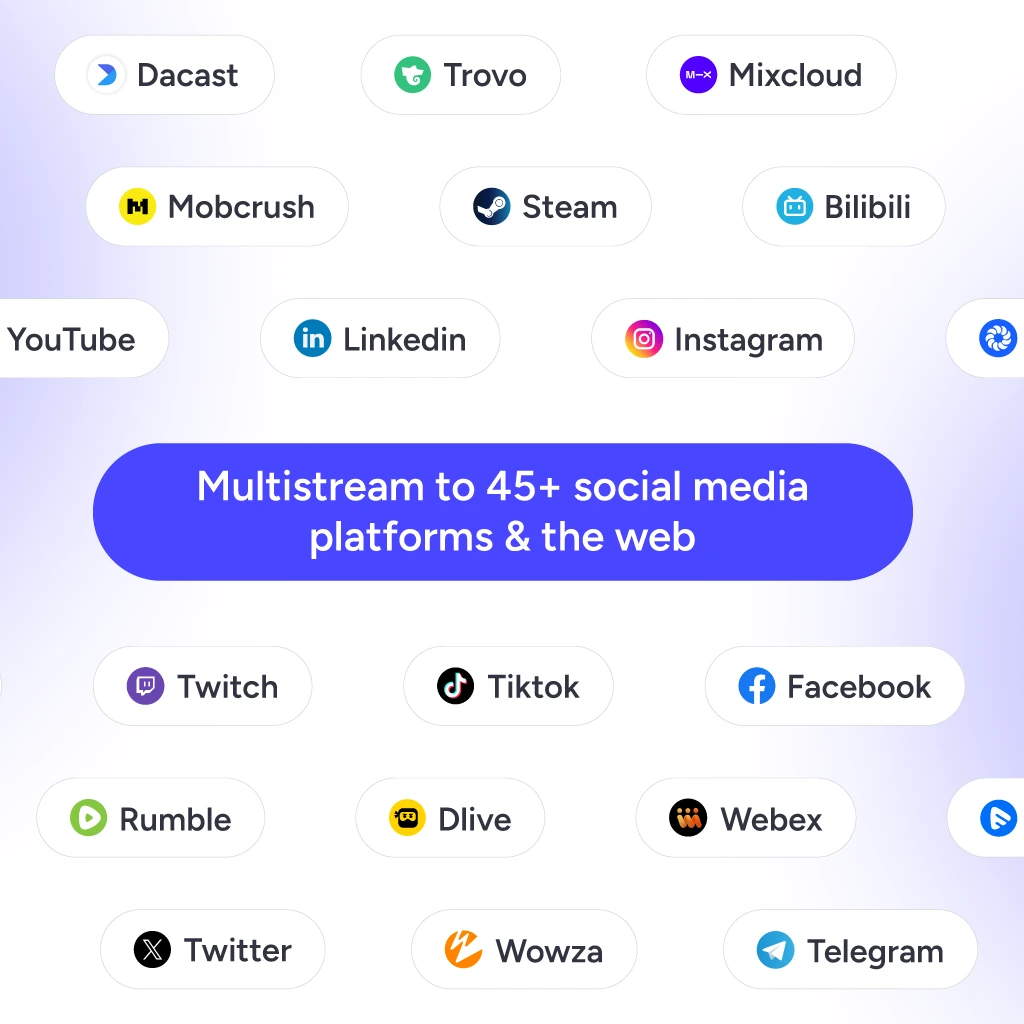
Stream footage from multiple cameras across 45+ platforms at once from a single live stream.
Switch between camera angles smoothly and adjust how they appear on screen.
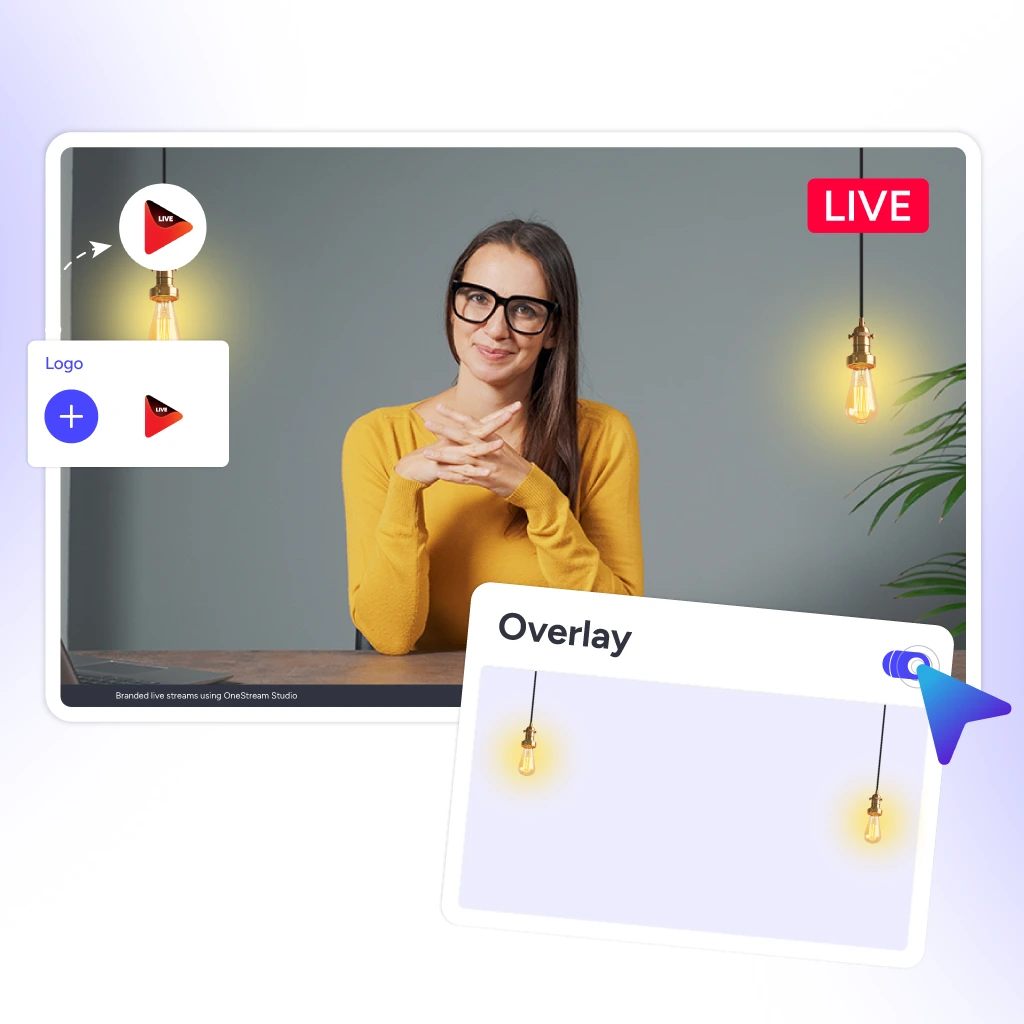
Add logos and overlays to your multicam live stream for a consistent branded look.
Launch professional multi-camera streams fast. Here's how to get live in three steps.
Open Live Studio and add each camera feed.
Choose the angle you want on screen and change it anytime.
Stream to your selected platforms and the web from one dashboard.
Cover every moment from every angle, no matter what you’re streaming.
Real stories from real users — why they choose multicamera streaming.
Find answers to common questions about multi camera live streaming. Still stuck? Chat with support or explore our Help Center.
To live stream with multiple cameras, connect each camera to OneStream Live Studio and easily switch between camera feeds during your broadcast.
Set up multiple cameras at different angles and connect them directly in OneStream Live Studio. Make sure each camera feed is properly synced so you can switch between angles smoothly during your stream.
Camera switching can be done manually with a video switcher or automatically with live streaming software like OneStream Live that supports multicamera operation.
For multicamera live streaming, you’ll need multiple cameras, a video switcher, a capture card, and streaming software that supports multiple inputs.
Yes, wireless cameras can be used for multicamera streaming, but ensure they have a strong, stable connection to avoid interruptions.
We use cookies to enhance your browsing experience, serve personalized content, and analyze our traffic. By clicking "Accept All", you consent to our use of cookies.
Essential for the website to function properly.
Enable enhanced functionality and personalization.
Help us understand how visitors interact with our website.
Used to deliver relevant advertisements.