
QR code to download the app

Scan To Download

Unified Chat

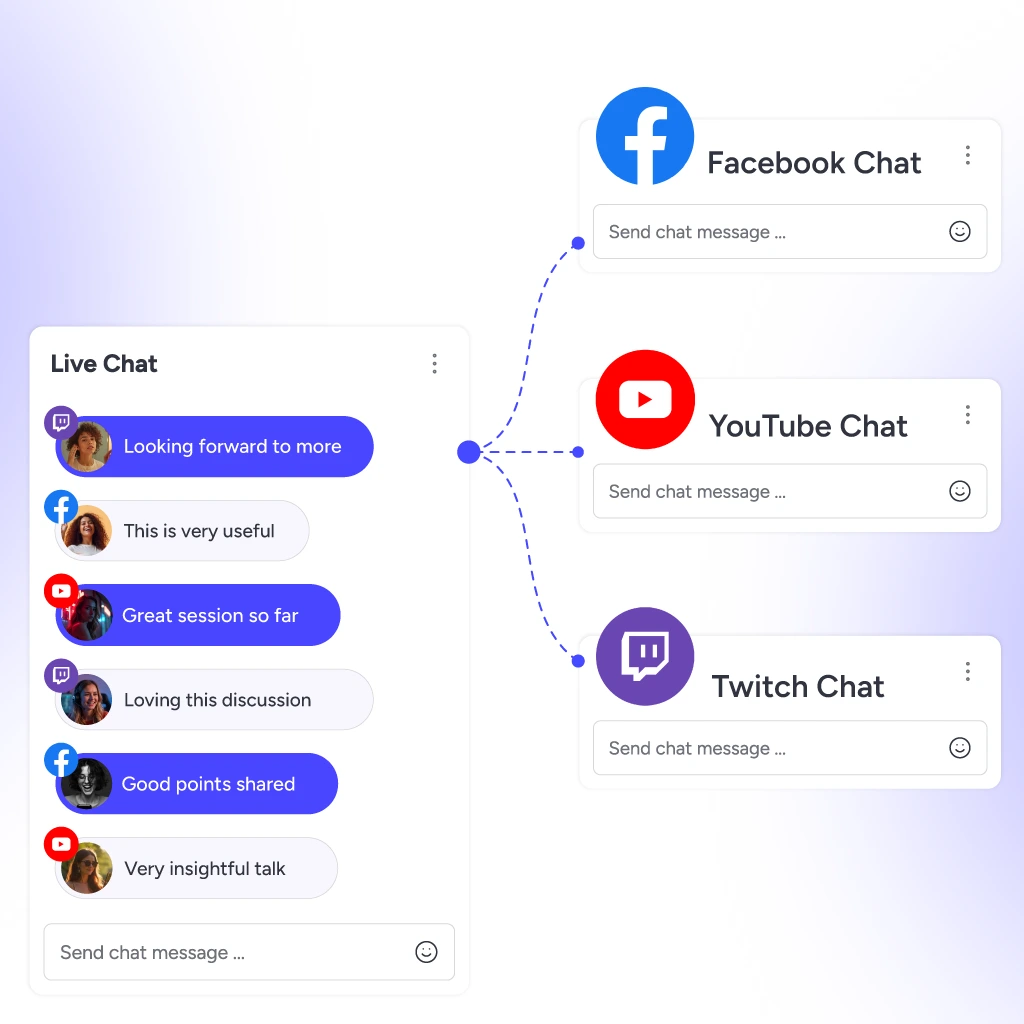
Unified Live Chat
One Window

Take control of all your incoming messages from multiple platforms through our Unified Chat feature. Show live chat on screen or engage in private chat, all without tab switching.

Stream Smarter, Not Harder

Keep your chats streamlined with our unified messaging service, so you can enjoy seamless engagement effortlessly.

One Window, All Platforms

Stop juggling browser tabs. Use OneStream Live Unified chat to handle messages from all platforms in one place.

Network. Interact. Connect.

Build real communities with real-time chats. Use Unified Chat to spark convos and build your audience across all platforms.

Stream More, Stress Less

Multi-chat madness? Not anymore. Stay organized with Unified Chat and just focus on creating great content.

Never Miss a Message

All comments, questions, and shoutouts in one place. Never miss a message, no matter how many platforms you’re live on.

Features That Connect

Features
That Connect

Simplify your workflows and connect without chaos. OneStream Live Unified chat is packed with features to keep you connected and in control.

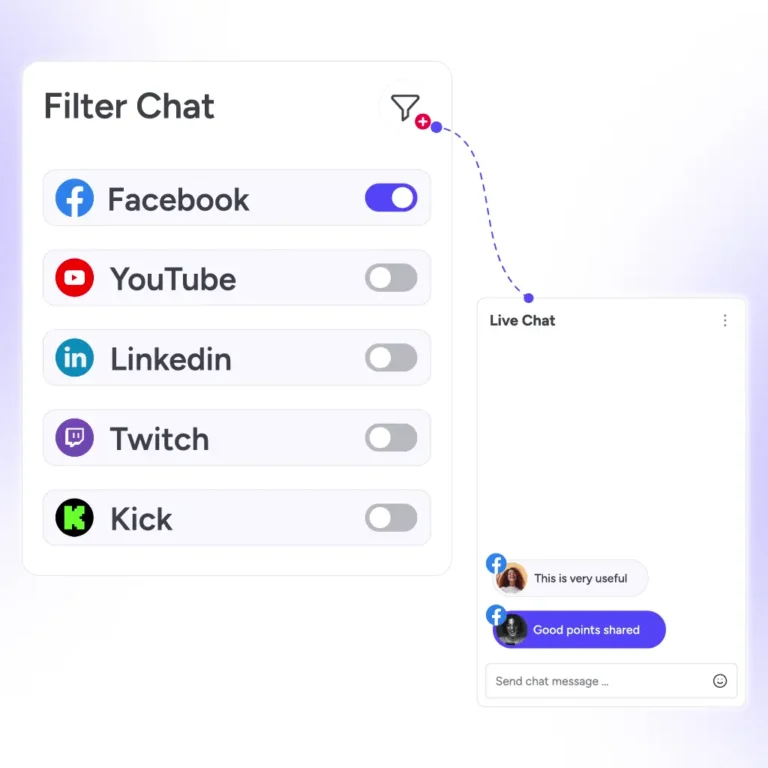
Unified Chat filters messages by platform so teams can prioritize the right conversations faster

Filter Chat

Cut through the noise and filter messages by platform. Prioritize conversations that matter the most.

Unified Chat works across the OneStream Live ecosystem for one connected messaging workflow

Available for All Products

Whether you use Live Studio, encoder streaming or pre-recorded streams, you can enjoy unified messaging for seamless communication.

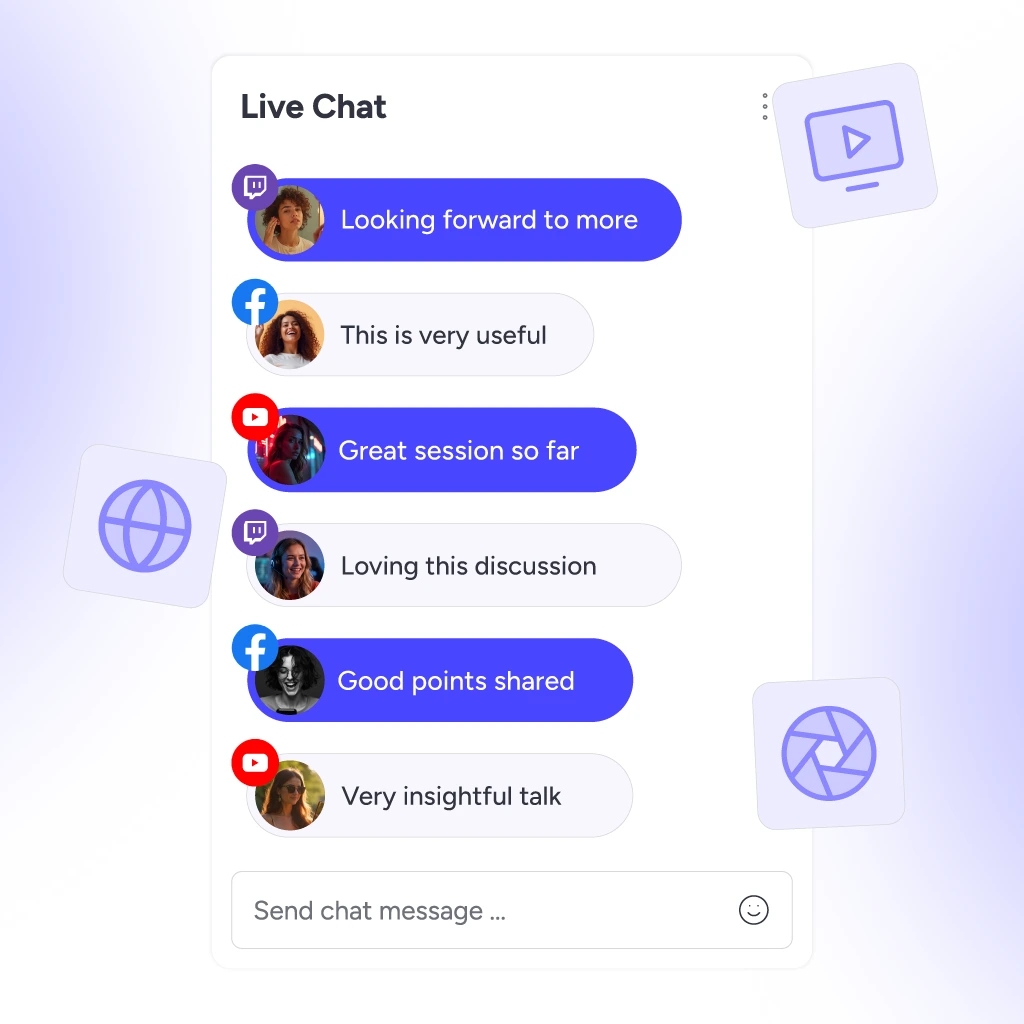
Unified Chat displays messages from multiple streaming platforms in a single conversation window

 Multiplatform Chat

Enjoy unified chat across your stream, bringing messages from all platforms into one place – Facebook, YouTube, LinkedIn, Twitch, and more.

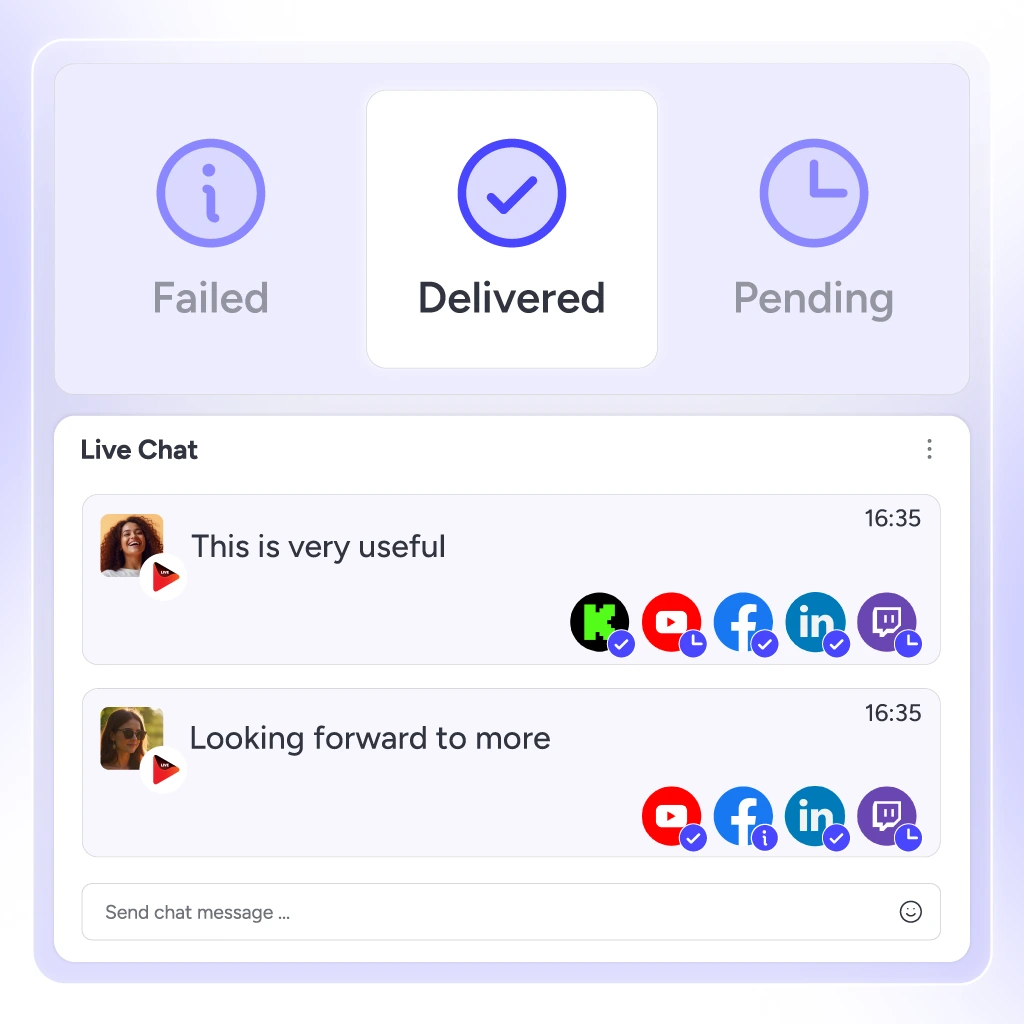
Check message status in Unified Chat with delivered, failed, and pending message updates

Check Messages Status

Know exactly what happens with every message. Track delivery status — delivered, failed, or pending.

Supported Platforms

Unified Chat works seamlessly across all your favorite streaming platforms, including Facebook, LinkedIn, YouTube, Twitch, and Kick.

Facebook live streaming platform icon

Facebook

LinkedIn live streaming platform icon

LinkedIn

YouTube live streaming platform icon

Youtube

Kick live streaming platform icon

Kick

Twitch live streaming platform icon

Twitch

Why Are We Loved?

Real stories from real users — why they choose OneStream Live.

"The unified chat lets me bring all the comments from my Facebook Profile and my page into one place. No more jumping between platforms to keep up with my audience. Very convenient at all."

Paz W., OneStream Live unified chat user review.
Paz W.
Capterra Review

Frequently Asked Questions

FAQs

Quick answers to everything you need to know about Unified Chat. Stick stuck? Chat with our support or explore our Help Center.

What is Unified Chat?

It is a single interface that brings together messages and comments from multiple platforms into one window.

This feature is currently available for Facebook Pages, YouTube, Kick, LinkedIn Pages and Twitch. While you can receive messages from a Facebook Profile, responding to them is not currently supported.

This feature is currently in the pipeline for mobile apps. It will be available soon.

Yes. You can use Unified Chat for pre-recorded streaming, external encoder streaming, Live Studio, Custom Websites, and Stream Players.

Yes. You can use Unified Chat for pre-recorded streaming, external encoder streaming, Live Studio, Custom Websites, and Stream Players.