Streamlabs Alternative
OneStream Live Does it Better

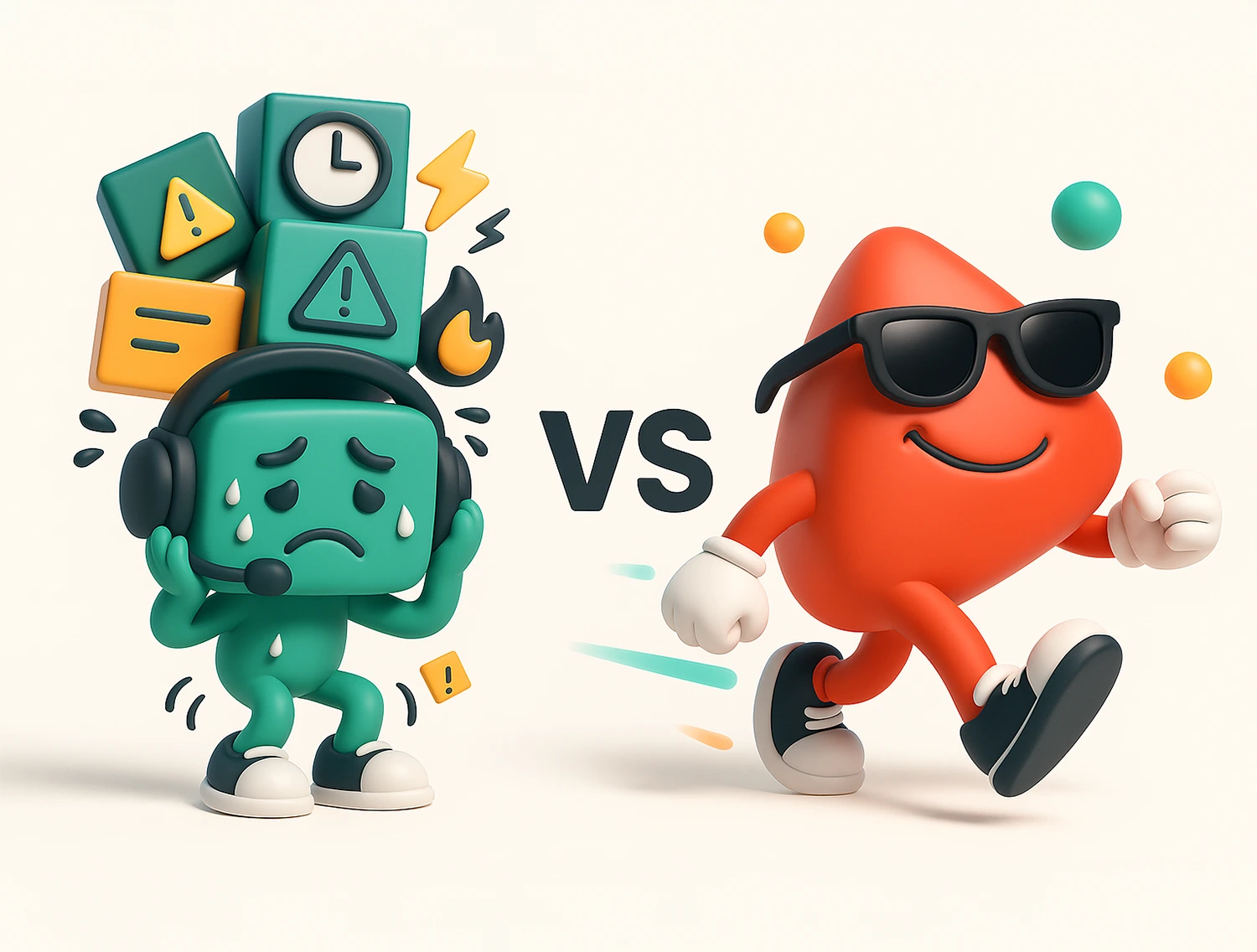
Are you tired of tweaking layers, syncing overlays and troubleshooting CPU overloads with programs like Streamlabs? Meet OneStream Live – the smoother, simpler Streamlabs alternative for creators who want pro features without the stress. Stream directly from your browser, manage multistreams like a pro, and automate content without ever opening a desktop app (unless you want to).
No credit card required

Trusted by 2 million+ users worldwide

Fight Burnout

Why Look for a Streamlabs Alternative?

If you’ve ever searched “Streamlabs Mac alternatives”, “Software like Streamlabs”, or frantically typed “which is better OBS or Streamlabs?” mid-stream…you’re clearly ready for something smoother.
Here’s what many creators experience with Streamlabs:
That’s why content creators are exploring Streamlabs competitors that are flexible, web-based, and automation-ready, like OneStream Live.
Streamlabs Alternative For All Devices

Take Control

Switch to a Streaming Powerhouse

Why limit yourself with Streamyard? OneStream Live gives you the power to:
OneStream Live is the best Streamlabs Alternative
If you’ve been stuck finding a Streamlabs alternative, here’s the plot twist: OneStream Live is what both were trying to be, but easier.
No downloads. No overheating. Just plug-and-stream simplicity.
Bonus: OneStream Live is the best Streamlabs Mac alternative. Voila! Works equally well with Windows!
Compare Prices

OneStream Live vs Streamlabs Plans

Shopping for a budget-friendly Streamlabs alternative? Let’s look beyond just numbers and actually compare what each plan offers and what’s missing if you’re using Streamlabs.
Plan
OneStream Live
Streamlabs
Free Plan
2 destinations
720p
1 GB storage
4 guests
2 destinations
720p
1 GB storage
1 guest
Basic Plan
5 destinations
720p
5 GB storage
2-hour sessions
6 guests
Download recordings
Embed player
Not available
Streamlabs has no budget-friendly entry tier with these features
Standard Plan
10 destinations
1080p
20 GB storage
6-hour sessions
10 guests
Teleprompter
3+ destinations
1080p
10 GB storage
4-hour record limit
Up to 11 guests
No teleprompter
Professional Plan
30 destinations
50 GB storage
10-hour sessions
Playlist streaming
RTMP support
Password protection
12 guests
Teleprompter
Not available
No comparable plan with a playlist or advanced streaming automation

Programs like Streamlabs would make you bolt on features to upgrade Talk Studio. With OneStream Live, Studio access is built in and gets better with every plan.

Streamlabs Ultra locks key features like multistreaming, guest invites, and custom branding behind a pricey paywall. OneStream Live is the streamlabs competitor that gives you more control, better automation, and professional-grade tools, starting at a fraction of the cost.
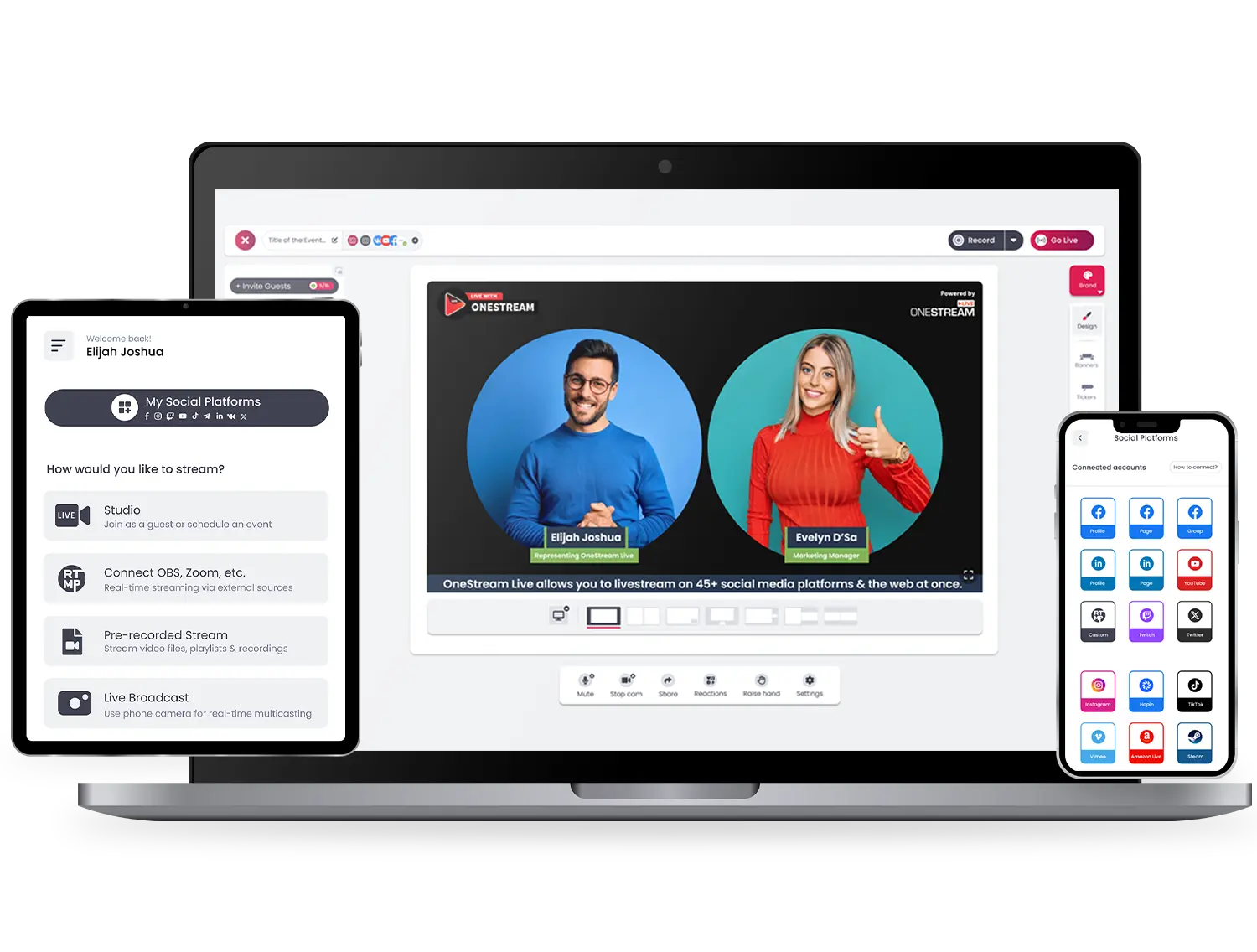
Streamlabs alternative dashboard with multistreaming

Streamlabs vs OneStream Live: Which Platform is Actually Built for Creators?

If you’re building a personal brand, hosting webinars, leading virtual events, or growing a channel, OneStream Live makes it easy.
Streamlabs might work if you’re deep in the gaming world. But if you need scalability, flexibility, and automation, OneStream Live wins hands down.
Creator streaming live using a Streamlabs alternative
Make a Choice

Is OneStream Live Just Another Program Like Streamlabs?

When you look for software like Streamlabs, you’re likely seeking:
OneStream Live delivers all that without the need for downloads, plug-ins, or hidden costs. It’s the Streamlabs alternative (and an OBS alternative too) for modern streamers who just want to go live, no strings attached.
Software like Streamlabs features like overlays and 24/7 streaming

Ready to Stream Smarter?

Make the switch to OneStream Live, the Streamlabs alternative that respects your time, budget, and bandwidth.
More destinations. More automation. Less stress.
Get started today and build a more innovative streaming workflow with OneStream Live.

Why Live Streamers Love Us

Live Stream Anywhere, Anytime

Stream easy and hassle-free with OneStream Live – compatible with all browsers on all devices – desktops, laptops, tablets, and smartphones. Mobile apps are also available for Android and iOS both.
amazon-store-btn
Download OneStream Live mobile app or go live from desktop browser

Frequently Asked Questions

What’s a solid Streamlabs alternative for multistreaming?
OneStream Live offers built-in multistreaming to 45+ platforms; no extra software or plugins are required.
Is there a simpler option for beginners than Streamlabs?
OneStream Live is a beginner-friendly, intuitive interface with no technical setup, and is ideal for creators who want to go live fast.
Is OBS or Streamlabs better?
OBS offers more control for advanced users, while Streamlabs is more manageable for beginners. But OneStream Live combines the best of both powerful features with no technical setup.
Can I still use overlays and branding without Streamlabs?
Yes. Many cloud-based platforms let you add custom overlays, logos, and backgrounds directly from your browser.
Do I need to install software to stream professionally?
Not anymore. Cloud-based tools now let you stream, schedule, and manage broadcasts all from your browser, so no downloads are needed.
Does OneStream Live support overlays, guests, and multistreaming like Streamlabs?
Yes. You get studio-level features like branded overlays, guest invites, and multicasting, plus pre-recorded streaming and teleprompter support.