TikTok Live Stream

Want to go live on TikTok using your desktop setup? With OneStream Live, you can stream directly to TikTok Live stream using a stream key—no mobile-only restrictions!
No credit card required

Explore the TikTok Edge

Why Go Live on TikTok?

Go live from your phone—mobile live streaming made easy on Android & iOS.
Masivereach

Massive Reach

TikTok has over 1 billion monthly users. Going live boosts your discoverability.

no edit

No Edit, No Problem

Live video is raw, real, and time-saving—no post-production needed.

boost-algorithm
Algorithm Boost

TikTok's algorithm favors live content. Going live can get you more views, likes, and followers fast.

monetizeinstantly

Monetize Instantly

Receive gifts from viewers that convert to real income during your TikTok live stream.

Reachgenzandmellinials
Reach Gen Z Easily

Over 60% of TikTok users are under 30—perfect for creators targeting younger audiences

break-mobile-barrier
No Mobile Barrier

Stream to TikTok from desktop or with pro gear using OneStream Live’s RTMP support.

Go Viral on TikTok

OneStream Live + TikTok Live Stream

Stream from PC or Mobile

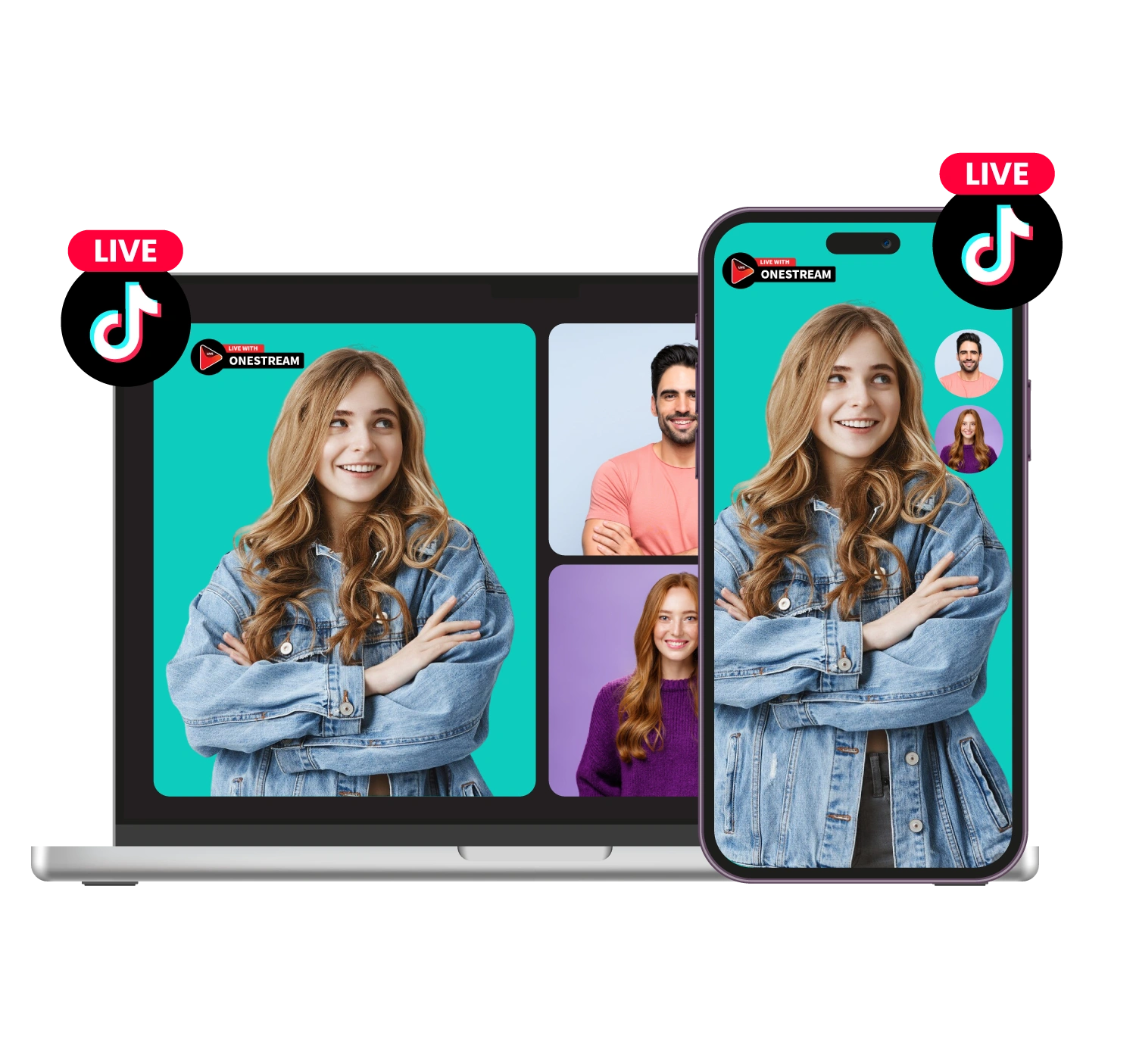
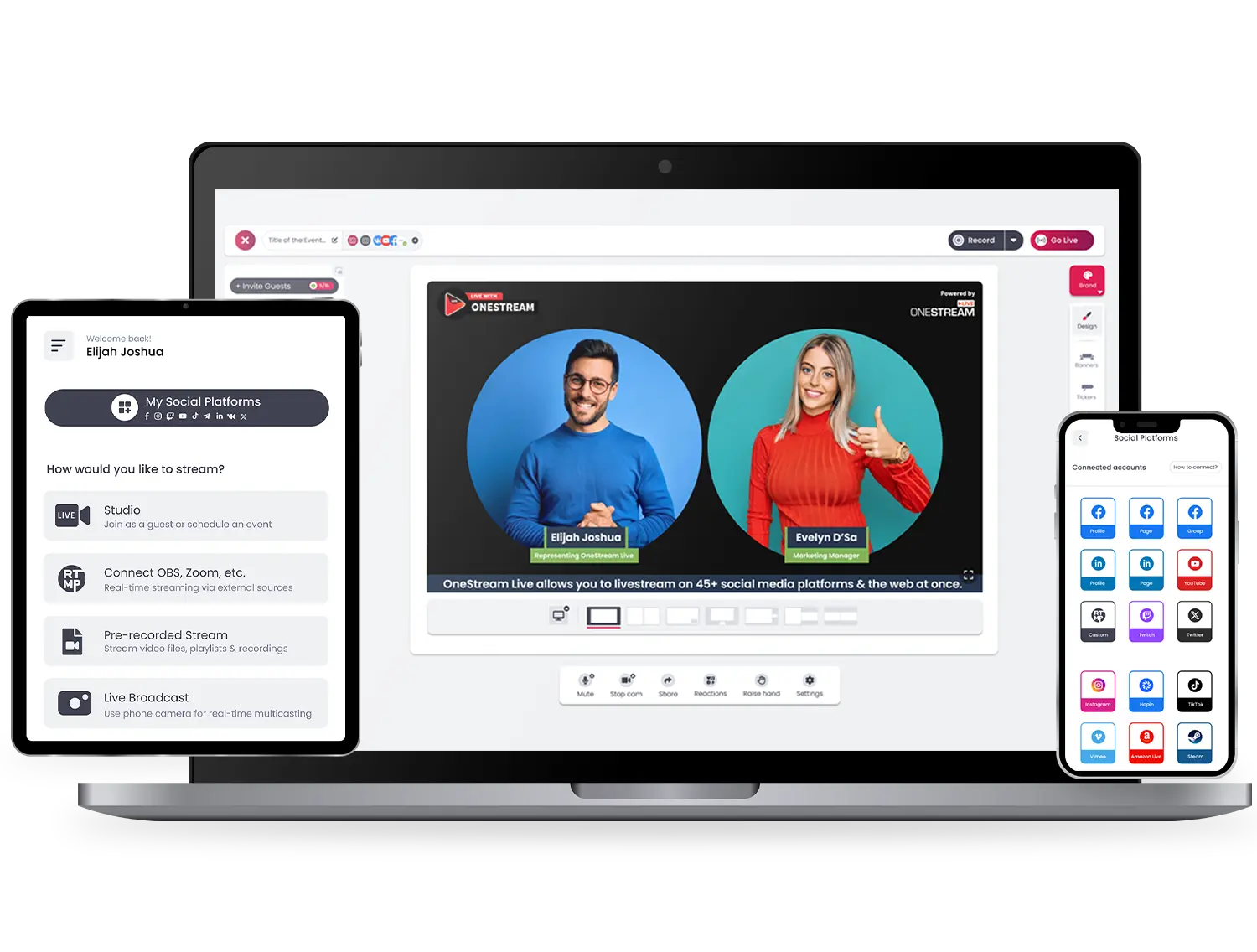
No need to rely on your mobile phone only. Use OneStream Live to stream directly to TikTok from your desktop, using webcams, DSLRs, or any other connected device.
TikTok live stream with OneStream Live
TikTok live streaming with OneStream Live

Multistream to TikTok and 45+ Other Social Media

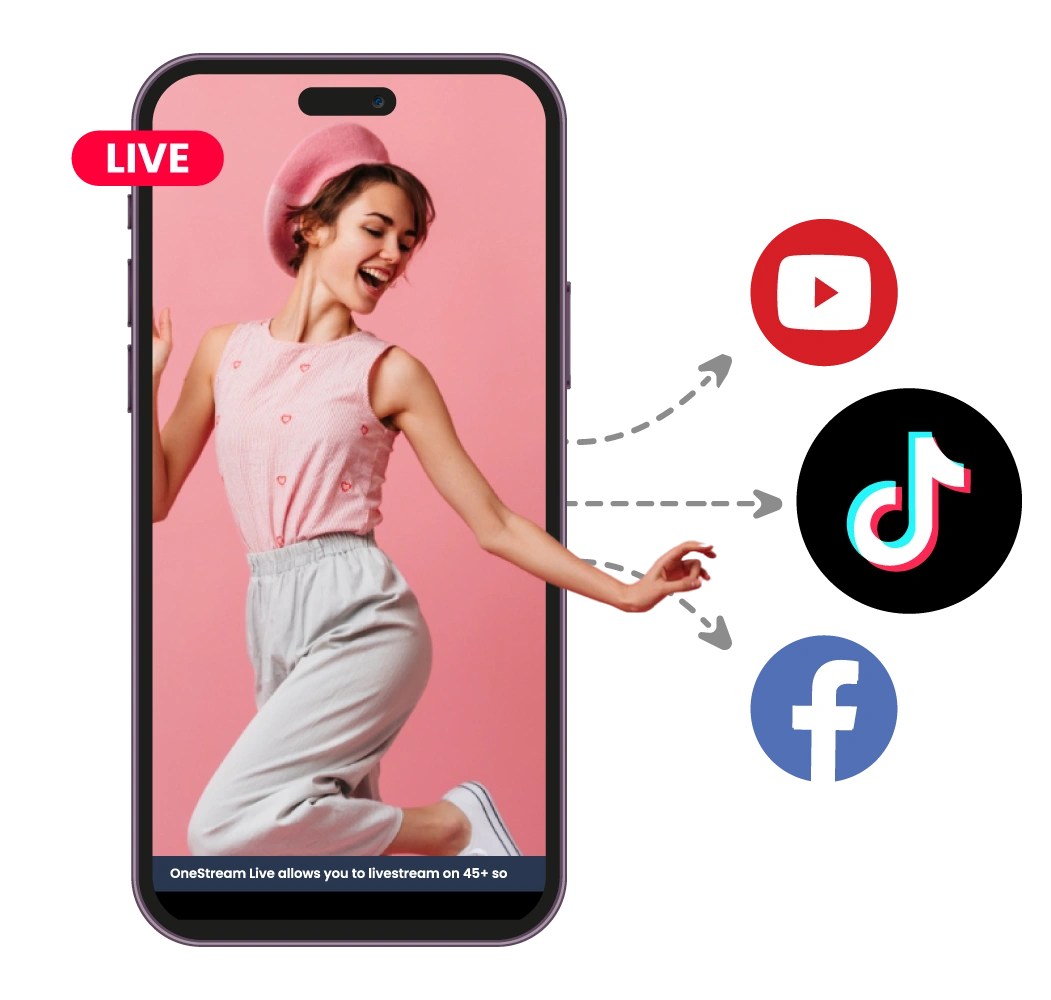
With OneStream Live, you can go live on TikTok, Facebook, YouTube, Instagram, and 45+ destinations simultaneously. Better yet, embed the same stream on your website too. Reach all your audiences at once.

Pre-Record for TikTok Live

Don’t have time to go live in real-time? Schedule a pre-recorded video to stream live on TikTok at any time. Or loop a playlist of multiple pre-recorded videos up to 60 days in advance.
How to go live on TikTok with OneStream Live
How to live stream on TikTok with OneStream Live

Branded TikTok Live Stream

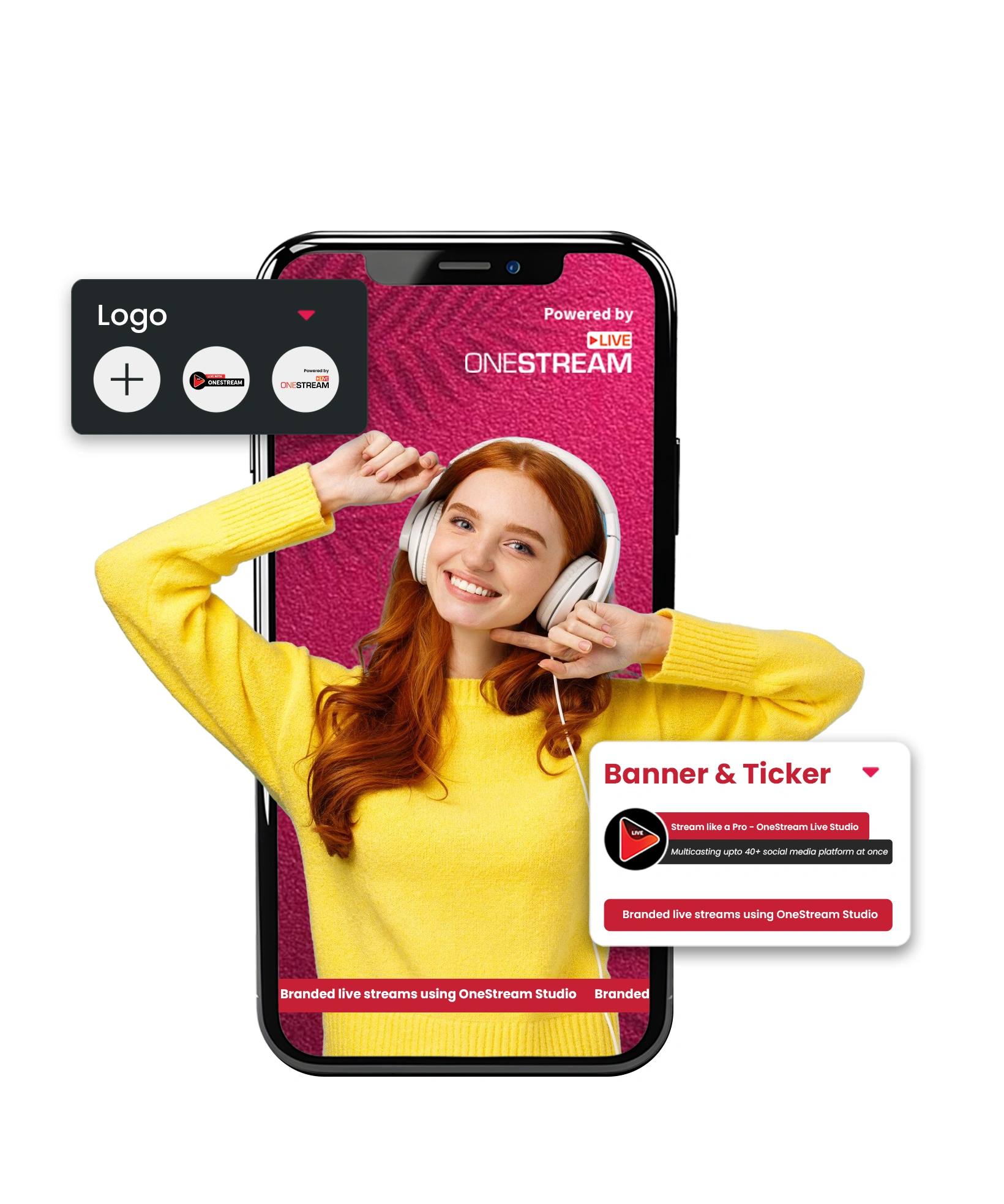
Make your TikTok Live look professional and branded. Add logos, overlays, custom backgrounds, and on-screen tickers right in the Studio and stand out from the crowd.

Portrait Streaming

TikTok is a vertical video platform. When using OneStream Live Studio, set your canvas to a 9:16 aspect ratio (portrait mode) so that your stream is optimized for TikTok’s viewing experience.
Go live on TikTok with OneStream Live

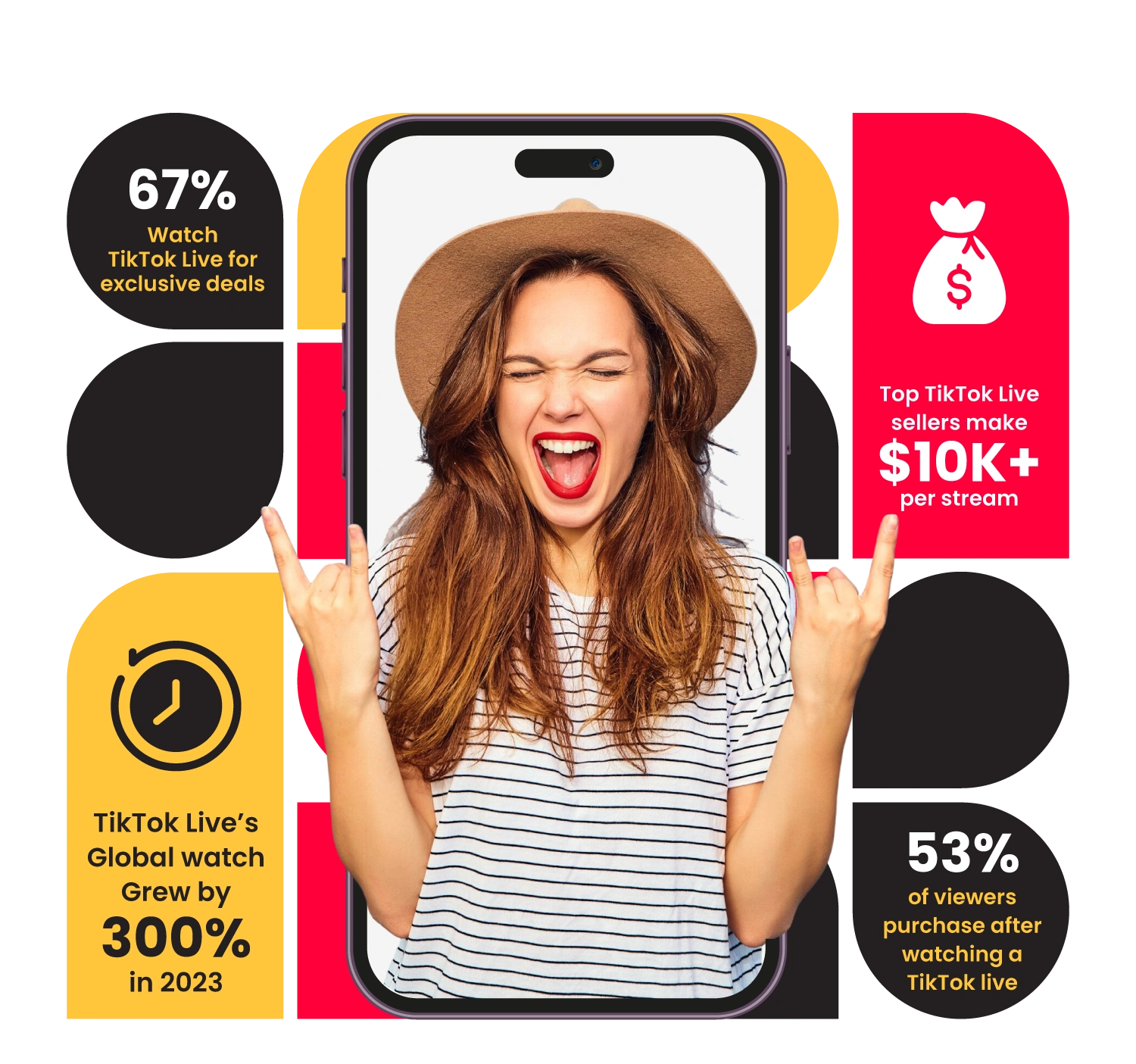
Learn from the Stats

Stream on TikTok with OneStream Live
Getting Started

How to Go Live on TikTok Live

team-01

Get TikTok stream key

Your account must have 1,000+ followers and LIVE access.

team-02

Log in to OneStream Live

Add TikTok as a Custom RTMP destination.

team-03

Paste stream key & URL

Connect your TikTok live stream setup.

team-04

Choose your stream type

Use Live Studio, encoder, or pre-recorded video.

team-5

Select TikTok as the destination

Add other platforms too if you want to multistream.

Hit “Go Live”

Start streaming on TikTok like a pro.

TikTok-Live

Why Live Streamers Love Us

Live Stream Anywhere, Anytime

Stream easy and hassle-free with OneStream Live – compatible with all browsers on all devices – desktops, laptops, tablets, and smartphones. Mobile apps are also available for Android and iOS both.
amazon-store-btn
Download OneStream Live mobile app or go live from desktop browser

Frequently Asked Questions

How do I go live on TikTok?
To go live on TikTok, open the app, tap the “+” button, swipe to the LIVE option, enter a title, and tap Go Live. First, make sure your account meets TikTok’s requirements.
Do I need 1,000 followers to go live?
Yes, you need at least 1,000 followers and must be 16 years or older to go live on TikTok. If you’re 18 or older, you can receive virtual gifts during livestreams.
Does TikTok pay for live streams?
TikTok doesn’t pay you directly for going live; viewers can send virtual gifts during your streams. These can be converted into real money through TikTok’s rewards system.
Can I go live on TikTok using OneStream Live?
Yes, you can! With TikTok RTMP access, OneStream Live lets you stream high-quality, pre-recorded or live content to TikTok using professional gear, overlays, and branding.
What are the benefits of using OneStream Live for TikTok streaming?
OneStream Live offers HD streaming, branding tools, guest support, and the ability to stream pre-recorded videos, making your TikTok Live stream more professional and engaging.
Can I stream to TikTok from my desktop?

TikTok’s native app is mobile-first, but if you have RTMP access, you can stream from your desktop using OneStream Live, OBS, or other encoders.

Need Help or Custom Assets?

We’re here to make your job easier.