The sale is over, but you can still put your streams on autopilot. Plan once, schedule in advance, and go live across 45+ platforms.
Press Play and Step Away
Turn your vacation mode on and let your streams soak up the summer fun. Set your streams once, keep them running, and stay visible while you are away.
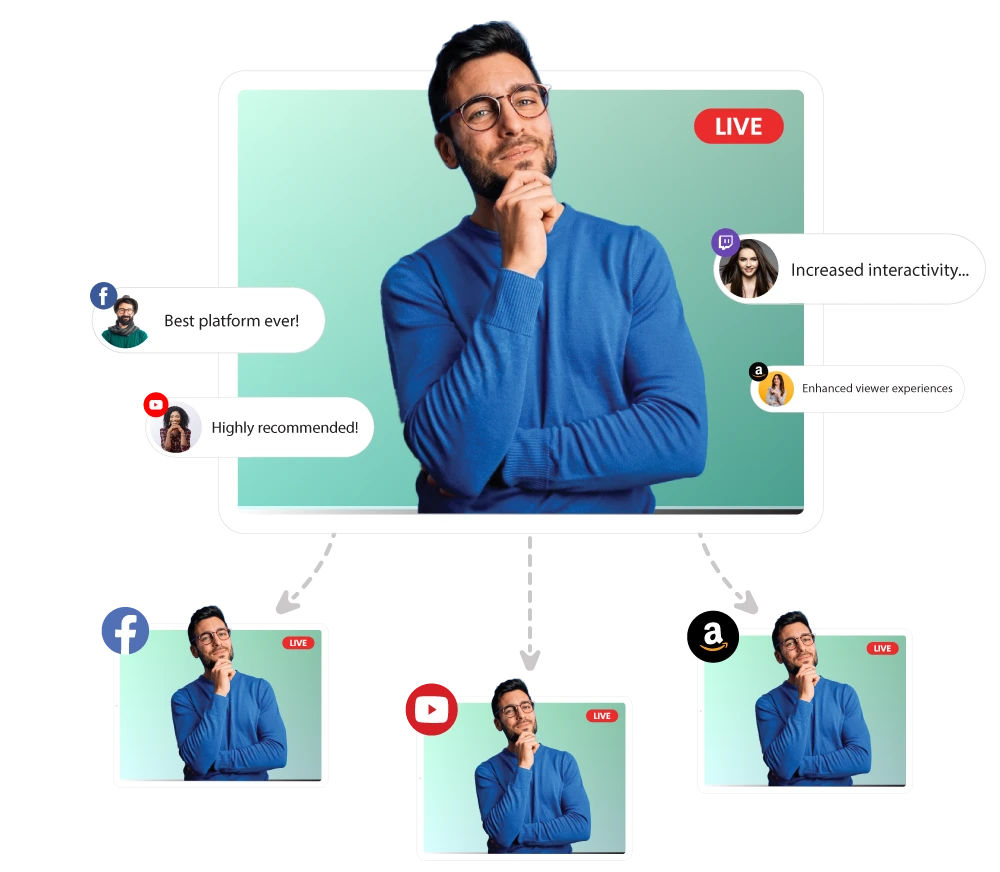
Pre-Recorded MultistreamingUpload one video and stream it across 45+ platforms at the same time
Playlist Streaming Create a playlist, schedule it up to 60 days in advance, and allow your content to run on autopilot.
Video Looping Loop your videos so your stream doesn't stop and your channel stays active.
24/7 YouTube Streaming Stream non-stop recorded content on your YouTube channel and keep it active 24/7.
Your Summer Streaming Toolkit
Explore powerful pre-recorded streaming features built to keep your streams running all summer long.
Open Captions Add captions. Reach more viewers.
Embed Stream Put your streams on your website. Get more eyes.
360° Video Support Stream in 360°. Stand out instantly.
Unified Chat Control all chats in one place. No tab-switching.
Team Management Add your team and manage access. No password sharing.
Four Steps for Hands-Free Streaming
Plan your streams in advance, go live automatically, and stay connected with your audience while you enjoy the vacation mode
Record Record your videos.
Upload Upload your recorded videos from your device or cloud storage.
ScheduleSelect your platforms, pick a time, and schedule your streams.
Go LiveYour streams go live automatically while you are away.
Live Stream Anywhere, Anytime
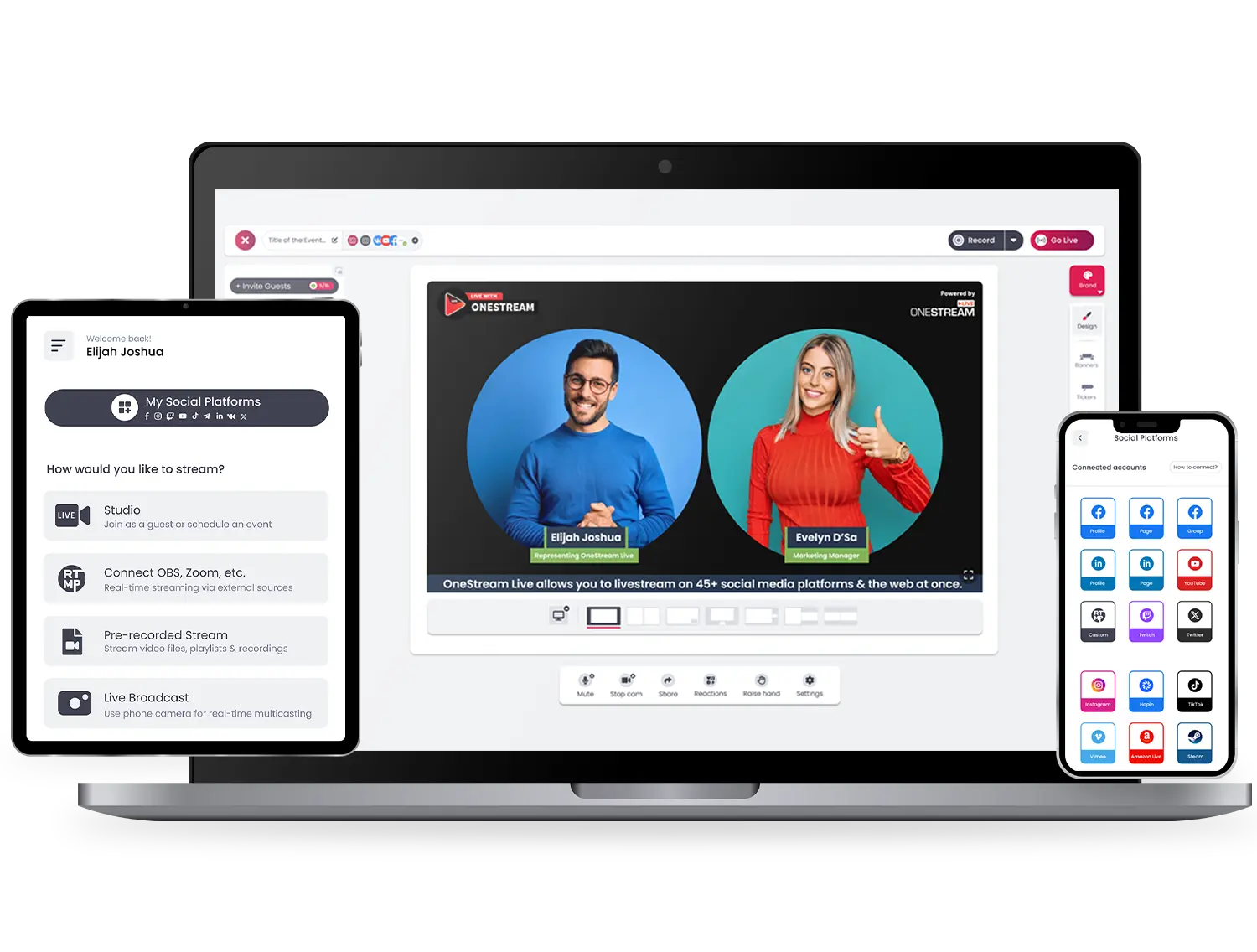
Stream easy and hassle-free with OneStream Live – compatible with all browsers on all devices – desktops, laptops, tablets, and smartphones. Mobile apps are also available for Android and iOS both.
Frequently Asked Questions
Can I schedule my streams in advance?
Yes. You can upload your videos, pick your platforms, and schedule your streams to go live automatically, even when you’re not online.
Do I need any software to get started?
No. OneStream Live works directly in your browser. No installation required.
Can I live stream a recorded video from mobile?
Absolutely. With the OneStream Live mobile app, you can stream recorded videos directly from your phone on both Android and iOS.
Can I edit a scheduled playlist?
Why not? You can update your playlist and change the video order up to 30 minutes before the stream starts.
How do I set up a 24/7 livestream on YouTube?
Upload your videos, schedule your stream, and let your content play continuously on YouTube with automatic playback for up to 30 days.
Will there be another Summer Sale?
Stay tuned! Follow us on social media or subscribe to our newsletter to be the first to know about upcoming deals and offers.