When a video is recorded, it goes through editing, audio correction, and polishing before it is published. Every mistake can be fixed before the audience sees it. Live streaming works differently. Everything happens in real time. There is no second take and no editing after the moment passes. What your audience sees is exactly what you produce at that moment. This is where a video switcher becomes important. It helps you control cameras, guests, screen shares, and media while your stream is live. A good switcher makes your stream look smooth and professional, even without post production.
In this guide, we will cover the best video switchers available, including both software and hardware options, and help you choose the right one for your workflow.
What is a Video Switcher?
A video switcher is a tool that lets you control what your audience sees during a live stream or video production. It allows you to switch between different video sources such as cameras, screen shares, video clips, and graphics in real time.
A switcher works as the central point of your production. You can move from one camera to another, show a presentation, bring a guest on screen, or add overlays without stopping the stream. This makes it an essential part of live streaming and of any multi camera setup.
A video switcher can be software based, cloud based, or hardware based. A software video switch runs on your computer, a cloud video switcher works in your browser, and a hardware video switcher is a physical device with direct inputs and controls. Each type serves the same purpose but fits different workflows.
In simple terms, a video switcher helps you manage multiple video sources and create a smooth and professional live viewing experience.
Read More: Hardware vs Software Encoding: Which Should Streamers Use?
Best Software Video Switcher
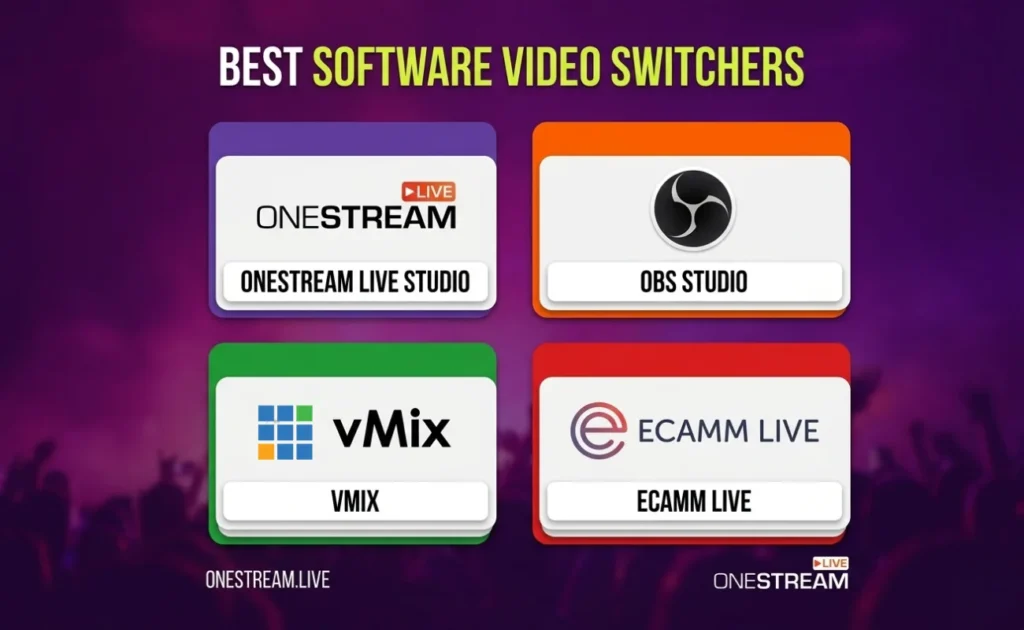
A software video switcher lets you control multiple video sources using your computer or browser. It helps you switch between cameras, guests, screen shares, and media while also managing layouts, audio, and streaming.
These tools are widely used because they are flexible and easy to set up. A cloud video switcher or virtual video switcher can also handle multistreaming and remote production without extra hardware.
OneStream Live Studio
OneStream Live Studio is a cloud video switcher that runs in your browser and makes live production simple. It allows you to manage cameras, guests, layouts, and streaming from one place without installing any software. This makes it one of the best video switcher for live streaming for creators, brands, and remote teams.
Features
- Supports multiple cameras and up to 16 guests on screen
- Works as a cloud video switcher with browser access
- Multistreaming to 45+ platforms and custom RTMP
- Built in branding, overlays, and layouts
- Recording, scheduling, and pre recorded streaming
Pros
- Easy to use with no setup required
- Strong multistreaming and distribution workflow
- Works well for webinars, podcasts, and interviews
Cons
- Not ideal for hardware heavy production setups
Price
- Free plan available
- Paid plans starting only from $12/ Month

OBS Studio
OBS Studio is a free and open source software video switch that gives you full control over your live production. It works as a powerful virtual video switcher and is widely used by creators who want a flexible video mixer for live streaming.
Features
- Supports unlimited scenes and sources
- Real time video and audio mixing
- Works on Windows, Mac, and Linux
- Studio Mode and Multiview for better control
- Plugin support for advanced workflows
Pros
- Free to use with no licence cost
- Highly customizable for different workflows
- Strong community support and plugins
Cons
- Requires setup and learning time
- Depends on your system performance
Price
- Free
vMix
vMix is a professional video production switcher built for Windows users who need advanced control. It works as a powerful video mixer for live streaming and is widely used for events, sports, and high quality productions.
Features
- Supports multiple cameras, NDI, and SRT inputs
- Built in live streaming and recording
- Instant replay and guest calling features
- Advanced audio mixing and overlays
- Multi camera switcher with high production control
Pros
- Strong performance for complex productions
- Wide range of professional features
- Suitable for events and broadcast style workflows
Cons
- Works only on Windows
- Higher cost for advanced features
Price
vMix pricing starts at $60 USD for basic use.
Ecamm
Ecamm is a Mac based virtual video switcher designed for live streaming, interviews, and podcasts. It offers a simple workflow with strong control over scenes, guests, and layouts, which makes it a popular podcast video switcher.
Features
- Supports multiple cameras and screen sharing
- Guest interviews through browser links
- Built in live camera switching and scenes
- Works as a video mixer for live streaming
Pros
- Easy to use for Mac creators
- Clean interface with fast setup
- Great for interviews and podcast workflows
Cons
- Mac only software
- Some features require higher plan
Price
Paid plans start at $20 USD per month for the Standard plan.
Best Hardware Video Switcher
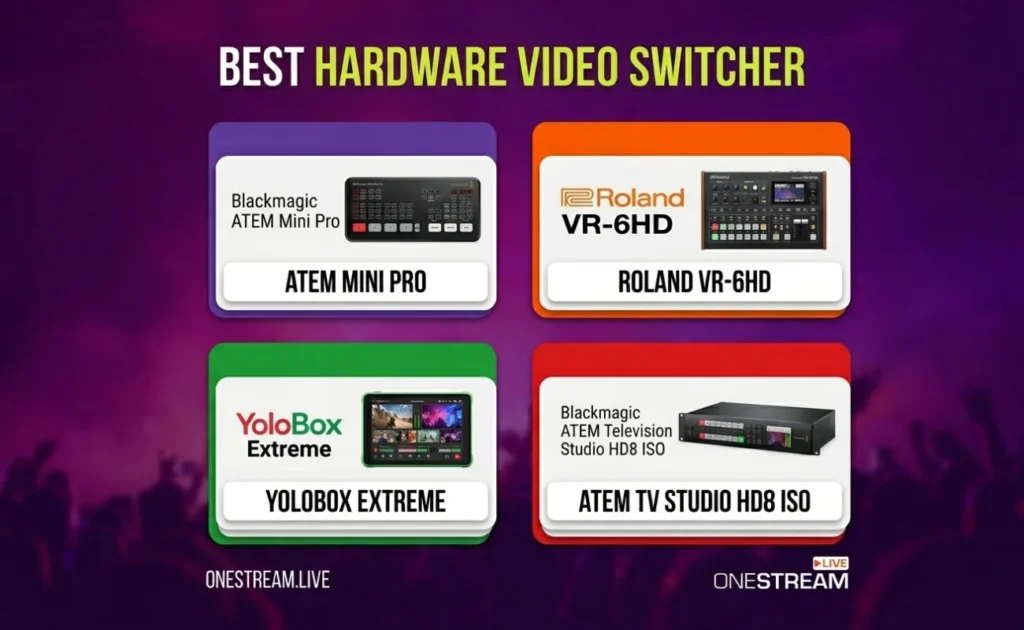
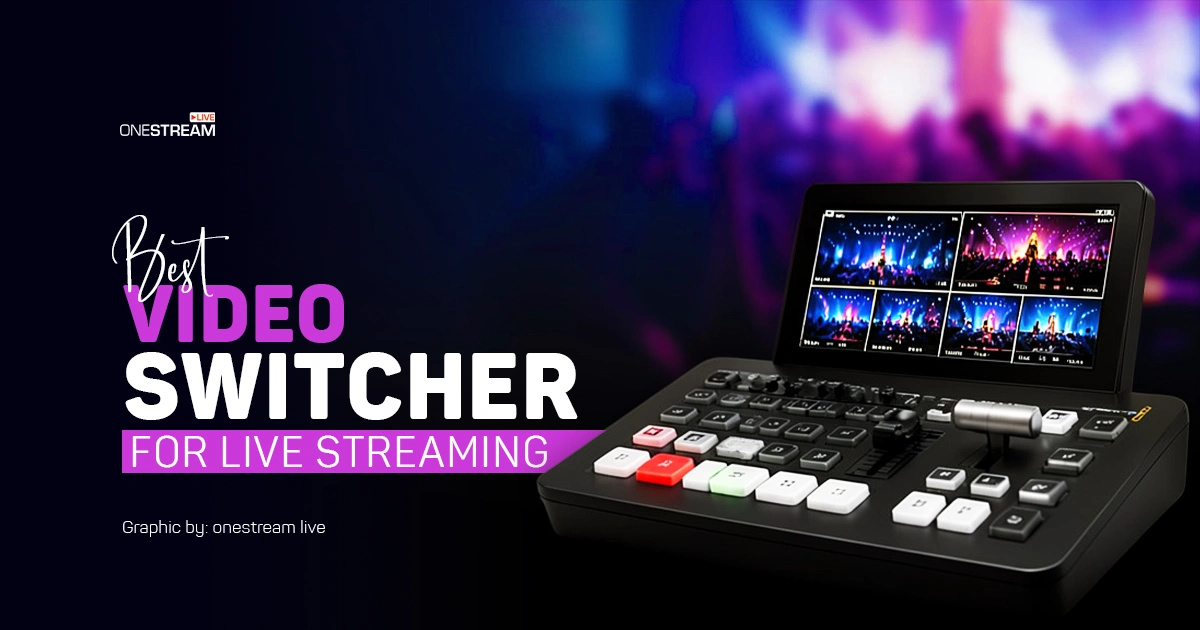
A hardware video switcher is a physical device that lets you switch between multiple video sources using buttons and built in controls. It is commonly used in studios, events, and professional setups where stable performance and direct control matter.
These video production switchers often include camera inputs, audio control, recording, and sometimes built in streaming. They are a strong choice if you need a reliable multi camera switcher with a fixed workflow.
Blackmagic ATEM Mini Pro
Blackmagic ATEM Mini Pro is a compact and reliable hardware video switcher designed for small to mid level productions. It is widely used as a video camera switcher for streaming, events, and studio setups.
Features
- 4 HDMI inputs for multi camera switching
- Built in streaming via Ethernet
- USB output for webcam use
- Integrated audio mixer
Pros
- Easy to use for beginners and small teams
- Direct streaming without extra software
- Compact and portable design
Cons
- Limited to HDMI inputs
- Not suitable for larger productions
Price
Around $325
Roland VR-6HD
Roland VR-6HD is a hardware video switcher that combines video switching and audio mixing in one unit. It is a strong choice for live events, podcasts, and productions where audio control matters as much as video.
Features
- 6 HDMI inputs for video sources
- Built in 28 channel digital audio mixer
- Dual streaming support up to 1080p
- PTZ camera control
- Recording to SDXC card
Pros
- Strong audio control compared to most video production switchers
- All in one setup for video and sound
- Good fit for podcast and event workflows
Cons
- Limited to HDMI workflow
- Not ideal for users who need SDI based setups
Price
- Around $3,000
YoloBox Extreme
YoloBox Extreme is a portable hardware switcher designed for live streaming on the go. It combines switching, streaming, and recording in one device, which makes it a strong multi camera switcher for field production.
Features
- 8 HDMI inputs for multi camera setups
- Built in streaming without a computer
- ISO recording support
- 4K streaming and recording
- Battery powered with mobile connectivity
Pros
- Fully portable and easy to carry
- Works without a laptop or PC
- Great for outdoor and event streaming
Cons
- Touchscreen control may not suit all users
- Higher price for mobile focused setup
Price
- Around $1,949
Blackmagic ATEM Television Studio HD8 ISO
Blackmagic ATEM Television Studio HD8 ISO is a professional broadcast video switcher designed for high end production environments. It is built for teams that need reliable SDI workflows, multiple outputs, and full control over live production.
Features
- 8 SDI inputs for multi camera switching
- ISO recording of all inputs
- Built in streaming and recording
- Multiple SDI outputs with multiview
- Advanced audio support with XLR and MADI
Pros
- True broadcast level video camera switcher
- Strong SDI workflow for large productions
- Ideal for studios, events, and live broadcasting
Cons
- Expensive compared to other hardware switchers
- Requires experience to operate effectively
Price
- Around $5,044
How to Choose the Best Video Switcher
Choosing the best video switcher depends on your setup, your content style, and how you plan to stream. The right tool should match your cameras, your workflow, and your distribution needs.
Start by checking how many video sources you need. A simple setup may only need a basic video camera switcher with a few inputs. A larger setup will need a multi camera switcher that can handle multiple angles, guests, and media.
Next, think about your workflow. A software video switch or cloud switcher is better for remote shows, webinars, and interviews. A hardware switcher is better for events and studio setups where stability and direct control matter.
Audio is also very important. Some video production switchers include strong audio mixing, while others focus mainly on video. If your content includes interviews or podcasts, a tool with better audio control will give better results.
Finally, consider where you want to stream. A live stream video switcher should support your platforms or work well with tools that handle distribution. This is where OneStream Live helps. You can use Live Studio as your main switcher or connect tools like OBS, vMix, Ecamm, or a hardware switcher through RTMP and stream to multiple platforms from one place.
The best switcher for live streaming is the one that fits your workflow and makes your production easier to manage.
Final Thoughts
The best video switcher for live streaming is the one that fits your workflow, not just the one with the most features. Some creators need a simple cloud video switcher, while others need a powerful hardware or software setup for full control.
If you want a simple and powerful setup, OneStream Live helps you switch, manage, and stream to 45+ platforms from one place. Start your stream with the right tools and reach your audience without extra effort.

Frequently Asked Questions
OneStream Live Studio is the best video switcher for live streaming in 2026 because it’s cloud-based, requires zero setup, and streams to 45+ platforms simultaneously. For budget-conscious creators, OBS Studio is free and powerful. For studio setups, Blackmagic ATEM Mini Pro offers hardware reliability.
You need a video switcher if you want to manage multiple cameras, add guests, stream to multiple platforms, and create a more professional live stream without manual switching between sources.
It depends on your needs. Cloud switchers like OneStream are best for remote teams and beginners with zero setup. Hardware switchers are better for stable, high-pressure studio productions. Software switchers offer more customization and control for advanced creators.
You should look for support for multiple inputs, audio mixing, multi-platform streaming compatibility (OneStream supports 45+), ease of setup, built-in recording, custom layouts and branding, and guest management capabilities.
Yes, beginners can use a video switcher, especially if they choose a user-friendly option designed for simple live production workflows.
OneStream Live is a cloud-based live streaming solution to create, schedule, and multistream professional-looking live streams across 45+ social media platforms and the web simultaneously. For content-related queries and feedback, write to us at [email protected]. You’re also welcome to Write for Us!