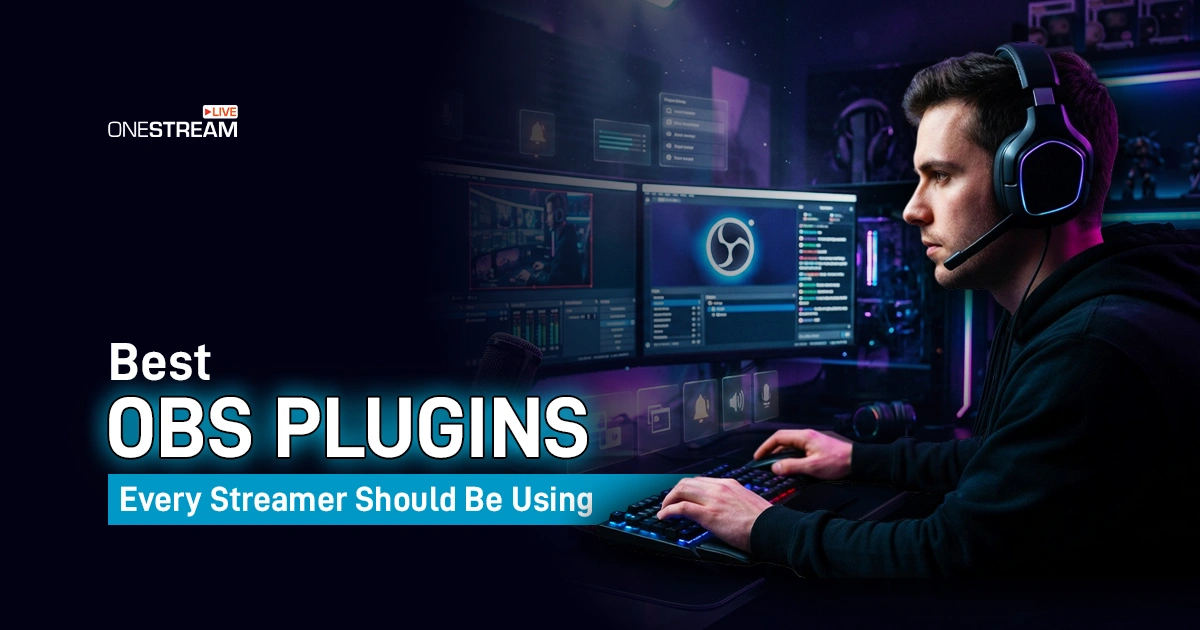
You go live. The stream looks flat. Transitions snap like a slideshow. The audio sounds like you recorded it in a hallway. And the frustrating part is that OBS is not the problem. OBS is one of the most powerful free tools ever built for streamers. The problem is that nobody told you which plugins turn it from a basic recorder into a proper broadcast setup. We have put together the best OBS plugins for 2026, the ones that are actually maintained, actually compatible with current OBS versions, and actually worth the ten minutes it takes to install them. Audio control, scene automation, vertical content, background removal, and a lot more are all covered below.
- Only install OBS plugins that still receive active updates for your current OBS version.
- Advanced Scene Switcher, Move, Source Record, and Audio Monitor cover the core needs of almost every streamer.
- Background Removal and obs-shaderfilter deliver studio quality visuals without any external software.
- Aitum Vertical lets you produce horizontal and vertical content at the same time inside one OBS session.
- The best plugin stack depends on your format. Gamers, podcasters, and Shorts creators all need different tools.
Best OBS Plugins for Streaming Control and Automation
Good streaming control means fewer manual tasks during a live show. These OBS Studio plugins handle the repetitive stuff so you can focus on your content.
Advanced Scene Switcher
Advanced Scene Switcher is the most powerful automation tool available for OBS right now. It uses a macro system built on conditions and actions, and the supported triggers include audio levels, window focus, media state, timers, recording state, and even Twitch specific events.
Version 1.33.1 dropped on 4 April 2026 and requires OBS 31.1.1 or newer. That recent update date is one of the clearest signals on this entire list that a plugin is being maintained properly. Podcasters, educators, and gamers who run structured shows all get something out of this one.
Move
Scene transitions in OBS are abrupt by default. Move fixes that by animating source positions and sizes during scene changes, and it works across Windows, macOS, and Linux. Version 3.2.1 was released in February 2026 and the plugin has passed 2.3 million downloads. That means the plugin is fulfilling the needs of millions. If your stream still feels like slides snapping into place, this is the first plugin to install.
Source Record
Source Record adds a filter that records a single source separately from the main stream output. That means a clean camera track, a game only file, or a standalone audio recording without touching your main scene at all. Any creator who edits YouTube videos, Shorts, or sponsor cuts after a live session will find this one close to mandatory.
Scene Collection Manager
This plugin does not look exciting. It lets you back up, filter, and restore scene collections through a Tools menu dock. That sounds minor until you lose a complex layout right before a sponsored stream. Scene Collection Manager runs on Windows, macOS, and Linux and it belongs near the top of any install list for that reason alone.
Read More: How to Recover Deleted OBS Recordings
Best OBS Audio Plugins for Cleaner Sound
Sound quality is where most streams fall apart. A visual hiccup can be forgiven. Thirty minutes of bad audio usually cannot. These OBS audio plugins solve the most common problems.
Audio Monitor
Audio Monitor adds a dock and a filter that routes any OBS source audio to a separate output device. The practical value is in the details: monitoring on multiple devices at once, monitoring without the delay caused by video sync, and setting independent levels per source and device. Version 0.10.0 added OBS 32 support in 2025 and it supports Windows, macOS, and Linux. Dual PC setups, interview shows, and music streams all benefit directly from this.
LocalVocal
LocalVocal transcribes and translates speech locally on your machine in real time. It supports 100 languages, outputs captions through OBS text sources, and can send captions directly to YouTube or Twitch as part of your stream. The current forum release is v0.5.3 from November 2025. For education content, multilingual audiences, and accessibility, this is one of the smarter OBS extensions to add in 2026. Captions also improve VOD searchability, which is a quiet but real SEO benefit for recorded content.

Best OBS Video Filters and Camera Plugins
Visuals are the first thing a viewer judges. These plugins handle OBS video filters, OBS camera filters, and the kind of visual control that OBS does not ship with by default.
obs-shaderfilter
obs-shaderfilter lets you apply a custom shader to any video source inside OBS. The built in examples included such as drop shadows, rounded corners, pixelation, RGB split, VHS, zoom blur, and many more. Version 2.6.0 added audio peak and magnitude support in late 2025.
For creators who want a distinct visual style without building effects in external software, this is the most flexible option on the list. It takes some learning, but nothing comparable exists in the default filter stack.
Background Removal
Background Removal does what the name says. It removes the background behind your camera feed through AI powered masking, no physical green screen needed. Version 1.3.7 was released in February 2026 and the update notes are available on the OBS forum. For desk setups, face cam streams, and reaction content in tight spaces, this is one of the most practical OBS add ons available today.
Source Clone
Source Clone creates a copy of any source that can carry a completely different set of filters from the original. One copy of your camera stays clean for the main scene. Another copy gets a crop and a color grade for a picture in picture layout. A third gets masked and resized for a vertical frame. Version 0.2.3 was updated in March 2026. This plugin saves an enormous amount of time once your scene count grows past a handful of layouts.
Input Overlay
Input Overlay shows your keyboard, mouse, and gamepad inputs on stream through a live source. It supports presets, remote input capture for dual PC setups, and input whitelist or blacklist settings so sensitive data stays off screen. The current page shows more than 905,000 downloads. It is not for every format, but for gaming channels, speedruns, challenge content, and controller tutorials, it is one of the best plugins for OBS that clearly earns its place.
Best OBS Plugins & Tools for Multistreaming
Streaming to one platform in 2026 is often not enough. These plugins and tools help your OBS stream reach more destinations and more screen sizes without rebuilding your show each time.
OneStream Live
OneStream Live is the best multistreaming setup for most OBS users. You connect OBS by copying the Server URL and Primary Key from your Encoder Streaming settings, then OneStream Live distributes that single feed to over 45 platforms at once. It handles platforms like Twitch, YouTube, TikTok, Facebook, Instagram, and many others. Encoder Streaming supports RTMP by default, plus RTMPS, SRT, and WHIP, so you are not locked to a single ingest protocol.
The scheduling tools and cloud workflow mean you do not need a second machine or complex local configs. For creators who want broad platform reach fast, this is the clearest path to multistreaming from OBS without the technical overhead of managing multiple direct outputs yourself.
Aitum Vertical
Vertical video is not optional anymore for most creators. Aitum Vertical gives OBS a second canvas for vertical output and lets you link horizontal scenes with vertical equivalents in the same session. Version 1.6.3 works on Windows, macOS, and Linux, and the plugin has passed 763,000 downloads. TikTok, YouTube Shorts, and Instagram Live all need vertical content, and this is the cleanest way to produce it alongside a regular horizontal stream.
Aitum Multistream
Aitum Multistream adds local multistream output inside OBS itself, and it integrates with Aitum Vertical so you can control both horizontal and vertical outputs from one place. The current forum version is 1.0.7 from June 2025. Creators who want full local control over every output destination alongside a vertical companion stream will find these two Aitum tools work better together than either does alone.
Must Have OBS Plugins by Streamer Type
Not every streamer needs every plugin on this list. The practical move is to match the tools to your format.
For Gamers
Start with Input Overlay, Move, Source Record, and Source Clone. Input Overlay shows your inputs clearly. Move makes your transitions feel designed. Source Record captures clean game or camera files for clips. Source Clone lets you reuse the same gameplay feed across different scene layouts without duplicating capture cards or sources.
For Twitch Streamers
Advanced Scene Switcher already includes Twitch specific triggers, so install that first. Add Move for transition polish and Audio Monitor for fast audio checks between sections. Downstream Keyer is worth adding next if you run sponsor bars or donation overlays that need to stay visible across changing scenes.
For Podcasters and Educators
Advanced Scene Switcher handles layout automation. LocalVocal adds real time captions. Audio Monitor fixes monitoring problems that show up constantly in long form talking formats.
Background Removal cleans the frame if you are recording in a messy space. That four plugin stack covers the most common pain points in this format.
For YouTube and Shorts Creators
Aitum Vertical handles the vertical canvas. Source Record gives you clean files to edit after the stream. Move adds the polish that makes recorded cuts look less raw. If you stream live and then edit for YouTube, this combination saves more post production time than most other plugin combinations.
For Advanced and Dual PC Setups
Scene Collection Manager protects complex layouts. Aitum Vertical and Aitum Multistream handle vertical and multi platform output. OneStream Live is still the easier choice for platform distribution if you want to avoid managing individual RTMP destinations manually.
Where to Start in 2026
If you are starting fresh and want a core set of OBS Studio plugins that cover automation, audio, visuals, and multistreaming without overloading your setup, here is where to start.
Advanced Scene Switcher covers automation. Move covers transition quality. Source Record handles clean recordings. Audio Monitor fixes your monitoring. Aitum Vertical covers vertical content. OneStream Live handles multistreaming to every platform at once. That six plugin stack takes care of the things most streamers actually struggle with, and every one of them has a confirmed update in 2025 or 2026.
Add the more specialized obs extensions only when your format genuinely needs them. The best OBS plugins are the ones that solve a real problem you have, not the longest list you can install.
And if you want a platform that matches the quality of your setup, OneStream Live goes beyond just multistreaming. Pre-recorded streaming, multi-camera support, scheduling, and a full broadcast toolkit in one place. No extra software, no complicated configuration. Try OneStream Live and see how much easier going live can be.
Frequently Asked Questions
What are OBS plugins, and why do streamers use them?
OBS plugins are add-ons that extend OBS Studio with extra sources, filters, automation, and integrations not included in the base app.
Which OBS plugin is best for automating scenes and stream actions?
Advanced Scene Switcher is a strong choice because it lets you automate OBS tasks using macros built from conditions and actions.
Which OBS plugin should streamers use for smoother scene movement and transitions?
Move is widely used for animated source repositioning during scene transitions and supports Windows, macOS, and Linux.
Is there an OBS plugin that can record a single source separately?
Yes, Source Record adds a filter that lets you record an individual source without recording the entire scene.
Are OBS plugins still worth using in 2026?
Yes, the OBS plugin ecosystem is still active in 2026, with the official forums showing ongoing plugin releases and recent updates across many categories.
OneStream Live is a cloud-based live streaming solution to create, schedule, and multistream professional-looking live streams across 45+ social media platforms and the web simultaneously. For content-related queries and feedback, write to us at [email protected]. You’re also welcome to Write for Us!