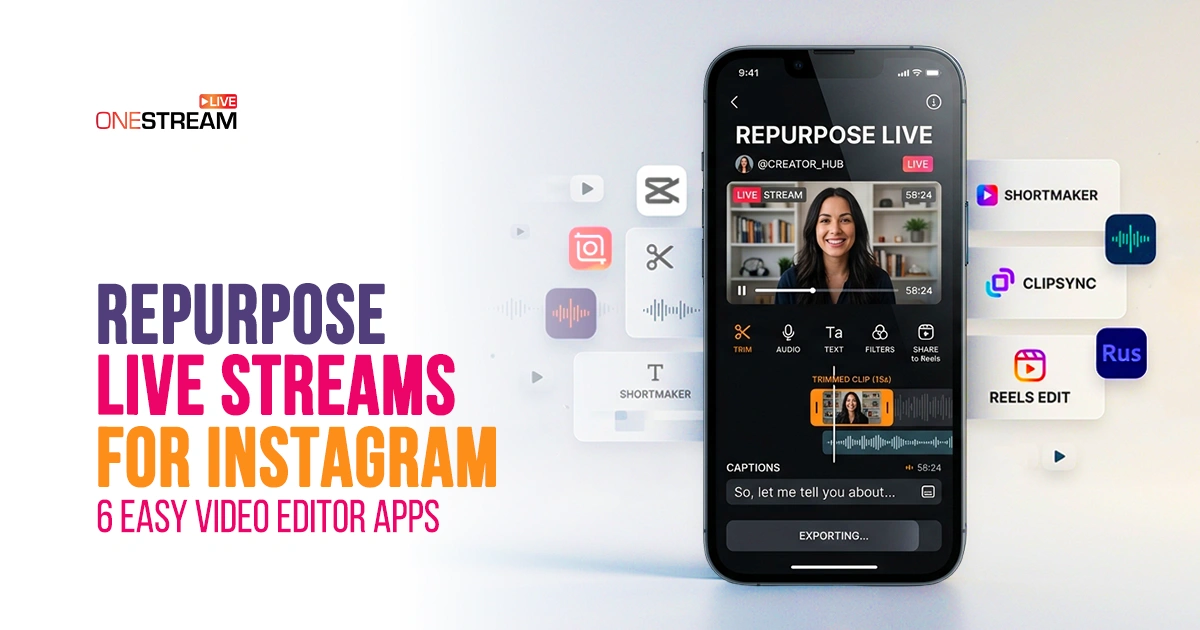
Most people don’t get this: a raw broadcast has so many sections that can be sliced, polished, and repurposed into engaging short-form content. Take the example of Instagram, where we see reels of top streamers from Twitch sharing their short, intense, or funny stream moments. These Instagram videos have become one of the most powerful tools for connection, marketing, and audience growth. You see them everywhere: Instagram Reels, Instagram Stories, or regular Instagram videos.
However, repurposing a live stream isn’t just about downloading your stream and reposting it. You have to take care of the cuts, captions, transitions, and audio, which play a huge role in the overall perception of the message. The challenge, however, is that many creators struggle to find powerful, user-friendly tools.
While some tools are too simple, others are too complicated. This is where the importance of the right Instagram video editor app comes into play. This article will explore the top six Instagram video editor apps to help you repurpose your streams.
Why Repurpose Live Streams for Instagram?
You’ve already done the main part, which was to show up on camera and deliver value to the audience in real-time. But once the live stream ends, most of that content just sits there barely touched. Instagram is a platform where your content can have a second life. While the stream reaches the existing audience in real-time, a well-edited Instagram reel can reach new people and grow your fanbase.
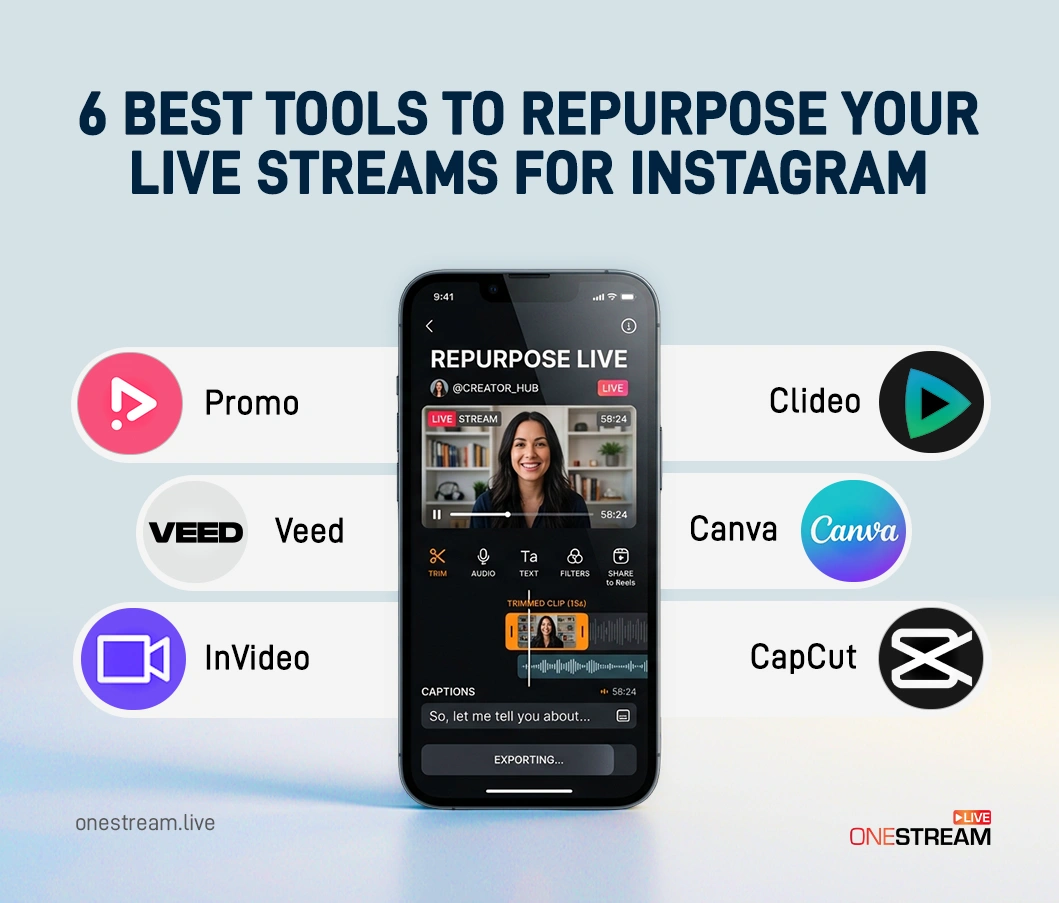
6 Best Tools to Repurpose Your Live Streams for Instagram
Not every video editor is built with live stream repurposing in mind. Some are too complex, others are too basic. We did the homework to strike the right balance. Here are the best tools to repurpose your long streams into short-form Instagram reels.
1. Promo
Promos are one of the easiest ways to make professional Instagram content, especially if you’re looking for a quick and reliable Instagram video editor with little to no learning curve. This platform is created to be easy to use, making it suitable for both beginners and marketers.
With Promo, you can use AI tools for content editing to turn your content into a professional video in just a few minutes. This platform offers a variety of templates for creating Instagram content, including Reels and Stories. It also provides content and music for your Instagram videos, enabling you to take your content to the next level without having to look elsewhere.
Another key feature to consider is its automation capabilities. Promo can help you automate your Instagram content by creating captions, transitions, and more. This makes it a good option for marketers looking to edit their Instagram videos efficiently.
2. VEED
VEED is a video editing website that emphasizes simplicity and accessibility. This is a good choice for people who want to edit their videos online rather than install software.
VEED offers tools such as auto-subtitles, text overlays, and basic editing tools. This website can also be used as a video editor for Instagram. VEED can be a useful tool for content creators looking to increase engagement with their videos.
3. InVideo
InVideo is an adaptable video editing tool for Instagram. It’s flexible and user-friendly, especially if you need more flexibility without using complex software.
The software has thousands of templates, especially designed for social media, including Instagram videos. There’s an option to trim videos, add transitions, and add captions, making it easy to edit videos. In addition, it offers auto text-to-video options that can be helpful if you need to generate content from scripts.
4. Clideo
Clideo is perfect for someone looking for a simple online Instagram video editor with no complicated features. This is a browser-based tool, so you don’t have to worry about downloading anything or using complicated software.
With this tool, you can edit your videos and then export them in a format that’s ready to be posted on Instagram. This has basic functionality, such as trimming, resizing, and adding text to videos. There’s also a simple online video compressor to ensure your videos are the right size for Instagram.
5. Canva
Canva is a very popular tool for content creators, and the video editing feature is quite impressive. It is best for those who want to create attractive Instagram content without much hassle.
Canva allows users to drag and drop videos, making them easy to edit. It provides users with templates for Instagram, making it easy to edit Instagram videos for branding.
One of the best features of Canva is its designs. It allows users to match their video designs to their brand. It provides users with various elements, including music and graphics.
6. CapCut
CapCut has quickly become a favorite among Instagram and TikTok creators, largely because of its powerful features and mobile-friendly design. It is especially popular for video editing for Instagram Reels.
The video editor offers advanced features such as auto captions, background removal, and trending effects, all in a user-friendly interface. It is also compatible with the latest short-form video trends, making it a great AI video editor for reels for creating viral-style content.
CapCut is a standout video editor because it offers high-end features without the hassle and complexity of other video editors.
Optimize Repurposed Streams for Instagram: Reel Size & Format Tips
Before hitting export, most people forget the main part: the Instagram video size according to the desired format. If you want a video to appear in reels, you need to adjust it accordingly to ensure it offers the best viewing experience. Here’s what to remember while exporting:
For Instagram Reels (Vertical – Primary Format)
- Aspect Ratio: 9:16
- Resolution: 1080 × 1920 pixels
- Video Length: Up to 90 seconds (shorter is often better)
- File Format: MP4
- Frame Rate: 30–60 FPS
For Instagram Feed View (Horizontal/Desktop-Friendly)
- Aspect Ratio: 16:9 (horizontal) or 4:5 (vertical feed-friendly)
- Resolution: 1080 × 1350 (for 4:5) or 1920 × 1080 (for 16:9)
You can also watch our video on Instagram reel size:
Final Thoughts
Repurposing your live stream isn’t just a bonus; it’s what smart streamers do to widen their audience reach. They understand not everyone may show up for a live session, but people do enjoy short and engaging content. Pick the right tool that fits with your workflow, start small without overwhelming yourself, and build from there.
While repurposing is one strategy, most successful streamers don’t just target one platform. They stream to multiple platforms at once to build a recognizable presence everywhere. OneStream Live makes that effortless, with access to 45+ social platforms, your stream shows up wherever your audience is.
FAQs
Yes. Most of the tools on this list let you upload any video file, including live stream recordings. Simply trim your best moments, add captions, and export in Instagram’s preferred format.
For beginners, tools like Promo are ideal. They are effective tools for editing Instagram videos without special skills.
Yes, it is possible. Tools like Clideo, Canva, and CapCut have a free option. They are effective for creating high-quality Instagram video content without payment.
For editing Instagram Reels videos, tools like CapCut and InVideo can be used as AI video editors. They are effective for creating high-quality Instagram reels.
Yes, it is possible. Tools like Promo offer an online video compressor. This helps ensure that the videos are not compromised during the upload process.
OneStream Live is a cloud-based live streaming solution to create, schedule, and multistream professional-looking live streams across 45+ social media platforms and the web simultaneously. For content-related queries and feedback, write to us at [email protected]. You’re also welcome to Write for Us!