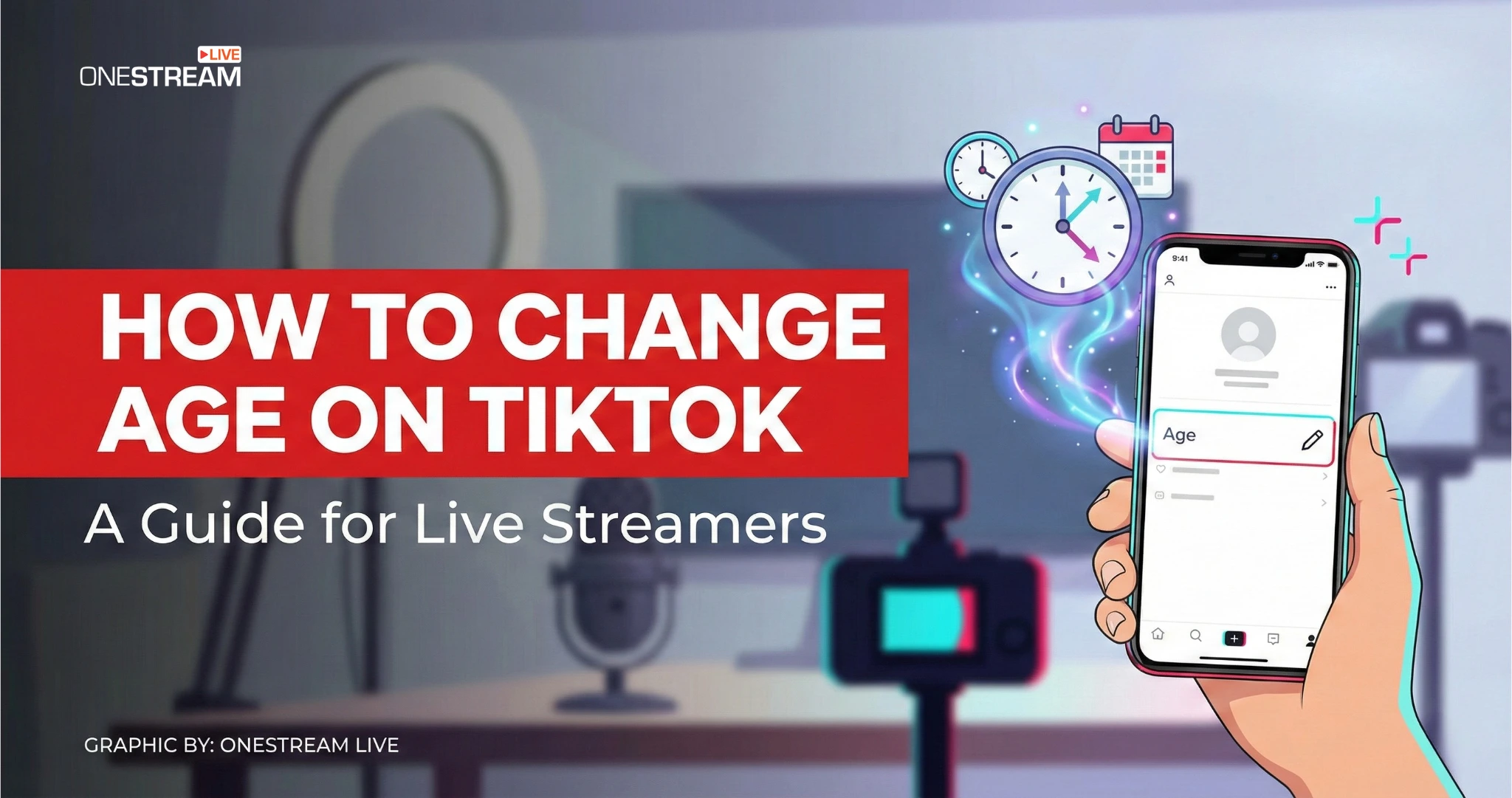
You cannot change your age directly in TikTok’s settings. To know how to change age on TikTok in 2026, you must contact support (via Report a problem / Chat with us) or go through an age verification flow when TikTok prompts it for features like TikTok LIVE. If TikTok confirms your age, it can update the date of birth on your account.
This guide is for creators who want TikTok Live access. If your business model includes selling, coaching, live shopping, or even just talking to humans in real time, an incorrect birthdate becomes a brick wall fast.
- TikTok has no edit-birthday setting. Corrections go through support or an age appeal.
- You must be 18 or over to go LIVE, and 18+ to send or receive Gifts.
- If a feature was removed over age, you have 180 days to appeal, and an approved appeal updates your date of birth.
- Verification may ask for government ID and selfies, credit card authorization, or facial age estimation, depending on your region.
- Age is only half of it. Your region also applies a minimum follower threshold, and account standing affects eligibility.
Why “Just Change My Birthday” Became a Support Ticket
TikTok has been tightening age enforcement for years, and 2026 is not a “lighten up” moment. In a January 2026 update about Europe, TikTok described age gating at signup plus additional checks, and said it removes around 6 million underage accounts every month globally. That is not the body language of a platform that wants self-serve birthday edits.
Here’s the practical takeaway: when platforms get pushed by regulators and public pressure, they start treating it as an access control.
Age verification is the process of confirming a user’s age using evidence such as government ID, selfies, credit card authorization, or facial age estimation. Unlike typing a birthdate at sign-up (age gating), it’s used to decide whether you can access age-restricted features like LIVE.
Also, a quick sanity check on language, because searchers mix these up:
- Age verification (what unlocks features) is not the same thing as account verification (the “verified account” concept TikTok documents separately).
How to Change Age on TikTok in 2026
Let’s answer the conversion-driver question straight. Can you change your age on TikTok?
Not directly.
TikTok does not offer a simple “edit birthday” switch for most accounts. The path that consistently exists is: contact support and request a correction, then provide whatever proof TikTok asks for.
There are three realistic scenarios, and you should pick the right one before you start tapping around.
1. If you just entered the wrong birthdate and need a correction
Use TikTok’s in-app support workflow. TikTok’s own help page lays out the pathway to reach support through Report a problem, including the “No” prompt and Need more help? submission, plus the option to Chat with us.
What to do (the clean version):
- Open your profile.
- Go to Settings and privacy.
- Tap Report a problem.
- Pick the closest topic, then follow prompts until you see Is your problem resolved?
- Tap No, then Need more help?
- Write a clear request: “My date of birth is incorrect. I need it corrected to regain access to age-restricted features.”
What to include in the ticket so you do not get stuck in support limbo:
- Your username (exactly as shown).
- Your account email or phone (the one tied to the account).
- The incorrect birthdate currently on file (if you know it).
- The correct birthdate you want on file.
- A short reason (mistyped at signup, created by a team member, migrated phone, etc.).
- Be ready to provide proof if asked (usually a government ID).
A Skeptical Note: if someone is trying to “adjust” their age to get around an age requirement, that is exactly what these systems are designed to detect. Treat this like a compliance workflow, not a hack.
2. If your LIVE access (or another feature) got removed due to age
TikTok treats this differently: it becomes an age appeal process.
TikTok’s “Minimum age appeals” page explains that if access to an age-restricted feature is removed, you get a notification and you have 180 days to submit an appeal. It also states that if your appeal is approved, TikTok will update the date of birth for your account, and that your date of birth isn’t visible to others.
If you are facing issues like restricted viewing, missing buttons, blocked features, this is often the route that actually moves things.
3. If your account gets flagged as underage (especially under 13)
This is the nuclear path.
TikTok’s LIVE age requirements page is blunt: if TikTok confirms you are under 13, your account can be removed for being below the minimum age.
TikTok also describes age gating at signup and says if someone fails the minimum age gate, it may suspend their ability to immediately recreate an account with a different date of birth. That matters if you are thinking “I’ll just remake the account.” Sometimes you cannot, at least not right away.
How to Verify Age for Live and What TikTok Does With Your Data
Most people wanting to change their age on TikTok really just want the LIVE access. And LIVE is where TikTok has made age confirmation the most explicit.
What is the age limit for TikTok LIVE in 2026?
TikTok’s help center says you must be at least 18 to go LIVE, and at least 18 (or 19 in South Korea) to access Gifts or collect Diamonds during a LIVE.
How to verify age on TikTok for LIVE
TikTok says that when you initiate a LIVE, you may be asked to confirm your age. Depending on your location, TikTok lists several options, including:
- ID and selfies (government ID + three selfies from different angles)
- Selfie with ID via Incode
- Credit card authorization
- Facial age estimation
Two details creators miss (and then complain about):
- TikTok notes you may have 15 minutes to complete the Incode flow, and if you exit early you may need to wait before trying again.
- TikTok states that after age confirmation is completed, it starts deleting submitted selfies and ID photos, and for approved appeals it keeps a record such as date of birth and appeal result while the account exists.
Privacy reality check, said plainly: this is still sensitive data. TikTok acknowledges working with third parties in these processes, and in Europe it specifically referenced facial age estimation provided by Yoti as one option during appeals.
TikTok Live Requirements That Block Most People
TikTok’s LIVE overview page says you must meet:
- the age requirement (18+)
- a local threshold of minimum followers
TikTok does not publish one universal follower number on that page, only “local threshold.” That said, many creator-industry guides still report 1,000 followers as the common minimum in many regions, and TikTok’s own ecosystem has multiple features that specifically reference “1,000 followers” as a meaningful threshold (for example, some profile linking features).
If you want the blunt reasons behind why can’t you go live on TikTok, it’s usually one of these:
- Your account fails the age requirement confirmation.
- You do not meet the follower threshold (whatever your region applies).
- TikTok says only creators who meet eligibility requirements can go LIVE, and that if you meet them but still have issues you should report it.
One more “quiet” blocker: enforcement. TikTok reminds creators to follow guidelines and policies to keep LIVE safe, and eligibility can be affected by account standing. TikTok’s own help phrasing is cautious, but the operational reality is simple: if your account collects violations, features become easier to lose and harder to regain.
TikTok Studio, TikTok LIVE Studio, and the OneStream Live Plan B
People searching TikTok Live Studio are often looking for a desktop setup because mobile LIVE feels like trying to host a talk show while holding a brick.
First, separate the tools:
- TikTok Studio is an official creator companion app listed on both major app stores, positioned around creation tools and analytics.
- TikTok LIVE Studio is the desktop broadcasting application ecosystem people refer to as the “TikTok live application” for PC. It has been covered publicly for years, including reports that it is a Windows livestreaming app.
A reality check that creators often learn the hard way: TikTok’s native tools can be useful, but they keep you inside TikTok’s walls. If your goal is reach, leads, and revenue, betting everything on one platform’s permissions is a risky hobby.
So what do you do if your real problem is: “I’m blocked from LIVE because of age verification, but I still need to stream”?
You have two honest options:
- Fix the age record properly using the steps above, because TikTok LIVE is still governed by TikTok’s rules.
- Keep streaming elsewhere while you wait, so your audience and momentum do not flatline.
This is where OneStream Live is genuinely useful, if your goal is to act like a broadcaster instead of a hostage:
- OneStream Live’s multistreaming lets you connect up to 45+ platforms (plan dependent) and publish using pre-recorded video, RTMP, or its browser studio.
- OneStream Live’s Studio features like on-screen branding tools, unified chat, teleprompter, portrait mode, and multicamera options, plus multistreaming to many destinations.
- OneStream Live also provides pre-recorded streaming and playlist-based publishing, including scheduling content in advance.
A small but real client voice: on OneStream Live’s playlist streaming page, a customer says,
Final Thoughts
In 2026, managing your age settings on TikTok to meet the platform’s requirements isn’t as straightforward as it seems. As explored, TikTok doesn’t allow users to directly modify their age.
The solution lies in submitting a support request and navigating TikTok’s verification process carefully. You must also be cautious about trying to circumvent age restrictions, as it could risk your account’s credibility or even result in a permanent ban.
A practical comparison, told like an adult:
- If your priority is TikTok-only reach, TikTok’s own LIVE tooling is the direct path, but you still must meet age requirement and eligibility gates.
- If your priority is keeping a live schedule regardless of which platform is having a compliance moment, using OneStream Live to multistream and schedule content spreads risk across platforms and formats.
Frequently Asked Questions
Why can't I go live on TikTok?
You cannot go live on TikTok if your registered account age is under 18. TikTok enforces strict age verification protocols to protect minors. To get live access on TikTok, users must update their birthdate by contacting TikTok customer service and submitting a valid government-issued ID for official approval.
How do you verify age on TikTok?
To verify age on TikTok, users must navigate to the ‘Report a Problem’ section within the app settings. From there, creators submit a support ticket requesting a birthday update. TikTok requires a photograph of a government ID or a credit card authorization to mathematically confirm the user is over 18.
How long does TikTok customer service take to change a birthdate?
TikTok customer service typically takes 24 to 72 hours to process an age update request. The exact timeframe depends on current support ticket volume and the visual clarity of the submitted identification. Once the TikTok moderation team approves the ID, the creator immediately unlocks TikTok Live broadcasting capabilities.
Can you change your age on TikTok without a government ID?
No, users generally cannot change their registered age on TikTok without providing a government-issued ID. However, in certain global regions, TikTok offers alternative age verification methods, such as facial age estimation technology or credit card authorization. Without these specific verification entities, unlocking live streaming features remains fundamentally impossible.
Does OneStream Live work with TikTok Live Studio?
Yes, OneStream Live fully integrates with TikTok via custom RTMP streaming. Once a creator unlocks their TikTok Live access by verifying their actual age, they can connect OneStream Live to TikTok Live Studio. This integration allows broadcasters to multistream pre-recorded videos or multicamera feeds directly to their TikTok audience.
OneStream Live is a cloud-based live streaming solution to create, schedule, and multistream professional-looking live streams across 45+ social media platforms and the web simultaneously. For content-related queries and feedback, write to us at [email protected]. You’re also welcome to Write for Us!