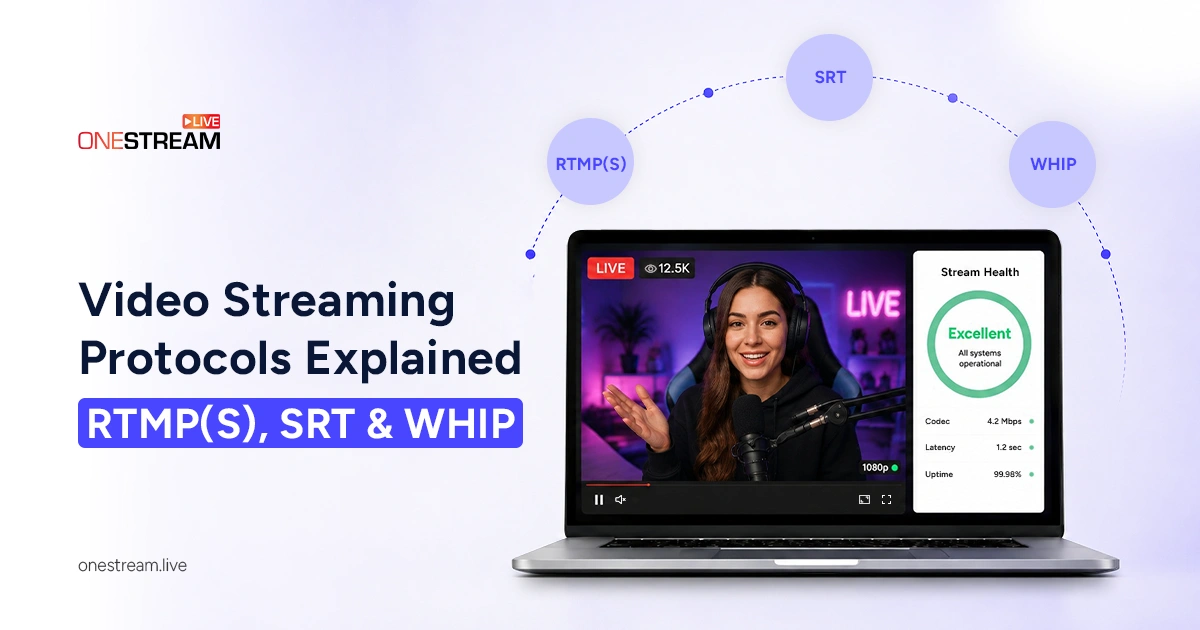
Every time you go live, your video takes a hidden journey from your camera to your viewer, and the rules for that journey are called video streaming protocols. Pick the wrong one, and you get lag, buffering, or a stream that will not connect. Pick the right one and everything feels instant and clean. This guide breaks down RTMP, RTMPS, SRT and WHIP in plain language, compares them side by side and shows you which to use for gaming, webinars, church services and more.
- Video streaming protocols control how your feed travels from your encoder to the platform (ingest). HLS and DASH handle delivery to viewers.
- RTMP is the most widely supported protocol, but it’s unencrypted. RTMPS adds TLS encryption on port 443 with the same 3–5 second latency.
- SRT recovers lost packets and encrypts by default, which makes it the best choice for cellular, hotel Wi-Fi and long-distance streams.
- WHIP is built on WebRTC and delivers under one second of latency for auctions, live Q&A and watch parties.
- In OneStream Live, each stream key uses one protocol at a time. Changing it resets your key, so update your encoder before going live.

What Are Video Streaming Protocols?
Video streaming protocols are the agreed rules for how your audio and video travel across a network. They decide how your feed gets split into packets, sent, checked and rebuilt on the other side. Think of a protocol as the delivery method, not the package itself.
Every live stream has two legs. The first is ingest, where your encoder pushes the feed up to a platform. The second is delivery, where that platform sends video out to viewers.
RTMP, RTMPS, SRT and WHIP handle the first leg. HLS and DASH usually handle the second. It also helps to know that a protocol is not a codec. H.264 compresses your video, MP4 packages it, and the protocol moves it.
RTMP: The Protocol That Refused to Die
RTMP, or Real-Time Messaging Protocol, is still the most common way to send a live stream from an encoder to a platform, even though the Flash technology it was born with is long gone. Macromedia created RTMP in the early 2000s, Adobe bought Macromedia in 2005, and RTMP became the standard for low-latency web video for a decade.
RTMP runs over TCP, usually on port 1935. TCP means every packet is confirmed and resent if lost, so delivery is reliable and in order. It opens one persistent connection and pushes chunks of audio and video down that pipe continuously. First-mile latency is roughly 3 to 5 seconds, which feels near real-time for chatting with an audience.
Adobe ended Flash on December 31, 2020, which killed RTMP for playback. Browsers cannot play RTMP anymore. It survived because every encoder outputs it and every platform accepts it, so the ecosystem locked it in.
What Are the Limitations of RTMP?
RTMP has real weak spots. Standard RTMP is tied to older codecs like H.264 and AAC and does not support newer codecs such as HEVC or AV1 in its classic form. It is unencrypted by default, so anything on port 1935 can be read on the wire.
Port 1935 is also frequently blocked on corporate, school and hotel networks, which causes the dreaded “failed to connect” error. Because browsers dropped Flash, platforms have to transcode RTMP into HLS or DASH before viewers can watch. RTMP is irreplaceable at the encoder end and obsolete at the viewer end.
The codec limit is already being fixed. Enhanced RTMP, an update backed by Adobe, Google and Twitch, adds HEVC and AV1, and it works today in OBS 29.1+ and vMix 27+, with YouTube accepting both codecs over RTMP and Twitch accepting them through Enhanced Broadcasting for eligible accounts. It is one more reason RTMP is still the default ingest path in 2026.
RTMPS: RTMP With a Security Seatbelt
RTMPS is simply RTMP wrapped in TLS encryption, the same encryption that turns HTTP into HTTPS. The stream key, the video and the audio all travel inside an encrypted tunnel, usually on port 443. Underneath it is the exact same protocol, so latency and codec support are identical to plain RTMP.
This is why platforms increasingly demand it. Facebook first required RTMPS for live streams on users, events and groups in 2018, then made it mandatory for all live video uploads on May 1, 2019, using port 443. YouTube, LinkedIn Live and most enterprise platforms now treat plain RTMP as a legacy fallback. Encryption protects your stream key and content from interception on public Wi-Fi and other untrusted networks.
The security cost is almost nothing. The TLS handshake adds one extra round-trip at connection start and a tiny amount of per-packet processing, both negligible on modern hardware. The simple rule is easy to remember. If the connection touches any network you do not physically own, use RTMPS. Port 443 also sails through most firewalls that block 1935, so RTMPS often fixes connection problems too.
Read More: RTMP vs. HLS vs. WebRTC: Comparing Live Streaming Protocols
SRT: Built for Networks That Misbehave
SRT stands for Secure Reliable Transport, and it was designed for one job: delivering broadcast-quality video over messy public internet. Haivision created it and open-sourced it in 2017, and it is now backed by hundreds of companies through the SRT Alliance.
SRT runs over UDP, which is fast but does not guarantee delivery on its own. So SRT adds its own recovery layer. When a packet goes missing, the receiver asks for that one packet again, and the stream keeps flowing instead of stalling.
It also brings AES-128 and 256-bit encryption built in, and it does not care which codec you use, so HEVC and AV1 both travel fine. Its caller and listener connection modes work outward through firewalls, which keeps IT teams comfortable.
Adoption tells the story. Haivision’s 2026 Broadcast Transformation Report, based on more than 1,300 broadcast professionals, found SRT usage at 78 percent, ahead of RTMP at 51 percent. If you stream over cellular, hotel Wi-Fi or long distances, SRT is your friend.
WHIP: Sub-Second Streaming for Real Interaction
WHIP, the WebRTC-HTTP Ingestion Protocol, is the newest option and the fastest by a wide margin. It became an official IETF standard in March 2025 as RFC 9725. It uses WebRTC, the same technology behind browser video calls, and delivers latency under one second.
WebRTC was always fast, but starting a connection used to require custom setup for every platform. WHIP solves that with one simple HTTP request that carries the session details. Point your encoder at a URL, add a key, and you are live.
Encoder support arrived properly when OBS Studio 30.0 added native WHIP output in November 2023, and vMix and others have followed. Codec choice is narrower in practice, usually H.264 and Opus, so browsers can play the feed without transcoding. WHIP also has a playback twin called WHEP.
Video Streaming Protocols Comparison
Here is a quick comparison of what separates these protocols in practice. Latency figures are typical first-mile numbers and shift with your network.
|
Protocol |
Transport |
Typical Latency |
Encryption |
Best For |
|
|---|---|---|---|---|---|
RTMP |
TCP, port 1935 |
3 to 5 seconds |
None |
Universal compatibility |
|
RTMPS |
TCP + TLS, port 443 |
3 to 5 seconds |
TLS |
Secure ingest anywhere |
|
SRT |
UDP + packet recovery |
0.5 to 3 seconds |
AES-128/256 |
Unstable or remote networks |
|
WHIP |
WebRTC over UDP |
Under 1 second |
DTLS-SRTP |
|
OneStream Live’s Encoder Streaming supports all four protocols. Each stream key runs on one protocol at a time, and you choose it under Stream Keys → Advanced Settings → Protocol. RTMP is the default. Switch to RTMPS for encrypted ingest, SRT when your connection is unstable, or WHIP when you need sub-second latency. Changing the protocol resets your stream key, so copy the new details into your encoder before you go live. Whichever protocol you use, one feed from OBS, vMix, XSplit, Wirecast or Ecamm Live reaches 45+ destinations at once.
What is the YouTube Streaming Protocol?
The YouTube streaming protocol question has two answers, one for ingest and one for playback. According to YouTube’s own ingestion protocol documentation, YouTube Live accepts RTMP, RTMPS, HLS and DASH. RTMPS is the everyday choice, while HLS and DASH ingest exist for HEVC, VP9 and HDR content at higher latency.
For viewers, YouTube converts your feed and delivers it as HLS or DASH through its HTML5 player. Facebook Live requires RTMPS. Twitch takes RTMP and RTMPS and has been rolling out newer options. The pattern is the same everywhere, so one protocol goes in and a different one goes out.
Other Internet Stream Protocol Names You Will Hear
A few more video protocols come up in conversation, though they matter less for most creators. HLS, created by Apple, is the dominant delivery protocol and adapts quality to each viewer’s connection, at the cost of 15 to 30 seconds of delay. LL-HLS trims that to a few seconds.
MPEG-DASH is the open equivalent of HLS and works much the same way. WebRTC is the engine behind WHIP and video calls. RIST is a broadcast contribution protocol similar in spirit to SRT and common in professional remote production.
Choosing the Best Streaming Format for Your Use Case
There is no single best streaming format, only the right protocol for video streaming in your situation. Here is how it plays out in practice.
Gaming and Talk Shows
RTMPS is the sensible default for Twitch and YouTube gaming streams, since a few seconds of delay is fine for chat. Reach for WHIP if you want viewers reacting almost instantly.
Webinars, Online Classes and Church Services
Stability beats raw speed for one-to-many broadcasts. RTMPS ingest works beautifully here, and multistreaming means one feed can reach your congregation or class on many platforms at once.
Remote Interviews and Field Reporting
SRT is the clear winner when your guest is on hotel Wi-Fi or a cellular hotspot. Its packet recovery keeps the picture clean where RTMP would stutter.
Auctions, Live Q&A and Sports Watch Parties
When a viewer three seconds behind loses the bid or hears the goal from the next room first, latency stops being a quality issue and becomes a fairness one. WHIP is the ingest path built for it.
Real Time Video Streaming: Where Latency Comes From
Real time video streaming means the gap between the moment and the viewer is small enough to feel genuinely live. That delay builds up across encoding, transport, server processing, delivery and the player’s buffer. The player buffer is usually the biggest hidden offender.
Low latency comes from UDP-based transport, small buffers and as little transcoding as possible. This is why WHIP lands under a second while standard HLS sits at 15 to 30.
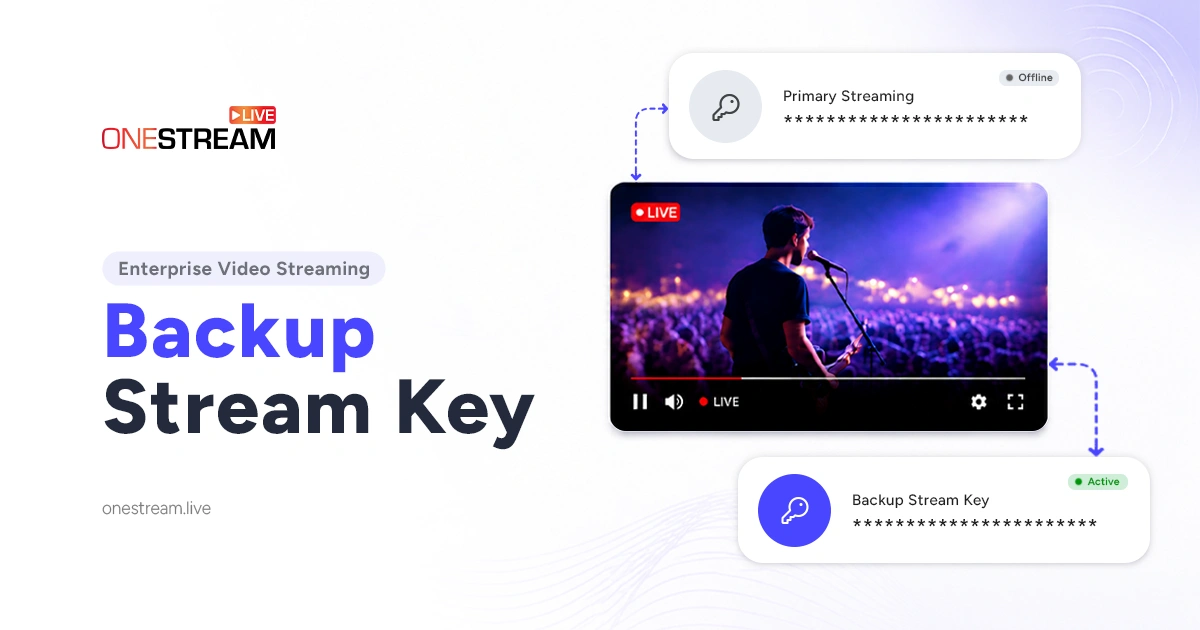
None of it saves you if the connection drops outright, which is why OneStream Live lets you run a backup stream key beside your primary one, ready to take over the moment the first one fails.
Final Thoughts
Video streaming protocols are the invisible plumbing of every live broadcast. RTMP still connects to everything, RTMPS adds the encryption you should not skip, SRT keeps quality alive on bad networks, and WHIP finally makes true real-time streaming simple.
Match the protocol to your goal instead of chasing the newest name. Then connect your encoder to OneStream Live, choose RTMP, RTMPS, SRT or WHIP, and send one feed to more than 45 destinations at once.
Frequently Asked Questions
What is the difference between RTMP and RTMPS?
They are the same protocol. RTMPS adds TLS encryption on port 443 to protect your stream key and content. Latency and quality are identical, so RTMPS is the safer default.
Is SRT better than RTMP?
SRT is better over unstable or long-distance networks because it recovers lost packets and encrypts by default. RTMP is better when you need guaranteed compatibility with any platform. Plenty of workflows use both.
Which protocol has the lowest latency?
WHIP, built on WebRTC, typically delivers under one second and often 200 to 500 milliseconds. SRT can be tuned low as well, while RTMP sits around 3 to 5 seconds.
Can I switch protocols in OneStream Live?
Yes. From your dashboard, go to Encoder Stream, then open Stream Keys → Advanced Settings → Protocol. Pick RTMP, RTMPS, SRT or WHIP and click Update & Continue. Switching resets your stream key, so update your encoder before going live.
Do I need technical skills to use these protocols?
No. You copy a server URL and stream key into your encoder, pick your protocol, and the platform handles the rest. OneStream Live manages ingest and multistreaming for you.
OneStream Live is a cloud-based live streaming solution to create, schedule, and multistream professional-looking live streams across 45+ social media platforms and the web simultaneously. For content-related queries and feedback, write to us at [email protected]. If you have a story to share about your live streaming experience with OneStream Live, we would be glad to feature it. You’re also welcome to Write for Us!