
Trick or treat! Your favorite spooky holiday is just around the corner, and it’s time to prepare for the celebrations. As much as you love traditional in-person Halloween parties, you must admit that virtual festivities give you an edge as they allow you to celebrate with people who cannot join you due to the difference in location or for any other reason. It is a great way to invite people to your party from all around the world and spend quality time while enjoying the spooky season.
Many love harvesting pumpkins, visiting haunted houses or going trick-or-treating with their peers. But what to do when you’re hosting a virtual Halloween party? In fact, virtual events are now mainstream and according to stats 35% of events in early 2024 were virtual. It’s time to plan an epic online Halloween bash that connects friends, family, or coworkers around the world. Ready to make this Halloween a spook-tacular experience for everyone?
How To Host a Virtual Halloween Party
Organizing a virtual Halloween party demands proper planning. With a little creativity and a strong internet connection, you can throw a successful virtual Halloween party.
Follow these steps to organize a frightfully successful online event:
Internet Connection
A stable internet connection is a must; after all, you do not want your event to freeze in between or broadcast with poor quality. For hosting and live streaming the event, you must have at least 10Mbps.
A wired connection (Ethernet) is ideal for stability. This way, your trick-or-treat live stream will run without technical hiccups. The biggest annoyance for virtual events is a bad connection, so test your network beforehand.
A Reliable Live Streaming Platform
To host and live stream your event, you must choose a reliable live streaming platform equipped with all the necessary tools. It should have the tool to host an event, with the possibility of adding virtual backgrounds, inviting guests, sharing media during the session, and live streaming. You can plan out your event and choose the platform accordingly.
Ideally, pick a cloud-based live streaming solution so you don’t need to install complex software. A good platform will let you stream from browser, which keeps things simple. OneStream Live is a platform that offers a full browser-based studio with these features. With the right platform, you can focus on the Halloween fun and not worry about tech issues.
Social Media Destinations
Choose the social platforms you have your audience on. If you can live stream on multiple social platforms, do not miss the opportunity. You can stream to multiple platforms at the same time to reach a wider audience. Go live on your favorite social media live streaming channels.
A multistreaming software like OneStream Live makes this easy, and it allows you to multistream to over 45 destinations at once. If you plan on hosting a private event, you can create and customize your own webpage using Live Spaces.

By broadcasting on several live streaming platforms, you make sure that no one misses out on the Halloween excitement. Remember, over one-fourth of internet users watch live streams weekly. Multistreaming your Halloween party can help more people tune in and join the fun.
Necessary Equipment
You do not need a professional live streaming set-up for hosting a virtual Halloween event. The built-in camera, or any cost-effective camera, microphone, and good lighting, will do the work.
You can even use a ring light or a desk lamp for a spooky glow. Test your camera angle and sound before the event. The goal is to be clear and visible a fancy professional live streaming setup isn’t necessary for casual celebrations. Focus on having fun and engaging with your guests, rather than on high-end gear.
Send Spooky Party Invite
Get your guests excited early. Create a spooky digital invite for your virtual trick or treat party. Include the event date, time, theme, and the streaming link. You can send invitations by email or share on your social media pages to spread the word. Encourage people to RSVP so you know who’s joining. A creative invite (maybe with ghosts or pumpkin graphics) sets the mood and ensures everyone knows how to join the online event.
Pick a Theme
Choose a fun Halloween theme for your virtual party. A theme adds extra excitement and helps everyone feel involved. You could go with classic monsters, witches and wizards, superheroes, or a movie theme, anything spooky or playful works.
Ask guests to dress up according to the theme or in any costume they love. Also, decorate your on-camera background if possible. Hang some fake cobwebs behind you or use a virtual background image (many streaming platforms let you add virtual backgrounds easily). A cohesive theme makes the event feel more like a real Halloween party and gets everyone in the spirit.
Pro Tip: Use OneStream Studio for built-in Halloween backgrounds and overlays.
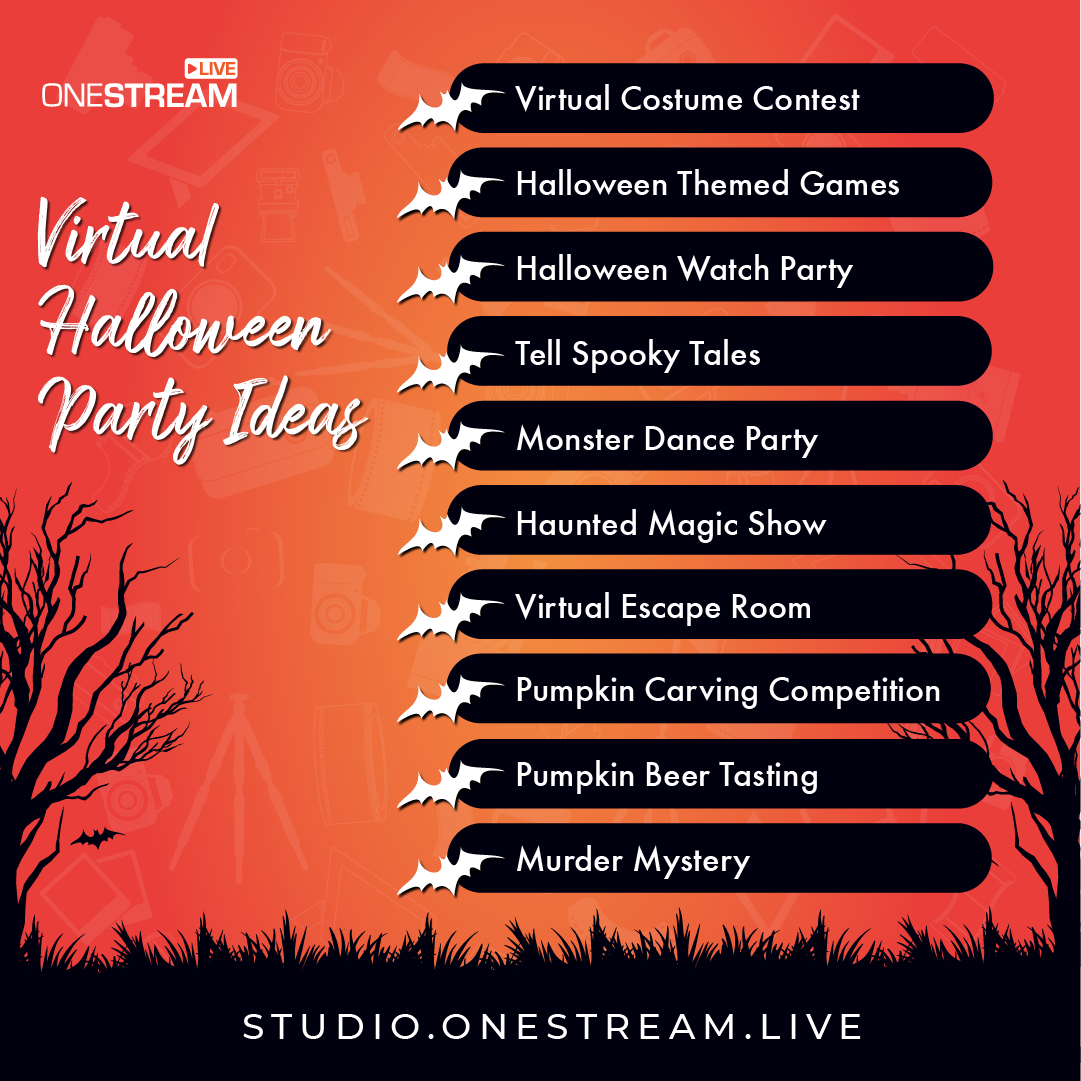
Trick or Treat: 10 Virtual Halloween Party Ideas
Virtual Halloween Parties allow you to include multiple activities for your audience. By choosing and customizing different ideas, you can entertain all your guests. Here are 10 fang-tastic virtual Halloween party ideas to entertain all your guests:
Virtual Costume Contest
Host a costume party that allows guests to show off their costumes. You can offer prizes for the most creative costumes. Be sure to state the costumes’ guidelines to keep the event fun.
You can choose options like ghosts, witches, pirates, vampires, etc so everyone’s costumes makes it feel like trick or treat night. You can create different judging categories like the funniest, spookiest, and original outfit. On Halloween, organize a virtual party to judge your employees’ costumes.
Virtual Trick or Treat Exchange
There’s no Halloween without trick or treat, so take it virtual. Organize a digital trick or treat exchange among your guests. For example, each participant can prepare some digital “treats” to share this could be funny GIFs, discount coupons, e-cards, or virtual gift codes. During the party, go around and have each person send or reveal a treat to someone else.
You can do this randomly or pair people up. It’s a modern twist on going door-to-door: everyone gets a surprise treat from someone! This activity is light-hearted and brings nostalgic trick or treat vibes into your virtual event.
Halloween Watch Party
Pick a Halloween-themed movie and host a synchronized watch party. Horror films, family-friendly spooky movies, or even a short TV special can work depending on your audience. Use a streaming service’s watch-party feature or simply count down and have everyone hit play together.
Keep a video call or chat open so guests can react together in real time. Watching a scary (or silly) Halloween movie “together” online is a great bonding experience. Prepare some popcorn at home and enjoy the show with your virtual guests.
Spooky Storytelling Session
Invite everyone to share spooky stories. This could be a ghost story they’ve heard, a personal eerie experience, or even a made-up tale. For a fun contest, ask guests to write a short Halloween story before the event.
During the party, each person can read their tale aloud. You might be surprised by the creativity! To make it competitive, have a vote for the creepiest or most entertaining story. You could even send a small prize to the winner. Storytelling brings classic campfire vibes to your virtual party and keeps everyone engaged (and maybe a little spooked!).
Monster Dance Party
You can dress up and host a virtual dance party. After creating a playlist of Halloween music or your favorite songs, dance the night away after eating your candy. Then, for an additional bonus, pause the music and challenge your guests to a game of freeze dance.
For added fun, do a freeze dance: pause the music randomly and anyone still moving is “out” until the next round. A monster dance party lets guests be silly and energetic, even from behind a screen. It’s a fantastic way to inject high energy into the event and share some laughs.
You may also like: How to Celebrate Halloween Online
Haunted Magic Show
Add a touch of magic to your Halloween event. Host a virtual magic show with a spooky twist. You could hire a professional magician to join your video call and perform Halloween-themed tricks. Or, if you or a friend knows a few magic tricks, do it yourselves! Use props like a witch’s hat or cauldron to set the scene.
This haunted magic show will amaze your guests. It brings the mysterious atmosphere of Halloween to life and keeps everyone riveted to their screens.
Virtual Escape Room
Challenge your guests with a virtual escape room game. There are many online escape room experiences available that teams can play together.
Typically, you’ll divide your party into small groups (4-6 people each). Each group enters a breakout room or separate call to solve a series of puzzles and “escape” a digital haunted room before time runs out. It’s cooperative, fun, and gets people thinking together.
Themes can be zombie outbreaks, haunted houses, or mad scientist labs to fit Halloween. After the game, bring everyone back to the main call and celebrate the teams that escaped. It’s a thrilling way to get the competitive spirit going.
Pumpkin Carving Competition
It is an affordable virtual Halloween contest to ignite creativity in employees by organizing a pumpkin carving event. You can recommend learning pumpkin carving art through online tutorials before the live event. On Halloween day, the best pumpkin will be the event winner.
Murder Mystery Game Night
Arrange games that will keep the audience on their toes. There are many murder mystery game kits designed for virtual parties. Assign each guest a character in the story (send details in advance so they can even dress the part). During the event, act out the scenario and let guests interrogate each other to find the “killer” among them.
If a full murder mystery is too involved, you can still play shorter Halloween games like a zombie apocalypse simulation or a themed trivia quiz. The goal is to keep everyone on their toes. Solve puzzles, answer trivia, or catch the killer these games bring excitement and interaction to your virtual gathering.
Why Choose OneStream Live for Your Halloween Event
A successful virtual Halloween party needs the right tools. OneStream Live gives you all-in-one capability to host, produce, and broadcast your event with ease.
Here are some key benefits of using OneStream Live for your “trick or treat” online celebration:
Host and Invite Guests in-browser
OneStream Live’s Studio is entirely web-based, so you can host the party right from your browser and you don’t need to download any software. You can invite multiple guests to join your stream, see all of them on screen, and manage the show. This makes it perfect for panel-style events, interviews, or group activities during your Halloween party.
Apply Spooky Virtual Backgrounds
Give your video feed a Halloween makeover. OneStream Live Studio offers virtual background features. In this October, the platform have added special Halloween-themed backgrounds you can use.
Use Interactive Elements
Keep your audience engaged with built-in tools. OneStream allows overlay graphics, so you can display a “Happy Halloween” banner or show images (like contest rules or game timers) on screen.
There’s also a countdown timer feature great for timing games or indicating when the next activity starts. Polls and chat features help you interact with viewers in real time.
Multistream to All Major Platforms
Live stream your event to all social platforms.OneStream Live can broadcast your event to more than 45 social media platforms and the web at the same time. Stream your Halloween party live on Facebook, YouTube, Twitch, LinkedIn wherever your audience is. Reaching multiple channels at once can increase your viewership and engagement.
Pre-Recorded Live Streaming and Scheduling
If you want to play a pre-recorded Halloween message or a past event highlight during your live show. OneStream Live supports pre-recorded live streaming you can schedule a recorded video to broadcast as if it’s live. You can also schedule live streams in advance, setting specific times for your broadcast to start.

Recording and Repurposing
With OneStream Live, you can record your entire live Halloween party. This is great for those who missed the event so you can share the recorded video later. You can also repurpose the best moments: edit funny or memorable clips and share them on social media after the event.
Host Private Streams
If you prefer to keep your virtual party private, you can doit easily using OneStream Live. You can create a Hosted Live Page, which is your own private webpage for the stream. It’s like a private virtual venue. Only people with the link and password can watch.
You can even customize this page with a title, logo, or Halloween graphics. This way, you can celebrate trick or treat night with privacy and personal touches, without broadcasting to the whole world.

Organize a Spook-tacular Halloween with OneStream Live
This Halloween, trick or treat from the comfort of your home while reaching people across the countries.
Organize your virtual Halloween party with OneStream Live and create a magical, memorable night filled with costumes, games, and ghostly fun. It’s easy, interactive, and inclusive.
Bring your loved ones or your community together online and deliver an unforgettable “trick or treat” experience for all. Happy Halloween, and happy streaming!

FAQs on Virtual Trick or Treat
Use OneStream Live to host and stream from browser. You can schedule live streams and invite guests for a fun online Trick or Treat event.
A webcam, microphone, and good lighting work well. Use cloud-based live streaming software like OneStream Live for easy hosting.
Yes! Use OneStream Live to stream to multiple platforms like YouTube, Facebook, and Twitch at once for social media live streaming.
Live streaming for businesses boosts engagement. OneStream Live helps brands multistream, record, and share events for better reach.
OneStream Live is a cloud-based live streaming solution to create, schedule, and multistream professional-looking live streams across 45+ social media platforms and the web simultaneously. For content-related queries and feedback, write to us at [email protected]. You’re also welcome to Write for Us!