Forget all-night subtitle marathons. Today, you can drop a track into the right AI music video app and publish a beat-perfect video before your coffee cools.
The demand for tools like these is surging. Artists, labels, and content creators all want faster workflows, and the market has responded with dozens of platforms fighting for attention.
Yet more choice means more second-guessing. Some tools nail frame-level lyric sync, others deliver kaleidoscopic visuals, and a few even write and sing the song first. Which platform fits your workflow, budget, and taste?
We put the ten leading contenders through weeks of hands-on tests, generating videos, timing lyrics, and scanning musician forums for real-world gripes.
For transparency, every tool earned a score in five categories: lyric-timing accuracy, audio-reactive visuals, speed and ease of use, price-to-value, and extra innovation that saves steps. You’ll see those metrics referenced throughout, along with a one-glance comparison table.
If you’re hesitant to invest, note that Revid’s free tier exports a full-HD lyric video in minutes. Details are in its section.
Ready? Here’s how we graded each platform and which one deserves your next release.
- AI music video tools can turn a finished track into a publish-ready lyric video in minutes, no editing skills or production crew needed.
- NeuralFrames leads for frame-perfect lyric sync and generative visuals, while Capify gives perfectionists full timeline control.
- Tools like Revid and Vizzy.io offer fast, budget-friendly options for artists who need quick lyric videos without a subscription commitment.
- MakeSong covers the entire pipeline from writing lyrics to exporting a finished music video in one sitting.

How We Picked the Winners
Choosing ten tools in a crowded market required a clear process. Without it, you’d get noise, not guidance.
We set a baseline: a platform had to deliver a finished video from an audio file with minimal manual work. If it couldn’t auto-sync lyrics or react to the track’s pulse, it stayed on the waitlist.
From there, we scored each AI music video generator on five weighted factors.
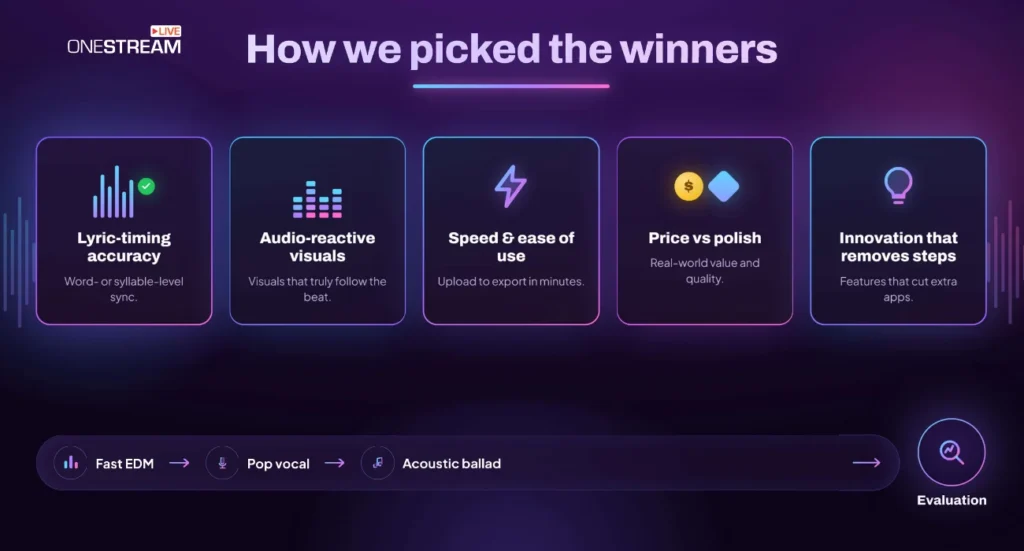
1. Lyric-timing accuracy. Word- or syllable-level precision is non-negotiable when fans read along.
2. Audio-reactive visuals. Do cuts, colours, or camera moves hit the beat, or shuffle randomly? We rewarded tools that locked visual changes to the track automatically, without forcing manual keyframing.
3. Speed and ease. If a newcomer can’t reach publish-ready in under 10 minutes, they’ll bail. We timed every workflow from upload to download.
4. Price versus polish. Watermarks, resolution caps, and credit burn rates shape the real cost. Tools that bury fees behind vague FAQs slid down the list.
5. Innovation that removes extra steps. Live preview tweaking, avatar lip-sync, or one-click vertical reframing earned bonus points, because they save you from app-hopping.
We ran each platform through the same trio of songs: a fast EDM track, a mid-tempo pop vocal, and a sparse acoustic ballad. After generating full videos, we looked past the marketing copy, rearranged captions to test timeline flexibility, forced misheard lyrics to probe edit tools, and exported at maximum quality to verify true resolution.
The outcome is a ranking grounded in structured scoring and real creator pain points. Each placement reflects where the platform stands today, not future promises.
Best AI Music Video Software in 2026
Not every AI music video tool works the same way. Some focus on lyric precision, others on cinematic visuals, and a few handle everything from songwriting to final export.
Here is how each one performed in our tests.
1. NeuralFrames: Frame-Perfect Lyric Sync Meets Gallery-Grade Visuals
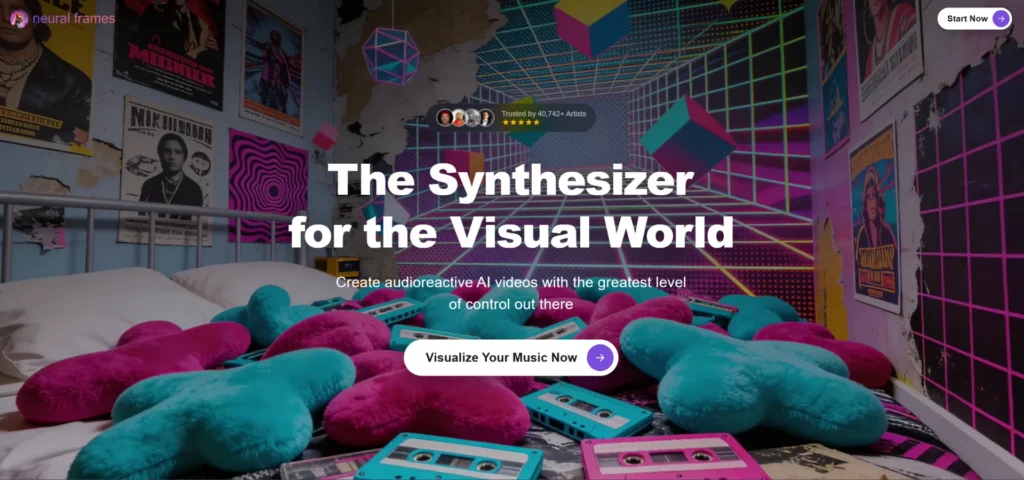
Neuralframes sits at the top of our list for one simple reason: it nails both sides of the lyric-video equation.
Upload a song and the platform auto-pulls the words with high accuracy. Every syllable lands where your ears expect, so viewers never stumble over a late caption. You can tweak timing in a draggable timeline, but you rarely need to, which frees you to focus on the visuals.
And the visuals turn heads. Instead of clipping stock footage, NeuralFrames synthesises scenes that feel painted for the track: neon skylines swelling with bass drops, pastel clouds melting during softer bridges. Prompt a style, lock a colour palette, even keep a character consistent from verse to chorus. The engine responds to tempo shifts, so big hits trigger camera jolts while whispered ad-libs ripple the background.
Neuralframes.com states that its Autopilot mode delivers a fully-rendered 4K lyric video in under 10 minutes, and our own test backed that up by finishing a three-minute EDM track in six on a modest M1 MacBook Air.
Because all rendering happens on their cloud GPUs, even the free browser demo streams frame-accurate captions in real time without taxing local hardware.
Outputs reach true 4K, watermark-free on every tier, and render times stay practical thanks to cloud batching. Yes, this muscle comes at a cost. Credit packs drain quickly on long projects, but if you need an official-release lyric video that looks like a full production shoot, NeuralFrames delivers without a single late night in After Effects.
2. Kaiber AI: Turn Static Art Into a Living, Beat-Driven Storyboard
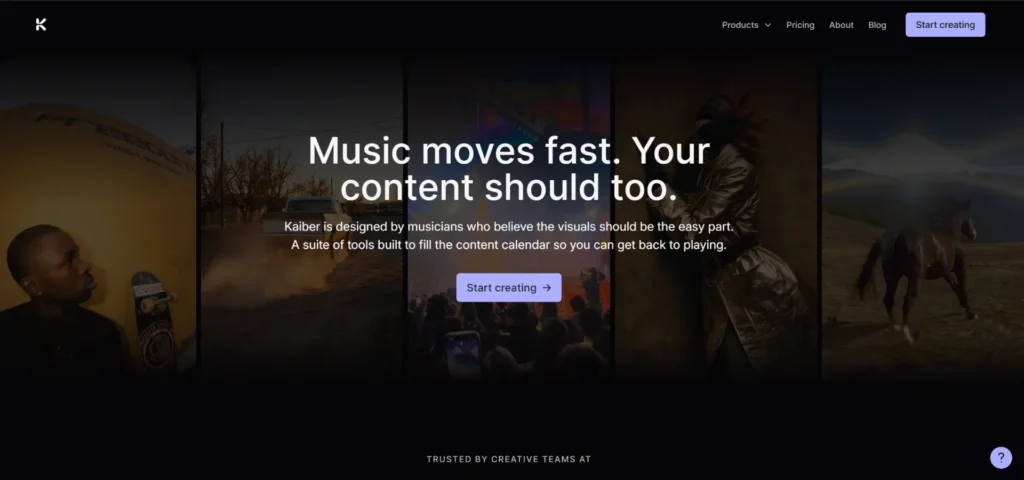
Kaiber feels like sneaking an animation studio onto your desktop.
Start with a single still, your album cover, a Midjourney render, or a phone photo, and Kaiber stretches it into motion. Scenes bloom, characters breathe, colours flare. Add your track and toggle Audio React, and every camera push or transition follows the waveform: hushed verses glide, choruses explode.
Kaiber is image-first, so you direct the look with prompts or reference art, choose an animation style, and set shot length. One gap: it doesn’t work as a lyric video maker. If on-screen text is essential, pair Kaiber’s footage with a caption tool later.
Costs track credit use, so storyboard wisely. We kept experiments to 5-second bursts, then generated a full three-minute video in 1080p once the style felt right. The finished file cost less than hiring an animator for the same dream-sequence effect.
Pick Kaiber when you want visuals that feel like an animated version of your record sleeve, pulsing in step with the drums.
3. Artlist: One Subscription That Clears Music, Visuals, and Video
Artlist started as a royalty-free music platform for filmmakers, and that licensing-first DNA is exactly what makes it interesting in the context of AI music video creation. While most tools on this list ask you to bring your own track, Artlist flips the question: what if the music, the visuals, the voiceover, and the video generation were all cleared under the same subscription before you ever hit export?
The Artlist AI-generated music feature produces original, royalty-free tracks from a text prompt or mood description. And those tracks sit alongside 38+ AI video generation models (Veo 3.1, Kling 3.0, Sora 2, Seedance 2.0) all available within the same platform.
That means you can generate a track, generate matching video clips scene by scene using whichever model best fits the vibe, and assemble the whole thing in Artlist Studio’s layer-based workspace, without switching tools or managing separate licences for each asset.
It is not a one-click lyric-sync tool the way NeuralFrames or Revid is. Artlist builds finished music videos the way a production house would. i.e., generating individual components, then directing them into a sequence. This naturally rewards creators who want artistic control over the result rather than speed above everything else.
For artists who need a beat-matched video and original music that is already commercially cleared for YouTube, Spotify Canvas, and paid promotion, that consolidated workflow is genuinely hard to replicate with any other single platform.
4. Capify: Surgical Lyric Control for Perfectionists
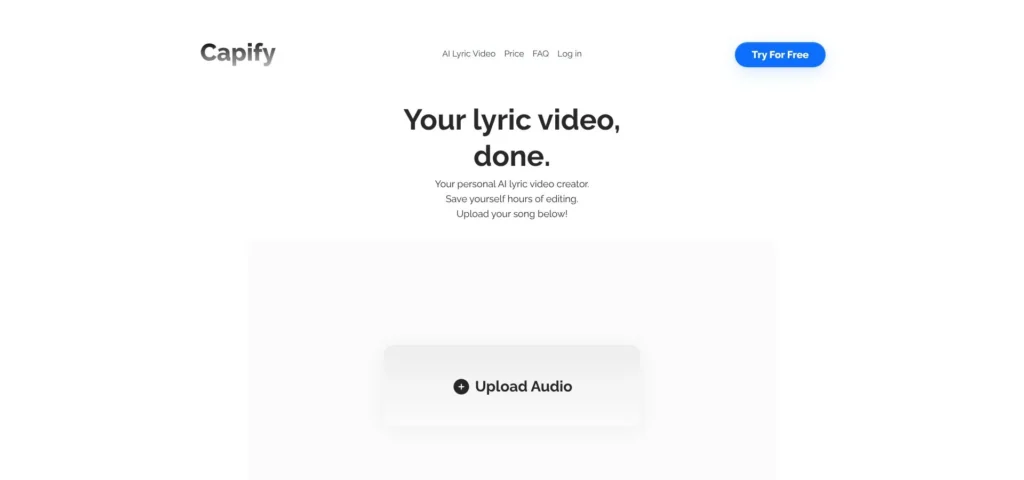
Capify starts where most “automatic” tools stop.
The platform transcribes and times your lyrics in seconds, then hands you a piano-roll timeline where every word is a draggable block. Want a consonant to land on the snare instead of the kick? Nudge it one frame and press play. The preview updates instantly, so you refine sync without waiting on a new render.
That control sits on solid AI foundations. In our tests the first pass was about 90 percent accurate, so you correct the last 10 percent rather than the entire script.
Visuals lean toward sleek motion graphics, not AI dreamscapes. Picture bold typography, kinetic pans, and brand-safe fonts you can swap in a click. Drop your own B-roll behind the text or pull from Capify’s modest stock library. Readability stays sharp thanks to automatic contrast checks.
Pricing is still in early-access flux, but current testers pay roughly the price of a music-streaming plan each month. Agencies pushing weekly releases find that cost trivial; hobbyists may pause. If your fans replay songs to catch every syllable, Capify is the quickest way to publish a studio-grade lyric video without hiring a motion designer.
5. Revid AI: Full-Length Lyric Videos With Fast HD Exports
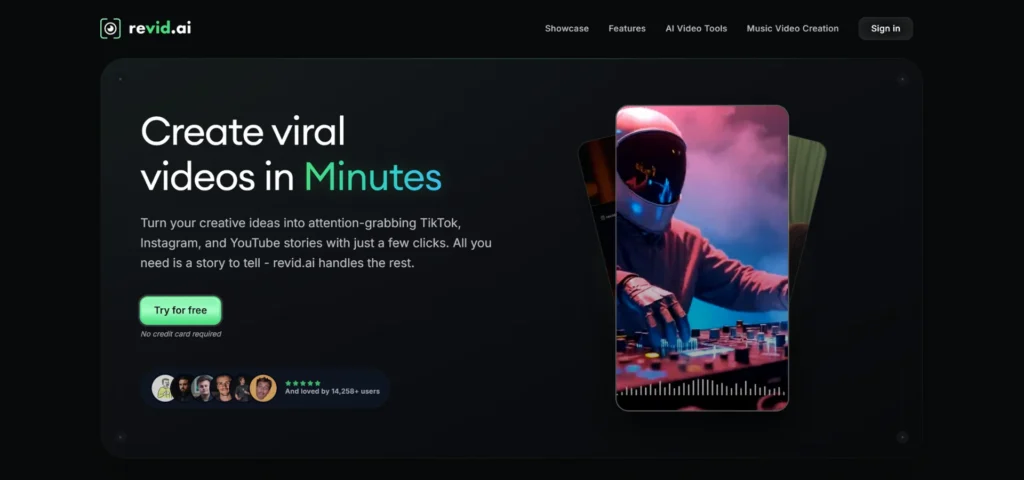
Revid feels like cheating.
Sign up, upload your song, and the platform delivers a complete 1080p lyric video you can publish the same day. That speed alone keeps it popular in indie Discord groups and earns its spot on our list.
The workflow mirrors Capify’s pace with simpler controls. Revid auto-transcribes, lays out word-level captions, and builds beat-synced scenes in one pass. A live preview lets you fix misheard words or slide a verse earlier, and changes appear in less than five seconds instead of triggering a fresh render. That quick loop turns a rough draft into a polished final in under 15 minutes.
Visuals rely on stock motion graphics and subtle particle effects. You will not get Kaiber’s painterly worlds, yet the clips stay cohesive and modern, ideal for YouTube premieres or Spotify Canvas, where readability outranks spectacle. The roadmap lists 4K output and deeper style packs, but today’s HD export already covers most release needs.
Paid plans start at about the cost of two large coffees per week. If you publish lyric videos often, the subscription beats pay-per-export models. Need one polished video for a single? Revid’s fast workflow is hard to ignore.
6. MakeSong: Write Lyrics, Get a Finished Song and Video
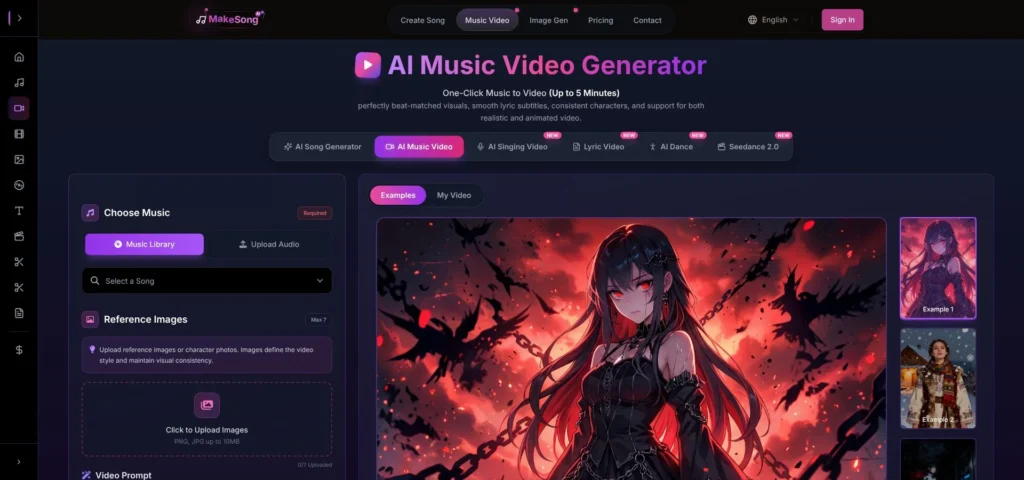
MakeSong shrinks an entire production pipeline into a single browser tab.
Type a verse, pick a genre, and the platform composes a full track with melody, arrangement, and a believable vocal. Seconds later you enter video mode, where the same AI lyric video maker engine builds a beat-matched music video with karaoke-style captions.
Two touches make it stand out.
- Character consistency. Tell MakeSong your singer is a neon-haired android, and that avatar appears in every scene, lips synced to the new vocal.
- Storyboard assistant. Let the AI pick scenes or outline your own beats—forest walk for verse one, skyline at the chorus, rooftop finale. MakeSong fills the imagery and handles transitions, so the video flows like a planned shoot instead of stitched prompts.
Rendering both audio and video takes about eight minutes for a four-minute song. Credit packs disappear quickly, but you are paying one tool instead of separate music and video subscriptions.
Choose MakeSong when you have lyrics but no band, no camera, and no budget. It turns text into a release-ready music video in one sitting.
7. Vimod AI: The Swiss-Army Studio for Power Users
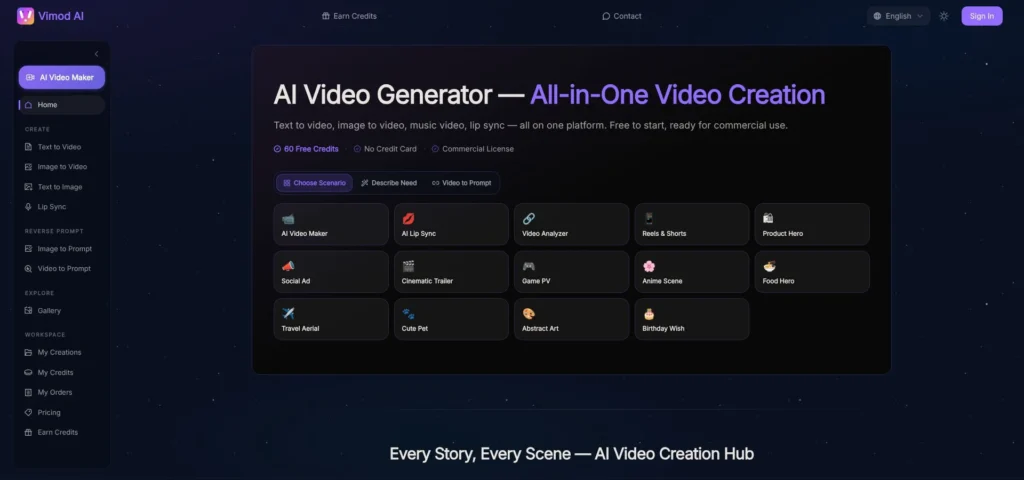
Vimod feels like twenty AI models wired into one control room, then handed to you.
Open a project and pick a mode. Lyrics Mode builds a karaoke video with word-level highlights, auto-transcribed and timed to a hair. Ambient Mode passes control to an AI director who stitches cinematic scenes, adds smooth transitions, and adjusts pacing to follow every build and breakdown.
Under the hood you can swap engines clip by clip: Runway Gen-4 for photoreal B-roll, a cartoon diffusion model for the chorus, and Google’s Lyria video for the bridge. Each engine draws a different credit cost, so you season the mix the way a chef balances spices.
The dashboard can look busy at first. Sliders for seed, motion weight, and colour coherence crowd the screen, yet saving a few presets makes iteration fly. Need the same video in vertical? One click reframes and re-renders, captions intact.
Free accounts offer 100 credits and 720p tests with a watermark. Creator tiers provide 1080p and most engines, while Business tiers raise the ceiling to true 4K. If you craft videos for multiple artists, or just enjoy tweaking until every scene matches your brand, Vimod is a playground that rewards curiosity.
8. Pictory.ai: Stock-Driven Lyric Videos for Content Multitaskers
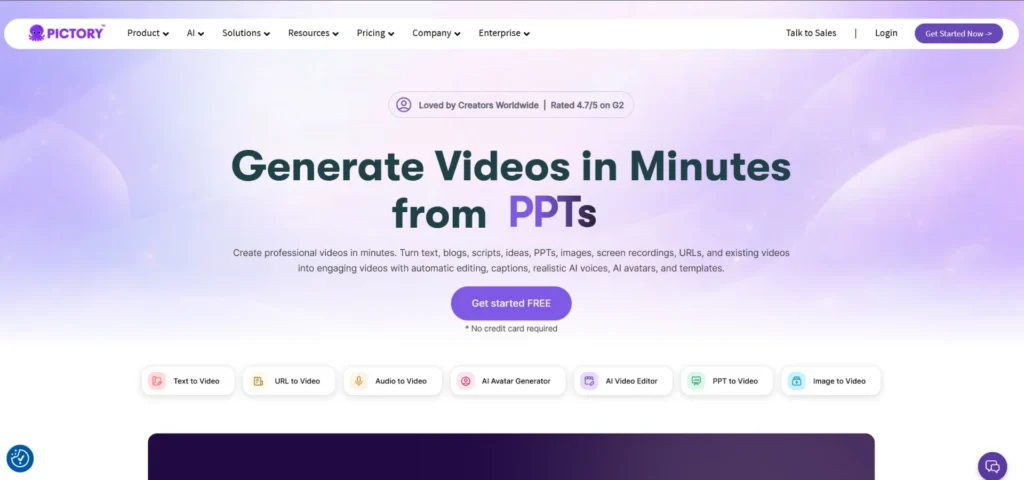
Pictory tackles music the same way it handles blog posts and webinars. Feed it words, and it builds a storyboard from a vast royalty-free library.
Upload your track and the engine transcribes the lyrics, then scans its vault for footage that literally matches each line. Mention rain and you get slow-motion droplets; sing about a highway and a drone shot of city lights appears. Swap any clip with a drag, or trust the first draft and fine-tune pacing.
Because all visuals are pre-shot, a three-minute song renders in about 90 seconds, and the footage looks broadcast-grade. Captions land in clean, brandable templates—no psychedelic flourishes, just crystal-clear readability that works on YouTube, slide decks, or corporate intranet screens.
The real hook is versatility. One subscription also covers your TikTok teasers, podcast snippets, and LinkedIn explainers, so marketers juggling many content types squeeze extra value from the tool. Need a reliable, fast lyric video that feels more like a short film than an AI fever dream? Pictory is the dependable choice.
9. Rotor Videos: Algorithmic Editing With Real-World Footage
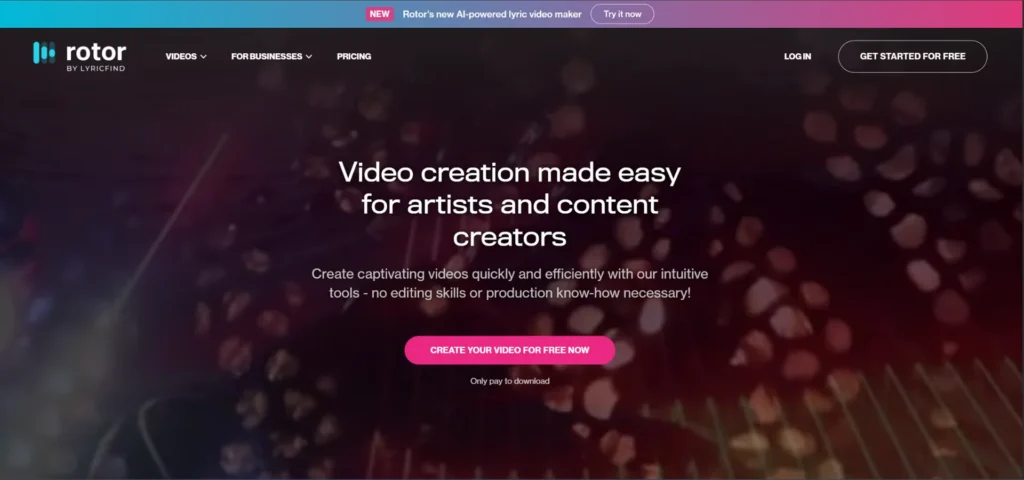
Rotor predates the generative boom, yet thousands of artists still choose it because nothing beats real cameras for tangible atmosphere.
The recipe is simple. Pick a visual style, drop in your song, then select clips from Rotor’s stock vault or upload your own live takes. The algorithm listens to the track and cuts angles to the tempo, fading and colour-grading to match energy shifts. A three-minute song renders in about two minutes, giving even static B-roll a live-show pulse.
Lyrics support is basic—paste line-by-line captions manually—but the pacing steals the spotlight. Rotor hears the kick drum and swaps shots like a concert edit, making crowd footage and backstage clips feel fresh.
Pay-per-export pricing keeps costs predictable: preview as much as you want, then buy only the final file you plan to publish. Use Rotor when authenticity matters more than AI novelty—gritty backstage moments, guitar close-ups, crowd reactions. The platform turns raw footage into a music video that feels shot on tour rather than generated in a lab, and that human texture still connects with fans.
10. Vizzy.io: Zero-Cost, Zero-Friction Lyric Visualizers
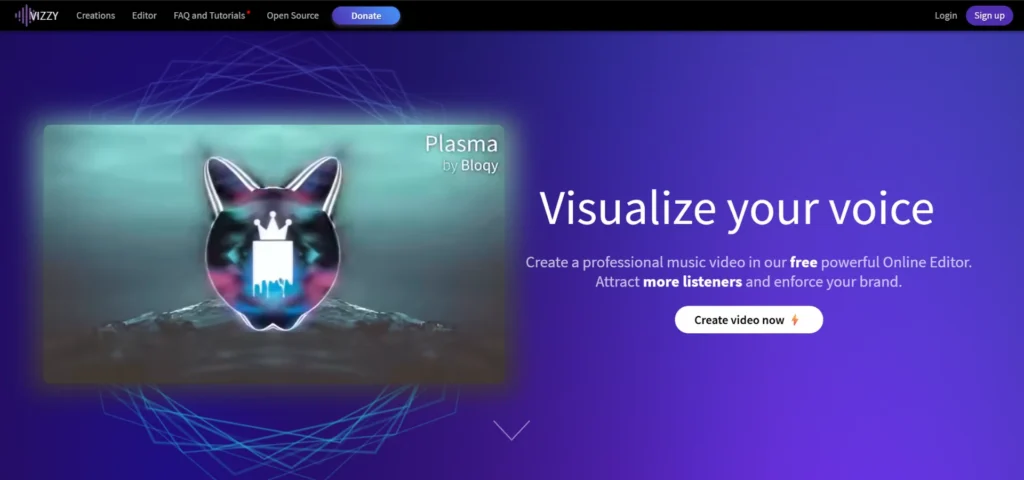
Sometimes you just need a quick lyric video—no credit card, no signup, no branding surprise in the corner. Vizzy.io exists for that moment.
Open the browser editor and the page springs to life. Upload your audio, paste your lyrics, and use the timeline to sync them. Total elapsed time is usually under three minutes.
Visual options stay purposeful. Pick a pulsing waveform, a 3D scene, or a looping abstract animation. Change the font, tweak the colour, and hit export. You leave with a 1080p MP4 free of watermarks, perfect for socials or internal feedback rounds.
No one will mistake it for a Hollywood shoot, but when budget is zero and the deadline is right now, Vizzy.io turns raw audio into a shareable clip faster than you can brief a designer. Keep it bookmarked for demos, lyric proofing, or late-night “drop the snippet” moments that keep momentum rolling.
Pro Tip: Once your lyric video is ready, premiere it everywhere at once with OneStream Live. Stream across 45+ platforms, set up playlist streaming, run 24/7 loops on YouTube, and reach every audience simultaneously from a single upload.
Quick Comparison
|
Tool |
Auto Lyric Sync |
Audio-Reactive Visuals |
Free Tier Limits |
Watermark on Free? |
Max Export |
|---|---|---|---|---|---|
NeuralFrames |
Word level |
Generative scenes react to BPM |
Several HD renders per month |
No |
4K |
Kaiber |
None |
Image-to-video pulse with music |
Few credits |
Yes |
1080p |
Artlist |
None |
Prompt-based |
Free plan, shared AI credits |
Yes |
1080p (up to 4K upscale) |
Capify |
Word level plus timeline edits |
Minimal (text focus) |
Low-res preview |
No |
4K |
Revid |
Word level |
Stock animation on beat |
Limited videos |
Yes |
1080p |
MakeSong |
Word level on AI-made song |
Story scenes plus lip-sync |
One song and video |
Yes |
1080p |
Vimod |
Word level |
Multi-model cinema |
100 credits |
Yes |
4K |
Pictory |
Line level |
Stock matched to lyrics |
Three videos at 720p |
No |
1080p |
Rotor |
Manual paste |
Stock cut to tempo |
Free watermarked preview |
Yes |
1080p |
Vizzy.io |
Manual paste |
3D scenes and waveforms |
Unlimited 1080p |
No |
1080p |
Conclusion
Ten AI music video tools, ten different strengths. The best pick depends on what you need right now, not what looks flashiest on a landing page.
Quick pointers:
- Need a festival-grade video soon? Choose NeuralFrames for visuals, or Capify if text precision matters more.
- Posting daily TikToks? Revid is your budget pick for fast, full-length clips.
- Craving pure artistry? Feed your cover art to Kaiber and watch it breathe.
- No song recorded yet? MakeSong handles both the music and the video in one sitting.
The video is only half the job. Getting it in front of every audience is the other half. Use OneStream Live to maximize your reach and turn every release into a live event.
Frequently Asked Questions
Can AI music video tools sync lyrics automatically?
Tools like NeuralFrames, Capify, Revid, and MakeSong auto-transcribe your lyrics and align them at the word level. Some, like Capify, also give you a timeline editor to fine-tune individual words down to the frame. Kaiber and Rotor do not offer built-in lyric sync, so you would need a separate caption tool.
What audio formats do these tools accept?
MP3 and WAV are supported across nearly all platforms on this list. Some tools also accept direct links from platforms like YouTube and SoundCloud, pulling the audio automatically without a manual upload. Check each tool’s upload page for the full list of supported formats.
Are AI music videos good enough for an official release?
That depends on the tool. NeuralFrames exports in true 4K with no watermark, which works for YouTube, Spotify Canvas, and social platforms. Tools like Revid and Pictory deliver solid 1080p output that suits singles and promotional clips. For a major release, you may want to pair AI-generated visuals with some manual editing.
How long does it take to generate a full music video with AI?
Most tools finish a three-minute video in under 10 minutes. NeuralFrames completed our EDM test track in about six minutes. Revid and Pictory were even faster, finishing in under five. MakeSong takes slightly longer since it also composes the song, averaging around eight minutes for a four-minute track.
Can I use these tools if I have no music production experience?
Absolutely. Tools like MakeSong and Revid are designed for beginners. MakeSong lets you type lyrics and pick a genre, then handles the entire song and video creation. Vizzy.io requires no signup at all. You paste your lyrics, upload audio, and export a finished video in under three minutes.
OneStream Live is a cloud-based live streaming solution to create, schedule, and multistream professional-looking live streams across 45+ social media platforms and the web simultaneously. For content-related queries and feedback, write to us at [email protected]. You’re also welcome to Write for Us!