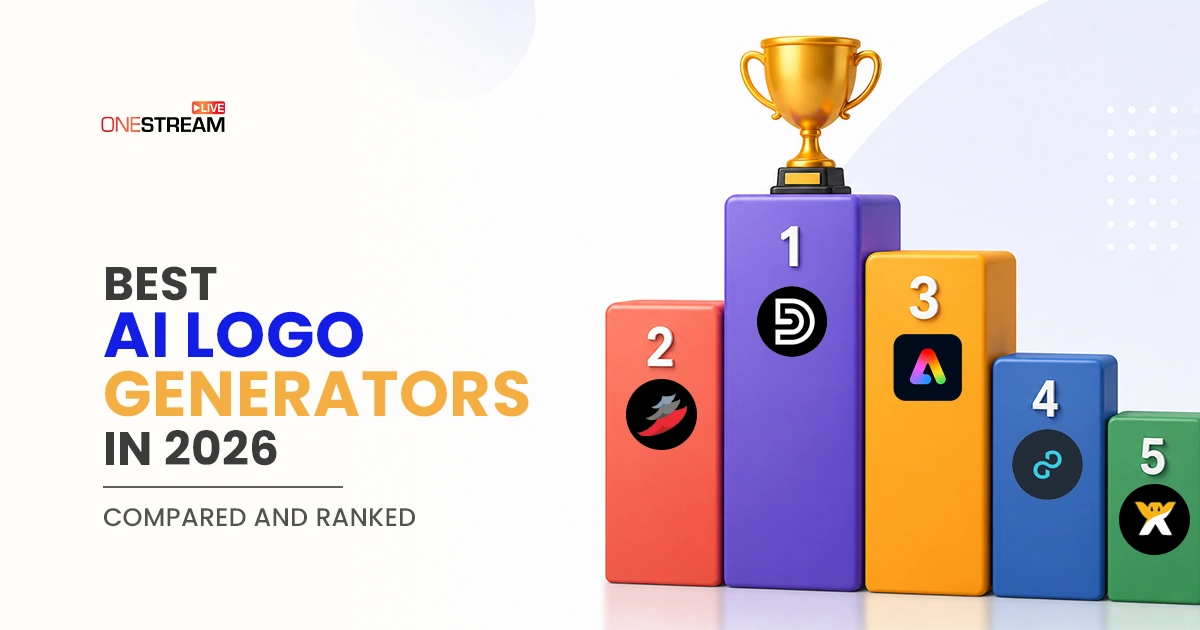
Creating professional-looking visuals used to require design skills, expensive software, and a lot of time. Today, modern AI-powered design tools can generate polished branding, social graphics, and marketing materials in minutes. These platforms focus on speed, automation, and high-quality templates that help anyone produce work that looks like it was made by a professional designer. This comparison looks at the five best AI logo generators, Design.com, BrandCrowd, Adobe Express, Wix, and Logopony, to see which ones help you achieve pro-level results instantly.
Let’s get into the comparison.
Quick Comparison
Category
Winner
Why It Stands Out
Best overall
Design.com
Best mix of free logos, flawless design quality, AI editing, template library, file formats, and brand tools
Runner-up
BrandCrowd
Strong logo library and polished template-driven workflow
Best for design professionals
Adobe Express
Capable output, but requires design experience to get good results
Best for beginners
Wix Logo Maker
Guided process helps beginners get started, though outputs lack distinctiveness
Best budget option
Logopony
Low-cost entry point for simple logo needs, with limited features and polish
Fastest results
Design.com
Generates complete, commercially ready branding assets with minimal input
Largest template library
Design.com
Over 400K logo templates and 1M+ total design assets across all industries
Best free tier
Design.com
Fully free logos, business cards, and branding assets available to publish at no cost
How AI Logo Generators Make You Look Professional Instantly
Modern design platforms don’t just offer templates. The best AI logo generators use AI and automation to streamline the entire creative process.
AI-first tools generate complete designs instantly with minimal input.
Template-based platforms provide structure with easy customization.
Hybrid tools combine automation with manual editing for more control.
The right choice depends on how fast you want results and how much customization you need.
What We Tested and How
We used identical prompts across all platforms to keep the comparison fair:
Local service business: Clearview Sparkle (window cleaning company)
Each logo maker was evaluated on a 1-5 scale across six categories:
Template variety
AI customization
Export formats
Ease of use
Pricing
Output quality
We also ran the generated logos through a secondary AI review (ChatGPT) and scored them from 1-10 based on:
Logo quality
Industry relevance
Visual balance
1. Design.com
Design.com is built for users who want instant, professional-quality designs without needing any design experience. It uses AI to generate complete branding assets that look clean, consistent, and ready to use right away.
Criteria
Rating
Notes
Template variety
5/5
400K+ logo templates, 1M+ total design templates, covering all industries
AI customization
5/5
Strong AI understanding with chat-style editing and fast adaptation
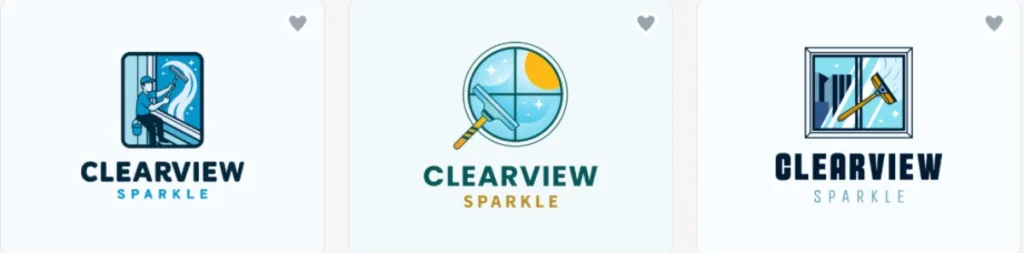
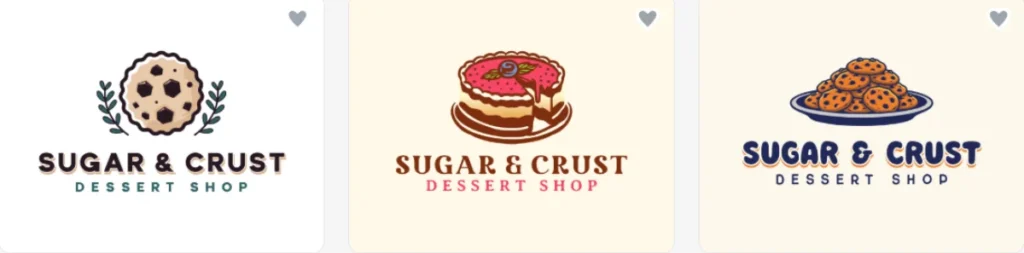
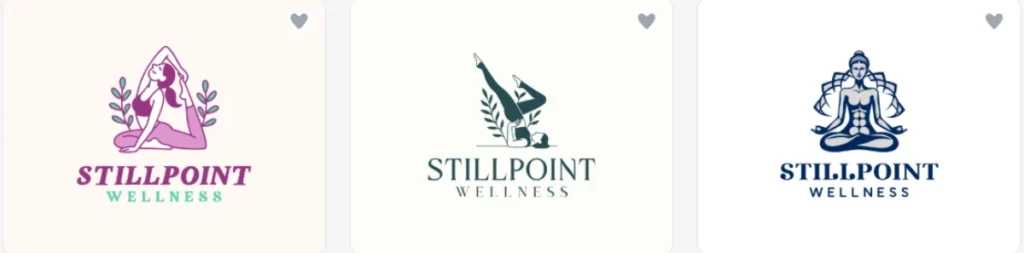
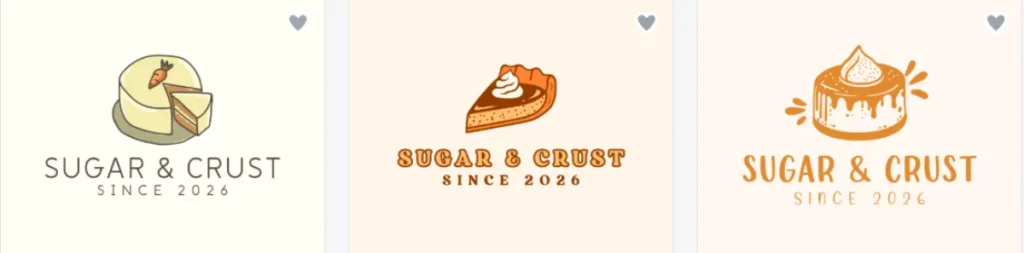
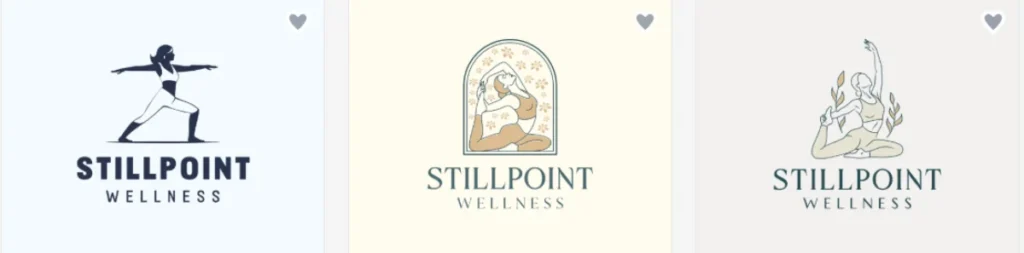
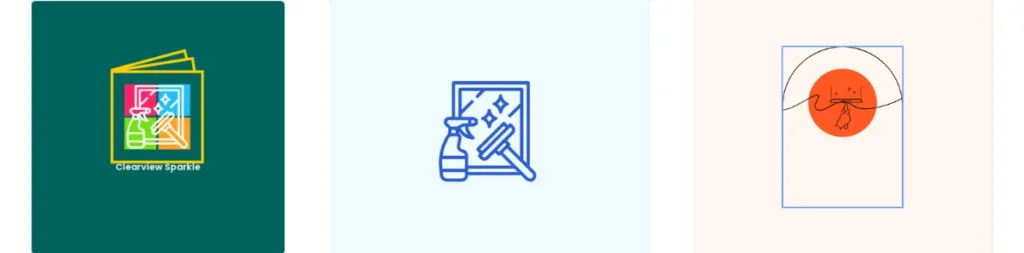
Here are the logos Design.com generated for our three test briefs.
Clearview Sparkle
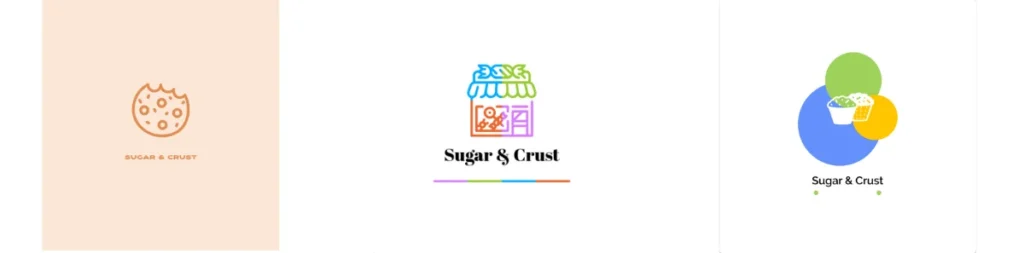
Sugar & Crust (dessert shop)
Stillpoint Wellness (meditation studio)
Category
Rating
Notes
Design Quality
9.6/10
The logo designs are highly professional, modern, and commercially ready. Visual consistency across all designs and strong use of typography systems.
Relevancy
9.7/10
AI-generated concepts align extremely well with different industries. The platform consistently adapts visuals to match brand intent without feeling generic.
Logo Balance
9.8/10
Great spacing and alignment keep the designs clear and well-structured. Even when the logos become more detailed, they remain easy to read and visually clean.
Pros
Customer rating: A 4.7-star rating from over 4K+ customers
Library size: One of the world’s largest logo template libraries with over 1M+ designs in total
AI tools: Built-in AI tools to generate logos, business cards, flyers, presentations, and more
Support: 24/7 customer support
Additional branding features: Digital business cards, social media posts, QR codes, etc.
Free tier: Completely free logos, business cards, and other branding assets available 100% free to publish
Domain name: Domain name registration along with your logo
Fonts & shapes: 750+ fonts, 525+ exclusive fonts, and hundreds of shapes, icons, and layouts available
Best for: Fast branding with professional output across all industries
2. BrandCrowd.com
BrandCrowd.com is a strong alternative that focuses on template-driven design combined with AI-assisted customization. It helps users quickly create polished visuals while still offering room for personalization.
Criteria
Rating
Notes
Template variety
4.5/5
Huge logo library (380K+ templates) with strong category coverage
AI customization
4.5/5
Strong AI editing with professionally crafted designs
Export formats
5/5
Formats like PNG, SVG, PDF, icon-only option, etc.
Ease of use
4.5/5
Very easy to use
Pricing
5/5
Affordable
Output quality
5/5
High-quality logo templates
Logo Samples & Rating
BrandCrowd produced these logos from the same set of prompts.
Clearview Sparkle
Sugar & Crust (dessert shop)
Stillpoint Wellness (meditation studio)
Category
Rating
Notes
Design Quality
9/10
Professional results, with different color palettes and unique styles.
Relevancy
9.2/10
Proper logo designs based on inserted keywords.
Logo Balance
9/10
Good harmony between the generated logo designs. Most logos are well structured.
Pros
Library size: 380K+ logo templates across a wide range of industries
Interface: Simple browsing experience for finding and editing existing designs
Export formats: Standard formats including PNG, SVG, and PDF
Pricing: Affordable entry point for basic logo needs
Best for: Users who want to browse and tweak existing designs
3. Adobe Express
Adobe Express combines Adobe’s design power with AI tools to produce high-quality, polished visuals. It’s built for users who want more creative control and professional output.
Criteria
Rating
Notes
Template variety
4/5
Creative library with premium design assets
AI customization
3/5
Limited automation, more manual control
Export formats
5/5
Industry-standard export options
Ease of use
3/5
Requires some design familiarity
Pricing
3/5
Free tier limited, paid Adobe ecosystem pricing
Output quality
5/5
Quality logo designs
Logo Samples & Rating
These are the results Adobe Express returned for each test brand.
Clearview Sparkle
Sugar & Crust (dessert shop)
Stillpoint Wellness (meditation studio)
Category
Rating
Notes
Design Quality
9/10
Good visual output with strong typography control and professional design standards typical of the Adobe ecosystem.
Relevancy
8.7/10
Works well for most industries, but relevance depends more on user input than AI automation.
Logo Balance
8.4/10
Good composition control and alignment tools allow for highly balanced and visually refined logos.
Pros
Output quality: High-quality results for users who come in with some design knowledge
Typography: Good control over fonts and composition
Ecosystem: Connects with other Adobe tools for existing Adobe users
Best for: Users with some design experience
4. Wix Logo Maker
Wix is mostly known as a website builder, but its AI design tools and built-in creative features make it a great choice for quickly creating branded visuals. It helps users develop consistent designs that fit their website and online presence.
Criteria
Rating
Notes
Template variety
3/5
Moderate selection focused on structured designs
AI customization
4/5
Guided AI questionnaire system
Export formats
3/5
Basic logo export formats
Ease of use
5/5
Very beginner-friendly guided process
Pricing
4/5
Reasonable pricing for small businesses
Output quality
3/5
Clean but less unique or advanced
Logo Samples & Rating
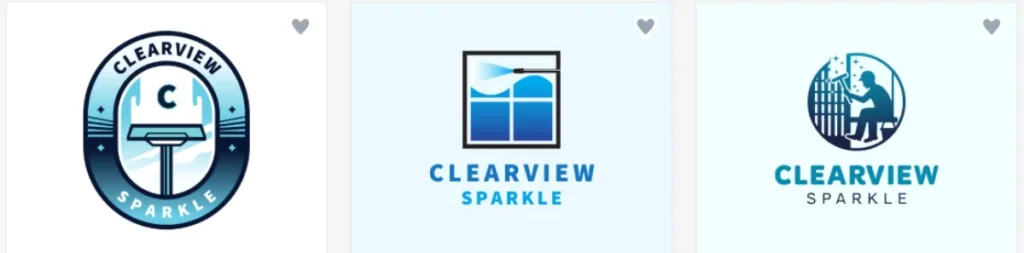
Here are the results from Wix Logo Maker using the same process we kept for every tool.
Clearview Sparkle
Sugar & Crust (dessert shop)
Stillpoint Wellness (meditation studio)
Category
Rating
Notes
Design Quality
7.8/10
Clean and functional designs, but often simpler and less visually distinctive compared to dedicated logo-first platforms.
Relevancy
8.3/10
Guided AI questionnaire helps match branding direction, though results can feel somewhat predictable.
Logo Balance
7.6/10
Layouts are mostly solid and consistent, but they don't have the same level of polish or advanced typography you see in more premium tools.
Pros
Guided process: Step-by-step AI questionnaire suited for first-time users
Website integration: Logos align with Wix-built websites
Pricing: Reasonable pricing for small businesses
Best for: Beginners who want structured guidance
5. Logopony
Logopony is a basic AI logo generator focused solely on logo creation. It lacks the broader branding features found in most other platforms on this list, making it a limited option for anyone who needs more than just a standalone logo.
Criteria
Rating
Notes
Template variety
3/5
Narrower selection compared to larger platforms
AI customization
3/5
Basic AI generation with limited editing depth
Export formats
3/5
PNG and SVG available, fewer options than competitors
Ease of use
4/5
Simple interface that's easy to navigate
Pricing
4/5
One-time purchase model, no subscription
Output quality
3/5
Acceptable results, but lacks polish of top-tier tools
Logo Samples & Rating
Here are the results from Logopony using the same process we kept for every tool.
Clearview Sparkle
Sugar & Crust (dessert shop)
Stillpoint Wellness (meditation studio)
Category
Rating
Notes
Design Quality
7.2/10
Designs can feel generic and lack the refinement seen in more advanced platforms.
Relevancy
7.5/10
Keyword matching works for common industries, but struggles with more specific or nuanced brand concepts.
Logo Balance
7.0/10
Layouts are passable, but typography and spacing feel uneven compared to the other tools tested.
Pros
Pricing: One-time purchase with no ongoing subscription
Speed: Fast logo generation with minimal input required
Interface: Simple and easy to navigate for first-time users
Best for: Users with minimal logo needs and a tight budget
What the Results Revealed
After a thorough comparison between the leading logo makers in the industry, we’ve uncovered that even though each tool brings its own unique features, Design.com and BrandCrowd.com clearly took the lead.
Design.com led the field with perfect scores across every evaluation category and the highest AI ratings overall, earning a near-flawless 9.7 average across design quality, relevancy, and visual balance.
BrandCrowd.com followed closely in second, delivering polished, professional results through its extensive template library.
Adobe Express delivered creative results, but its reliance on user input over AI automation means results depend more on the person using the tool than the platform itself.
Wix Logo Maker offered a beginner-friendly experience with clean, functional logos, though the outputs lacked distinctiveness.
Logopony rounded out the list as the most basic option tested. While it covers the fundamentals and suits users with simple needs, it fell noticeably behind the other platforms in design quality, AI capability, and overall output polish.
Thus, the gap between the top two platforms and the rest was more highlighted than expected, particularly when it came to industry relevance and how commercially ready each logo felt straight out of the generator.
For anyone who needs a strong logo quickly and without design experience, the guidance is clearly towards Design.com as the safest way for professional results on the first try.
Pro Tip: Once you have your logo, use it everywhere your brand shows up. And if you live stream, OneStream Live lets you add your logo to your live streams so your branding stays consistent across every platform you broadcast to.
Final Words
The tools tested each served a different type of user, but the gap in quality between them was clear. The best AI logo generator in this comparison was Design.com. It came out on top overall and led in nearly every category, and BrandCrowd followed as a solid second. Adobe Express, Wix, and Logopony each have their place, but none matched the consistency or output quality of the top two.
AI logo generators have made professional branding accessible to anyone, regardless of design experience or budget. The technology has advanced to the point where there is little reason to spend time or money on manual design work for early-stage branding needs.
Anyone who needs a professional logo quickly and without design experience will find Design.com the most reliable choice.
Your logo is only as valuable as the places people see it. Put it front and center on every live stream you run. OneStream Live helps you broadcast branded streams to all your platforms from one place. Go live with your brand on OneStream Live.
Think about your budget and how much time you want to spend. An AI-first platform is the safest choice when you want fast, professional results on the first try.
Most paid plans include full commercial rights. Always check the licensing terms before using a logo for business purposes.
OneStream Live is a cloud-based live streaming solution to create, schedule, and multistream professional-looking live streams across 45+ social media platforms and the web simultaneously. For content-related queries and feedback, write to us at [email protected]. You’re also welcome to Write for Us!
We use cookies to enhance your browsing experience, serve personalized content, and analyze our traffic. By clicking "Accept All", you consent to our use of cookies.
Cookie Preferences
Strictly NecessaryRequired
Essential for the website to function properly.
Functional
Enable enhanced functionality and personalization.
Analytics
Help us understand how visitors interact with our website.