
Live streaming used to be quite simple a few years ago, when all you needed was a webcam, a good game, and a basic chat. That said, with there being more than 7.7 million Twitch streamers out there, livestreams are more crowded than ever. In such a competitive space, streamers need to focus on audience engagement, and one of the most effective ways to do that is by using overlays and effects in live streams.
Overlays and video effects help solve this problem. They make the stream more interactive, increase participation, and help build a clear identity for your content while keeping viewers interested in what happens next. There are many effects available today, which can make it hard to choose the right ones. This article covers five interactive overlays and effects that can improve your live streams.
Overlays and effects help improve audience engagement and make live streams more interactive.
Twitch overlays and YouTube live stream overlays help give your stream a unique look and identity.
Chat-triggered overlays and interactive widgets turn viewers into active participants.
Game-reactive overlays and real-time goal bars add excitement and keep viewers interested.
Seasonal and event-based stream overlays help keep content fresh and relevant throughout the year.
OneStream Live helps you add stream overlays and use live stream effects while multistreaming from one place.
1. Chat-Triggered Character Overlays
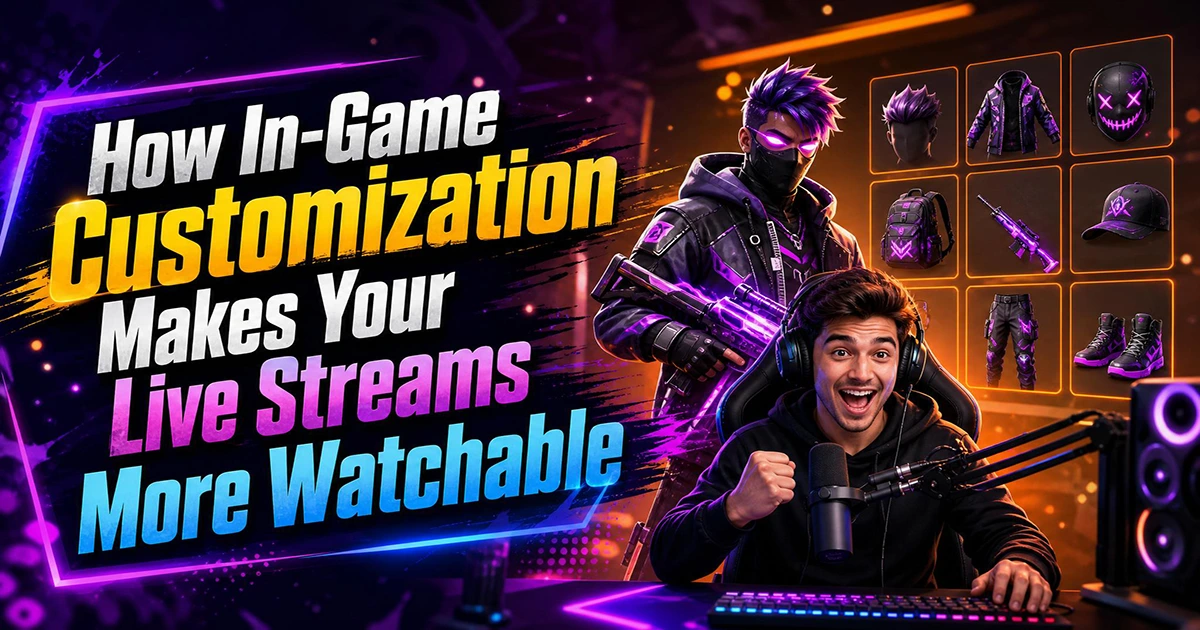
Livestream games become more immersive when your viewers feel like they are inside the stream, not just watching the game. Chat overlays act as “visual chaos boosters,” offering features such as real-time outfit swaps, random visual shifts, or scene glitches. These are generally activated via OBS, meaning that the stream’s software listens to the command in the chats and triggers the overlay.
With Delulu Stream, viewers can use special features to turn the streamer into an astronaut, a robot, or get a vacation outfit on. On one recent stream, famed creator Ricky Berwick used the tool to boost engagement and also monetize with superchat, allowing audience members to transform him into a baby shark, a goth girl and a skeleton.
Powered by AI from the Decart research lab, Delulu Stream works with amazing coherence and smoothness, even on multi-hour streams, and it outputs video in real-time, so there’s no annoying latency lag. Using it turns the chat into a good type of chaos that will keep the live streams active and make sure people return for future streams.
2. Game-Reactive Overlays
Game-reactive overlays respond to the events happening in the game and pull it into the game. This includes HP, kills, mana, or boss phases, turning the viewing experience into something more immersive. Data can be turned into screen or chat effects, working particularly well for YouTube or Twitch streaming.
For example, let’s say that you are at 10 health in the game and you’re dangerously close to losing the round if you don’t find a potion. Game-reactive overlays can pick this up and cause the stream to start glitching or pulsing red.
This helps create natural tension as you play while also making your stream feel high-budget and professional.
3. Real-Time Goal Bars
Visual progress bars are also quite popular, because they keep track of milestones and add to the hype.
Instead of mentioning your goals verbally as you are playing, real-time goal bar tools like OneStream Live Studio let their creators add logos, banners, and other call-to-actions. These psychological triggers send the audience into a community mission, giving them a common goal.
For example, these banners can be used to track things such as donation targets and subscriber goals. Studies show that some banners collect double the CTR, as they give visitors a visual incentive to act. Plus, once they see that a goal was almost achieved, they’ll be more likely to contribute and push the action over the finish line.
4. Interactive and Quiz Overlays
Gamification is perhaps one of the fastest ways to draw viewers in, because it turns any casual stream into a game show.
Gamification tools like LiveReacting let streamers put polls and quizzes inside their broadcast. The audience can then either interact with the widget or comment on their answer in the chat, with the system tracking and counting their response.
A good idea is to use these overlays in the “just chatting” streams or when you hit a break mid-stream. The embeds keep the audience retention going, even if the main event has stopped. You can go for multiple formats such as trivia, game prediction, or audience challenges. Like with the chat overlays, your audience is not just watching; they’re competing with one another.
5. Multi-Cam and Scene Switching
Multi-camera setups have become quite popular, as they make the entire livestream feel like a movie. Rather than streaming everything from just one webcam frame, this effect uses multiple camera angles that switch dynamically during the game.
Multicam live stream effects let you switch between close-ups and live shots based on your reaction, giving the stream a high-end look.
This interactive effect is particularly popular for collaborative content, as the camera can switch from one streamer to the other. Interactive setups can include split-screen interviews or gameplays, dynamic zooms during intensive moments, or picture-in-picture reaction overlays. The smooth transition keeps the attention of the viewer, as frequent abrupt scene changes can lead to visual fatigue.
Seasonal and Event-Based Stream Overlays
Seasonal and event-based stream overlays and effects are one of the easiest ways to keep your content fresh and relevant throughout the year. Events like Halloween, Easter, Holi, Christmas, and other global occasions give streamers a chance to use themed Twitch overlays and YouTube live stream overlays that instantly change the look and feel of the broadcast.
For example, during Halloween, streamers can use ready-made animated stream overlays from OneStream Live to add spooky animations, glitch effects, or dark-themed visuals. During festive events like Holi or Christmas, streamers can use colorful designs, falling particles, or celebratory live stream effects that match the mood of the occasion.
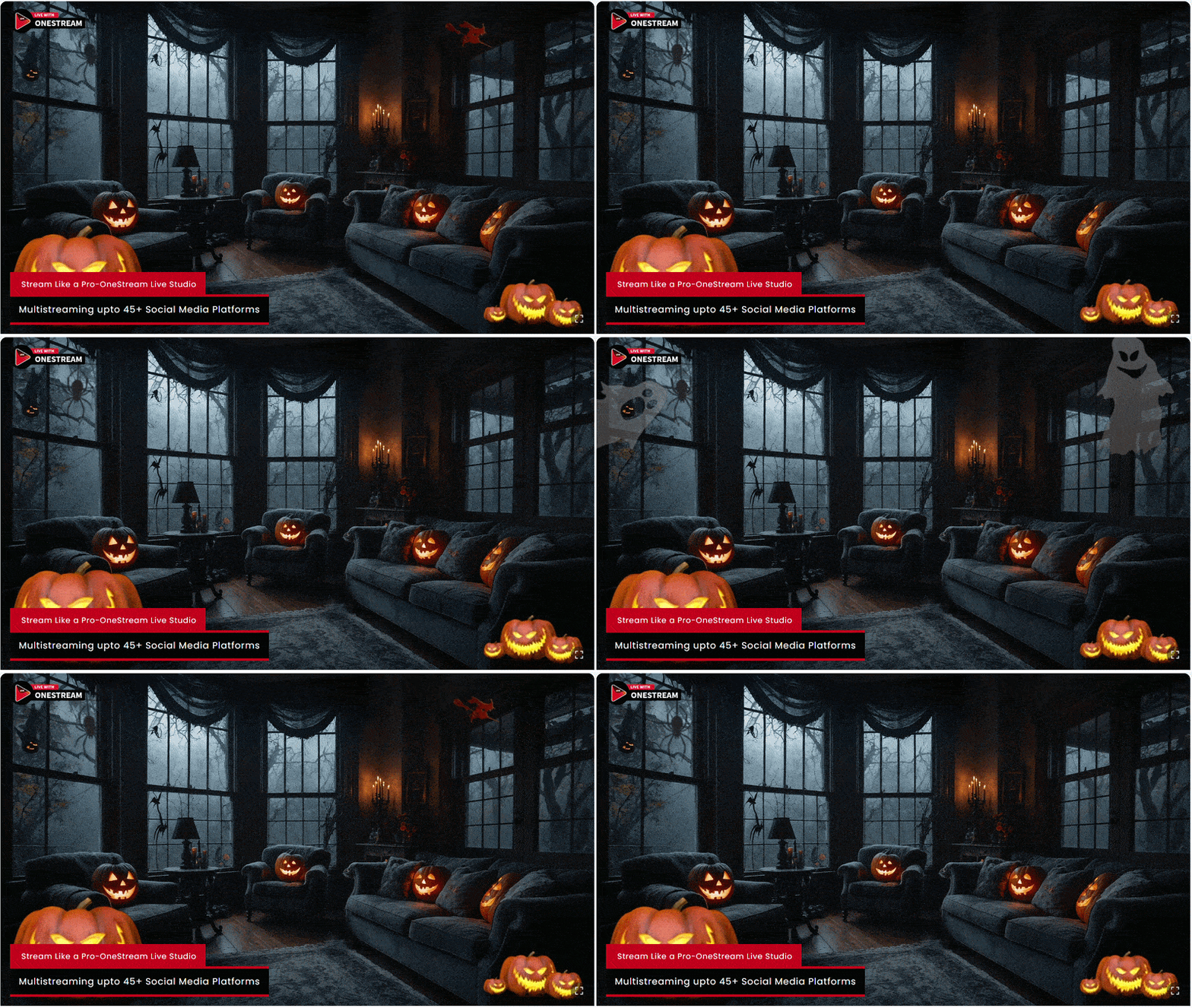
These stream overlays improve visual appeal and also make the stream feel timely and more engaging for viewers who already feel excited about the event.
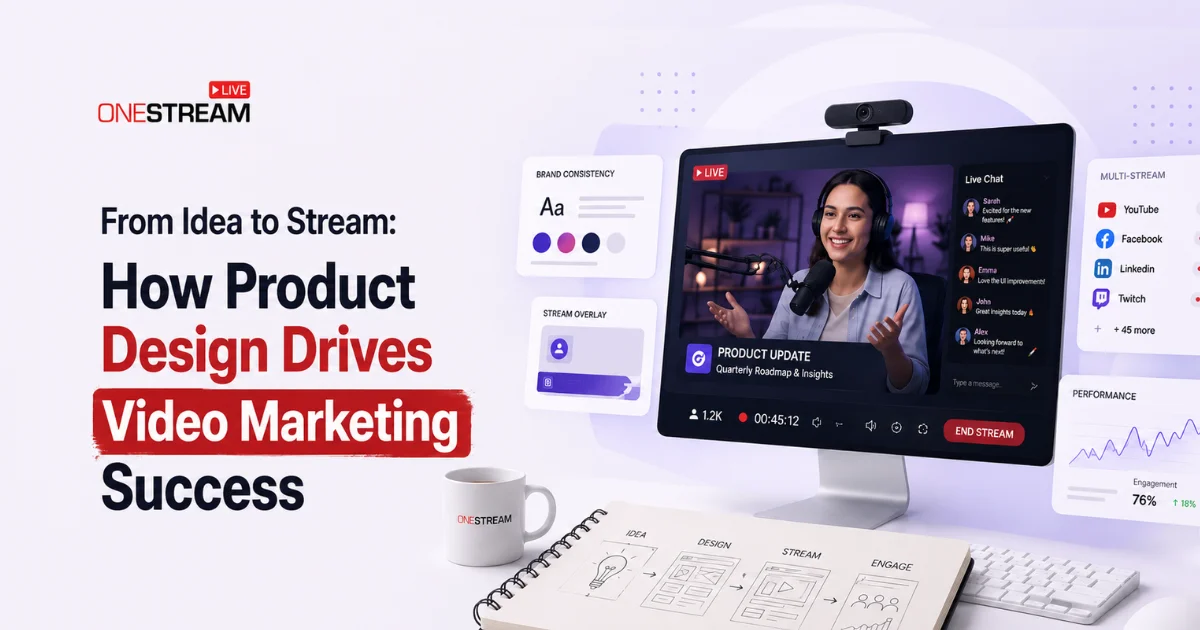
OneStream Live makes the process simple. Streamers can quickly add stream overlays and go live on Twitch, YouTube Live, and more than 45 social media platforms at the same time. Creators can keep a consistent theme across all channels without extra setup.
Seasonal stream overlays and live stream effects help boost discoverability, increase engagement, and give viewers a reason to return for new experiences.
Read More: Top Stream Overlays in OneStream Live Studio

The Bottom Line
Interactive overlays and effects are no longer just a “recommended to have” effect. Given the competitive livestreaming environment, it can make the difference between going viral and fading into the background.
Effects such as hat overlays can improve community interaction and create a more immersive experience, turning users from watchers to active participants. It’s your choice to determine which effects to use on your live streaming sessions, so make sure to find a balance based on your content type.
OneStream Live makes it easy to add stream overlays and live stream effects to your broadcasts. You can apply ready-made designs and go live on Twitch, YouTube, and other platforms at the same time through multistreaming, all from one place.

FAQs About Stream Overlays and Effects
Twitch overlays are visual elements that appear on top of your live stream. These include alerts, chat boxes, goal bars, and animated stream overlays that improve the look of your stream and help increase interaction.
You can add stream overlays using tools like OBS or OneStream Live. These tools allow you to upload overlay files and place them on your stream layout.
Yes, many platforms offer free Twitch overlays. These include basic designs and animated stream overlays that beginners can use without any cost.
Chat-triggered overlays, goal bars, live stream effects, and interactive widgets work best for engagement because they allow viewers to take part in the stream.
Yes, most stream overlays work on both Twitch and YouTube live streams. You can use the same setup across platforms, especially when using multistreaming tools like OneStream Live.
OneStream Live is a cloud-based live streaming solution to create, schedule, and multistream professional-looking live streams across 45+ social media platforms and the web simultaneously. For content-related queries and feedback, write to us at [email protected]. You’re also welcome to Write for Us!