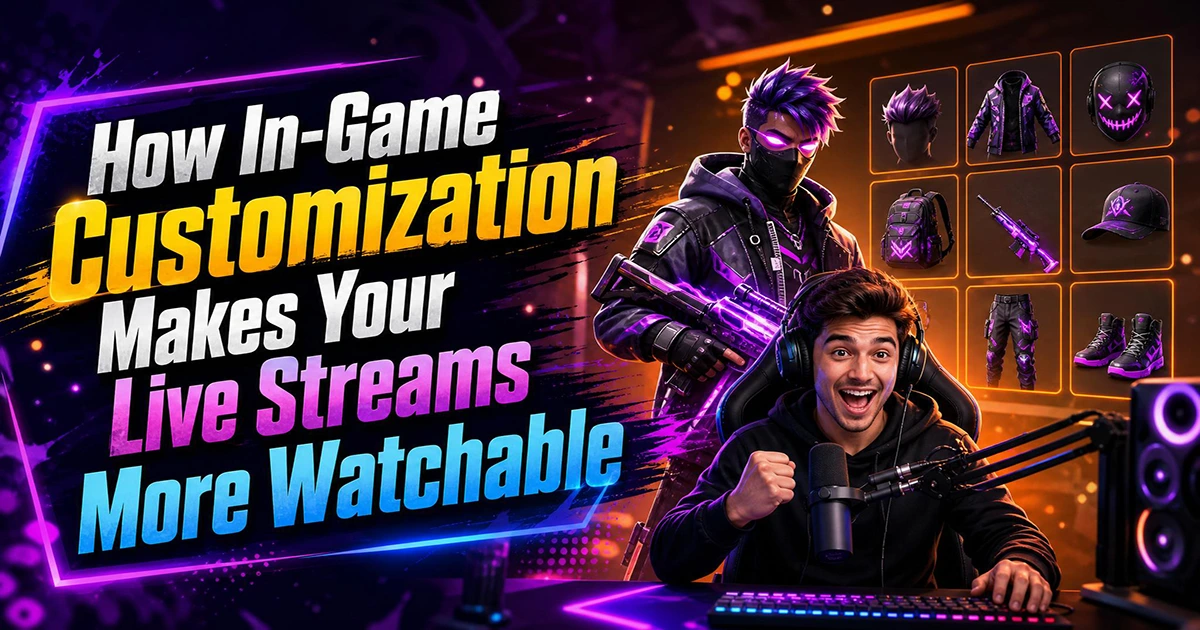
Creating a great live stream has many more aspects than having just a high-quality microphone, a neat overlay, or engaging alerts. Though a lot of creators dedicate great amounts of time to making their stream layout perfect, they sometimes forget the one thing that viewers look at for most of the time: the gameplay itself. And the easiest way to make that gameplay look different from everyone else is in-game customization.
It doesn’t matter how professional your overlays are; they usually just take up a small part of the screen. The game world, then again, almost every frame of your broadcast is filled with it. If that gameplay looks exactly like hundreds of other streams in the same game/category, then it’s going to be much more difficult to create a lasting memory in a viewer’s mind.
In-game customization, because of this, is a very strong yet not widely used tool. Skins, texture packs, custom maps, mods, and marketplace content allow you to visually differentiate the games from the very familiar ones that are usually the basis for streams that viewers are attracted to. For streamers who want to get noticed in very crowded streaming categories, the internal changes can be just as effective as the external ones.
Why Visuals in Games Keep Playing the Biggest Role
Right on streaming sites, the first impressions are made the fastest. Most of the time, potential viewers scrolling through categories decide whether clicking or staying in front of your stream is worth their time in just a few seconds.
Even though overlays help your branding, the actual visuals of the game mostly define your stream visually. Unique game visuals can show who you are, your creativity, and the level of your production quality very effectively.
Besides branding purposes, offering customized gameplay brings a few practical bonuses:
- Your stream becomes a unique one that people can remember right away
- Your streamers staying for a long time will always have new things to look at and not get bored
- It strengthens your personal brand
- Gives you a reason to chat with viewers
- Produces content that can be clearly set apart from other creators
Customization should not be an optional cosmetic upgrade. Most successful streamers nowadays consider it part of their overall production strategy.
Types of In-Game Customization That Make Your Streams Look Different
There are several ways to change how your gameplay looks on stream. Here are the most common types of in-game customization that creators use to make their content feel fresh and personal.
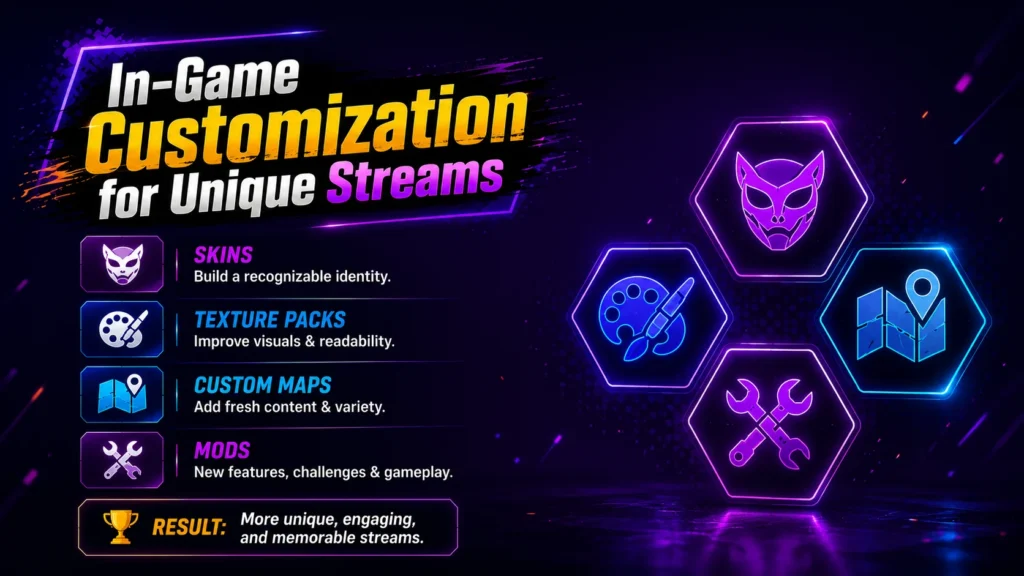
1. Skins: Develop a Captivating On-Screen Persona
Character skins are generally the easiest method to make your gameplay instantly recognizable. When streaming multiplayer games or sandbox experiences, a distinctive look is what attracts viewers to link their characters to your channel.
Creators often base their skin choices on:
- Their streaming brand
- Seasonal events
- Community inside jokes
- Original character designs
- Collabs with Other Creators
If your audience can spot your in-game avatar without you even saying a word, its like you’re a visual brand, just like logos and overlays.
2. Texture Packs Change the Game's Look
Texture packs mainly alter how the game’s world, objects, and interfaces look, plus lighting, without changing the essence of gameplay.
Here are some benefits that streamers get from them:
- Cleaner and simpler visuals
- Colors that pop more
- Easier to read and understand
- Environment that feels like a movie
With texture packs, even a veteran player can get a new gaming experience without changing the game.
What is more exciting is that no matter how many times one has played a certain game, a visual change can quite easily attract one’s attention.
Gameplay that was quite ordinary can be re-energized just by a minor change in appearance.
3. Custom Maps Add Variety
Keeping long-running content fresh and appealing is one of the major challenges most creators have to deal with.
Just by the nature of these experiences, they explore unexpected moments, funny reactions and community participation series-based content that one can naturally generate. Rather than repeating identical gameplay loops, custom maps give creators fresh material while staying within the same game category.
4. Mods Unlock Fresh Content Possibilities
Why some games have active streaming communities for a very long time is due to mods.
Often, mods can:
- They introduce new game concepts
- Offer more difficult stages
- Make the game more convenient
- Enhance the visuals
- Completely change the gameplay modes
Sometimes, when the game is modded, the players have a different experience, so for the viewers, it may be like they are watching a different game.
For content creators, mods, on the other hand, become a source of content as they make new educational videos (setup guides, mod showcases, challenge runs, and community recommendations) that help the community.
Minecraft: The Best Example of In-Game Customization
It offers vast options to personalize almost anything in the game, like:
- Character skins
- Texture packs
- Custom worlds
- Adventure maps
- Mash-up packs
- Marketplace content
- Add-ons
- Creative building assets
Besides, those variations give streamers a chance to craft a special visual identity that audiences remember in no time.
A streamer in a fantasy world featuring customized textures, unique skins, and top-notch professional Marketplace content will show a really good contrast compared to the player with the default settings.
Even though both streamers are playing the same mode, the customization brings freshness, polish, and immersion to the content.
Also, creators who are buying Marketplace worlds, skins, and mash-up packs should consider cost as well. Websites like Eneba offer cheap Minecoins, which makes it easier for streamers to enhance their visual toolbox without going over budget while they also work on the overall presentation of their channel.
Read More: Best MMORPGs to Live Stream in 2026 (And How to Grow Your Audience)
Customization Helps Keep Viewers
A nice image, a good one, is not only what brings the first click – it is also what secondarily makes the viewers stay longer.
Then again, streams that visually stand out manage to hold attention by stimulating curiosity about the next thing to be shown.
Among others, the list can be:
- Change of locations
- Originality of constructions
- Extremely limited cosmetic items
- Time-limited atmospheres
- Game versions made by fans
- Going live with one another
This kind of visual support mostly helps sustain the perception of doing the same thing over and over again, especially when watching the video for a long time.
Make Customization Part of Your Brand
Professional content creators do not simply customize their content at random. What they do is establish a consistent visual style that the audience starts to identify with their channel.
Think about creating themes that revolve around:
- Fantasy tales
- Sci-fi universes
- Medieval kingdoms
- Cozy home style
- Fearscape
- Minimalist look
Keeping a distinctive style for you through many different streams is a better branding strategy than keeping changing cosmetic elements.
Your gameplay takes on the characteristics of your style, so your viewers can recognize you and not just your game when they come across you in live stream categories.
Balance Creativity with Performance
Adding customization can greatly improve the gaming experience. But at the same time, ensuring that the gameplay works flawlessly is actually one of the top things you should be most focused on.
Changing the look of your game before streaming:
- Check frame rates
- Ensure compatibility after updates
- Confirm support for multiplayer
- Make sure that the textures are still clear on smaller screens
- Don’t overload visual elements that will take away from gameplay
Keep in mind that production quality is a combination of both look and performance. Beautiful visuals mean nothing if they cause lag or issues during a live broadcast.
Treat Gameplay As an Element of Your Overall Production
Many creators look at “stream production” and “gameplay” as two different things and possibly only try to make the stream look nice with overlays, alerts, transitions, and webcam placement.
The fact is, gameplay is where the bulk of your production work lies.
Each viewer actually looks at your game world way more than they see stream alerts or overlays. So changing it to fit you is one of the things that will have the greatest positive effect on your stream.
The incorporation of skins, texture packs, Marketplace content and custom maps can help present a visually pleasing exhibition to you for hundreds of hours.
And once your gameplay looks the way you want it to, make sure it is reaching as many viewers as possible. Connect your game to OBS Studio and then connect OBS to OneStream Live to multistream across 45+ platforms at the same time. There is no point in putting effort into your in-game visuals if only one platform gets to see them.
Conclusion
Your overlays, alerts, and branding are all important. But the reality is, viewers spend most of their time looking at your gameplay, not your stream layout. That is why in-game customization is no longer just a nice-to-have. It is part of how you build a stream that people actually want to watch and come back to.
Skins, texture packs, mods, custom maps, and Marketplace content give you the tools to make the same game look and feel completely different from every other streamer in your category. Minecraft does this better than any other game right now, but the same approach works no matter what you play.
Every detail adds up. The more effort you put into how your gameplay looks, the easier it becomes to build an audience that remembers your channel and keeps coming back. And when your content is ready, make sure it reaches every viewer by multistreaming across multiple platforms with OneStream Live.

In-Game Customization: FAQs
In-game customization refers to any visual change you make inside the game itself. This includes character skins, texture packs, mods, custom maps, and marketplace content that change how your gameplay looks without affecting the core mechanics.
It can. Heavy texture packs and mods may lower your frame rate, especially if you are gaming and streaming on the same PC. Always test your customizations before going live to make sure your FPS stays smooth and your stream does not lag.
Minecraft is the best option right now. It offers skins, texture packs, custom worlds, adventure maps, mash-up packs, add-ons, and a full Marketplace with premium content. No other game gives streamers that many ways to change the look of their gameplay.
Yes. When viewers scroll through a streaming category, they decide in seconds whether to click. A stream that looks visually different from everyone else playing the same game is more likely to grab attention and keep viewers watching longer.
Not necessarily. Many games offer free skins, community-made texture packs, and open-source mods. Paid options like Minecraft Marketplace content can add extra polish, but you can start with free tools and upgrade as your channel grows.
OneStream Live is a cloud-based live streaming solution to create, schedule, and multistream professional-looking live streams across 45+ social media platforms and the web simultaneously. For content-related queries and feedback, write to us at [email protected]. You’re also welcome to Write for Us!