
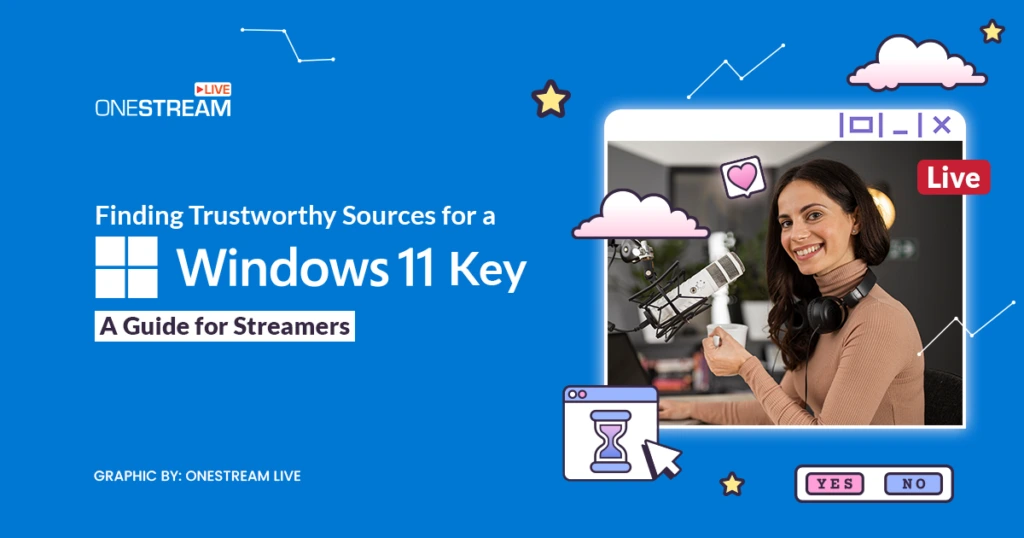
The world of live streaming is fast-paced, exhilarating, and occasionally frustrating. Streaming professionals pour their hearts and souls into entertaining viewers, crafting engaging content, and constantly striving to level up their setups with the latest live-streaming software and tools. But sometimes, a seemingly small hurdle like determining where to buy a Windows 11 key can throw a real wrench in the works for your streaming studio.
Navigating the online marketplace for a Windows 11 product key can be a minefield, especially for streamers in need of both stability and security. To assist streamers looking to buy a Windows 11 Pro key for professional use, this guide is full of useful knowledge designed to make finding a trustworthy source a breeze.
Key Takeaways:
- The safest place to buy a Windows 11 key is Microsoft or an authorized retailer. On the US Microsoft Store, Windows 11 Pro costs $199.99 and Home costs $139.
- Windows 11 Pro doesn’t make games or streams run faster than Home, but it adds BitLocker, Hyper-V, and the ability to host Remote Desktop sessions.
- Prices that look too good to be true, crypto-only payments, and vague license details are the biggest warning signs of an untrustworthy seller.
- An OEM key stays with the first PC you activate it on, while a retail key can move to another device that belongs to you.
- Activate your key as soon as it arrives, and keep your order confirmation in case you need it later.

Is a Windows 11 Pro OEM Key Worth it for Streamers?
Experienced streamers, especially those engaging in multistreaming or managing a live stream on PC, will know that crafting the right setup can be a costly endeavor. After purchasing a good camera and all the other equipment needed for a professional live streaming setup, securing a Windows 11 Pro OEM key might feel like an optional extra.
Why Use a Windows 11 Pro Key for Streaming
Depending on personal needs and goals, the professional version of Windows 11 can be a game-changer. Why? Because a Windows 11 Pro key unlocks features that Home doesn’t include:
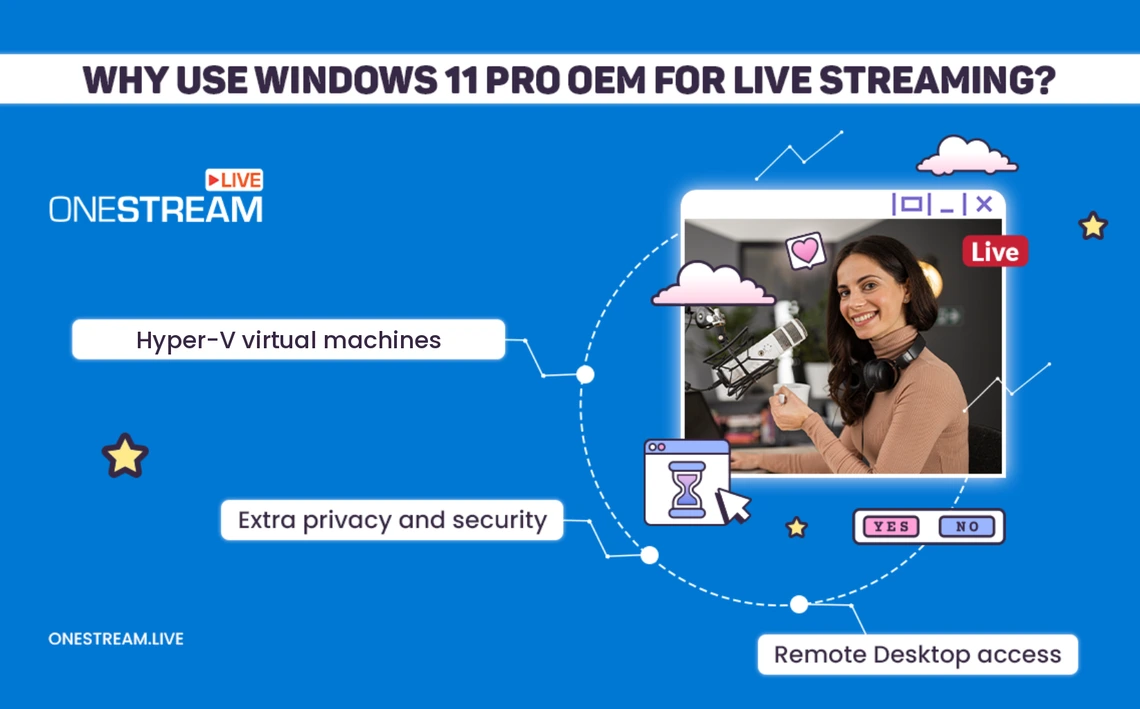
- Hyper-V virtual machines: Windows 11 Pro includes Client Hyper-V, so you can test new streaming software, plugins, or settings in a virtual machine without risking your main setup.
- Extra privacy and security: Pro adds BitLocker drive encryption, which helps protect your recordings, project files, and account details if your PC or a drive is lost or stolen.
- Remote Desktop access: Unlike Home, Windows 11 Pro can act as the host PC for Remote Desktop, letting streamers tweak settings, troubleshoot issues or even prepare for upcoming streaming sessions without being physically present. Windows Remote Desktop Software can further simplify remote troubleshooting and device management.
Windows 11 Home vs Pro for Gaming and Streaming
For gaming and streaming, Windows 11 Home and Pro perform the same, so Home runs games, OBS, and browser-based tools like OneStream Live Studio just as well. Choose Pro only if you need its extra tools, such as Remote Desktop hosting for a second streaming PC, BitLocker, or Hyper-V.
If your PC already runs an activated copy of Windows 11 Home, you can make the Windows 11 Pro upgrade in Settings > System > Activation, either through the Microsoft Store or by entering a Windows 11 Pro product key.
How to Identify Reliable Sources for Windows 11 Keys
A quick online search will reveal that there are many places to buy a cheap Windows 11 key. It is important to note that not all vendors can be trusted. To navigate this marketplace successfully, streamers should try to determine whether a vendor is legitimate before they buy a Windows 11 product key.
First and foremost, a shady product key site is much more likely to offer significantly lower prices than Microsoft’s official offering. If the price feels too good to be true, it probably is. Keys that cost next to nothing may already be used, may not match the license they claim to be, or may stop working after activation. Download Windows only from Microsoft, use genuine software for better malware protection, and avoid shady, cheap product keys.
Where to Buy a Legit Windows 11 Key
The safest option is to buy directly from Microsoft or an authorized retailer. On the Microsoft Store in the US, Windows 11 Pro costs $199.99 and Windows 11 Home costs $139.
Third-party key sites such as SoftwareKeep, and marketplaces like Kinguin, where independent sellers list offers such as a Windows 11 Professional OEM Key, usually cost less, but quality varies from seller to seller. If you buy there, check the seller’s rating and history, and consider any buyer protection on offer.
When in doubt, read a range of testimonials to ensure a site is legitimate before committing. Any seller of a Windows 11 license key should willingly and clearly state the type of license, activation method, warranty information, and return policy on offer. Transparency is key.
How to Spot an Untrustworthy Site
Streamers who want to buy a Windows 11 key and take advantage of the new monetization opportunities coming their way can quickly determine whether a site is likely to be a scam by looking out for the following features.
Why Are Cheap Windows 11 Keys Risky?
A cheap Windows 11 key often comes from a seller who hides the details. Watch for these warning signs:
- Unusual payment methods: If a site wants a user to buy their product key using only obscure methods or cryptocurrencies, it’s best to walk away and look elsewhere. Trustworthy platforms offer payment methods like credit cards or PayPal.
- Hidden terms and vague descriptions: Reputable sellers will never fail to clearly state the type of license they’re selling. If a seller’s terms are difficult to determine and their return policy is non-existent, it is wise to walk away.
- Attention to detail: If a website appears to be unprofessional and is full of typos, grammatical errors or confusing design choices, these features could indicate that the website in question should not be trusted. There are many other factors that could indicate a site is attempting to scam its users, and it’s valuable for individuals to understand the common tricks these sites use to avoid falling victim to a scam.
Other Considerations to Keep In Mind Before Purchasing an OEM Key
It is essential to note that a Windows 11 Pro OEM key, once used, is tied to the first computer it activates and cannot be moved to another computer. Microsoft’s license terms let you transfer preinstalled software to another user only together with the licensed device. Replacing a major piece of hardware, such as the motherboard, can also stop Windows from activating, so you may need a new key.
| Feature | OEM key | Retail key |
|---|---|---|
| Price | Usually lower | Usually higher |
| Move to a new PC | No, it stays with the first device | Yes, to another device that belongs to you |
| Best for | A PC you won’t rebuild | Streamers who upgrade hardware often |
A Windows 11 Pro OEM key is a cost-effective option for activating the Pro edition on a single computer. If a streamer requires more flexibility or plans to upgrade their hardware frequently, a retail key might be a better choice. Potential buyers should know that purchasing a key directly from Microsoft is likely to be more expensive in the short term.
Once a Windows 11 key has been purchased and received from a reputable seller, use it as your Windows 11 activation key right away to ensure it is valid. You can check the result in Settings > System > Activation. Buyers should hold on to their purchase records by saving their order confirmation email and any other relevant documentation just in case they come across any issues.
Get Your Streaming PC Ready
A genuine Windows 11 key keeps your streaming PC secure and up to date, so you can focus on your content instead of activation errors. Buy from a source you trust, pick the license type that fits how often you upgrade, and activate it as soon as it arrives.
Once your PC is ready, you can go live from your browser with OneStream Live Studio or connect OBS and other encoders, then multistream to the destinations you choose from 45+ integrations.
Frequently Asked Questions
Where can I get a legit Windows 11 key?
The most reliable places to get a legit Windows 11 key are the Microsoft Store, authorized retailers, and PC makers that ship Windows preinstalled. Third-party marketplaces can be cheaper, but keys there come from independent sellers, so check each seller’s rating, license type, and refund policy before you buy.
Why are Windows 11 keys so cheap on some sites?
Some Windows 11 keys are cheap because they are OEM keys meant for a single device, keys locked to another region, or keys that were already used. Many work at first, but some get blocked later. If a price is a fraction of Microsoft’s, ask what kind of license you are getting.
How much is a Windows 11 key?
On the Microsoft Store in the US, Windows 11 Home costs $139 and Windows 11 Pro costs $199.99. Third-party sellers list keys for much less, but the license type and support vary from seller to seller.
Can I get Windows 11 for free?
Yes, if your PC already runs a genuine, activated copy of Windows 10 and meets Windows 11’s hardware requirements. Microsoft offers Windows 11 as a free upgrade for eligible PCs through Windows Update, and it keeps your current edition. Windows 10 reached end of support on October 14, 2025.
What is the difference between a Windows 11 OEM and retail key?
A Windows 11 OEM key is tied to the first PC it activates and can’t be moved to a new computer. A retail key costs more but can be transferred to another device that belongs to you, which suits streamers who rebuild or replace their PCs.
OneStream Live is a cloud-based live streaming solution to create, schedule, and multistream professional-looking live streams across 45+ social media platforms and the web simultaneously. For content-related queries and feedback, write to us at [email protected]. If you have a story to share about your live streaming experience with OneStream Live, we would be glad to feature it. You're also welcome to Write for Us!