Nobody walks into your live stream unannounced again.
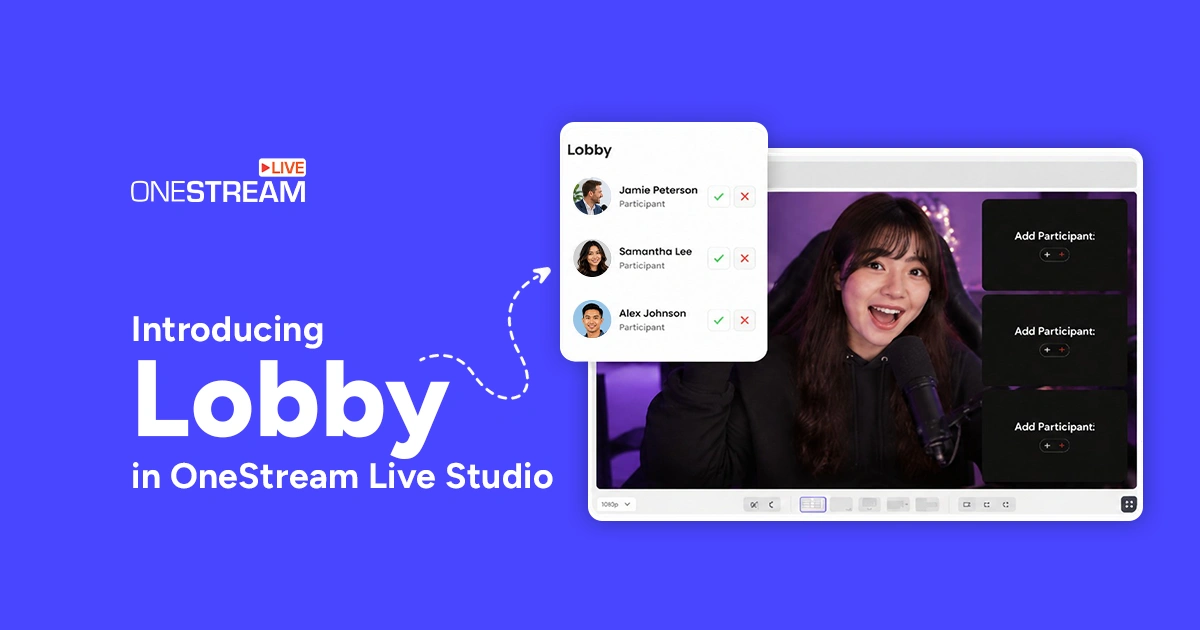
We’re introducing Guest Lobby in OneStream Live Studio, a simple new way to control who enters your Studio and when.
Earlier on, anyone with your Studio link could walk straight in the moment they clicked it. Guests could show up while you were checking your mic, talking through the show with your team, or just getting ready to go live.
Now there’s a waiting room between the link and your Studio.
With Guest Lobby, guests wait until you’re ready to bring them in. You decide who enters, when they enter, and when they move backstage.
- Guest Lobby gives hosts full control over who enters the Studio and when.
- Guests wait privately until the host admits them to backstage.
- Hosts get instant notifications when guests arrive and can admit or remove them.
- Guest Lobby prevents unexpected entrances and keeps live stream preparation organized.

What Is a Guest Lobby?
Think of Guest Lobby as your Studio’s front door.
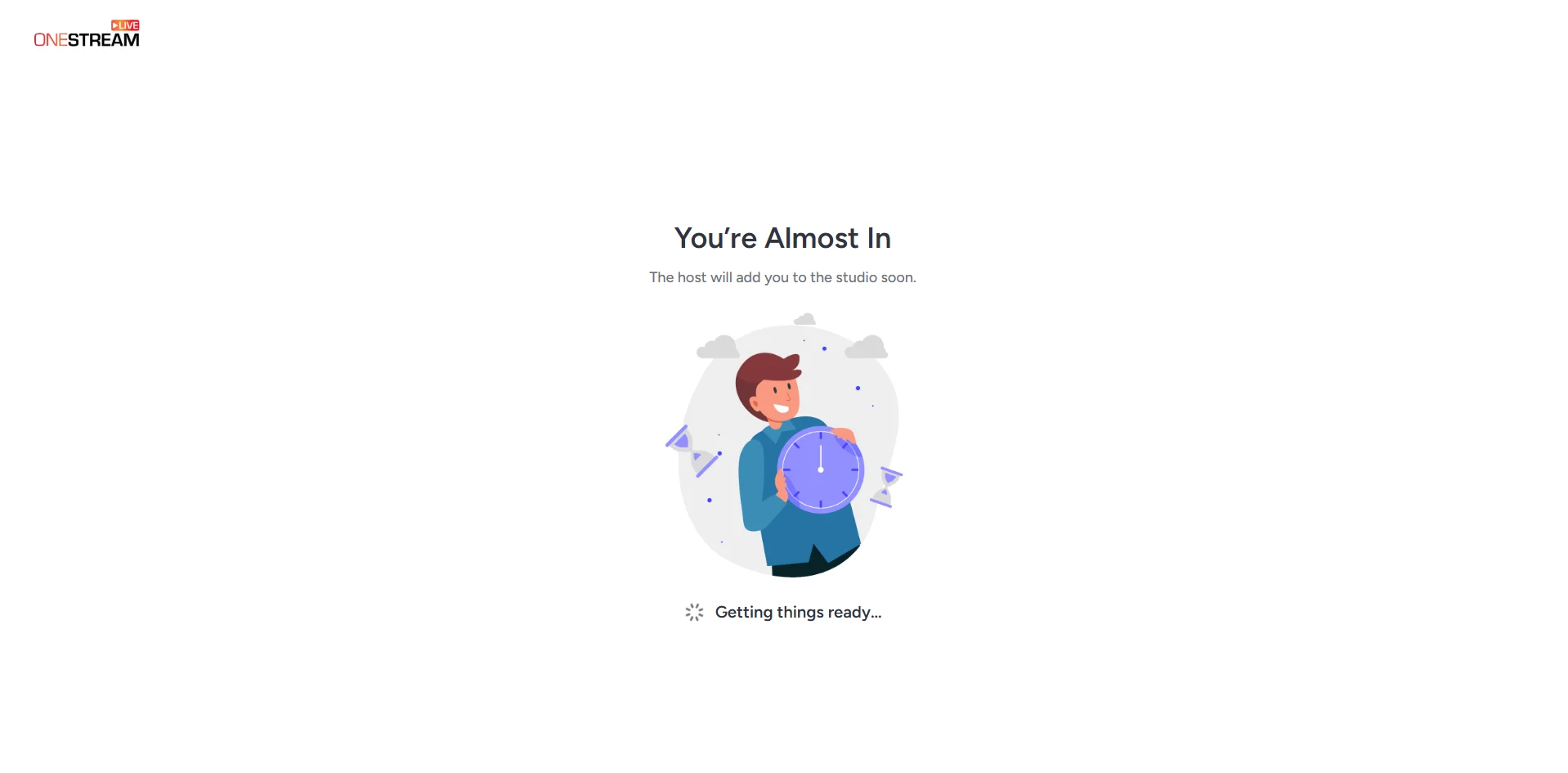
When a guest clicks your Studio link, they land in the lobby first instead of walking straight into the Studio. They see a simple waiting message while you decide when to let them in.
Once you’re ready, you admit the guest to backstage. There you can greet them, check their audio and video, and get everything set before bringing them into the live conversation.
That gives you breathing room before every guest joins your stream.
What Guests See
When Guest Lobby is on, guests who join your session see one simple message:
“Please wait. The host will bring you into the studio shortly.”
That’s it.
Guests in the Lobby can’t see who else is waiting, and they can’t message or interact with each other. Each guest gets their own private waiting screen.
If the session ends before you admit someone, their screen updates automatically to:
“The event has ended.”
No confused guests. No one sitting around waiting for a stream that already wrapped.
What Hosts See
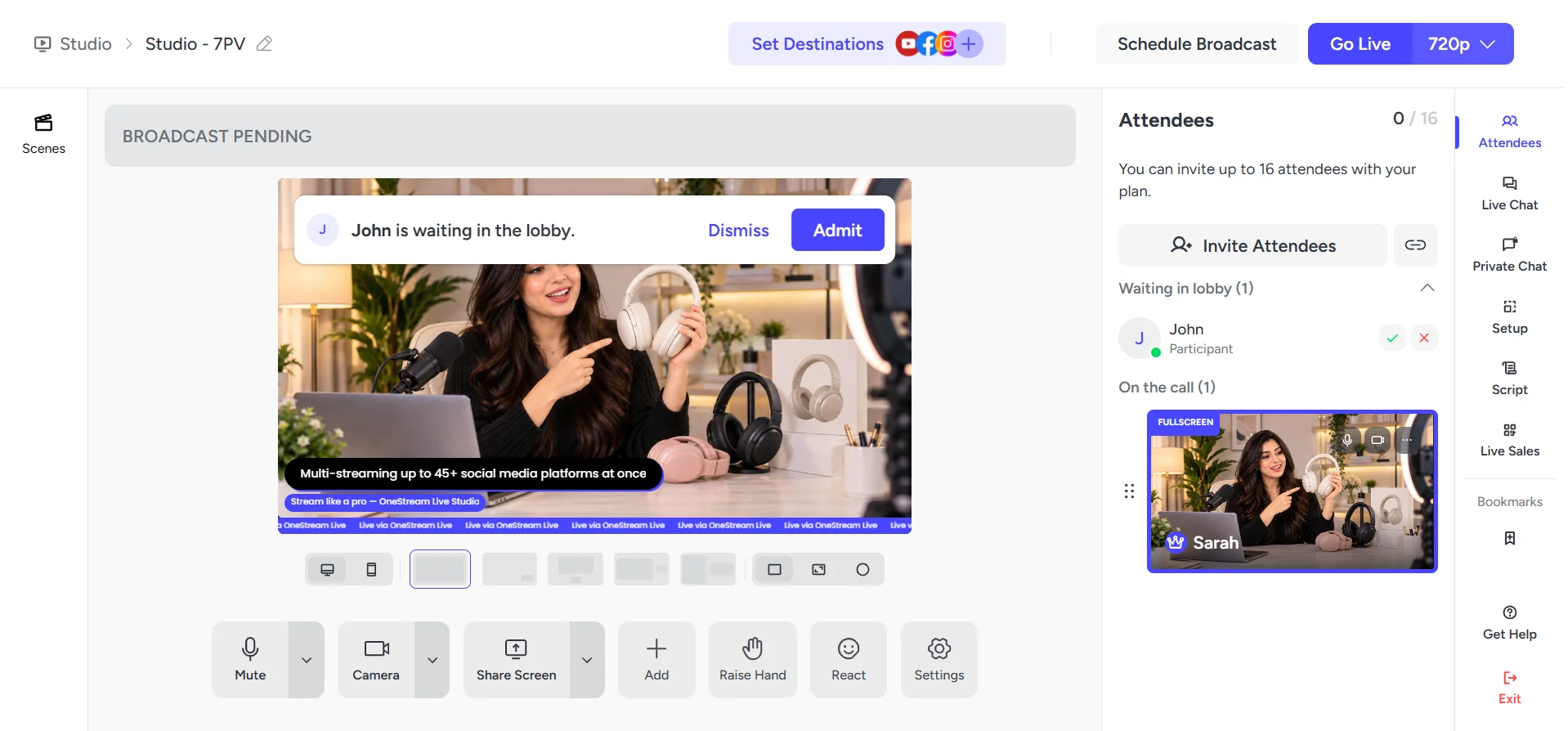
The moment someone enters the lobby, you get a notification. No refreshing, no repeatedly checking the Attendees tab. Just a heads-up when someone arrives.
From the Attendees tab, you can see everyone currently waiting, including their name and role if they provided one before joining.
You have two options:
✓ Admit: Move the guest from the Lobby to backstage.
✕ Dismiss: Remove the guest from the session.
Admitting someone doesn’t put them straight on the live feed. They land backstage first, so you can make sure you’re ready before bringing them into the conversation.
Why You'll Love It
Guest Lobby helps whenever your Studio sessions have multiple guests or need some preparation behind the scenes.
Guest interviews
Your guest can join whenever they’re ready, but you decide when they actually enter the Studio. Bring them backstage, get everything set, then bring them onto the show.
Team huddles before you go live
Need to talk through the show with your team first? Do it without worrying about a guest suddenly appearing mid-conversation.
Shared Studio links
Studio links sometimes travel further than planned. With Guest Lobby on, even someone you didn’t expect won’t walk straight into your Studio.
Lineups with multiple guests
Got several guests waiting? Admit them one at a time and bring each person in exactly when you need them.
Want Guests to Skip the Lobby?
We turn Guest Lobby on by default, but you’re always in control.
If you’d rather guests enter your Studio directly without waiting for approval, turn Guest Lobby off anytime from the Settings.
Turn it on when you want more control over guest access. Turn it off when you want guests to join directly.
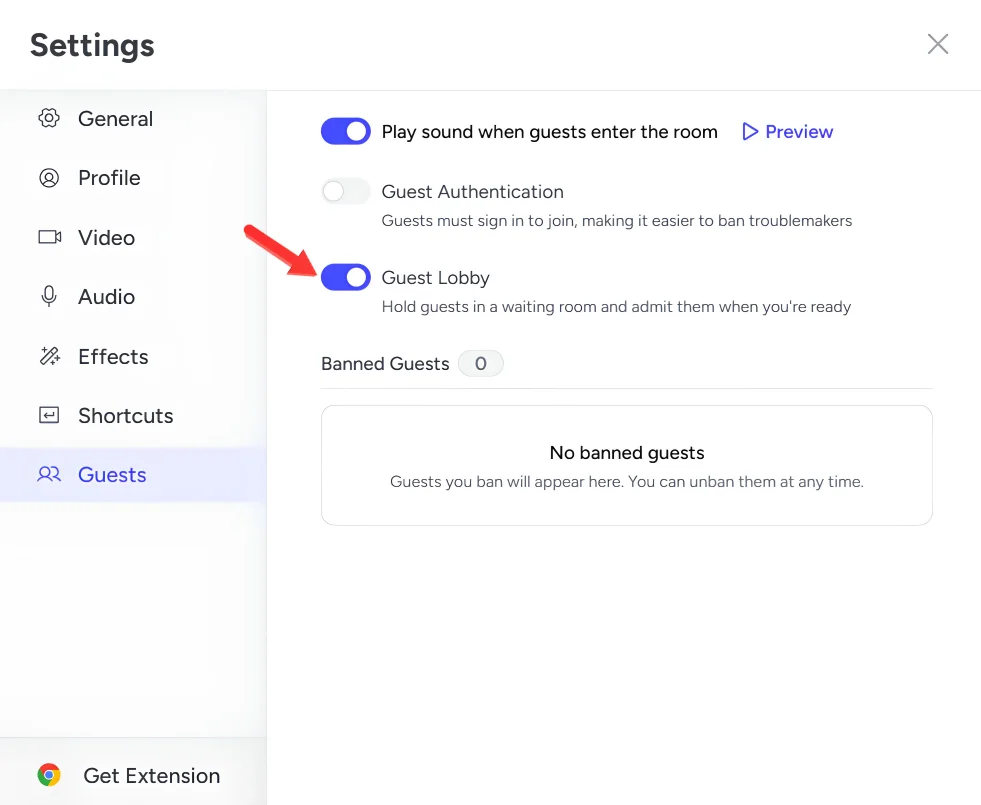
Your Studio. Your Guest List. Your Call.
With Guest Lobby, your Studio gets more organized and a lot more controlled.
No unexpected entrances. No guests appearing while you’re still prepping. No awkward “give me a second” moments on camera.
You decide who comes in and when.
Guest Lobby is live now in OneStream Live Studio. Start your next session and put your new front door to work
Frequently Asked Questions
What is Guest Lobby in OneStream Live?
Guest Lobby is a waiting room that lets hosts control when guests enter their OneStream Live Studio.
What do guests see in the Guest Lobby?
Guests see a waiting message telling them the host will bring them into the Studio shortly.
Can guests see other people waiting?
No. Each guest has a private waiting screen and cannot see or interact with other guests.
What happens when I admit a guest?
The guest moves from the Lobby to backstage, where you can check their audio and video before bringing them into the live conversation.
Can I remove a guest from the Lobby?
Yes. Hosts can remove guests directly from the Attendees tab.
OneStream Live is a cloud-based live streaming solution to create, schedule, and multistream professional-looking live streams across 45+ social media platforms and the web simultaneously. For content-related queries and feedback, write to us at [email protected]. If you have a story to share about your live streaming experience with OneStream Live, we would be glad to feature it. You’re also welcome to Write for Us!