
Who do you think is the busiest person in the world? Many people, including me, think of names like Elon Musk or Bill Gates. If you follow podcasts, you have likely heard them speak there many times. The reason they choose podcasts is simple: there is a huge audience that listens, and podcasts fit naturally into daily life at work, during travel, or at home. Podcasts no longer stay limited to audio alone. Video has become one of the most popular ways people consume podcasts today, so audiences also watch full episodes on platforms like YouTube. This guide explains how to publish a podcast, where to upload it, and how to make your show available on all podcast platforms.
Publishing a podcast becomes easy once you follow the right steps in the correct order.
A podcast hosting platform and RSS feed are required to share episodes on listening apps.
Audio podcasts rely on directories, while video podcasts grow faster on platforms like YouTube.
Using an RSS feed is the best way to distribute a podcast across multiple platforms.
Consistent publishing and simple promotion help podcasts reach more listeners over time.
Podcasting in 2026: Key Statistics
Podcasting’s popularity is at an all-time high. About 158 million Americans (55% of the U.S. population) listen to podcasts every month. Globally, hundreds of millions tune in, and the number of listeners keeps rising each year.
There are over 4.5 million active podcasts out there, but new voices still find their audience as the demand for fresh content grows.
Video podcasts are also surging in popularity. One in three U.S. podcast fans now listen on YouTube, which makes it the most popular podcast platform. By comparison, about 26% use Spotify and 14% use Apple Podcasts. This shift towards YouTube shows that many listeners enjoy watching podcasts. In short, to maximize your reach, it’s wise to be present on both audio and video platforms.
How to Publish a Podcast on All Platforms
Publishing a podcast might seem complicated, but it comes down to a few key steps. Here are five simple steps that show you how to post a podcast on all platforms.
Step 1: Plan Your Podcast (Concept & Equipment)
Every great podcast starts with a plan. Decide on your podcast topic or niche. Choose a format that suits you. For example, solo monologues, one-on-one interviews, or a roundtable with friends. Give your podcast a name that is catchy and reflects your content.
Planning also means sorting out the basic equipment. Decide if your podcast will be audio-only or a video podcast. Audio podcasts are simpler, so you will need a decent microphone and headphones. You can start with affordable USB mics that plug into your computer. If possible, find a quiet space to record for better sound quality. If you want a deeper breakdown, check out: Ultimate Podcast Equipment for Producing Pro-Level Content.
Video podcasts need more setup. Video requires a good camera and proper lighting. Make sure that your recording space looks presentable. Planning these details upfront will make the production and publishing process smoother.
Step 2: Record and Edit Your Episodes
Now it’s time to create your content. Record your first episode with a conversational, clear tone. Speak into the microphone at a steady pace. Beginners might feel nervous, but remember that you can edit out mistakes. Free editing software like Audacity or GarageBand lets you cut out pauses or background noise. Edit your episode to tighten it to a good length. Add an intro and outro if you have music or a brief intro script.
If you plan to have a video podcast, the recording process has a few extra elements. Video podcasts let your audience see you and any guests, which can create a more personal connection.
If you plan to create a video podcast, the recording process has a few extra elements. To record a video podcast, you can use OneStream Live as an all-in-one solution. Simply open OneStream Live’s studio in your web browser, set up a clean on-screen background or use virtual backgrounds, and start recording. The platform also includes a built-in teleprompter so you can read your script or notes on-screen without looking away.
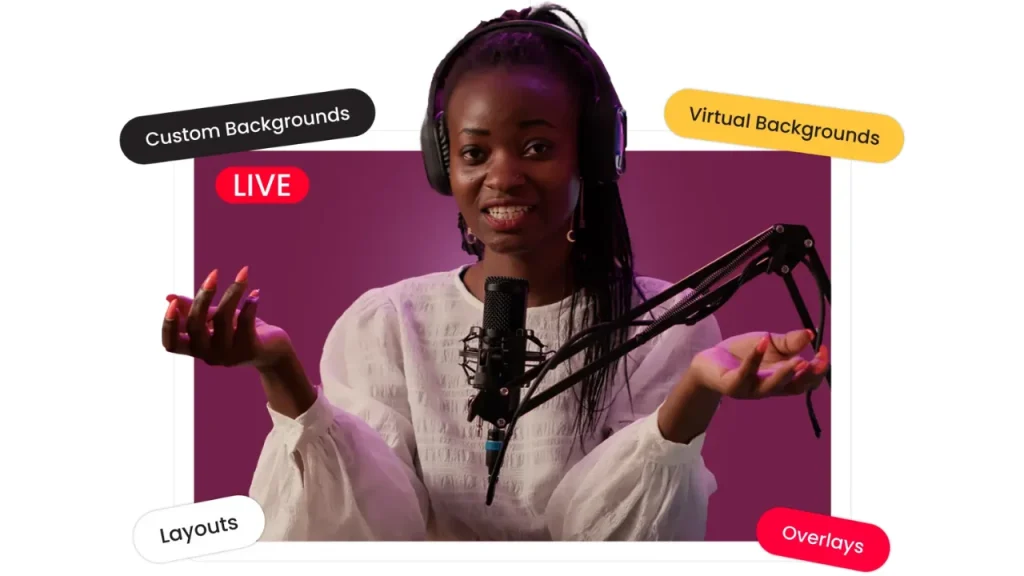
If you plan to have guests join remotely, you can invite them via a link, and the studio supports up to 16 guests. You can add name labels, banners, and overlays, and even switch between multiple camera angles (up to 4 sources) for a more dynamic look. OneStream Live captures high-quality video and audio and also supports live broadcasting.
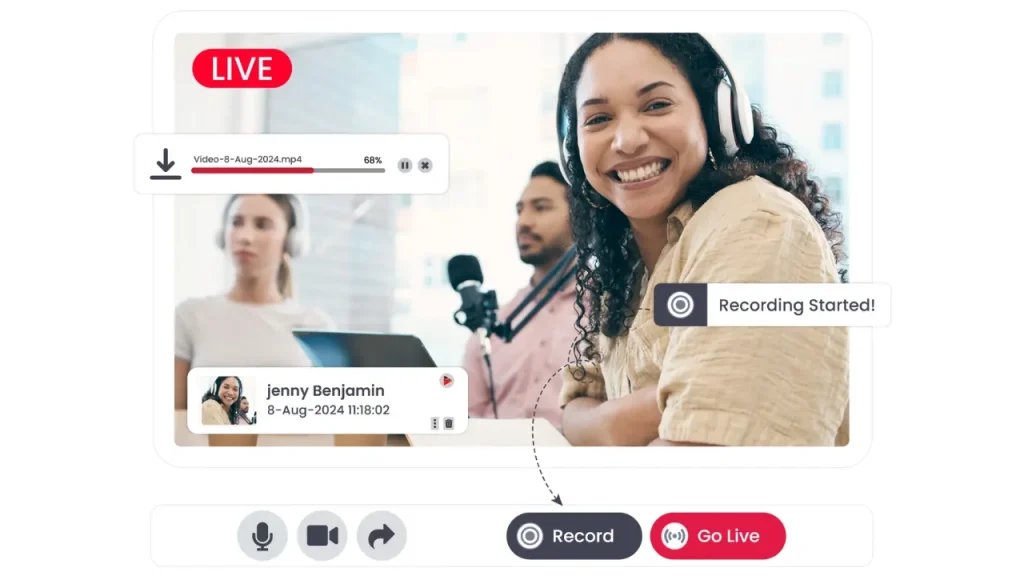
If you don’t want to go live instantly, a recorded video usually benefits from light editing before publishing. Editing focuses on trimming mistakes and tightening the flow. Beginner-friendly tools like iMovie, Clipchamp, or DaVinci Resolve work well. You can also add subtitles or captions directly using OneStream Live. Once everything looks clean, export your final video file.
Read More: 5 Reasons You Should Use OneStream Live for Your Podcast Streaming
Step 3: Choose Where to Upload Your Podcast (Hosting Platform)
After editing, you need a place to upload your podcast. In podcasting, this is called a hosting platform. The host stores your audio files or video and generates an RSS feed for your show. There are many podcast distribution platforms available today.
For audio podcasts, you can use platforms like Libsyn, Podbean, or Spotify’s Anchor. These services will store your episodes and create a feed for you. When choosing where to upload podcasts, consider cost, storage, and distribution features.
Some hosts are free (with basic features), while others offer advanced analytics and monetization on paid plans. Pick a host and create an account. Then upload your podcast episode file (e.g. your MP3 for audio, or video file if the platform supports video).
Fill in your episode title, description, and cover art. Once you upload the podcast, your host will provide an RSS feed URL for your show. Save this link; it is the key to distributing your podcast everywhere.
OneStream Live is a great choice for video content if you want maximum reach. It not only hosts your content but also allows you to multistream your podcast to over 45 platforms at once. That means you can go live or publish on Facebook, YouTube, LinkedIn, Twitter, and more simultaneously. OneStream Live can even provide you with a personal Hosted Live Page for your podcast, so you don’t need a separate website or third-party host.

Step 4: Submit to All Major Podcast Directories
Now that your episode is on a host and you have an RSS feed, it’s time to get your podcast on all major platforms. The best way to distribute a podcast is via your RSS feed. This link lets you submit to all major podcast directories.
To get your podcast on streaming platforms like Spotify or Apple Podcasts, you’ll submit your RSS feed to them. Start with Apple Podcasts and Spotify, since they have huge audiences.
For Apple Podcasts, use Apple’s Podcast Connect portal to submit your show’s RSS feed (you’ll need an Apple ID). Remember, you don’t directly upload audio to Apple Podcasts, Apple pulls episodes from your RSS feed once your show is approved.
For Spotify, you can submit through Spotify for Podcasters or your hosting platform if it has direct integration. Also submit to Google Podcasts, Amazon Music, and any other platforms your host doesn’t auto-distribute to.
Each directory may ask for details like your podcast title, cover image, category, and language, so have those ready. After submission, you may need to wait a few days for approval. Once approved, your podcast will appear on those apps. Now your podcast is live for the world to hear.
For video podcasts, distribution works a bit differently. YouTube is the most important platform, as a large portion of podcast listeners now watch podcasts there. Beyond YouTube, consider other channels as well. Social media platforms like Facebook, Instagram (IGTV/Reels), or LinkedIn can host shorter clips or even full episodes.
If you use OneStream Live, you can publish a pre-recorded video as a live stream on YouTube and other social platforms, which lets you launch the episode live without recording in real time or uploading it everywhere manually.
Step 5: Promote and Grow Your Podcast’s Reach
Publishing your podcast is only the beginning. To get more listeners, you need to promote it. Start by sharing your episodes on social media and within any communities related to your topic.
Engage with your listeners by asking for feedback or questions, and respond to comments or reviews. Encourage satisfied listeners to rate and review your podcast on platforms like Apple Podcasts as positive reviews can improve your podcast’s visibility in directories.
Publish on a regular schedule so subscribers know when to expect new episodes. Over time, consider collaborating with guests or doing cross-promotions with other podcasters to grow your audience. The more you put your podcast out there, the faster it can gain traction.
For practical ideas, check out: 5 Podcast Advertising Tricks to Bring More Traffic to Your Podcast Channel
Why Start a Podcast in 2026
Podcasting isn’t just popular for listeners. It’s rewarding for creators too. Here are some reasons to start your podcast journey:
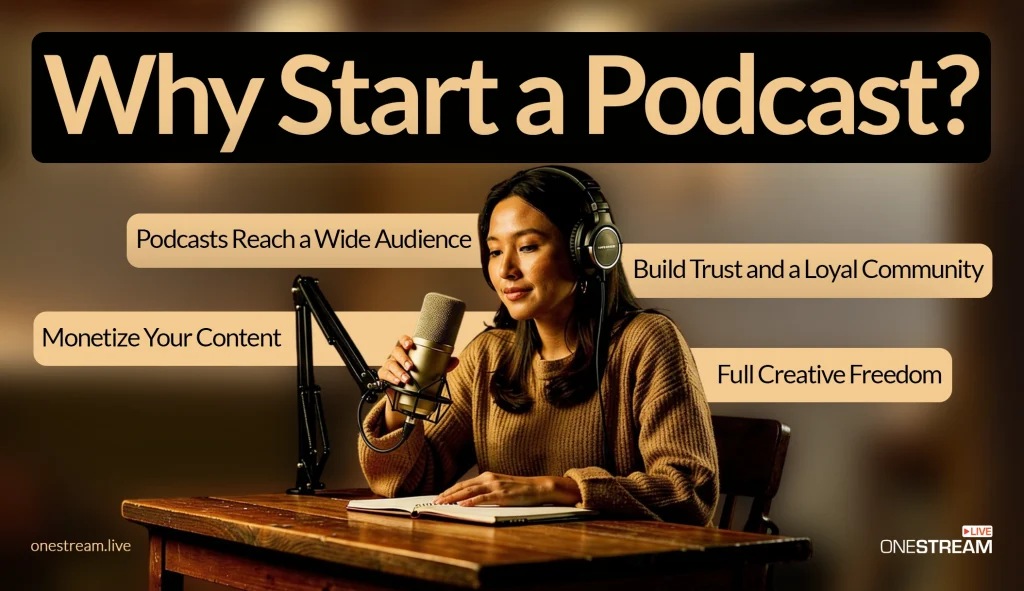
Podcasts Reach a Wide Audience
Podcasts let you reach people globally, and listeners can tune in anywhere. They are simple to consume. People can listen while going about their daily routine, unlike a video, which requires full attention. This means you have access to an audience even when other media can’t reach them. The potential reach is huge if your content is available on all platforms.
Build Trust and a Loyal Community
When you podcast regularly, your voice builds a personal connection with listeners. Over time, listeners start to feel like they know you. This builds trust and loyalty. Many will become regular followers who support your journey. A podcast can thus help you establish authority in your niche and create a loyal community around your brand or message.
Monetize Your Content
Podcasting can also generate income. Once you gain a stable listener base, you can earn through sponsorships and ads. Brands pay to reach your audience, and you can include their ads in your episodes.
Many podcasters also monetize via listener donations, premium content, or crowdfunding. In 2026, the podcast industry is worth billions, so there are real opportunities to make money as your show grows.
Full Creative Freedom
A podcast gives you complete creative control. You choose the topic, format, tone, and length of each episode. Want a casual chat or a radio-style show? It’s up to you. You’re free to do what feels right for you. This creative freedom means you can experiment and truly express your ideas without the restrictions often found in traditional media.
Easier Than Ever to Get Started
Creating a podcast is very beginner-friendly. You don’t need a professional studio or big budget. Affordable mics and simple editing software are easy to find. Many free platforms exist to host and publish podcasts. With modern tools, virtually anyone can start podcasting from home. It’s the best way to distribute your message widely without huge costs.
Final Thoughts
Every new thing feels difficult at the beginning, and that is how most great things start. Once you understand the steps, the process feels clearer and easier to handle. Now that you know how to publish a podcast, you can focus on recording episodes and sharing them on the platforms people use every day. Audio or video, the choice is yours. Take the first step, publish your podcast, and start putting your voice out there.

FAQs: How To Publish a Podcast
To publish a podcast in 2026, you need a recorded audio file, basic editing software, podcast hosting, and distribution to major platforms.
No, podcast publishing is beginner-friendly in 2026 thanks to simplified hosting platforms and automated distribution tools.
Publishing a podcast episode typically takes a few minutes once your audio file and episode details are ready.
No, a website is optional, but it helps with discoverability, branding, and long-term audience growth.
Yes, many beginners promote podcasts by repurposing episodes into video clips or live streams to reach wider audiences.
OneStream Live is a cloud-based live streaming solution to create, schedule, and multistream professional-looking live streams across 45+ social media platforms and the web simultaneously. For content-related queries and feedback, write to us at [email protected]. You’re also welcome to Write for Us!