In a period defined by the rapid advancements in technology and digital connectivity, live streaming has become a powerful medium for sharing your content, promoting events, and connecting with your audience. With the surging appeal of live streams, the experience is getting a boost with innovative tools such as the use of QR codes in live streams. In this guide, you can learn more about live stream QR codes, understand their inner workings, explore how they elevate your live stream, and witness the waves they’re making in the live streaming industry.
- A QR code for live stream access sends people straight to your broadcast, with no link to type or search for.
- Print it on posters, tickets, flyers and social posts so scanning replaces hunting for a URL.
- Codes work for events, webinars, classes, launches and corporate meetings alike.
- Scan data tells you which promotional materials actually brought viewers in.
- OneStream Live generates branded codes for you, with your logo inside and your colors applied.

What are Live Stream QR codes?
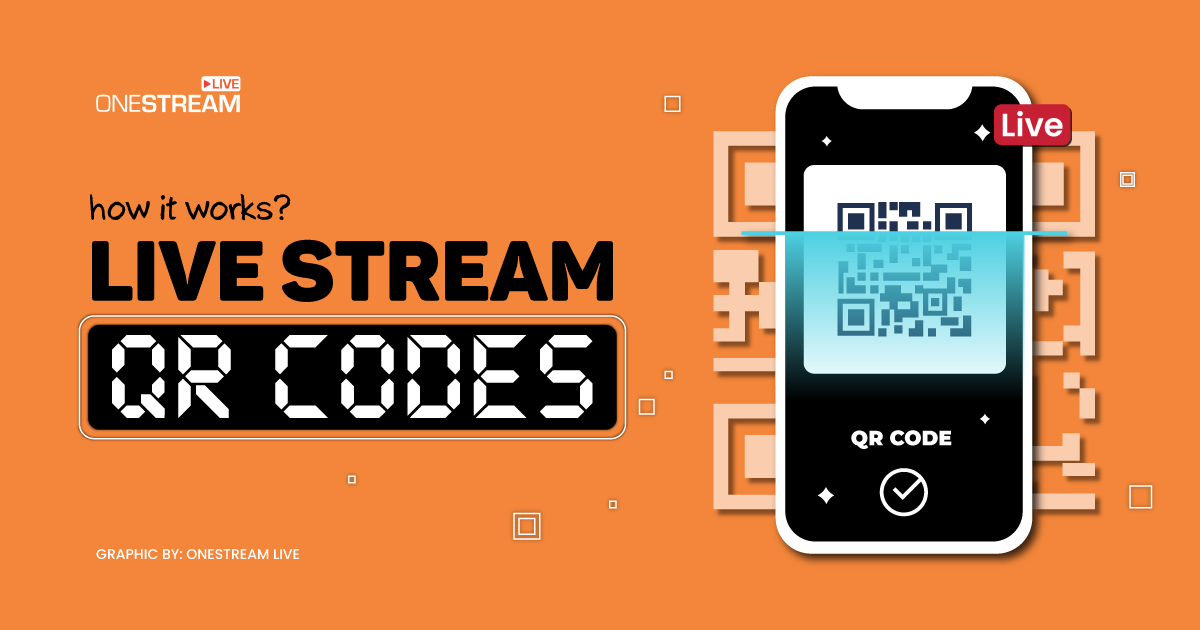
A Quick Response or QR code is a two-dimensional barcode that stores data, typically text, URLs, or other information. People use QR codes for various applications, including contactless payments and product labeling. Live stream QR codes are specialized to facilitate seamless access to your live streaming content. You can generate and display these QR codes on promotional materials, digital platforms, or event tickets.
Once scanned by a user’s mobile device, QR codes instantly link the user to your live stream, whether it is an educational seminar, a music concert, a product launch, or any other live event you can broadcast online.
How do Live Stream QR Codes Work?
Live stream QR codes are a modern innovation that simplifies the process for people trying to access your live-streaming content. These QR codes for streaming enable users to instantly link to your live video streams, whether a live event, product launch, or educational session.
The operation of Live Stream QR codes involves several vital components that include QR code generation, user scanning, URL redirection, real-time access, interactivity, and tracking and analytics:
QR Code Generation
You must use QR code generation tools or software to create a Live Stream QR code. These tools enable you to input the URL or other information related to your live stream. The software then generates a unique QR code you can print on physical materials, share on websites, or display on screens.
OneStream Live builds these for you. The QR Codes tab generates a code from any link, and you can upload your logo to sit inside it and set the colour to match your branding. That saves a separate tool and gives you a code that looks like it belongs to you.
User Scanning
End-users, which include online viewers or event attendees, can scan your live stream QR code using their smartphone or tablet. Most modern smartphones come with built-in QR code scanning capabilities, or users can utilize a dedicated QR code scanning app.
URL Redirection
Upon scanning the QR code, the user’s device interprets the encoded information and redirects the user’s web browser to your live stream’s URL. This redirection is nearly instantaneous, ensuring users are swiftly connected to your live content.
Real-time Access
Once users receive real-time access to your live stream, they can watch, engage, and interact with the content as it happens, whether it’s a live concert, an online seminar, or a gaming session.
Interactivity
Live Stream QR codes often go beyond providing access to your live content. They can also incorporate interactive features, including chat rooms, polling, and Q&A sessions. That allows users to participate and engage with your content and other viewers actively.
Tracking and Analytics
You can track the performance of your live stream QR codes by monitoring metrics like the number of scans, viewer engagement, and duration of watch time. These analytics can help you gauge the success of your live streams and make data-driven decisions for future events.
The Impact of Live Stream QR Codes
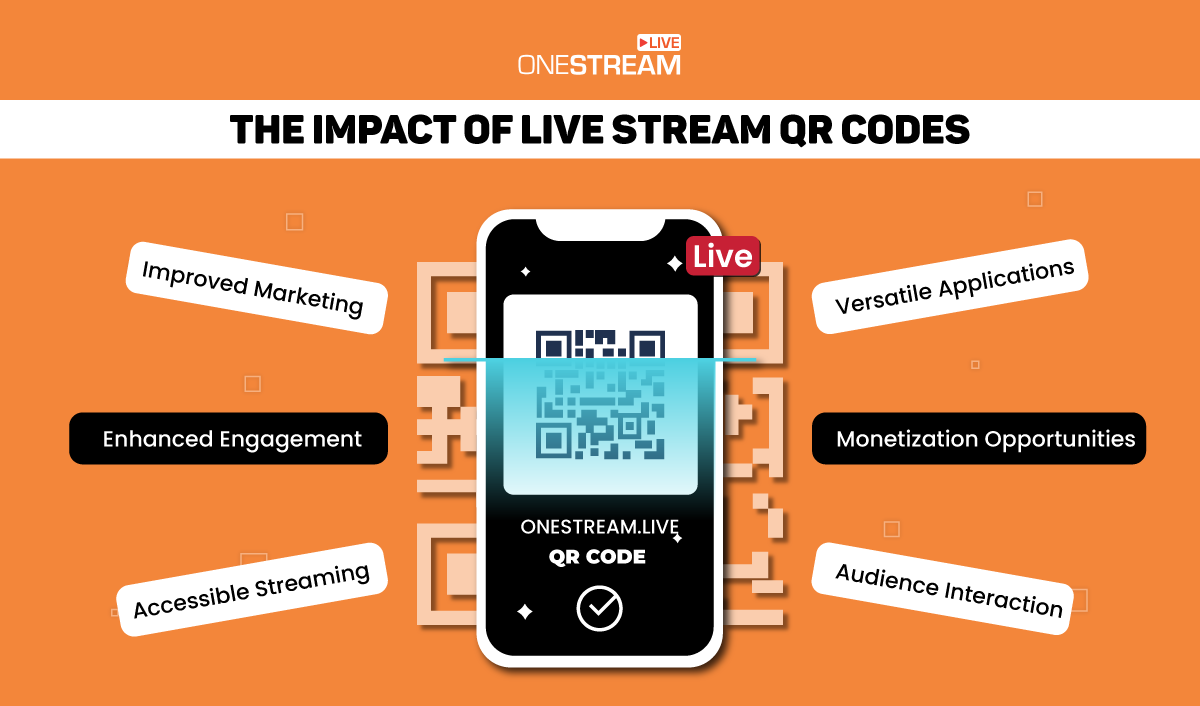
Introducing QR codes for streaming has dramatically impacted the live-streaming landscape and various industries. Some notable effects it can have on your live streams include enhanced engagement, improved marketing, accessible streaming, monetization opportunities, versatile applications, and audience interaction.
Enhanced Engagement
Live stream QR codes make it easier for users to access your live content and remove barriers to entry. This convenience encourages higher viewer engagement, which can lead to more significant audience participation and interaction.
Improved Marketing
Your marketing team can effectively leverage live stream QR codes to promote products, events, or services. Placing QR codes on physical marketing materials, such as flyers or posters, provides a direct and seamless link to your live stream, boosting conversion rates.
Tracking and Analytics
You can track the performance of your live stream QR codes by monitoring metrics like the number of scans, viewer engagement, and duration of watch time. These analytics can help you gauge the success of your live streams and make data-driven decisions for future events.
Accessible Streaming
Live stream QR codes make live streaming more accessible to a broader audience. Attendees no longer need to navigate complex event websites or search for links. A quick scan grants them access, even if they’re not tech-savvy.
Monetization Opportunities
You can monetize your live streams by providing exclusive content to users who scan the QR code. You can accomplish that by offering paid subscriptions, virtual tickets, or access to premium features.
If you are selling products rather than access, the code works in the other direction too. OneStream Live’s Live Sales puts shoppable cards with their own QR codes on the broadcast itself, so viewers scan and buy while they watch.
Versatile Applications
Live stream QR codes are not only for entertainment and events. You can use these QR codes for educational purposes, corporate meetings, fitness classes, and more. The versatility of these QR codes makes them applicable across various purposes and industries.
Audience Interaction
Live stream QR codes enable real-time audience interaction through features like live chat, polls, and comments. This engagement builds a sense of community and encourages users to return for your future live events.
Best Practices for Using Live Stream QR Codes
As mentioned, QR codes for streaming simplify the process for users to access your live content, making it more convenient. However, to make the most of live stream QR codes, you must follow these best practices:
Once scanned by a user’s mobile device, QR codes instantly link the user to your live stream, whether it is an educational seminar, a music concert, a product launch, or any other live event you can broadcast online.
Design with Branding in Mind
Your live stream QR code is a functional tool that adds value to brand video production. Ensure that the design of the QR code is consistent with your brand’s color scheme and style. This consistency helps make the QR code more visually appealing and recognizable in brand videos, and a well-designed QR code is more likely to encourage scans.
Test on Multiple Devices
QR code compatibility can vary depending on the scanning app, operating system, and device you use. Testing your live stream QR code on various devices, including smartphones and tablets, is essential.
You must verify that it works seamlessly on various platforms to ensure all users can access your live stream without issues.
Promote Strategically
To incentivize users to scan your QR code, you need to place it where your target audience will most likely encounter it. Consider including your QR code on promotional materials such as event posters, flyers, brochures, or digital marketing materials like social media posts. Through strategic placements of the QR code in advertisements, you increase the chances of it being noticed and scanned.
You can easily enhance the visual appeal and engagement of your promotional efforts by using professionally designed promotional flyer templates.
Provide Value
To encourage users to scan your live stream QR code, offer them something of value. What you offer could be exclusive content, early access to an event, special discounts, or access to premium features. Communicate the benefits users will receive by scanning your QR code. The perceived value could significantly increase the scan rate.
Encourage Audience Interaction
One of the advantages of live streaming is the ability to engage your audience in real-time. Take advantage of that by encouraging viewers to interact with your live content. Incorporate features like live chat, polls, comments, or Q&A sessions to make viewers feel involved and invested. A more interactive experience can lead to higher engagement and participation.
Analyze and Adapt
After you implement your live stream QR code strategy, it is crucial to monitor its performance—track metrics such as the number of scans, user engagement, and the duration of watch time. You must also collect user feedback to understand what worked well and what could be improved. Analyzing the data lets you make informed decisions for future events and optimize your QR code usage.
Stack Up Views with QR Codes
QR Codes in live stream have redefined how users access and engage with live-streaming content. These QR codes offer a seamless and efficient way for event organizers and content creators to connect with their audience while providing users an accessible and interactive experience.
As technology evolves, you can expect even more innovative uses for QR codes, further enhancing the live streaming landscape. Whether you are a business looking to engage customers or an event organizer aiming to boost attendance, live stream QR codes are a valuable tool to consider in your strategy for success.
The same idea works inside the stream too. OneStream Live generates branded codes from any link through the QR Codes tab, and Live Sales puts shoppable cards with their own codes on the broadcast, so viewers can buy while they watch. One tool covers getting people in and giving them something to act on once they arrive.
Ready to try it? Generate your code, put it where your audience will see it, and go live.
Frequently Asked Questions
How do I create a QR code for my live stream?
Take the URL of your stream or your stream page, then generate a code from it. In OneStream Live, the QR Codes tab does this for you and lets you add your logo and set the colour.
Where should I put a QR code to promote a live stream?
Anywhere your audience already looks. Event posters, tickets, flyers, brochures, email footers and social posts all work. Put it where someone has a spare moment and a phone in hand.
Do viewers need an app to scan it?
No. Most phone cameras recognize codes automatically, so they point and tap.
Why is my QR code not scanning?
Usually contrast or size. A code needs a clear quiet zone around it, enough contrast against its background, and enough physical size for the distance. Test it on more than one phone before printing anything.
Can I use a QR code to sell during the stream as well?
Yes, and that is a different job. Codes on posters bring people to the broadcast. Codes inside the broadcast, like OneStream Live’s Live Sales cards, send viewers to your product page while they watch.
OneStream Live is a cloud-based live streaming solution to create, schedule, and multistream professional-looking live streams across 45+ social media platforms and the web simultaneously. For content-related queries and feedback, write to us at [email protected]. If you have a story to share about your live streaming experience with OneStream Live, we would be glad to feature it. You’re also welcome to Write for Us!