Everyone wants to be in two places at once. In livestreaming, you actually can. The trick is figuring out how to stream to YouTube and Facebook at the same time without turning it into a technical nightmare.
YouTube is the world’s second-largest search engine while Facebook is still where billions scroll every day. Go live on just one, and you’re invisible to the other.
That’s wasted reach, wasted effort, wasted energy. The smarter move? Hit both at once. One stream, two audiences, endless possibilities.
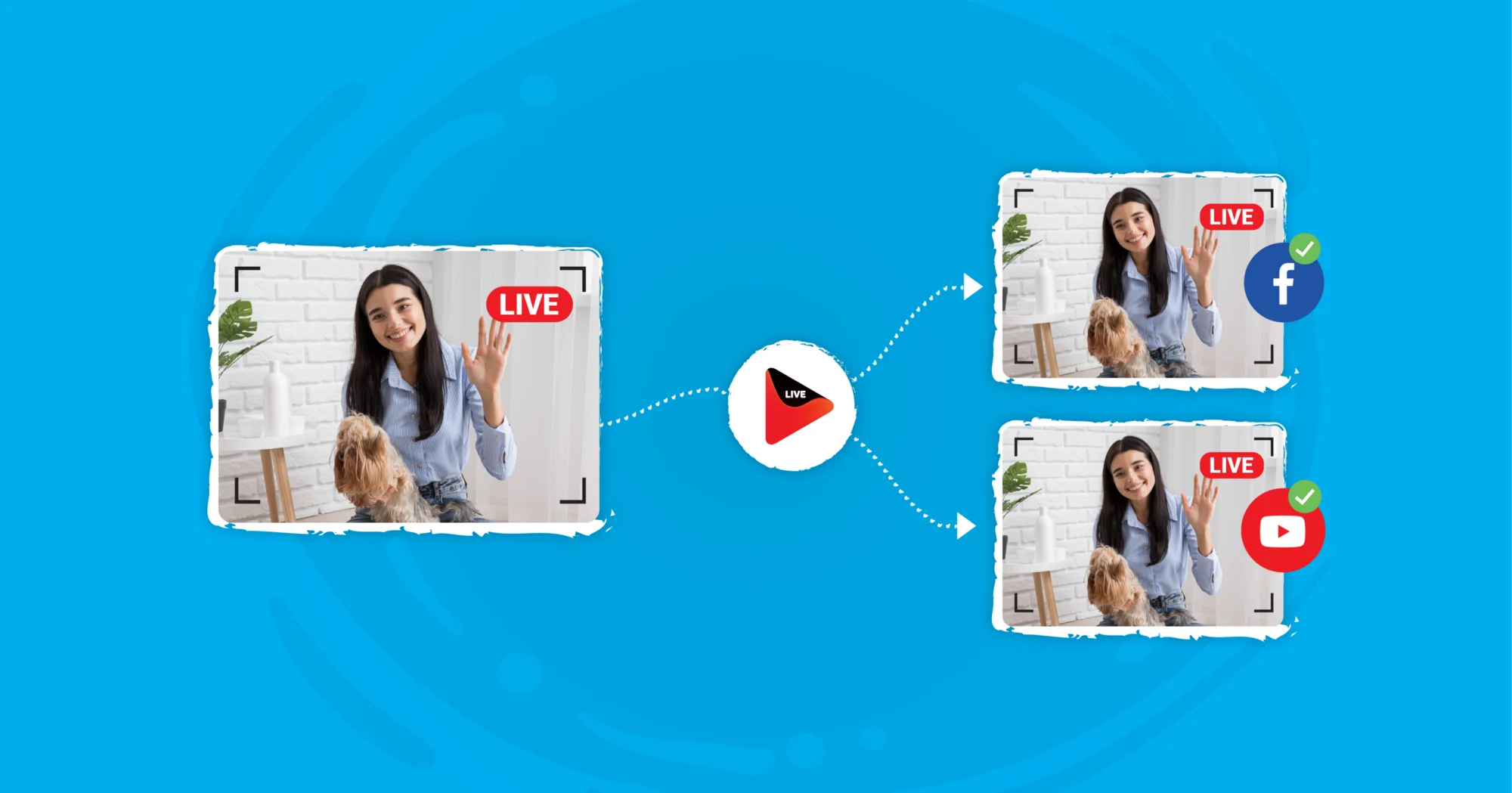
That’s what multistreaming delivers. And platforms like OneStream Live have made it so easy that you don’t need to be an engineer to pull it off.
This guide walks through why it matters and how to make sure your next Facebook + YouTube livestream doesn’t feel like a gamble but like the smartest play in the book.
Why Live Stream to YouTube and Facebook at the Same Time?
Because in 2025, splitting your audience is a luxury you can’t afford.
Two giants, two very different crowds
YouTube Live vs Facebook Live isn’t an either/or choice anymore. YouTube is built for search, long-tail discovery, and replay value.
Facebook thrives on immediacy as it pushes live video to newsfeeds and notifies your followers instantly. By streaming to both, you capture people who are browsing and people who are scrolling.Bigger reach without extra cost
When you stream to Facebook and YouTube at the same time free through a multistreaming platform, you’re not paying double. One broadcast becomes two (or ten) without an added budget line.Engagement multiplies across platforms
Facebook reacts and comments, YouTube has chat and subscriptions. Together, you get richer insights into your audience and more chances to interact in real time.Future-proof brand presence
Some audiences drift away from Facebook while others never touch YouTube. Going live on both ensures your brand isn’t tethered to the ups and downs of a single algorithm.Data that makes you smarter
Multistreaming lets you compare how your content performs in two ecosystems. If your FB stream drives comments but your YouTube feed drives watch time, you can refine your content strategy without guesswork.

Do Your Homework Before Multi-Streaming
Living by Franklin’s powerful message, there is a list of to-dos that we recommend OneStreamers to follow to enjoy a smooth multistreaming experience.
Before you hit “Go Live,” a little prep goes a long way. Here’s what to line up if you want your Facebook + YouTube livestream to run smoothly:
Set up your accounts
Make sure you’ve enabled live streaming on both platforms. Facebook Live works out of the box, but YouTube requires you to activate the live feature on your channel first.Pick the right gear
You don’t need a TV studio setup, but you do need a camera, microphone, and stable internet connection. Even a phone works if you’re streaming on the go, but for pro-level output, a laptop with reliable streaming software for Facebook Live or YouTube is ideal.Choose your multistreaming method
You’ve got options:Free Facebook live streaming software like OBS Studio (great for tinkerers).
Or the simplest route: a cloud live streaming service like OneStream Live that handles distribution for you.
Check your connection
Multistreaming doubles the demand on your internet. If you’re relying on local encoders, you’ll need strong upload speeds.If you use OneStream Live, your device only uploads once, and it takes care of splitting your stream to multiple destinations.
Plan your content
Decide in advance if this is a Q&A, demo, tutorial, or product launch. Consistency helps viewers on both platforms know what to expect.
How to Multistream Using OneStream Live
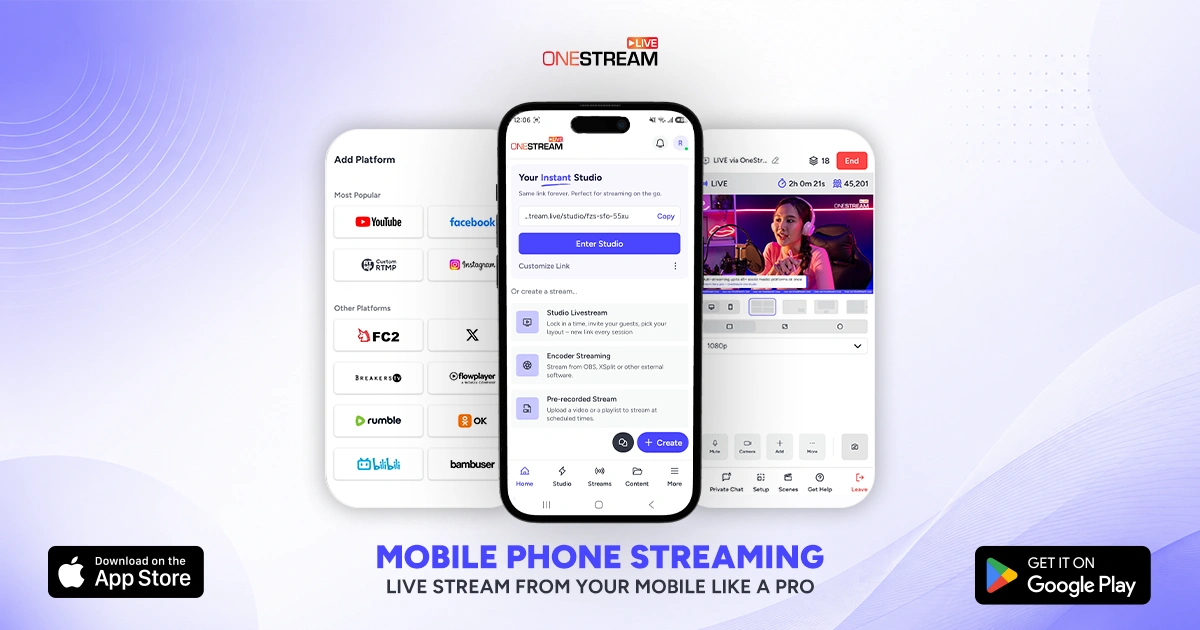
If you’re serious about reaching audiences everywhere without drowning in tech setups, OneStream Live is your best bet. It’s not just streaming software for Facebook Live or YouTube; it’s a full broadcast platform that pushes your content to 45+ destinations at once.
You can go live in real time, schedule pre-recorded content, or even run a webinar from your browser. Here’s how:
Go Live Instantly with OneStream Studio
- From the OneStream dashboard, click New Stream → Studio.
- Enter your name, invite guests if you want to co-host, and click Stream.
- Add branding, overlays, tickers, or virtual backgrounds directly inside the control panel.
- Choose both Facebook and YouTube (and any other platforms you want), then hit “Go Live.”
This is the easiest way to stream to YouTube and Facebook at the same time without juggling stream keys.

Stream Pre-Recorded Videos
- Upload your video (or import it from Google Drive, Dropbox, or OneStream Storage).
- Schedule your event: pick date, time, and time zone.
- Select destinations — Facebook Profile/Page/Group, YouTube channel or event.
- Sit back while OneStream broadcasts your FB stream and YouTube feed simultaneously.
Real-Time Streaming with External Software
Already using OBS, Zoom, or another encoder? Here’s how to connect:
- In OneStream Live, create a new event and select Real-Time Streaming.
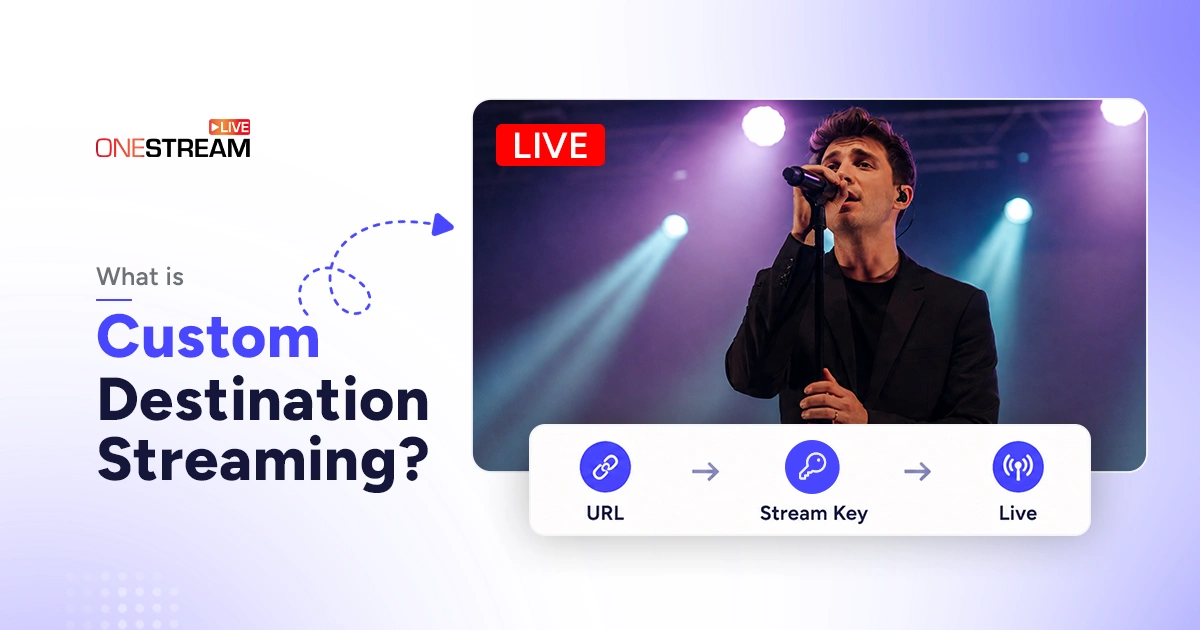
- Copy the Server URL and Stream Key.
- Paste them into your encoder (OBS, Zoom, vMix, etc.).
- Start streaming from your encoder → OneStream Live distributes to Facebook, YouTube, and beyond.
This RTMP setup is ideal if you want the advanced features of OBS or Streamlabs but still need to stream to Facebook and YouTube at the same time free of bandwidth headaches.
FAQs About Streaming to YouTube and Facebook at the Same Time
You can stream to YouTube and Facebook at the same time using OneStream Live. Simply connect both platforms in your dashboard, choose Studio, pre-recorded, or RTMP input, and go live with a single click.
Yes. Tools like OBS Studio let you stream to Facebook and YouTube at the same time free through RTMP, but it requires extra bandwidth and setup. Cloud platforms like OneStream Live make it easier by sending one stream to both platforms without stressing your device.
YouTube Live vs Facebook Live isn’t about better or worse, as they serve different purposes. YouTube is perfect for search and long-term replay, while Facebook excels at real-time engagement and community interaction. Multistreaming lets you get the best of both.
Yes. After finishing your stream, you can upload a Facebook Live video to YouTube manually. However, using OneStream Live allows you to skip the upload step and broadcast live to both simultaneously.
The simplest method is to use OneStream Studio. It lets you go live on Facebook and YouTube at the same time directly from your browser, with no complicated software setup or extra hardware.
Final Word
In 2025, your viewers aren’t all on one platform. Some are on YouTube hunting tutorials, others are scrolling Facebook Live for news, updates, or just casual entertainment.
Choosing one means losing the other. The smarter play is to stream to YouTube and Facebook at the same time, ensuring your message lands everywhere it needs to.
With OneStream Live, that choice becomes effortless: go live from your browser with Studio, schedule prerecorded videos, or connect your favorite encoder like OBS or Zoom via RTMP. OneStream Live handles the distribution, branding, analytics, etc., so you can focus on the content.
One stream. Two audiences. Endless reach.

OneStream Live is a cloud-based live streaming solution to create, schedule, and multistream professional-looking live streams across 45+ social media platforms and the web simultaneously. For content-related queries and feedback, write to us at [email protected]. You’re also welcome to Write for Us!