
Ever fallen in love with a live stream so much that you want to repurpose video content from it instead of letting it go? Maybe it fetched such high engagement or amassed so many views that you want to squeeze every bit of value out of it.
We all know the hard work and resources that go into delivering live streams. It’s not as simple as pressing the Go Live button. If you want to grow your audience, you need high-quality, diversified content, and one of the smartest ways to get it is to reuse the streams you’ve already made.
When you repurpose your streams, you present the same ideas in new formats and reach current and potential audiences who missed the original broadcast. Repurposing content is a way to work smarter, so your efforts keep paying off long after the stream ends. This blog covers what content repurposing is, why it’s worth doing, and exactly how to do it, including how to restream old videos with OneStream Live.
Key Takeaways:
- Repurposing content means turning one live stream into many formats: clips, quote graphics, podcast episodes, social posts, blog articles, and emails.
- Video repurposing helps you reach people who missed the live broadcast and saves you the time of creating new content from scratch.
- Plan your content repurposing strategy before you go live: clear segments, quotable moments, and a saved recording make every later format easier.
- Restreaming is the fastest way to repurpose video content: schedule an old recording or a playlist to go live again on the platforms you choose.
- When you repurpose video content, rework each piece for its platform instead of reposting the same file everywhere. Vertical clips, captions, and new titles help old content feel fresh.
What Is Content Repurposing?
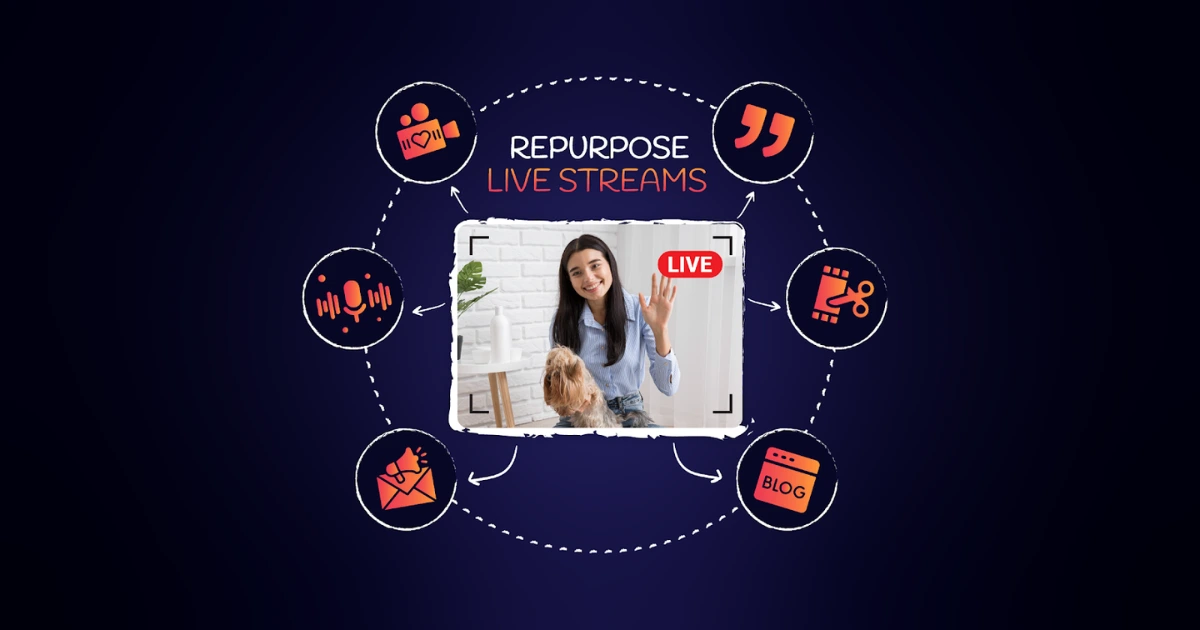
Content repurposing is the process of taking an existing piece of content, like a live stream, and adapting it into new formats for different platforms. One broadcast can become short clips, a podcast episode, quote graphics, a blog post, or a scheduled restream, so the same work reaches more people without starting from scratch.
For example, you can repurpose a video as a blog post to reach readers who prefer text, or cut a 60-minute stream into short vertical clips for Instagram Reels, YouTube Shorts, and TikTok. That's video repurposing in a nutshell: making the most of the original while meeting each audience where it already spends time.
Why Repurpose Video Content From Old Streams?
There are several reasons to repurpose video content and reuse old streams:
Benefits of repurposing your live streams
- Reach new audiences: Delivering the same content in new formats helps you grow beyond the people who watched live.
- Catch the people who missed it: Many followers never see a stream while it's live. Repurposed versions give them another way in.
- Save time and effort: You build on content that already exists instead of creating every post from scratch.
- Make the most of your hits: A stream that performed well has proven value, so it's the perfect source for more content.
Video repurposing is a goldmine of opportunities for marketers, businesses, and individual content creators. Say your Minecraft gameplay stream pulled huge viewership on Twitch. You can reach your followers on YouTube and Facebook simply by repurposing the same content: create a highlight montage of your stream, post it on those platforms, and win more followers and subscribers there.
How to Repurpose Content From Your Live Streams
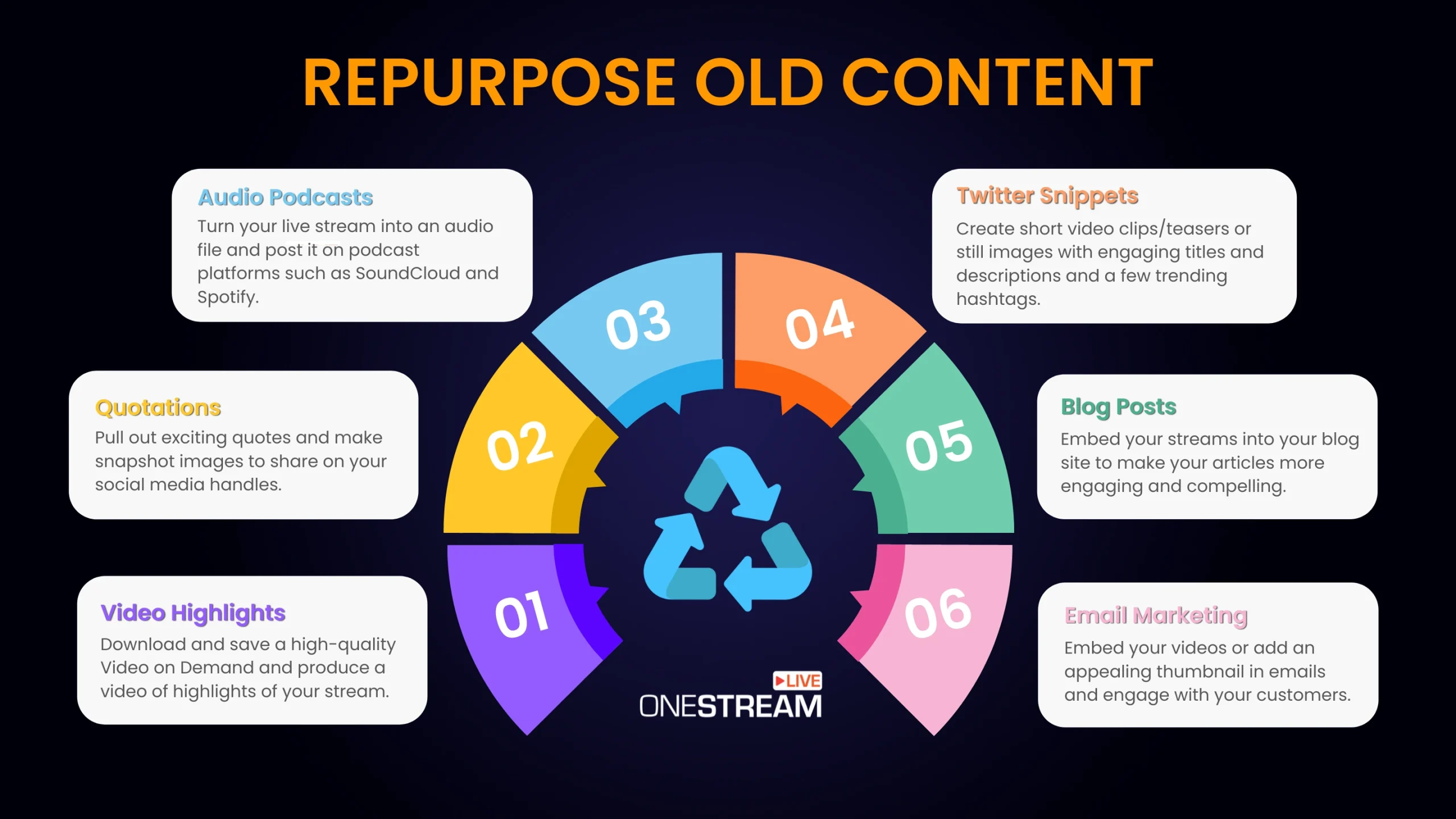
There are many effective ways to repurpose content from a live stream. Here are the most popular strategies, and how to repurpose video content for each format.
Create Video Highlights
Once your live stream ends, download your recording and use it to create highlights. All you need is basic trimming software and simple editing skills. Cut out the slow moments, keep the best and most important parts, and design an eye-catching thumbnail. Then post the highlights on your social media accounts, your website, your blog, and anywhere else your audience spends time.
Short clips are ideal bite-size chunks for attracting new viewers, and vertical formats like Instagram Reels, YouTube Shorts, and TikTok are a natural fit. Keep them short and lead with your strongest moment so people stop scrolling. For a full clipping workflow, see our guide to turning one live stream into a week of clips and recaps.
Read More: 6 Best Apps for Creating Short Video Streams
Pro Tips
Try editing your short videos with captions, stickers, and GIFs to make them more attractive. Captions matter most, since many people watch clips with the sound off.
Pull Out Interesting Quotes
Another popular way to repurpose video content is to pull out exciting quotes and turn them into image posts for your social media accounts. A transcription tool such as Descript makes it easy to lift quotes from your video transcript and add them to still images. Make them graphically appealing and on-brand at the same time.
Pro Tips
Tell your brand story using quotes that reflect your motto, and use them as catchy headlines to grab your audience's attention.
Repurpose Podcast Content: Make Audio Podcasts
Podcasts are popular with people who prefer listening to watching. Converting your live streams into audio podcasts helps you broaden your audience and tap into this group. Export the audio from your stream, clean up glitches, remove dead air, and publish it through a podcast host such as Spotify for Creators. Your host creates an RSS feed that you can submit to Apple Podcasts, Spotify, and other apps. New to feeds? Here's what RSS is and how podcast feeds work.
You can also repurpose podcast content in the other direction: turn standout episode moments into short video clips or quote graphics to promote each new episode. Either way, make sure the audio quality is high before publishing, because nobody wants to hear background noise or long silences in a podcast.
Read More: Why Live Stream Podcast
Pro Tips
Make a series of weekly podcast episodes and keep your audience coming back for more.
Create X Snippets
Add extra exposure to your live streams by repurposing them into short posts on X. These can be teasers in the form of short video clips or still images with engaging text and a few relevant hashtags. Don't forget to add a link to your full content. X is a versatile platform, so you can mix short clips, images, and written posts.
Curate a Compelling Blog Post
Repurposing video content into a blog post is simple: embed your streams in your articles to make them more engaging. Write helpful text around the video so readers can absorb the content however they prefer: watching or reading. When you embed a YouTube video, plays on your blog count toward that video's views too, adding to its overall reach.
Pro Tips
Host your live stream on YouTube or Facebook, grab the embed code, and paste it into your blog post. You can also embed your live stream on any website with OneStream Live Stream Players.
Draft an Email Campaign
Email is one of the most direct ways to reach people who already want to hear from you, so share your live streams in your emails. Most email apps can't play a full video inside the message, but you can add an appealing thumbnail that links to your video. Pair it with a clear call to action that points readers to your goal: visit your channel, watch the video, or subscribe.
Pro Tips
Feature your latest stream in an email newsletter and encourage readers to subscribe to your social channels and share the video. Offer a call to action they can't ignore.
Repurpose Webinar Content
Webinars are live streams too, so they’re one of the easiest kinds of video content to repurpose. Turn each section of the webinar into a short tutorial clip, pull the slides and key stats into a blog post or carousel, send the recording to registrants who missed it, and restream the full session for new time zones. One webinar can feed your content calendar for weeks.
Build a Content Repurposing Strategy Before You Go Live
If you want to repurpose video content every week, start before you hit Go Live. A simple content repurposing strategy means you’re not hunting for usable moments later.
1
Record every stream. Save a clean recording of each session so you always have source material. In OneStream Live Studio, you can record your session and download it later.
2
Plan clear segments. Break the stream into topics or chapters. Each segment can become its own clip, blog section, or podcast episode.
3
Script a few quotable lines. Plan one or two strong statements per segment that will work as quote graphics or short posts.
4
Note timestamps as you go. Ask a cohost or moderator to log great moments during the stream, so editing takes minutes instead of hours.
5
Map formats to platforms. Decide upfront which pieces go where: vertical clips for Reels, Shorts, and TikTok, audio for podcasts, and full replays for YouTube.
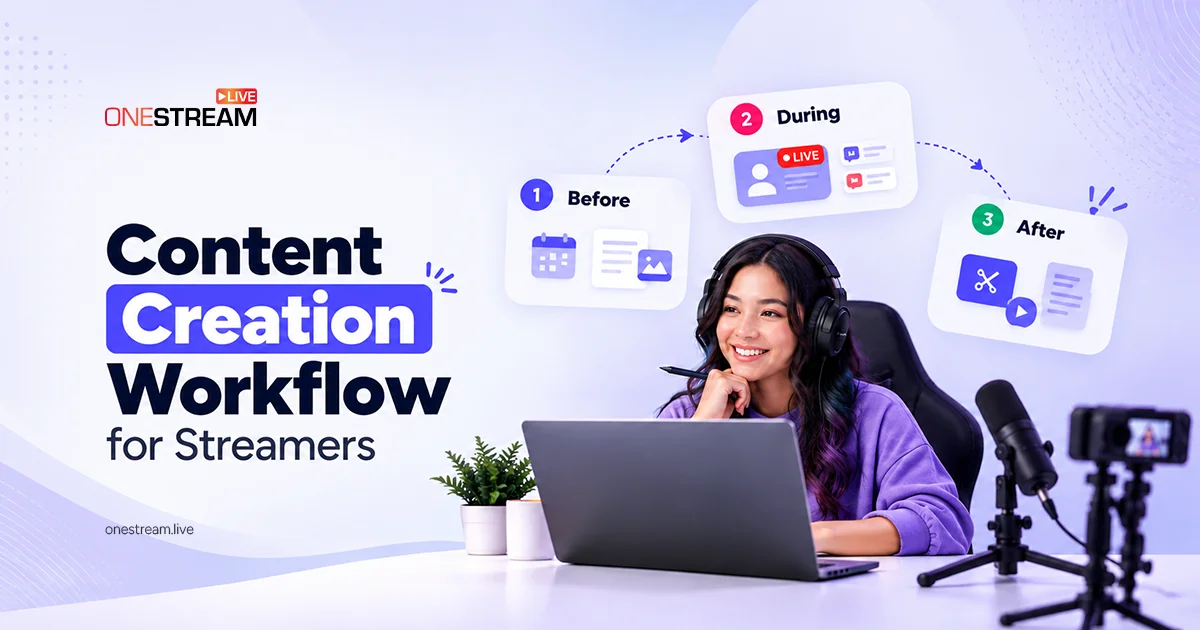
Want the full plan for before, during, and after a broadcast? Our content creation workflow for streamers maps every step. And if you'd like AI to speed up the editing, see our roundup of AI tools to repurpose your live streams.
Restreaming Old Videos with OneStream Live
Using your videos again without putting in extra effort is something everyone wants. Restreaming is the simplest way to repurpose video content, because the video goes back out as a live broadcast. Here are the OneStream Live features that help you do it.
Reuse by Making a Playlist
Once you've saved your recordings, you can restream your old live streams, either one at a time or as a streaming playlist. A playlist is ideal for tutorials or presentations on one topic: group similar videos together to create a bigger, more engaging broadcast. You can even loop videos for continuous streaming.
Stream Directly from OneStream Live
With OneStream Live, you can stream directly from your browser, or even from the OneStream Live mobile app, without extra encoding software. OneStream Live Studio lets you record each of your live videos, download them, and edit and repurpose videos later, so the original broadcast becomes the source for all your other content.
Schedule and Promote Your Video Content
With pre-recorded live streaming, you can schedule a video to go live up to 60 days ahead, on your chosen date and time. Import videos from your cloud or local storage, schedule a single video or a playlist, and promote the upcoming stream on your social media. This saves time and effort and makes reusing old video content easy. Curious why this works so well? Here are 5 reasons to live stream pre-recorded videos.
Repurpose YouTube Videos as Scheduled Streams
Have a popular YouTube upload or a past YouTube Live replay? Repurpose YouTube videos by scheduling them as fresh live broadcasts. A restream gives your audience a chance to watch together and chat in real time, and you can reply in the chat without performing live again.
Get Maximum Views with Multistreaming
Multiply the views and engagement on these videos by multistreaming them to the destinations you choose from 45+ integrations, reaching a broader audience with one broadcast.
Wrapping Up
When you repurpose video content and restream previous live streams, you have a simple yet effective way to multiply your views and reach new audiences. Successful creators rarely stop at the live broadcast. They find ways to repurpose live streams into clips, podcasts, posts, and scheduled restreams. Remember, the more people discover your content in the format they like best, the faster your audience grows.
Frequently Asked Questions
What is the best way to repurpose video content?
The best way to repurpose video content is to match each piece to a platform. Cut short vertical clips for Reels, Shorts, and TikTok, turn the audio into a podcast, pull quotes into graphics, and write a blog post around the full video. Restreaming the original as a scheduled broadcast gives it another live moment too.
How do you repurpose a live stream?
To repurpose a live stream, save the recording, then turn its best moments into clips, quote graphics, social posts, a podcast episode, or a blog post. You can also restream the full recording later as a scheduled live broadcast, so viewers who missed it can watch and chat in real time.
Can you live stream a pre-recorded video?
Yes. With a tool like OneStream Live, you upload a pre-recorded video, choose your destinations, and schedule it to go live at a set date and time. It streams like a regular live broadcast, and you can join the live chat while it plays.
Can you post the same video on multiple platforms?
Yes, you can post your own repurposed clips on every platform, but rework each version instead of re-uploading the same file. Export clean clips without another app’s watermark, resize them to each platform’s format, and write new captions and titles. Platforms favor content that looks made for them, so a tailored version usually reaches more people.
How do you repurpose podcast content?
To repurpose podcast content, cut standout moments into short video clips, turn key quotes into graphics, write a blog post or newsletter from the transcript, and share audiograms on social media. If you record your podcast on video, the full episode can also go to YouTube or be restreamed as a live broadcast.
OneStream Live is a cloud-based live streaming solution to create, schedule, and multistream professional-looking live streams across 45+ social media platforms and the web simultaneously. For content-related queries and feedback, write to us at [email protected]. If you have a story to share about your live streaming experience with OneStream Live, we would be glad to feature it. You're also welcome to Write for Us!