AI detectors are a must-have for anyone sending stream announcement emails in 2025 because they’re essential for creators who want their messages to land in inboxes rather than spam folders. According to Validity’s State of Email Deliverability Report 2025, nearly 14% of legitimate marketing emails either hit spam or go missing.
Gmail and Yahoo now require bulk senders to authenticate (SPF, DKIM, DMARC), provide one‑click unsubscribe, and keep spam complaint rates under strict thresholds, making compliance and human‑centric content quality more critical for inbox placement. Nevertheless, email still pays off in a big way: recent Litmus research shows many teams are seeing returns between 10:1 and 36:1, so polishing send quality and writing like a real person genuinely moves the needle.
In the sections ahead, we’ll explore how creators can blend tools for AI content detection with platforms like OneStream Live to deliver stream announcements that feel authentic, stand out, and actually get read.
How Do AI Detectors Work?
AI detectors are built to analyze text and assess whether it’s likely written by a machine or a human. They don’t operate on intuition, they work through statistical models that evaluate patterns in language.
When you run your email copy through a detector, here’s what’s happening in practice:
- Language modeling checks. Detectors compare your writing against large datasets of AI-generated and human-written text. If your phrasing, sentence flow, or word frequency resembles common machine output, it gets flagged.
- Probability scoring. Rather than a binary “AI or not,” most detectors return a likelihood score. For example, they might say a passage is 78% likely to be AI-generated. That score helps you understand where your text falls on the spectrum.
- Focus on consistency. Human writing is often irregular, with varied sentence lengths, small stylistic quirks, and even the occasional typo. AI tends to create text that is structurally smooth but unnaturally uniform. Detectors are trained to pick up on that.
- Spam-sensitive signals. Many detectors also look for cues that email filters dislike: repetitive words, excessive promotional terms, or formatting habits like too many exclamation points.
For content creators, especially those sending stream announcement emails, these checks matter. A draft that looks “too synthetic” can drag down deliverability. Therefore, running your copy through an AI email checker before scheduling with tools like OneStream Live gives you a chance to correct those issues before your message is judged by spam filters.
How AI Detectors Improve Deliverability
Deliverability is the first hurdle for every stream announcement email. A message that looks polished in your editor can still be filtered out before it reaches subscribers. Providers like Gmail and Outlook run hundreds of checks on every message.
A modern AI detector gives you an early warning when your copy risks being flagged. For streamers, this matters because even one poorly optimized stream announcement email can reduce attendance by cutting off part of your audience.
Industry data shows the scope of the problem. A 2024 report by EmailToolTester found that average inbox placement rates hover around 85% globally, meaning nearly 1 in 6 emails still gets filtered out. That gap is costly for creators who rely on reminders to drive real-time viewership.
A copy check is only half of it, so it also helps to send a test through an email deliverability testing tool like GlockApps and see whether your reminder lands in the inbox or in spam.
1. Here’s how detectors help close it:
- Filtering robotic phrasing. Whether you’re drafting a newsletter or an AI generated email, these AI detection tools highlight overly uniform structures that resemble machine output.
- Scoring risk factors. A typical AI detection tool provides a probability score which is a quick way to see if your draft reads more like a bot than a person.
- Preserving sender reputation. Stronger engagement signals mean higher inbox placement over time. Using an AI email checker before hitting send keeps your domain from looking spammy.
- Guarding security. Some detectors, originally built for AI email security, also help prevent false positives when filters see “too much automation.”
But passing technical checks isn’t enough. Emails that read flat or mechanical rarely inspire clicks.
Campaign Monitor’s 2024 Email Benchmarks report noted that personalized, conversational copy achieved 26% higher open rates compared to generic campaigns (Campaign Monitor, 2024). That’s why detectors are most effective when they push you toward edits that make your writing sound unmistakably human.
2. How AI detectors help humanize emails:
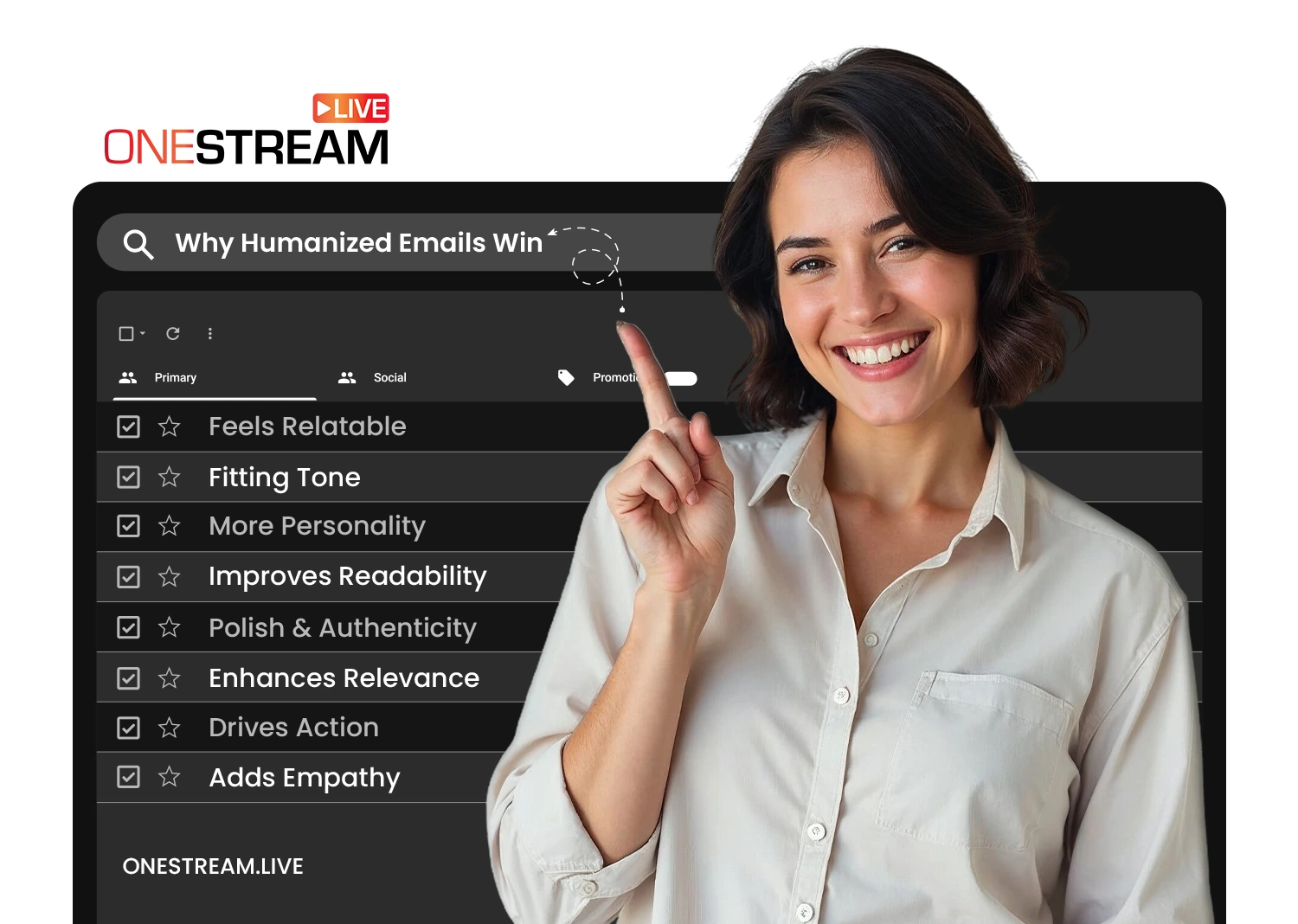
When you edit with these qualities in mind, your message looks less like a free AI checker draft and more like a personal note from your brand. If you’re unsure where you stand, you can check for AI and refine the copy until it balances professionalism with personality.
For creators announcing a broadcast through OneStream Live’s multistreaming platform, this combination is especially powerful. Detectors catch language that algorithms dislike, and humanized writing ensures your audience feels connected enough to join.

Step-by-Step Guide to Sending Humanized Stream Announcement Emails
Deliverability improves when two elements align: authentic copy and reliable distribution. Writing a strong message is only half the job; the other half is making sure it’s sent through the right workflow.
Here’s a step-by-step approach that ties humanized writing to OneStream Live’s Event Announcement feature.
1. Draft with authenticity first
Before running text through an AI content detector, focus on clarity and tone. Avoid jargon and let your brand personality come through. Readers respond more to relatable details than to generic phrasing.
2. Run a pre-check with detection tools
Use an AI email checker or an AI writing detector to scan your copy. These tools highlight robotic phrasing, repetitive syntax, or signs of automation that inbox filters dislike. If the tool flags your draft, revise until it balances professionalism and personality.
3. Schedule your event in OneStream Live
When your copy is ready, move into OneStream Live’s scheduling workflow:
- Choose your destinations (Facebook Pages, Groups, Profiles; YouTube New Event; LinkedIn).
- Toggle Schedule for later to set your stream time.
- Enable the Event Announcement option and decide when the notification should post — immediately, 30 minutes before, 1 hour before, or at a custom time.
4. Announce at the right moment
If you select “1 day before,” followers will see a reminder exactly 24 hours ahead of your broadcast. If you choose “immediately,” the announcement posts as soon as you set up the stream. Each option creates a shareable URL for your event that you can circulate across platforms.
5. Humanize the announcement itself
Whether you’re using Facebook or YouTube, avoid sterile subject lines. A reminder that sounds like an AI generated email will blend into feeds. Instead, emphasize timing (“Going live at 7PM EST”), relevance (“Q&A on multistreaming setup”), or exclusivity (“First look at our new gear”).
Keep in mind that you will have to edit and humanize the announcement post directly from the platform (Facebook/YouTube).
6. Share the event link
Once your announcement is live, retrieve the event link directly from the destination platform through the “Share” icon. Use this link in emails, direct messages, or as part of a broader AI-powered email marketing campaign.
Combining humanized copy with OneStream Live’s Event Announcement workflow ensures that your reminders are both technically deliverable and persuasive enough to drive attendance. Detectors act as a safeguard, and OneStream Live ensures the timing and distribution reach audiences where they are.
Final Takeaway
To conclude, we now know that strong copy alone won’t guarantee that your reminder emails land in the inbox. Deliverability today is shaped by algorithms that punish anything too robotic, too repetitive, or too promotional. The solution isn’t to strip out personality, it’s to lean into it.
Platforms like OneStream Live ensure that announcements are timed and distributed across Facebook, YouTube, and LinkedIn at the moments when your audience is most likely to engage. At the same time, AI detectors analyze and flag machine-like phrasing to help you preserve authenticity.
The result is a simple but powerful workflow: human-centered writing backed by smart detection and reliable scheduling. For creators, that means more eyes on your stream when it matters most.
FAQs About AI Detectors in Emails
They analyze your text for patterns commonly associated with machine output, such as repetitive sentence structures or uniform rhythm. This helps flag drafts that might trigger spam filters and reduce inbox placement.
Most tools compare your draft against large datasets of human and machine-written text. They return a probability score showing how likely your content is automated. Some also highlight suspicious phrases for revision.
Services like GPTZero, ZeroGPT, or a ChatGPT detector can scan copy and identify language signals typical of automated systems. They’re not perfect, but they give a reliable first pass.
Filters don’t label text as “AI,” but they look for red flags: overuse of promotional terms, overly formal tone, and repetitive structures. If your draft shares too many of these traits, deliverability suffers.
Write copy that feels authentic, run it through a detector to remove risky phrasing, and schedule reminders through OneStream Live’s Event Announcement. Combining personalization with precise timing increases both open and click-through rates.
OneStream Live is a cloud-based live streaming solution to create, schedule, and multistream professional-looking live streams across 45+ social media platforms and the web simultaneously. For content-related queries and feedback, write to us at [email protected]. You’re also welcome to Write for Us!