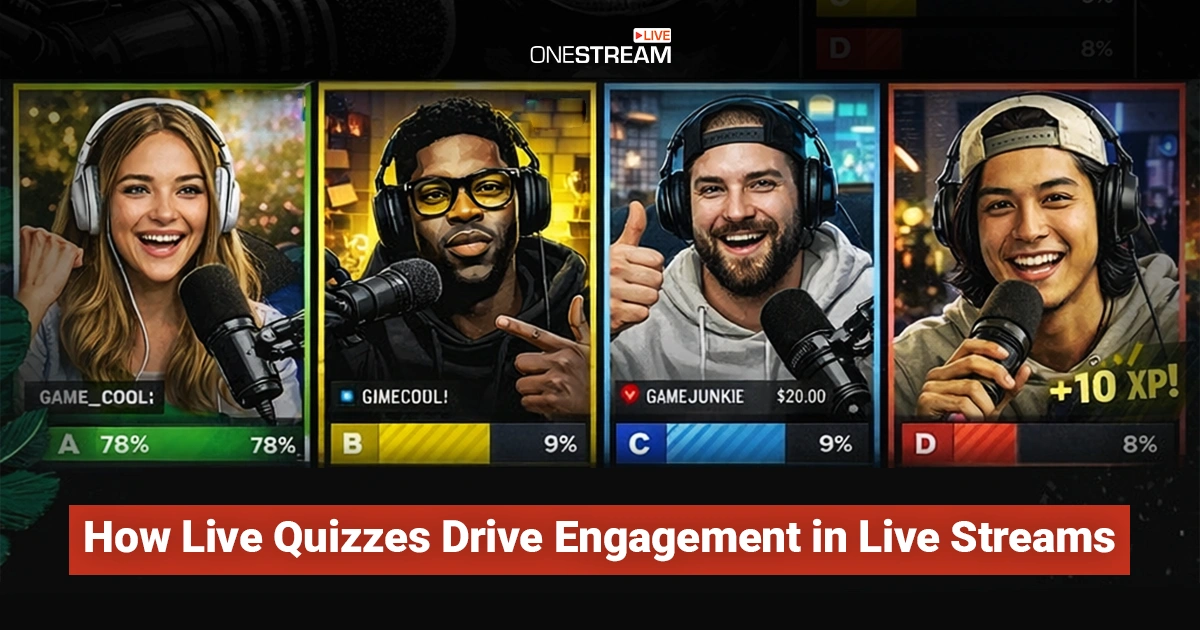

Live streaming rewards creators who can hold attention minute by minute. Viewers do not commit the way they do with a polished video. They hover, listen, and leave the second the stream feels slow or predictable. That is why live quizzes work so well. They give the audience a reason to stay, participate, and feel seen in real time.
A live quiz also changes the creator workflow in a useful way. Instead of talking to the audience, you are building a loop. Prompt, response, payoff. When that loop is clear, engagement stops being a mystery and starts becoming something you can plan for, repeat, and improve.
In this guide, we’ll look at how live quizzes drive engagement, when to use them, which formats work best, and what creators should look for in quiz tools.
Live quizzes turn passive viewers into active participants and help keep attention high.
Quizzes are most effective when they reinforce the content instead of interrupting the stream.
Short, well-timed quizzes improve watch time and audience retention.
The right quiz format depends on the moment and the type of live stream.
Fast, reliable tools make it easier to run quizzes without breaking the flow of a live stream.
Why Live Quizzes Keep Viewers From Scrolling Away
According to recent data, 75% of audiences prefer interactive content like live polls and quizzes over passive viewing. Most live viewers are not making a long-term decision. They are making a ten-second decision.
A quiz interrupts passive watching and turns it into a quick action. That tiny action matters. The moment someone votes, types an answer, or reacts, they have invested a little effort, and that creates momentum.
Quizzes also create micro-deadlines. “You have 20 seconds to answer” is a simple line that keeps people from wandering. It adds urgency without feeling pushy. It also gives late joiners an easy entry point. They can participate even if they missed the first half of the stream.
Another benefit is predictability in a good way. When the audience learns that a quiz pops up every few minutes, they stop treating the stream like background noise. They watch for the next moment to jump in.
How Quizzes Lift Watch Time, Chat Activity, and Retention
Live quizzes improve watch time because they give viewers a reason to wait for the result. Even a simple question creates a payoff moment. People stick around to see the correct answer, the leaderboard, or the host’s reaction. That adds minutes, not seconds, especially when quizzes are spaced across the stream.
Chat activity increases because quizzes provide a shared topic. People explain their choices, tease friends, and debate the answer. That kind of chat is useful because it is aligned with the content. It does not feel like random spam. It feels like a community.
Retention improves because the audience gets a rhythm. When the stream has a pattern of interaction, viewers stop waiting for the “good part.” The stream becomes the good part. Each quiz becomes a checkpoint that resets attention and keeps the energy steady.
The Best Moments to Trigger a Quiz During a Live Stream
Timing matters. Drop a quiz too early, and it can feel forced. Drop it too late, and you lose people before it happens. A reliable pattern is to run a quick quiz after the first value segment, once viewers have enough context to answer. That makes the quiz feel earned, not random.
Another strong moment is right after a complicated explanation. If you just taught a concept, use a quiz to confirm it landed. This works well for tutorial streams, live product demos, and educational creator content. It also gives you instant feedback. If most people miss the question, you know what to clarify.
Quizzes are also great during transitions. When you are switching topics, loading something on screen, or waiting for a guest to join, a quiz keeps the stream active without adding stress. It fills dead air with participation.
Read More: Online Strategies for Interactive & Immersive Live Experiences
Quiz Formats That Work Best in Real Time
Multiple choice is the safest format because it is fast. It works even when viewers are distracted. It is also easy to show results quickly on screen. True-or-false is even faster and can work well as a “quick pulse” question to keep momentum.
Prediction questions are powerful for live streams. Get the audience’s thoughts on what might happen next.
This format keeps people watching because the answer is revealed naturally as the stream continues.
Short-answer quizzes can work, but they require more moderation. They are best when you can highlight a few answers on screen and keep the pace tight. If you cannot surface responses cleanly, the chat can get messy, and the moment loses impact.
Quiz Tool Features That Actually Matter for Creators
Creators should not choose tools based on flashy templates alone. The first must-have is speed. The tool should launch questions quickly, publish results instantly, and not require a five-click setup while you are live. If you cannot run it while talking, it is too complex.
Second, look for clean overlays and flexible placement. You want quizzes to appear on screen without covering your face, your slides, or your gameplay. Good tools let you control positioning, sizing, and timing. You also want mobile-friendly participation because many viewers watch on phones.
Third, think about reliability and moderation. A quizzing software or tool should handle spikes in participation and filter spam. It should also let you quickly disable input or move to the next question if the stream needs to keep moving.
How to Keep Quizzes Fun Without Killing the Stream Pace
Quizzes should not interrupt your live stream and should feel like part of the show. To achieve this, the quizzes should be concise and address topics that are already on viewers’ minds. If you just covered a topic, quiz that topic. If you are about to reveal something, quiz the prediction.
Limit the rules. Viewers will not read a paragraph of instructions mid-stream. Keep it obvious. One question, one action, one payoff. Then move on.
Also, watch your energy. When you run a quiz, you are hosting a mini-event. Use a clear voice cue, count down, and react to the results. The reaction is where the value is. That is the moment the audience feels the “live” part of live streaming.
Treat the quiz as a conversation. React to answers, give shout-outs to people who answer correctly, and keep a lively commentary. This interaction makes the experience feel like a game show and keeps viewers engaged. OneStream Live’s studio tools can help highlight comments or display poll results on screen, so you can easily acknowledge your audience in real time.

Data and Analytics Creators Should Track After Each Live Quiz
Do not drown yourself in metrics. Track what changes your next stream. Start with the participation rate. How many viewers engaged with the quiz compared to peak viewers during that segment? That is your signal for quiz clarity and timing.
Next, track watch time around quiz moments. Look for patterns. Do viewers stick around longer after a quiz? Do drop-offs slow down? If your platform provides minute-by-minute retention, use it to identify where quizzes help most.
Finally, track outcome quality, not only volume. If chat becomes more relevant and the audience asks better questions after a quiz, that is a win. If engagement spikes but becomes chaotic, you may need simpler formats or stronger moderation.
Common Live Quiz Mistakes to Avoid
Even with the best intentions, some quiz tactics can backfire. Avoid these common live quiz mistakes to make sure that your interactive session is a hit:
Live Quizzes That Don’t Match the Content
One of the fastest ways to lose trust is to use a quiz as “something to do” rather than something that belongs in the stream. Viewers can tell. If you pivot from a cooking demo to a random trivia question, the moment feels like an ad break with extra steps.
The fix is simple: make the quiz serve the segment. If you are teaching, quiz the key takeaways. If you are interviewing a guest, quiz the audience on what they think the guest will say next. If you are demoing a product, quiz a feature choice, or a use case. When the quiz reinforces the point you are already making, it stops feeling like a gimmick and starts feeling like part of the show’s structure.
Too Many Questions, Too Much Time
Another common issue is letting the quiz take over the stream. This usually happens in two ways: too many questions in a row, or too much time spent explaining rules. In a live environment, attention has a short fuse. A quiz should be quick to enter and quick to resolve. A good target is one question with a clear countdown, then immediate results.
If you want to go deeper, spread the interaction out. Run a single question, move on with the content, then bring back a follow-up question later. You keep momentum, and you still get the engagement lift. Also, watch how you talk through results. A quick reaction and one useful insight are better than reading every option aloud.
Tool Friction and Technical Disruption
Tool friction is the silent killer. If launching a quiz forces you to switch windows, hunt for buttons, or troubleshoot overlays while viewers wait, the energy drops and people leave. You want a setup that is muscle memory, not a mini-production crisis. The best prevention happens before you go live: pre-load questions, test on the same device and network you will stream on, and run one rehearsal where you trigger the quiz exactly the way you will on air.
During the stream, keep a backup plan ready. If the overlay fails, you can still run the question in chat, pin the prompt, and react to answers while you fix things later. The goal is staying present. A quiz should reduce the pressure on the host by giving structure, not add pressure by creating more moving parts.
Wrapping Up
Live quizzes work when they are fast, relevant, and easy to run. They help creators hold attention, spark interaction, and keep the stream moving without adding pressure. Make sure you have the right tools. OneStream Live helps keep live streaming smooth and lets you multistream to more than 45 social media platforms at the same time. When live quizzes fit naturally into your flow, they become a repeatable way to keep viewers engaged from start to finish.

Frequently Asked Questions
There is no fixed rule, but most streams work best with quizzes spaced out. One quiz every 10–15 minutes is usually enough to reset attention without slowing the stream down. The key is to place quizzes after value moments, not stack them back to back.
Yes, but the format should match the content. Educational streams work well with knowledge checks, interviews work well with prediction questions, and product demos work best with feature or use-case quizzes. The quiz should always support what is already happening on the stream.
Multiple-choice and true-or-false quizzes are the most reliable for live streams because they are fast and easy to answer. Prediction quizzes also work well when something is about to happen on screen. Short-answer quizzes can work, but only if you can manage the chat and keep the pace tight.
Creators should look for speed, reliability, and ease of use. A good quiz tool should launch quickly, show results instantly, and work smoothly during a live stream. It should also support mobile viewers and handle high participation without slowing the stream down.
OneStream Live is a cloud-based live streaming solution to create, schedule, and multistream professional-looking live streams across 45+ social media platforms and the web simultaneously. For content-related queries and feedback, write to us at [email protected]. You’re also welcome to Write for Us!