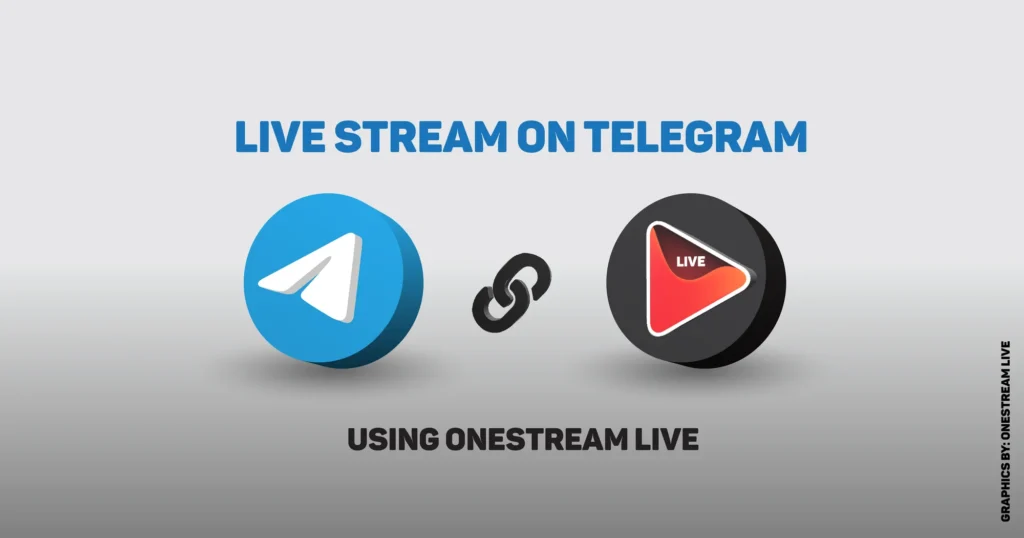
There’s something oddly elegant about a Telegram live stream. It doesn’t scream for attention the way Instagram Lives do. It doesn’t push itself into the chaos of TikTok. Instead, it sits quietly—an encrypted room with the doors flung wide open—waiting for those who are meant to be there.
And yet, for all its subtlety, Telegram live is where some of the most engaged audiences are gathering. It’s not about mass appeal. It’s about intimacy, loyalty, and the freedom to speak without an algorithm throttling your voice.
While everyone else is busy chasing algorithms on TikTok and Instagram, Telegram gives you something rarer: a direct line to your audience. No filters. No suppression. No begging the algorithm for mercy.
And with OneStream Live, you can walk in like you own the place and stream straight to your people—effortlessly. Let’s learn how!
- Telegram supports live streaming in both groups and channels, with no algorithm deciding who sees it.
- Groups suit interactive sessions where viewers can request to speak. Channels suit one-way broadcasts.
- Telegram gives you a Server URL and Stream Key, which is all you need to connect an external tool.
- Public channels are discoverable, private ones are invite-only. Pick before you start promoting.
- Schedule pre-recorded videos to go live on Telegram when your audience is actually online.
- Connect Telegram to OneStream Live and multistream to 45+ platforms from the same broadcast.
What is Telegram?
It’s tempting to dismiss Telegram as just another messaging app in a sea of apps. But that would be a mistake.
Telegram has carved out a space by doing one thing exceptionally well: respecting its users. It’s a free, cross-platform messaging app built for speed, privacy, and simplicity.
Basically, Telegram offers a range of features designed to make communication seamless yet secure. It offers client-to-server encryption for everyday chats, and Secret Chats with end-to-end encryption for conversations you want to vanish without a trace. There’s even a self-destruct timer for messages, for those moments where privacy is essential.
Telegram is a broadcast platform where you can:
- Create Telegram groups large enough to hold an entire stadium of people (up to 200,000 members).
- Build Telegram channels for sharing updates, content, and live streams with unlimited audiences.
- Share files of any type or size without running into arbitrary limits or clunky compression.
Pair this with OneStream Live, and suddenly you have a broadcast platform in your pocket—secure, professional, and powerful enough to rival traditional media.
Incredible Telegram Live Stream Features
When it comes to live streaming, Telegram doesn’t cut corners. Instead, it delivers a refined set of tools designed for privacy, flexibility, and meaningful interaction:
- Encrypted live streaming protects your broadcast under Telegram’s secure umbrella, ensuring private, uninterrupted transmission.
- Streams support unlimited viewers; group video calls let up to 30 hosts broadcast with 1,000 participants watching live.
- A seamless UI allows viewers to scroll through Telegram channels mid-broadcast without losing their place.
- The platform offers privacy enhancements like hide sender names, remove captions, and an array of animated stickers and emojis for lively interaction.
- Participants can “raise hands”, request to speak, and join in on the broadcast—while permanent admins maintain control.
- RTMP support opens Telegram to third-party production tools like OBS, XSplit, and OneStream Live.
- Video message quality is top-tier: high-resolution recording, expandable displays, and full playback control, including speeds from 0.5× to 2×.
How to Start a Telegram Live Stream with OneStream Live
Setting up a Telegram live stream may sound like a technical maze, but with OneStream Live, it’s refreshingly simple—and surprisingly sophisticated.
1
Set Up Your Telegram Group or Channel
To begin, you’ll need a space on Telegram where your audience can gather:
i. Create a Telegram Channel
- To get started, log on to https://telegram.org/ and download the Telegram app.
- Open the Telegram app and tap the pencil icon to create a New Channel.
- Name your channel, add a description, and set an eye-catching channel photo.
- Decide whether to make it Public (for discoverability) or Private (for exclusive broadcasts).
- Once created, you’ll see a Telegram live stream link that you can share with your audience.
ii. Or Create a Telegram Group
- Tap New Group, choose a name, photo, and add members.
- Groups are ideal for more interactive streams, as you can allow participants to speak during the live session.
2
Enable Telegram Live Streaming Feature
Once your space is ready, here’s how to enable live streaming:
- In your Telegram channel or group, tap the menu and select Start Live Stream.
- You’ll see an option for Stream With…, which generates a Server URL and Stream Key. Copy these details carefully—they’re essential for integrating with OneStream Live.
3
Connect Telegram to OneStream Live
Now for the magic. Head over to your OneStream Live dashboard:
- Go to Destinations and click Social Platforms.
- Click Add Platform.
- Select Telegram from the list of supported apps.
- Name your connection for easy reference.
- Paste the Server URL and Stream Key from Telegram into the fields provided.
- Hit Connect, and your Telegram account is now linked to OneStream Live.
This connection opens the door to advanced features:
- Pre-recorded streaming: Schedule videos to go live when your audience is most active.
- Multistreaming: Broadcast simultaneously to Telegram and 45+ other platforms.
- Custom branding: Add logos, overlays, and tickers to your live streams.
- And, so much more!
4
Start Your Telegram Live Stream!
With everything connected:
For real-time streaming, launch your broadcast via OneStream Live Studio or any encoder (like OBS or XSplit).
For scheduled streams, simply pick your pre-recorded content, select the Telegram account, and schedule it.
When OneStream Live begins sending the signal, return to Telegram and tap Start Streaming. Your live video is now flowing directly into your Telegram live stream channel, ready for your audience to engage.
Why Choose OneStream Live for Streaming on Telegram
Here’s why using OneStream Live is the best choice for a Telegram live stream:
Encoder Streaming Integration
Effortlessly connect your Telegram live stream to OneStream Live with RTMP support. No complicated setup—just plug, stream, and engage.Multistreaming Across 45+ Platforms
Broadcast simultaneously to Telegram, YouTube, Facebook, LinkedIn, and more. OneStream Live makes live video distribution simple and powerful.Pre‑Recorded Streaming for Flexibility
Schedule your pre‑recorded videos to go live on Telegram and other platforms—reach your audience in their time zone without being online.Professional Production Tools
Elevate your stream with branded overlays, logos, virtual backgrounds, and multicamera streaming for a polished, studio-grade look.Cloud-Based Streaming From Anywhere
Go live from any remote location using only your browser and internet—perfect for creators and businesses on the move.Advanced Analytics for Smarter Decisions
Track engagement and viewer metrics to fine-tune your content strategy and grow your reach.Trusted by Leading Creators and Businesses
Join a global community using OneStream Live as their go-to livestreaming company for professional broadcasts.
Frequently Asked Questions
Can you go live on Telegram?
Yes, you can. Telegram allows you to host live streams in both Telegram groups and Telegram channels.
You can stream directly through the Telegram app or use third-party tools like OneStream Live for a more professional, multi-platform setup.
How to go live on Telegram?
To start a Telegram live stream, open your Telegram group or channel, tap the menu, and select Start Live Stream. You’ll receive a Stream URL and Stream Key for integration with platforms like OneStream Live, enabling advanced production features and multi-destination broadcasting.
How to watch a live stream on Telegram?
To watch a live stream, join the specific Telegram channel or group where it’s being broadcast. Once the stream begins, you’ll see a “Live” badge—tap it to start watching in real time.
What is Telegram used for?
Telegram is a secure, cloud-based messaging platform used for personal chats, file sharing, and hosting large communities through Telegram groups and channels. Increasingly, it’s also used for live streaming and interactive broadcasts.
Why do people use Telegram for live streams?
Creators and brands use Telegram for live streams because of its encrypted streaming, unlimited audience reach in channels, and interactive features like stickers, polls, and reactions.
OneStream Live is a cloud-based live streaming solution to create, schedule, and multistream professional-looking live streams across 45+ social media platforms and the web simultaneously. For content-related queries and feedback, write to us at [email protected]. You’re also welcome to Write for Us!