
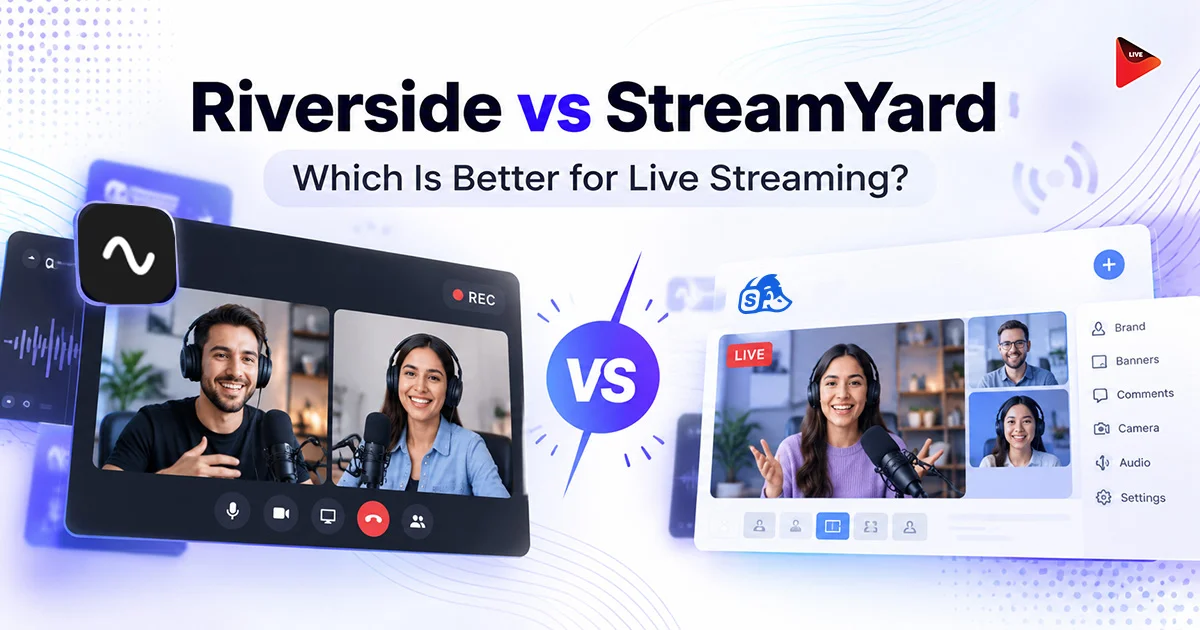
Should your next live show run on Riverside or StreamYard? In the Riverside vs StreamYard matchup, StreamYard wins for shows built around going live, while Riverside wins for creators who record first and stream second. That’s the quick answer.
The details get messy fast. Both tools run in your browser, both stream in 1080p, and both have reshuffled their plans since 2024. Most comparisons you’ll find come from one of the two vendors, so they skip the parts where the other tool wins.
This guide settles the StreamYard vs Riverside question for live streamers. You’ll see where each tool wins on streaming, recording, and 2026 pricing, plus a simple checklist to match the right tool to your show.
Key Takeaways:
- StreamYard suits shows built around going live, thanks to an easy browser studio, quick guest links, and multistreaming on every paid plan.
- Riverside suits podcasters who care most about recording, because it captures each guest locally in up to 4K video and 48 kHz audio on separate tracks.
- Riverside Grow streams to unlimited platforms at once, while StreamYard allows 2 to 10 depending on the plan.
- StreamYard Essential, Core, and Advanced are for individuals, so signups with a company email need the Business plan at $249 a month billed yearly.

Riverside vs StreamYard at a Glance
StreamYard is a live streaming studio that also records, while Riverside is a recording studio that also streams. Let's compare both of them:
| Feature | StreamYard | Riverside | Edge |
|---|---|---|---|
| Built for | Going live | Recording | Depends on your show |
| Live stream quality | 1080p | 1080p | Tie |
| Platforms at once | 2 to 10, by plan | Unlimited on Grow and up | Riverside |
| People on screen | Up to 10 | Up to 10 | Tie |
| Recording quality | 1080p, 4K local on Advanced | Up to 4K local recording | Riverside |
| AI editing | AI Clips | Magic Clips, transcript editing, Magic Audio | Riverside |
| Free option | Free plan | Free trial | StreamYard |
| Cheapest paid plan | $18.99/mo | $19/mo | StreamYard |
StreamYard vs Riverside: Pros and Cons
StreamYard wins on ease and live production, and Riverside wins on recording quality and editing. Here’s what each tool is, plus the pros and cons you’ll feel after a few weeks of real shows.
What Is StreamYard?
StreamYard is a live streaming and recording studio that runs in your browser. You invite guests with a link, add your logo and overlays, and stream to YouTube, Facebook, LinkedIn, Twitch, X, or any custom RTMP destination. Nobody downloads anything.
Pros:
- The studio puts guests, comments, and branding on one screen, so there’s little to learn before your first show.
- Guests join from a browser link, with up to 10 people on screen from Core up.
- Every paid plan includes multistreaming, and Core adds custom RTMP destinations.
- From Core, you can upload a video and schedule it to air as a live stream.
- Advanced adds webinar hosting and downloadable transcripts.
Cons:
- Prices rose sharply after the 2024 acquisition, and Core now costs $44.99 a month.
- Essential, Core, and Advanced are for individuals, so company accounts need Business.
- Essential streams to only 2 platforms at once, and Core to 3.
- The free plan streams in 720p with StreamYard branding and no multistreaming.
What Is Riverside?
Riverside is a remote recording studio for podcasters and video creators, with live streaming built on top. It records each guest on their own device and uploads the files as you go, so a shaky connection doesn’t wreck the final recording.
Pros:
- Local recording in up to 4K video and 48 kHz audio, with a separate track for every person.
- Magic Clips turns long recordings into short clips, and you can cut video by editing its transcript.
- Grow multistreams to unlimited destinations, including custom RTMP.
- Omnichat gathers comments from supported platforms into one feed and sends your replies back to each platform.
- On the Webinar plan, viewers can call in and join your show live.
Cons:
- Pro has no live streaming, so you need Grow or higher to go live.
- There’s no permanent free plan, and the trial asks for a card.
- Every plan below Business caps separate track downloads, from 15 hours on Pro to 25 on Webinar.
Live Streaming and Recording: Where Each Tool Wins
StreamYard wins the live production side, and Riverside wins the recording side. Both stream in 1080p, so the difference comes down to workflow, limits, and what you walk away with after the show.
Riverside Live Streaming vs StreamYard Live Streaming
Riverside live streaming starts on the Grow plan. You stream in 1080p to as many destinations as you like while Riverside records every guest locally in up to 4K at the same time. One session gives you a live show and a clean, editable recording.
StreamYard keeps the live side simpler. Guests, on screen comments, banners, and overlays all sit in one studio view. MARS lets a single broadcast go out in more than one aspect ratio, so you can serve landscape and vertical viewers from the same show.
The tradeoff is reach. StreamYard Essential sends your stream to 2 platforms at once, Core to 3, and Advanced to 8. If you go live on YouTube, Facebook, LinkedIn, Twitch, X, and a few niche platforms every week, Riverside’s unlimited destinations start to matter.
Pro Tips
You don’t have to give up the studio you like to reach more platforms. StreamYard and Riverside can both send your show to a custom RTMP destination, so you can point that one feed at OneStream Live and multistream it to 45+ platforms. On StreamYard, that uses just one of your destination slots. OneStream Live’s Encoder Streaming also accepts RTMP, RTMPS, SRT, and WHIP feeds from tools like OBS and vMix.
Riverside Recording vs StreamYard Recording
Riverside is the clear winner for recording. It captures each person locally in up to 4K and 48 kHz audio on separate tracks, so you can fix one guest’s audio without touching anyone else’s.
StreamYard records in the cloud in 1080p on paid plans, and Core adds local recordings for each participant. Advanced unlocks 4K local recordings and transcripts. Core and Advanced include 50 hours of permanent storage.
On editing, Riverside goes further. Magic Clips finds short moments in long recordings, Magic Audio cleans up sound, and you can trim video by deleting words from the transcript. StreamYard’s AI Clips covers the basics by turning a finished stream into short social clips.
On Riverside, one session gives you a clean track per guest for your podcast feed, plus clips for Shorts and Reels. On StreamYard, you’d likely export to a separate editor to get the same result.
Riverside vs StreamYard Pricing in 2026
Riverside gives you more for live streaming in 2026. Its Grow plan costs $19 a month for 1080p streaming to unlimited destinations. StreamYard Essential costs $18.99 a month but stops at 2 destinations, and Core costs $44.99 a month for 3.
| Tool and plan | Monthly | What it unlocks for live streaming |
|---|---|---|
| StreamYard Free | $0 | 720p, StreamYard branding, no multistreaming |
| StreamYard Essential | $18.99 | 1080p, 2 platforms at once |
| StreamYard Core | $44.99 | 1080p, 3 destinations, no StreamYard logo |
| StreamYard Advanced | $88.99 | 8 destinations, webinars, 4K local recording, transcripts |
| StreamYard Business | $299 | 10 destinations, 2 seats, required for company accounts |
| StreamYard Enterprise | Custom | Custom terms for large teams |
| Riverside Pro | $14 | Recording only, no live streaming |
| Riverside Grow | $19 | 1080p live streaming, unlimited destinations |
| Riverside Webinar | $49 | Everything in Grow plus registration, Q&A, and polls |
| Riverside Business | Custom | Team controls such as SSO |
Riverside vs StreamYard: Which One Wins?
For live streaming, StreamYard is usually the better fit. It was built for going live, with a simple browser studio, fast guest invites, and multistreaming on every paid plan. Riverside wins on recording, with local 4K capture and AI editing, and adds live streaming from its Grow plan. Choose based on what comes first: streaming or recording.
| Your situation | Better pick | Why |
|---|---|---|
| You run a live show and record as a bonus | StreamYard | Simple studio, quick guest links, scheduled prerecorded streams |
| You record a podcast and stream now and then | Riverside | Local 4K tracks and AI editing come standard |
| You stream to 1 or 2 platforms on a budget | StreamYard Essential | 1080p streaming for $18.99 a month |
| You stream to more than 8 platforms at once | Riverside Grow | No destination cap, versus StreamYard’s 8 on Advanced |
| You host webinars with registration | StreamYard Advanced | $68.99 a month billed yearly, versus $79 for Riverside Webinar |
| You want to start without paying | StreamYard | A permanent free plan, versus Riverside’s trial |
| Your team signs up with a company email | Budget for StreamYard Business | Essential, Core, and Advanced are for individuals only |
Final Verdict
Here’s the bottom line on Riverside vs StreamYard. Pick StreamYard if going live is the heart of your show and you want the simplest studio for guests, branding, and webinars. Pick Riverside if the recording matters most, or if you need unlimited destinations.
Whichever you choose, test it on a real show before you commit to a yearly plan, and recheck prices on the day you buy. Both companies have changed plans more than once since 2024.
And if you mostly stream recorded content or need to reach dozens of platforms at once, see how OneStream Live compares with StreamYard feature by feature before you decide.
Frequently Asked Questions
How much does StreamYard cost per month?
StreamYard has a free plan, then Essential at $18.99 a month, Core at $44.99 ($35.99 billed yearly), Advanced at $88.99 ($68.99 yearly), and Business at $299 ($249 yearly). Essential, Core, and Advanced are for individuals, so company accounts need Business.
How much does Riverside cost?
Riverside’s paid plans are Pro at $14 a month, Grow at $19, and Webinar at $49. Grow is the cheapest plan with live streaming and multistreaming. Business uses custom pricing, and the other plans start with a free trial lasting 14 days.
Is StreamYard free?
Yes. StreamYard’s free plan includes the core browser studio, so you can go live and record without paying. It streams in 720p, keeps StreamYard branding on your broadcasts, and limits features. Multistreaming requires a paid plan, starting with Essential at $18.99 a month for 2 destinations at once.
Is there anything better than StreamYard?
It depends on what you need more of. Restream offers a free plan with multistreaming, OBS Studio is free for full control, and Riverside wins on studio quality recording. For multistreaming to 45+ platforms, plus prerecorded and scheduled streams, OneStream Live is another option worth testing.
Is Riverside a good recording platform?
Yes. Riverside records each person locally on their own device, so quality holds even if someone’s internet drops. It captures up to 4K video and 48 kHz audio on separate tracks, which is its biggest edge in any Riverside vs StreamYard comparison.
OneStream Live is a cloud-based live streaming solution to create, schedule, and multistream professional-looking live streams across 45+ social media platforms and the web simultaneously. For content-related queries and feedback, write to us at [email protected]. You’re also welcome to Write for Us!