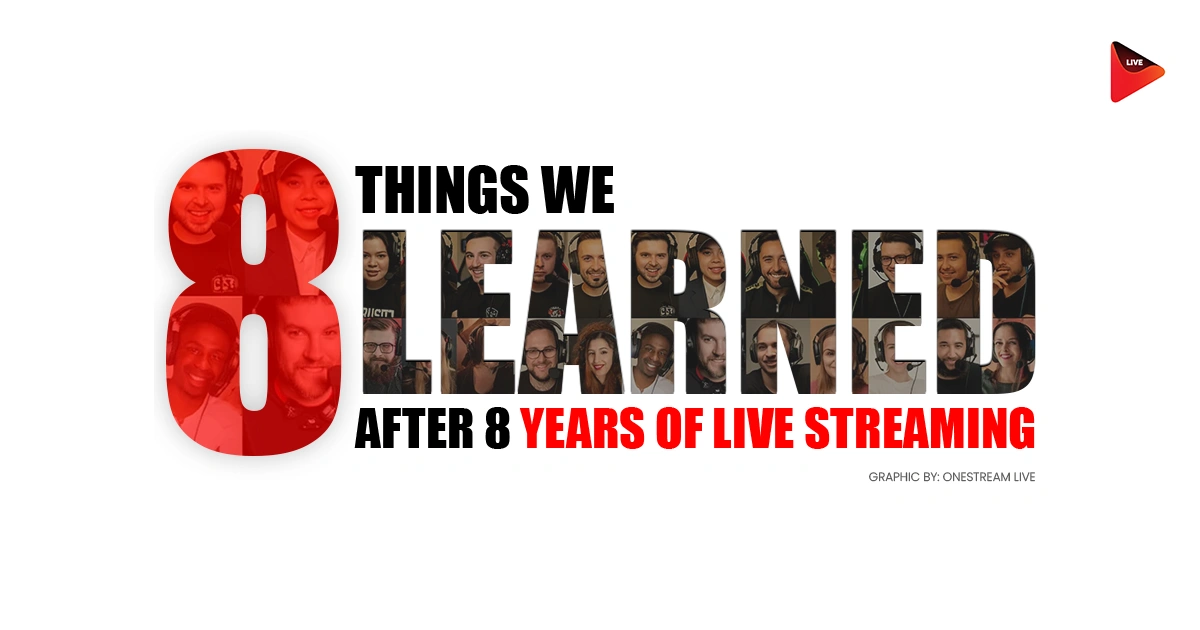
When OneStream Live started in 2018, the live streaming market was a fraction of what it is today. Back then, most people didn’t own a microphone. They barely understood what multistreaming meant. And the idea that you could schedule a pre-recorded live stream and have it broadcast across 45 platforms while you slept? That seemed impossible.
Eight years later, we’ve watched the market grow to $99.82 billion globally—with projections hitting $345 billion by 2030. We’ve seen creators go from streaming alone in their bedrooms to building six-figure businesses on the back of streaming tips for beginners that actually work. Here’s what we’ve learned, and what we wish someone had told us on day one.
Lesson 1: Audio Quality Kills Everything Else
Forget the obsession with 4K cameras. Seriously, forget it.
Here’s what we noticed: people will tolerate rough video. They will not tolerate muddy, distant, or echo-y audio. A creator with a $60 USB microphone positioned correctly sounds better than someone with a $2,000 camera and no mic discipline.
The mechanics are simple. Position your microphone 3 to 5 inches from your mouth. Not at arm’s length. Not dangling from the ceiling. Three to five inches.
When streamers place mics too far away, they’re forced to crank the input levels, which amplifies room noise, handling sounds, and whatever your roommate is doing in the background. The result is a voice that sounds thin, distant, and exhausting to listen to.
Read 10 Ways to Improve Your Live Stream Audio Quality
The second part: separate your audio sources. Use a virtual mixer (VoiceMeeter, SteelSeries Sonar) to split your game audio, music, and microphone into different channels. Then balance them.
If your game audio is drowning you out at peak moments, that’s not a production failure, that’s a mixing problem you just solved. Beginner streamer tips always overlook this, and it’s why so many early streams feel chaotic.
Compression is your friend here, but not in the way YouTube creators describe it. Start with a 2:1 ratio, not 4:1. The goal isn’t to squash your voice into submission. It’s to bring consistency so your quiet moments stay in the mix and your loud moments don’t blow out.
Lesson 2: Consistency Beats Virality
Everyone wants the “viral moment” with a clip that gets a million views. But in our 8 years, we’ve learned that virality is a vanity metric. It spikes your graph for a day and then flatlines.
We noticed a pattern in our top 1% of users: They are boringly predictable. They go live at the same time, on the same days, rain or shine. Their audience builds their life around that schedule. If you go live “whenever you feel like it,” you are telling your audience that you don’t respect their time.
Choose a realistic cadence—maybe you can do three streams a week. Two hours each. Tuesday, Thursday, Saturday at 7 PM. Lock it in.
Your audience will learn when you’re live and when you’re not. Algorithms favor creators who publish consistently, platforms surface them more often, and viewers know when to tune in. The consistency creates a feedback loop: more viewers means more engagement, which means platforms recommend your streams further.
Attorney Angela Langlotz highlights OneStream Live’s scheduling:

Taking this to its logical extreme, we have seen the rise of 24/7 Linear Channels. Utilizing “Playlist Streaming” and “Looping” features, brands create a “TV Station” that runs continuously.
This strategy exploits the algorithm’s preference for long session times. A 24/7 stream is always available to capture a viewer whenever they happen to log in. It maximizes the “Surface Area” of the channel, ensuring that there is never a moment when the channel is offline.
Lesson 3: Why You Must Live Stream to Multiple Platforms
This is the hill I will die on.
In 2018, the advice was “pick a niche and stick to it.” If you were a gamer, you lived on Twitch. If you were a business, you lived on LinkedIn. Today, that advice is a one-way ticket to obscurity.
The algorithms have changed. They are fickle, and they don’t care about your loyalty. We have seen creators lose 40% of their traffic overnight because of a single algorithm tweak on Facebook. The only insurance policy is ubiquity.
You need to live stream to multiple platforms, not just for “reach,” but for survival.
- The “Safety Net” Strategy: If YouTube goes down (it happens) or bans you by mistake, your Twitch audience is still watching.
- The “Discovery” Engine: TikTok and Instagram are where new people find you. YouTube and LinkedIn are where they stay. You cannot afford to ignore either.
OneStream Live was built on this premise, and the data backs it up: Creators who multistream see a 45% increase in total viewership within the first 30 days compared to single-platform streamers. It’s simple math—more nets catch more fish.

Notably, Simon Gibson on Product Hunt praises OneStream Live’s multistreaming feature in these words:
Lesson 4 : You're Probably Spending Money in the Wrong Places
New streamers buy expensive gaming chairs, fancy RGB lighting, and $800 microphone bundles.
What they should be buying: acoustic panels. A basic webcam or phone camera. A $60 to $150 USB microphone. A lamp from IKEA.
The acoustic panels matter because no amount of gear compensates for a noisy room. Bare walls bounce sound everywhere. Hard surfaces create echo chambers. Soft materials absorb reflections.
Read Blog to Start Streaming on a Small Investment
Spend $200 on panels before you spend $500 on a condenser microphone. You’ll sound better on $300 of gear in a treated room than you will on $2,000 of gear in an echo chamber.
The best beginner streamer tips we can offer: start small, test often, upgrade when your growth justifies it. A creator we worked with started on a webcam and an $89 microphone, hit 5,000 concurrent viewers, then invested in a real camera setup.
Smart. Not the other way around.
Lesson 5: Don't Fear the Pre Recorded Live Stream
This is the controversial one. Purists will tell you that if it’s not live, it’s cheating.
We say: Get over it.
A pre-recorded live stream is not about deceiving your audience; it’s about respecting your own sanity. Burnout is the #1 career killer for creators. You cannot be “on” 24/7.
We have supported thousands of “Scheduled Recorded” streams, and here is the secret: The audience doesn’t care, as long as you are present in the chat.
- The Strategy: Record a high-quality video when you have the energy. Schedule it to go live at your peak time. Then, sit in the chat and interact with your viewers in real-time.
- The Result: Your production value goes up (because you can edit mistakes), and your engagement goes up (because you aren’t distracted by hosting). It is a win-win.
Lesson 6: Short-Form Content Drives Long-Form Views
Here’s the funnel nobody talks about: TikTok clip → YouTube Shorts → Instagram Reel → Discovery → Your Live Stream.
The live streaming algorithm is brutal for small creators. Platforms don’t surface your stream unless you’ve already built an audience. But short-form video sites have different algorithms, and they’re more willing to put your content in front of strangers. A single viral clip can send hundreds of new people to your next stream.
Learn How to Edit Live Video (Fast): The 60-Minute Workflow for a Week of Content
The strategy: record your streams, clip your best moments, create five 30-second to 60-second videos from each hour of content, and post those clips everywhere. This doesn’t require heavy editing anymore, as many tools exist to automate it.
One creator who streams 4 hours a week now produces 20 short-form clips from that content. Those clips land him 200-400 new viewers per stream. He’s not doing extra work. He’s just repurposing what he’s already creating.
Lesson 7: Community is Your Only Moat
Features can be copied. Content can be stolen. But community is uncopyable.
The most successful brands we’ve worked with aren’t the ones with the best graphics; they are the ones with the inside jokes. They are the ones where the viewers talk to each other in the chat, not just to the streamer.
Foster that. Create a discord. Give your viewers a name. Highlight your “regulars.” When you build a tribe, you insulate yourself from algorithm changes and platform deaths. Your community will follow you anywhere—even if you switch from Twitch to a platform that doesn’t exist yet.
Lesson 8: Know Your Lane and Defend It
The temptation is always to be everything to everyone. You’re a gamer but also a streamer? You do crypto commentary but also cooking streams? You talk about fitness, philosophy, and maybe some music production?
Stop.
Audiences follow people, not buffet menus. When you have a clear identity—”I stream indie games and deep-dive analysis” or “I teach motion graphics to beginners”—people know what they’re getting. They show up consistently. They advocate for you. Algorithms can categorize you, which means recommendations actually work.
The creators who try to do everything? They max out around 200-300 regular viewers because nobody can explain what their channel is about.
Conclusion: The Next 8 Years
The landscape of 2034 will look nothing like 2026. VR streaming? AI-generated hosts? Who knows. But the fundamental streaming tips for beginners—authenticity, consistency, and respect for the audience—will never expire.
So, to conclude, the rule remains the same: The best time to start was 8 years ago. The second best time is right now.
Happy streaming!

FAQs on Streaming Tips for Beginners
Consistency. Our data shows that sticking to a strict schedule is the single biggest predictor of long-term channel growth, far more important than equipment quality.
Why choose? We recommend you live stream to multiple platforms simultaneously. This protects you from algorithm changes and maximizes your potential audience.
Absolutely. Using a pre recorded live stream allows you to maintain high production quality while focusing all your energy on engaging with the chat in real-time.
Not anymore. In 2017, this required complex servers. Today, cloud-based tools (like OneStream Live) let you stream to YouTube, Facebook, LinkedIn, and 45+ other destinations simultaneously using just your browser, with no extra strain on your computer or internet connection.
The “sweet spot” has shifted. Our data from millions of streams shows that 45 to 60 minutes is ideal.
This gives viewers enough time to discover your notification and join the chat, but isn’t so long that you lose energy. Anything under 20 minutes is often too short for algorithms to build momentum.
OneStream Live is a cloud-based live streaming solution to create, schedule, and multistream professional-looking live streams across 45+ social media platforms and the web simultaneously. For content-related queries and feedback, write to us at [email protected]. You’re also welcome to Write for Us!