In recent years, live video has become increasingly prevalent across social media and professional platforms. Cisco predicts that more than 82 percent of internet traffic will be video by 2025, and creators who nurture communities around their shows can turn a passion into a career. Yet many newcomers believe they need deep pockets to get started. The truth is, you can achieve a professional‑looking budget streaming setup with affordable gear, careful planning, and the right software.
This guide explains every step of how to start streaming with an affordable setup bundle, highlighting essential equipment and video and audio tips.
Why the Surge in Streaming?
Video combines storytelling and education, making it compelling for audiences. Expectations have matured; viewers demand high‑quality broadcasts that are reliable and engaging.
Research by Thomas Frank shows that audiences will forgive grainy visuals but not bad audio, so crisp sound should be at the top of your budget streaming setup checklist. Another study presented at the Audio Engineering Society found that poor audio makes viewers perceive the video itself as lower quality. These findings underscore why planning your streaming setup for beginners matters.
Remote work, online teaching, and gaming have made streaming mainstream. Free streaming tools like OBS and OneStream Live, along with affordable streaming equipment, enable creators to broadcast from their home setup on multiple platforms.
Hidden costs such as software subscriptions, platform cuts and community incentives can add up. A well‑designed budget live streaming workflow balances investment with long‑term goals.
Essential Gear for Your Budget Streaming Setup
When planning your budget for a streaming setup, focus on the essentials. Fortunately, with some research, strategic investment, and the right streaming hardware, you can establish a professional-level stream without incurring significant costs.
Let’s break down the core equipment you’ll need to help you understand how to start streaming on a budget.
1. A Reliable Computer or Laptop
The foundation of any live streaming setup is a computer. You can use a budget streaming PC or laptop; the key is finding one that can handle your streaming software without lag or buffering.
For budget live streaming, you don’t need a high-end gaming rig. A solid mid-range PC or laptop with at least an Intel i5 processor, 8GB of RAM, and a dedicated graphics card will do the trick for most streamers.
In fact, the majority of streamers on platforms like Twitch and YouTube use entry-level or mid-tier PCs, proving that streaming equipment doesn’t need to be expensive to deliver high-quality content.
2. Microphone Setup for Streaming
One of the quickest ways to lose viewers is by having poor audio. Audio quality is crucial in live streaming; many viewers will forgive a blurry video feed, but they won’t tolerate bad sound. For your microphone setup for streaming, you don’t need to spend hundreds on a high-end studio mic.
Read 6 Ways to Improve Your Live Stream Audio Quality
A USB mic like the Blue Yeti or Samson Q2U can provide clear, professional sound at a fraction of the price. The Blue Yeti typically costs around $100, offering great value for new streamers.
3. Camera Setup for Streaming
When it comes to live stream camera setup, you don’t need to invest in an expensive DSLR or mirrorless camera right off the bat. A good webcam like the Logitech C920 can offer crisp 1080p video for less than $100.
Discover the Best Dual Camera AI PTZ 4K Webcam for Live Streaming
The key is proper lighting, which can make even a budget webcam look professional. With the right streaming lights setup, you can significantly enhance the visual quality of your stream without investing in pricey equipment.
For example, Elgato’s Key Light offers excellent illumination and adjustability for around $130, giving streamers a high-quality lighting solution on a budget.
4. Lighting Setup
Even the best streaming camera setup can look amateur without proper lighting. While it might be tempting to skimp on this area, investing in streaming lights setup is one of the smartest choices you can make for your streamer setup. Affordable ring lights or softboxes can cost as little as $30 and make a huge difference in the overall look of your stream.
Read Blog on Video Lighting for Live Streaming
Remember, lighting isn’t just for aesthetics; it’s crucial for visibility. Research cited from Wistia indicates that videos with professional lighting achieve markedly higher engagement than poorly lit videos.
5. Streaming Software
For the technical side of your stream, you’ll need software to manage your broadcast. While there are plenty of options out there, OneStream Live is a perfect solution for those on a budget. OneStream Live offers an all-in-one cloud-based platform that allows you to multistream across various platforms like YouTube, Facebook, and Twitch, without needing additional subscriptions or software.
OneStream Live also simplifies the process with features like pre-recorded streaming and advanced scheduling, making it easier to engage with your audience across time zones. This feature is especially useful for streamers who want to automate their streams or need to manage multiple live broadcasts at once.

How to Manage Streaming Costs and Finances
Managing finances is one of the most important aspects of running a successful streaming career, especially when you’re working with a budget streaming setup. As a new streamer, you’ll want to keep your costs low while still delivering a high-quality experience for your audience.
Here’s how you can manage your live streaming equipment setup costs and handle online transactions efficiently.
1. Track Your Initial Setup Costs
Your first step in managing finances is understanding how much you’re spending to get started. The best budget streaming setup involves several initial costs, such as purchasing a streaming kit (microphone, webcam, and lighting), as well as the monthly fees for software like OneStream Live.
Keep a spreadsheet of all purchases and subscriptions to help you track expenses. This will also help you identify areas where you can cut costs or allocate more funds as your streaming career grows.
2. Choose the Right Payment Tools for Transactions
As a content creator, you’ll likely receive donations or tips from your viewers. Managing these funds effectively is crucial.
Many streamers turn to solutions like a Venmo prepaid card for quick and easy transactions. With it, you can top up your account hassle-free and make purchases directly from your card.
This simplifies your transaction management and makes it easier to stay on top of your finances. They are a great option for streamers who need quick access to their funds and don’t want to rely on traditional banking services
3. Budgeting for Ongoing Streaming Costs
As your streaming setup grows, you’ll need to account for ongoing costs such as software subscriptions, internet bills, and equipment upgrades, while continually exploring new streaming setup ideas to optimize your performance. OneStream Live offers an affordable monthly subscription, starting at just $15, which allows you to multistream across multiple platforms without requiring additional software.
It’s important to budget for these regular expenses, as they will add up over time, but they are also essential for growing your audience.

Additionally, you may want to set aside funds for streaming supplies, such as backup equipment (e.g., an extra microphone or camera), lighting upgrades, and digital tools for video streaming setup enhancements. It’s a good idea to treat these as recurring expenses that will pay off in the long term by improving the quality and reliability of your streams.
4. Monitor and Maximize Earnings from Donations and Sponsorships
Another essential aspect of managing finances is understanding how you’ll earn revenue from your streaming efforts. Donations, sponsorships, affiliate links, and merchandise sales are all common ways streamers earn income.
For example, integrating a donation link in your stream setup can provide viewers with a simple way to support you financially. Platforms like PayPal allow you to set up donation buttons for quick transactions.
To supplement your earnings, you can also explore affiliate marketing. If you’re reviewing products like streaming gear or live stream equipment, you can include affiliate links in your stream description. These links track purchases made through your referral and provide you with a commission.
5. Tax Considerations for Streamers
As a content creator, you’ll be responsible for taxes related to the money you earn through streaming. Keep detailed records of all income and expenses, and be prepared to file taxes annually.
Many streamers mistakenly assume their income from platforms like YouTube or Twitch is tax-free, but the reality is that it is considered taxable income. It’s important to either work with a tax professional or use tax software to ensure you stay compliant with tax laws in your country.
Some countries even offer tax breaks for content creators who treat their streaming as a business. For example, in the U.S., you can write off expenses related to your live streaming setup (e.g., equipment, software, and internet costs associated with streaming services) as business expenses. It’s a good idea to consult with a tax advisor who understands the unique financial situation of streamers.
Why You Should Invest in Streaming Gadgets
If you’re starting to build your budget streaming setup, the right gadgets can make all the difference. Investing in quality streaming gear and streaming equipment doesn’t mean you need to spend a fortune.
Here are some key reasons why it’s worth prioritizing certain pieces of tech:
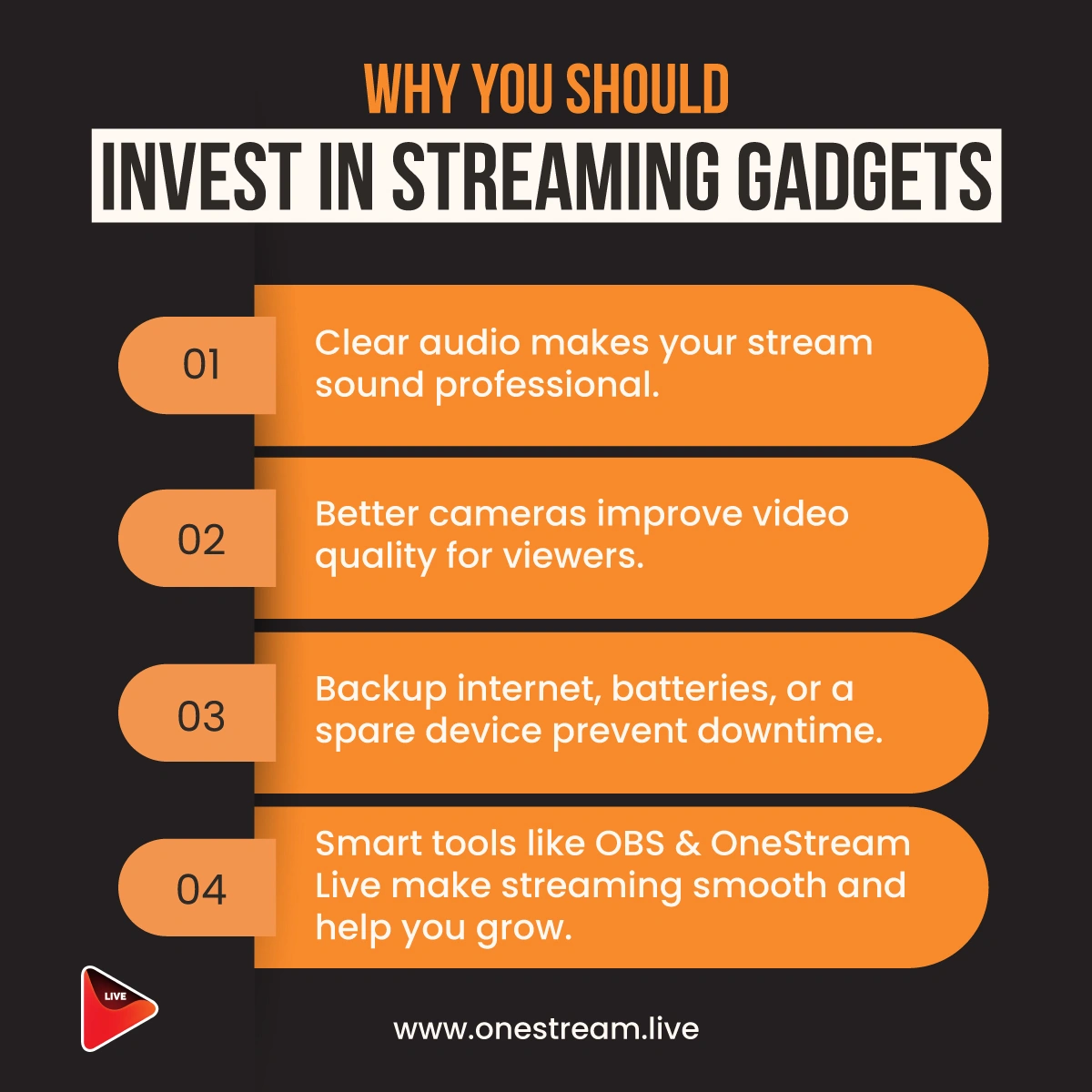
- Clear Audio Makes Your Stream Sound Professional
Audio quality is one of the most important aspects of streaming. Viewers are more forgiving of poor video than bad audio.Clear sound helps you maintain engagement and professionalism. According to a 2024 Soundstripe study, 72% of viewers said they would stop watching a stream if the audio were poor.
- Better Cameras Improve Video Quality for Viewers
High-definition video adds credibility to your stream. Even with a budget streaming setup, a webcam like the Logitech C920 can provide clear 1080p video without breaking the bank.
In fact, a good camera setup for streaming significantly boosts your appeal, enhancing your content’s production value. As video content becomes more dominant, a professional-looking stream will help you stand out. - Backup Internet, Batteries, or a Spare Device Prevent Downtime
Stream interruptions due to technical issues are frustrating for both streamers and viewers. Always having backup equipment like a spare battery for your camera, a backup internet connection, or a spare streaming device helps prevent downtime.
OneStream Live even offers pre-recorded streaming to ensure you never miss an upload, even if you face internet issues. - Smart Tools like OneStream Live Make Streaming Smooth
Investing in streaming software like OneStream Live can dramatically improve the quality and reliability of your stream. OneStream Live allows you to multistream across platforms, automate streams, and manage broadcasts with ease.
These small investments in streaming setup essentials can greatly enhance your broadcast quality and streaming experience. Don’t overlook the importance of these tools as you build your streaming setup for beginners.
Even on a budget, these gadgets ensure a more professional and engaging stream that helps you attract and retain viewers.
Conclusion: Setting Up Your Budget Streaming Setup
In 2025, live streaming is a powerful tool for creators, educators, gamers, and businesses to connect with their audience in real-time. With the right live streaming equipment setup, smart planning, and tools like OneStream Live, you can create high-quality content without spending a fortune.
Investing in the essentials forms the backbone of your budget streaming setup. By multistreaming with OneStream Live, you’ll be able to engage your audience across multiple platforms, all while saving money on software and subscriptions.
By following the tips outlined in this blog, you’ll be able to stream on a budget while providing professional-level content. Remember, audio quality and video quality are non-negotiable when it comes to keeping your audience engaged, so prioritize gadgets that improve these areas.
FAQs
To start streaming on a budget, you need a reliable computer or laptop, a decent microphone, a webcam, and basic lighting. You don’t need to splurge on high-end equipment right away. Start small and upgrade as you grow.
A great budget streaming setup for beginners includes an affordable streaming PC, a USB microphone, a Logitech C920 webcam, and affordable ring lights.
You can also use free streaming software, such as OneStream Live, to manage and broadcast your content efficiently.
The initial cost for a live streaming setup can range from $400 to $800, depending on the equipment you choose. A budget streaming setup will cost you around $500, including a PC, microphone, camera, and lighting.
To make your streaming setup more professional, invest in a high-quality microphone and lighting. Good audio quality is crucial for engagement, and lighting can improve your video quality, even with a basic webcam.
Yes, you can multistream to multiple platforms like YouTube, Twitch, and Facebook using OneStream Live. It’s an affordable solution that allows you to reach a broader audience without needing multiple subscriptions.
OneStream Live is a cloud-based live streaming solution to create, schedule, and multistream professional-looking live streams across 45+ social media platforms and the web simultaneously. For content-related queries and feedback, write to us at [email protected]. You’re also welcome to Write for Us!