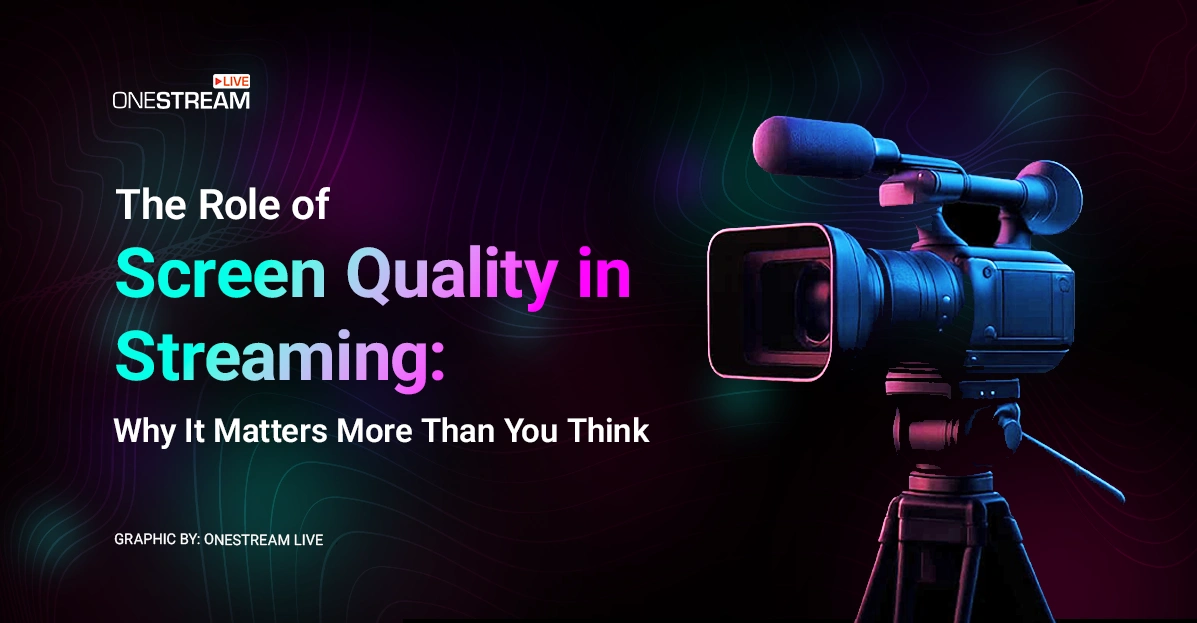

In live streaming, screen quality is the single most important factor in knowing whether your broadcast actually looks the way you think it does. You can have the highest-end camera, flawless lighting, and perfectly tuned audio, but if your monitor is giving you inaccurate colors or a misleading screen resolution, your audience could be seeing something entirely different.
This gap between what’s on your screen and what viewers see can tank a broadcast before it even leaves your desk. Many creators rely on common screen resolutions like 1080p or 1440p without realizing that resolution alone doesn’t guarantee accuracy.
Understanding how display resolutions work and how they interact with your streaming setup is the first step toward ensuring every viewer sees exactly what you intended. When paired with professional streaming tools like OneStream Live, a high-quality monitor becomes your first and most reliable quality control checkpoint.
- Screen quality ensures your stream looks the same to viewers as it does to you.
- Accurate display resolutions and calibration prevent color and detail errors.
- Higher monitor resolutions like 1440p or 4K give more space for streaming tools.
- Premium screens, like the MacBook Air screen, offer reliable color accuracy.
- Pairing great screen quality with OneStream Live enables flawless live video distribution
Screen Quality vs. Viewer Experience
In streaming, your screen quality is the first checkpoint for how your audience will experience your content. If your monitor’s display resolution and color accuracy are off, what you see may not match what viewers actually get.
Budget displays often fail to reproduce the full sRGB color space, making brand colors, overlays, and graphics appear washed out or distorted. Even with common screen resolutions like 1080p, 1440p, or 4K, poor contrast can hide shadow details or blow out highlights.
Your audience will notice these mistakes instantly.
Screen Quality as Your First Line of Quality Control
Before your stream ever reaches the cloud, it has to pass the most critical inspection: yours. A high-quality monitor with the right display resolution lets you catch issues like compression artifacts, motion blur, or color shifts before they go live. On lower-end displays, these flaws can slip by unnoticed, only to show up glaringly on your viewers’ screens.
Monitors with high standard resolution sizes such as 1440p or 4K give streamers a sharper, more accurate view of their content, making it easier to spot subtle errors. Devices with factory-calibrated panels, like the MacBook Air screen, offer an added layer of assurance that what you see matches what your audience will receive.
When using professional cloud platforms like OneStream Live for live video distribution, this accuracy is critical. It ensures the source feed you’re sending is exactly what you intended, so every destination delivers a consistent, high-quality viewing experience.
How to Optimize Workflow for Screen Quality
For streamers, screen quality is the nerve center of production. A sharp, color-accurate display ensures that what you see during your stream matches what viewers experience, and when combined with OneStream Live’s broadcasting tools, it transforms your setup into a streamlined control hub for live video distribution across multiple platforms.
Here’s how to optimize your workflow for maximum screen quality and control:
Upgrade beyond basic resolutions — Move past common screen resolutions like 1080p. Monitors at 1440p or 4K give you sharper images and more space to run your broadcast tools side-by-side.
Dedicate screen space to OneStream Live Studio — Keep the Studio interface permanently visible to switch scenes, add branded overlays, invite guests, and manage live chat without losing focus on your main content.

Use dual or triple monitor setups — Run your main content on one display, keep OneStream Live’s dashboard and analytics on another, and reserve a third for audience interaction or external tools.
Calibrate your display for accuracy — Color calibration ensures your graphics, lower-thirds, and brand visuals look consistent across all OneStream Live destinations, from YouTube to LinkedIn.
Preview content before going live — Use your high monitor resolutions to check video clarity, framing, and color accuracy before sending it live via RTMP or scheduling through OneStream Live.
Use Picture-in-Picture workflows — If your monitor supports PiP, keep a live preview of your outgoing OneStream Live feed visible while editing scenes or managing chat.
Organize windows logically — Group your OneStream Live tools, OBS/encoder, and chat clients so everything important is visible at a glance and no tab hunting mid-stream.
Use advanced scheduling for focus — Free up mental bandwidth by pre-scheduling pre-recorded streams with OneStream Live so you can dedicate screen space to live interaction and quality checks.
How a Quality Monitor Speeds Up Streaming
A high-quality monitor is the engine that keeps your workflow smooth and your broadcasts professional. When your screen quality is sharp, color-accurate, and set to the right display resolution, every aspect of streaming becomes faster and more controlled.
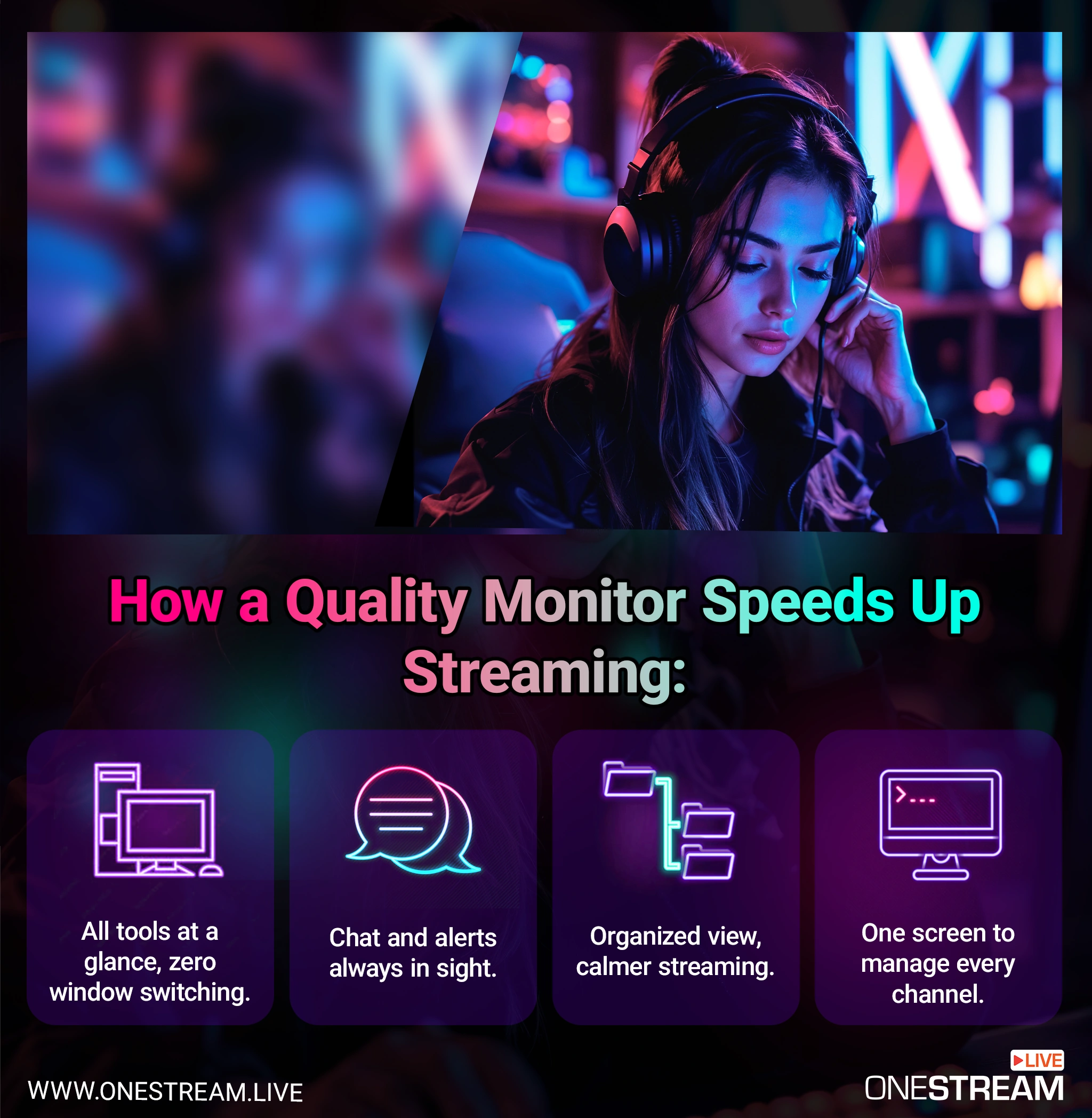
All tools at a glance — With more screen real estate and higher standard display resolutions, you can keep your live preview, OBS or encoder, and OneStream Live dashboard visible at once. No frantic window switching mid-stream.
Chat and alerts always visible — Missing audience messages or alerts can cost you engagement. A well-organized screen setup ensures you can monitor live chat, follower alerts, and comments without covering your main content.
Organized, calmer streaming — High monitor resolutions give you the breathing room to keep everything neatly arranged: broadcasting controls, audience interaction, and scene management.
One screen to manage every channel — Using OneStream Live for live video distribution, you can track and control multiple streams from one monitor while broadcasting to YouTube, Facebook, Twitch, or more.

FAQs About Screen Quality in Streaming
Screen quality refers to the accuracy of your monitor’s display resolution, color reproduction, and contrast. For streamers, it ensures that what you see on your screen matches what viewers see on their devices.
Screen resolution is the number of pixels a display can show, usually expressed as width × height (e.g., 1920×1080). Higher resolutions like 1440p or 4K provide sharper images and more workspace for streaming tools.
The most common monitor resolutions are 1080p (Full HD), 1440p (Quad HD), and 4K (Ultra HD). Higher resolutions give you more room to manage chat, overlays, and broadcasting software simultaneously.
Poor screen quality or inaccurate resolution types can lead to editing mistakes, off-brand colors, and missed details — all of which your audience will notice.
Not necessarily. Even standard screen resolutions like 1440p can be effective if your monitor is well-calibrated. The goal is accurate colors and enough space for your workflow, not just more pixels.
Concluding Thoughts
In streaming, screen quality is your first truth-teller. Cameras can flatter, and lighting can deceive, but your monitor will reveal (or conceal) the reality of what your viewers see.
A washed-out overlay, a crushed shadow in a horror scene, a highlight that blinds rather than dazzles. These mistakes are born on your screen long before they reach an audience.
The fix isn’t magic. It’s pairing accurate display resolutions with smart tools.
A properly calibrated monitor shows you the truth, while OneStream Live ensures that truth is delivered to every platform exactly as intended. Together, they strip away the hassle and replace it with control.
In the end, that’s the real luxury of outstanding screen quality. Definitely not the prettier pixels, but the certainty that what you’re broadcasting is precisely what you meant to share.
OneStream Live is a cloud-based live streaming solution to create, schedule, and multistream professional-looking live streams across 45+ social media platforms and the web simultaneously. For content-related queries and feedback, write to us at [email protected]. You’re also welcome to Write for Us!