
Website promotion is getting harder in the places that used to be predictable. Ads are noisier. Social feeds reward speed over depth. Search is more competitive in almost every niche. That is why expert live panels have become a practical advantage for brands that want attention that actually converts.
A good panel simultaneously accomplishes two different things. It increases trust immediately by displaying the panel. Also, it clearly indicates the most attractive landing page on the website, which may be a checklist, a resource hub, a newsletter signup, or a product education page. The secret is to see the panel as a traffic asset rather than a one-time event.
Expert live panels work best when treated as repeatable traffic assets, not one-time events.
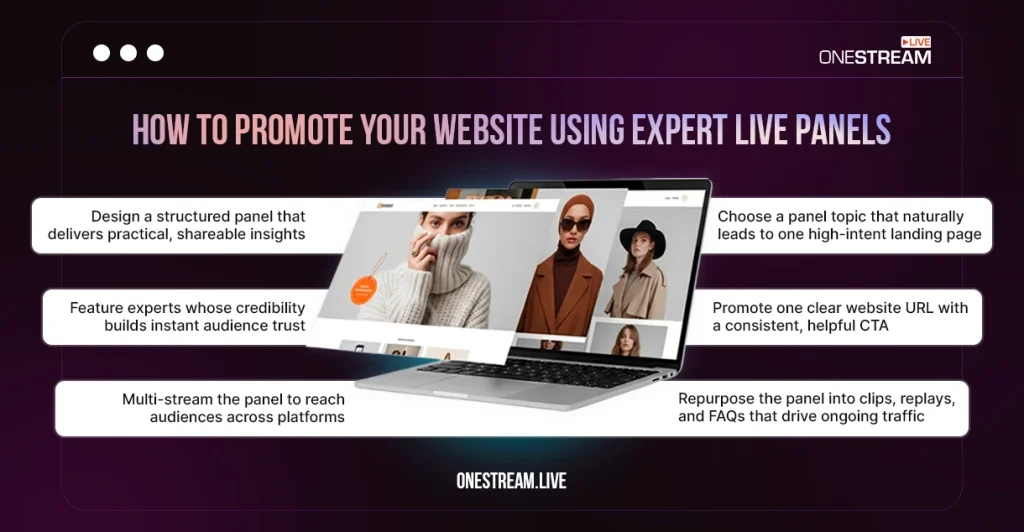
High-performing panels are built around one clear landing page and one focused CTA.
Panel topics should map to high-intent problems, not broad discussions.
A structured run-of-show creates shareable moments that justify the website click.
Multi-streaming expands reach while keeping the website as the conversion hub.
Reliable production (audio, visuals, backups) directly affects trust and retention.
Pick a Panel Topic That Naturally Leads to a Click
Panels drive website visits when the topic maps to a high-intent page. Broad themes can earn views, but focused problems earn action. A strong topic usually answers one of these questions: What decision is the audience trying to make? What workflow feels confusing? What mistake keeps costing time or money?
The most reliable approach is to start with one page on the site that already has a clear job. Then reverse-engineer the panel to make that page the logical “next step.” If the page is a template, the panel should teach the thinking behind the template. If the page is a product education guide, the panel should clarify the main misconceptions that stop people from moving forward.
Expert selection matters as much as the topic. The best panels have overlap without redundancy. A practitioner brings reality. A strategist brings framing. An operator brings a process. A niche specialist brings nuance. That balance creates moments worth clipping and sharing.
Distribution should be planned from the start, especially if the goal is to reach multiple communities in one session. Multi-streaming helps the panel show up where the audience already watches live video marketing content. A live streaming platform like OneStream Live can support that distribution plan without turning the event into a technical marathon.
Design a Run-of-Show That Creates “Shareable Proof”
A panel can feel lively and still underperform for promotion. The difference is structure. A tight run-of-show reduces filler and creates repeatable moments that justify the website click.
The simplest format is an arc with clear pacing: fast introductions, two or three core questions, a practical segment, then Q&A. The “practical segment” is where promotion becomes natural. That is where the panel delivers something that belongs on the site – a framework, a checklist, or a short teardown that points to a deeper resource.
Planning is faster when the episode is outlined like a content package, not a conversation. In the middle of drafting questions and timing, using the NeedMyLink agency outline generator can help organize prompts, define clip moments, and align the episode with one landing page CTA.
The CTA should be written before the panel goes live. It should point to one URL. It should be spoken the same way each time. It should sound like a favor, not a pitch. “The checklist mentioned in this section is on the page shown on screen” lands better than a sales-heavy message.
Make Multi-Streaming and RTMP a Reliability Advantage
Expert panels are fragile if production is treated as an afterthought. Audio glitches, awkward transitions, and unclear visuals lower trust fast. A clean setup makes the content feel credible. It also makes the clips usable for weeks.
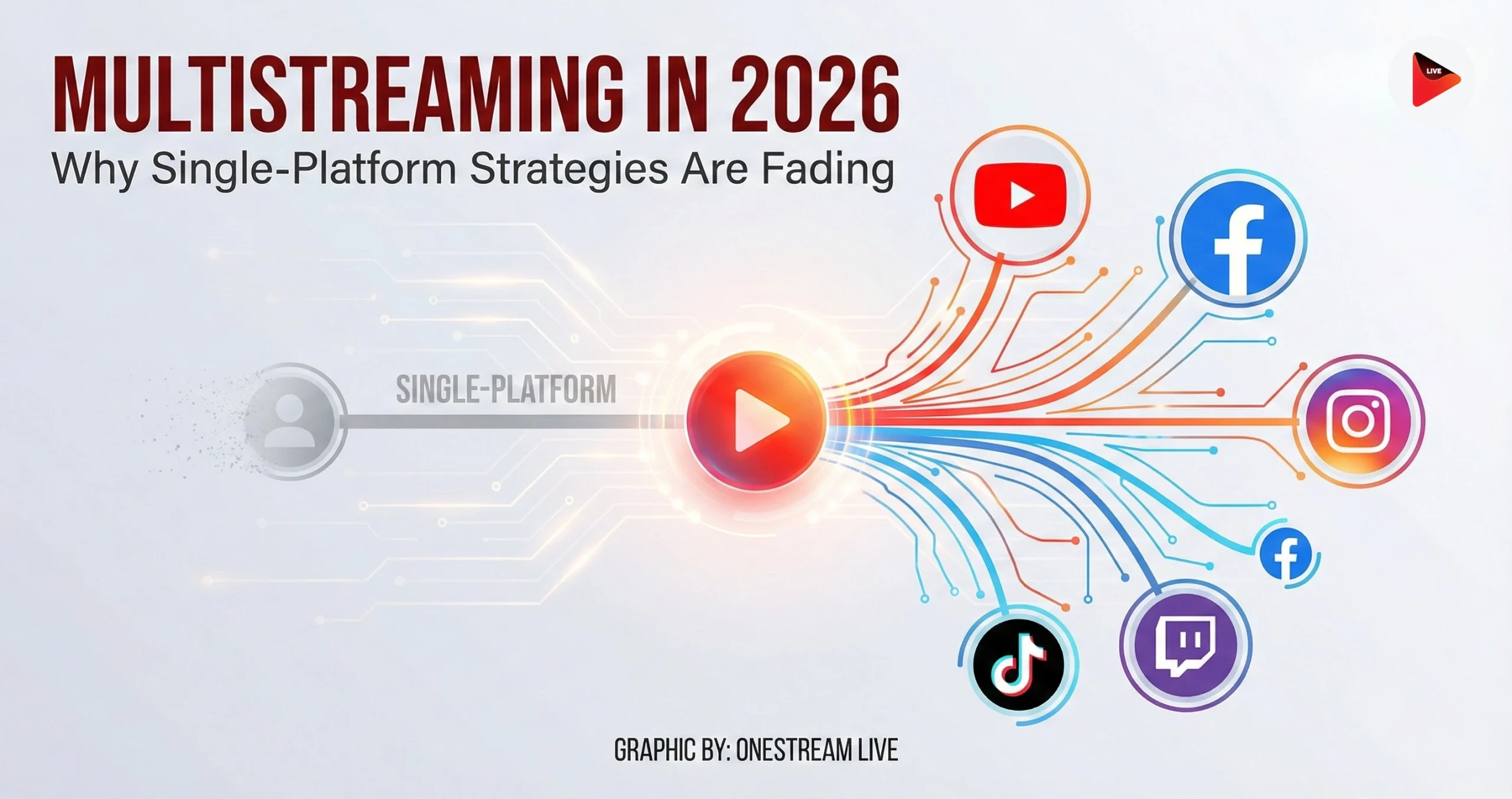
Multi-streaming matters because the audience is fragmented. Some viewers prefer YouTube. Others live on Facebook, LinkedIn, or Twitch. Streaming to multiple destinations at once expands reach without forcing people to switch platforms. The website remains the conversion home base.
RTMP streaming is useful when the host wants more control over the live pipeline. RTMP can carry a stable feed from a studio tool or encoder into a live streaming platform, which then sends it out to multiple destinations. This is especially helpful for panels with branded frames, lower-thirds, and guest layouts that need to stay consistent.
OneStream Live supports real-time streaming via RTMP sources. This makes it easier to run a single production workflow while distributing to many channels.
The priority is not complexity. The priority is predictability – stable audio, clear visuals, and a backup plan if a guest drops.
Turn One Panel Into a Month of Website Traffic
A panel promotes a website best when the before-and-after workflow is intentional. The live event is only one part of the engine. Pre-event promotion builds expectation. Post-event packaging builds search value and ongoing clicks.
Before the panel, a dedicated landing page should be prepared with a clear promise, a simple agenda, and one conversion action. During the panel, the website URL should appear on screen and be repeated at natural transitions. After the panel, the replay should live on the website with a recap and timestamps. That page becomes a long-term asset.
A simple repurposing plan usually outperforms an ambitious one. The goal is consistent, focused distribution that keeps pointing back to the same URL. A practical workflow can look like this:
- Create one landing page that matches the episode promise and includes the resource mentioned live.
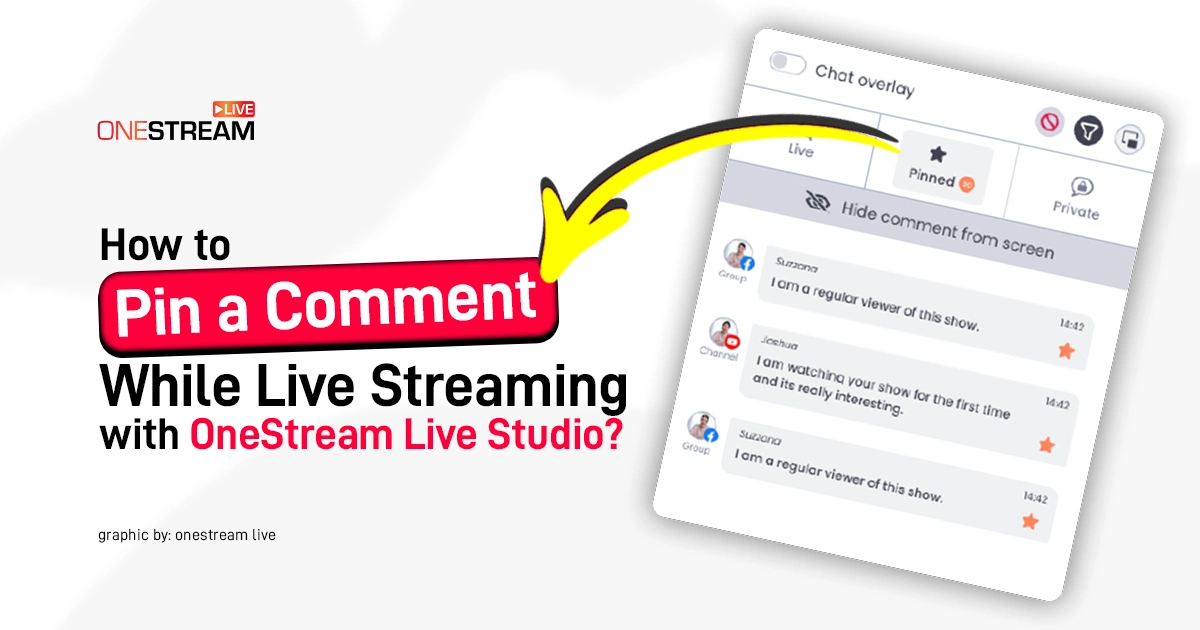
- Pin the URL during the stream and repeat it once mid-panel and once at the end.
- Embed the replay on the same page and add timestamps plus a short written recap.
- Cut 6–10 short clips with titles that mirror search intent and link back to the landing page.
- Turn the audience Q&A into an FAQ section on the website for extra relevance and time-on-page.
That approach keeps the content tight. It also keeps the tracking clean, since every destination feeds to one page.
Pro Tip: You don’t need a website, hosting, or a custom domain to run a professional live panel. OneStream Live lets you create a hosted live page where viewers can watch, engage, and access your CTA, all without any technical setup.
The Compounding Loop That Makes Panels Work Long-Term
Panels improve quickly when measurement is simple. The most useful metrics are tied to behavior, not vanity. Click-through rate to the landing page shows whether the topic and CTA match. Sign-ups or conversions show whether the page delivers on the promise. Replay retention shows whether the opening earns attention and whether the pacing is too slow.
Iteration should focus on clarity. Stronger prompts beat more prompts. A tighter opening beats a longer introduction. Better guest balance beats bigger guest names. Over time, the panel becomes a repeatable system that produces authority, content, and measurable website actions – without leaning on hard selling or generic promotion.
When expert live panels are built this way, promotion stops feeling like promotion. It becomes a natural next step that viewers choose because the value has already been proven live.
To make expert panels easier to run and repeat at scale, a reliable live streaming setup helps. OneStream Live supports multi-streaming and RTMP, so you can focus on delivering value while the distribution stays consistent.

FAQs About Promoting Your Website With Live Panels
You can promote your website by designing expert live panels around one clear goal and one landing page. The panel builds trust through live discussion, then guides viewers to a relevant resource, checklist, or guide on your website as the natural next step.
Educational resources like templates, checklists, product guides, and resource hubs work best. These pages extend the value delivered during the panel and encourage deeper interaction.
Clips highlight specific insights or moments that match search intent. Each clip can link back to the same landing page, reinforcing a consistent message and increasing click-through opportunities.
Click-through rate to the landing page, conversions on that page, and replay retention are more meaningful than raw viewer counts. These metrics show whether the panel drove real action.
OneStream Live is a cloud-based live streaming solution to create, schedule, and multistream professional-looking live streams across 45+ social media platforms and the web simultaneously. For content-related queries and feedback, write to us at [email protected]. You’re also welcome to Write for Us!