Top 5 Best AI Humanizer Tools for Content Creators & Live Streamers

Have you skipped a video because the script sounded too much like AI text? Many viewers do this without thinking. Content that feels artificial often loses trust fast, and low trust leads to low authority. AI tools help creators work faster, but scripts, captions, and livestream notes can still sound stiff or overly polished. Audiences notice this quickly. AI humanizer tools help fix this issue by turning plain AI text into natural language while keeping the original message clear. This guide reviews the top five AI humanizer tools for content creation and live streaming so creators can choose the right option for tone, speed, and everyday workflow needs.

In this Article:
Key Takeaways:
  • AI humanizer tools help scripts and captions sound more natural and easier to speak.

  • Different tools suit different needs such as fast edits or long content support.

  • Humanized text improves confidence during live streams and recorded videos.

  • Clear delivery and eye contact matter as much as good writing.

  • OneStream Live can help creators follow scripts without losing audience connection.

Why Creators Need AI Humanizers

Top AI Humanizer Tools for Content Creators

AI tools help speed up writing, but raw output often lacks a real voice. Scripts and captions that sound stiff can reduce trust and attention, especially in videos and live sessions where tone matters most. An AI humanizer helps smooth out phrasing, improve flow, and add a natural speaking style that feels closer to how people actually talk. This support allows creators to sound confident and relatable while keeping their ideas clear. Strong humanized text also reduces the need for last minute edits, which helps creators stay focused on performance, timing, and audience connection instead of fixing awkward lines.

1. Clever AI Humanizer

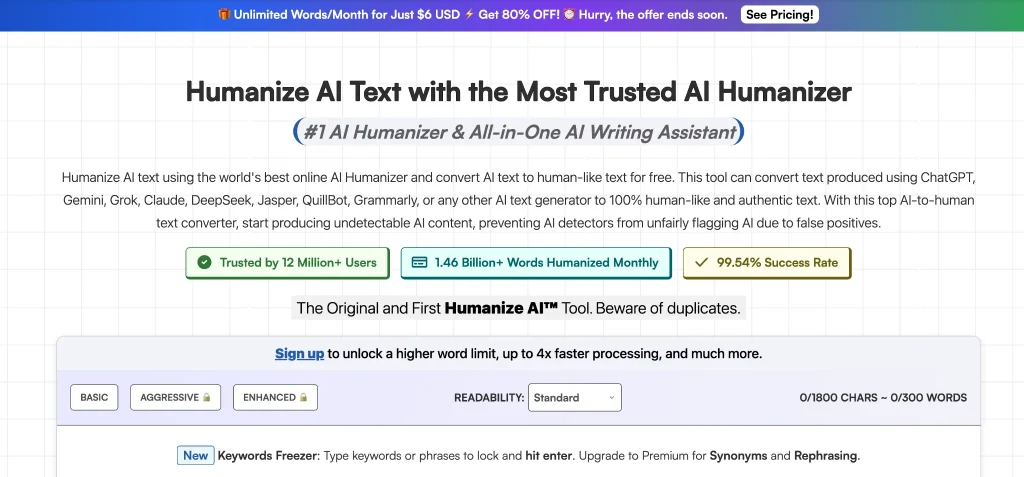
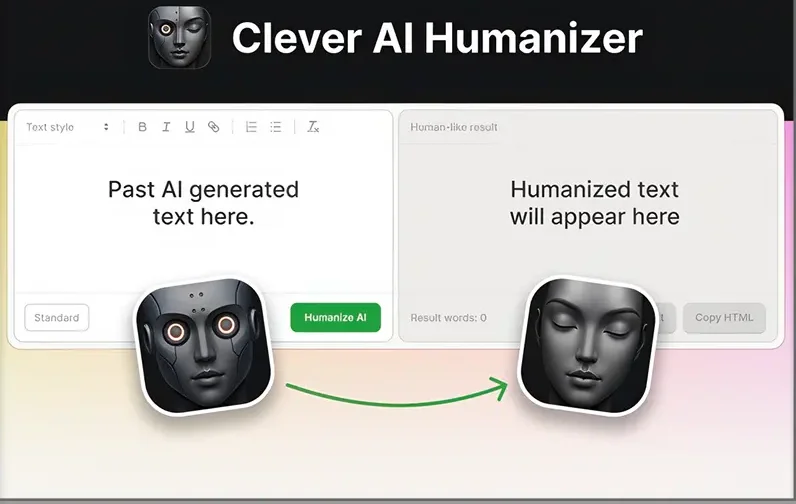
Clever AI Humanizer. Best AI Humanizer Tools

Overview

Clever AI Humanizer outputs some of the most natural-sounding results, which makes it a strong choice for creators who want to humanize AI writing without losing clarity. It restructures text into conversational rhythms that feel authentic on camera or during streams.

Its minimalist interface and fast processing make it ideal for creators who work on tight publishing schedules. For those looking to refine scripts or commentary, Clever AI consistently delivers natural phrasing that enhances audience engagement.

Strengths

Clever AI introduces subtle variations, imperfections, and humanlike cadence and features that help humanize AI text in a way that feels spontaneous and engaging. It also preserves meaning remarkably well, so creators spend less time on revisions.

Because it reduces repetitive patterns, it can even help make AI text undetectable in contexts where overly robotic structure stands out.

Weaknesses

While it performs extremely well with natural speech and informative content, creators working on highly stylized or comedic scripts may need to add personal flair afterward. Advanced users may also desire deeper customization control for pacing and personality.

Related: Best AI Tools for Content Creation

2. Humanize AI Pro

Humanize AI Pro

Overview

Humanize AI Pro is especially strong with long-form content such as multi-page scripts, podcast outlines, or detailed commentary. It maintains flow while helping content creators subtly bypass AI detectors that flag overly structured or repetitive text.

It’s balanced rewrites and makes sure that your voice stays intact while still benefiting from smooth, natural phrasing.

Strengths

Humanize AI Pro excels at maintaining consistent tone and structure over long scripts. It is a helpful ChatGPT humanizer companion for creators who generate large drafts and need them rewritten to feel more conversational.

The adjustable rewrite levels offer flexibility from light polish to full transformation.

Weaknesses

Sometimes the tool rewrites too aggressively, especially with technical or niche topics. Creators who use specialized terminology ( for example, gaming mechanics, tech specs, industry jargon) may need to reinsert specific phrasing after processing.

Highly complex sections may require multiple passes.

3. AIHumanize.io

AIHumanize.io: Top AI Humanizer Tools for Content Creators and Live Streamers

Overview

AIHumanize.io is one of the fastest tools available, making it perfect for creators who need quick adjustments before going live. Its outputs feel like professional edits rather than heavy rewrites, helping maintain your original message while improving readability.

For creators wanting a seamless AI to human text converter, this tool does a clean, effective job.

Strengths

Speed is its main advantage. AIHumanize.io is excellent for fast-paced creators who frequently publish short-form content, prepare livestream notes, or update captions.

It keeps structure intact while improving conversational flow through smooth, human-like phrasing—ideal for transforming AI to human style content quickly.

Weaknesses

The tool occasionally simplifies vocabulary or removes nuance, which may impact creators producing technical tutorials or deep-dive commentary. It also offers fewer advanced customization options compared to other tools.

Read More: Best AI-Based Video Editing Tools for Content Creators

4. HumanizeAI.io

HumanizeAI.io

Overview

HumanizeAI.io offers an affordable, balanced solution for creators who want reliable humanization without complex settings. This makes it appealing to newer or budget-conscious creators seeking a dependable ai text humanizer that produces natural, consistent output.

Strengths

HumanizeAI.io is strong at maintaining structure across long pieces of content. It keeps terminology intact better than many budget-friendly tools and avoids adding unnecessary filler—important for creators who value concise scripts.

The interface is straightforward, and long-form performance is solid.

Weaknesses

The output can sometimes sound generic. Creators with a distinct voice or humor style may need to add personality manually afterward. It also lacks advanced refinement features for creators wanting highly customized tone adjustments.

5. Grammarly AI Humanizer

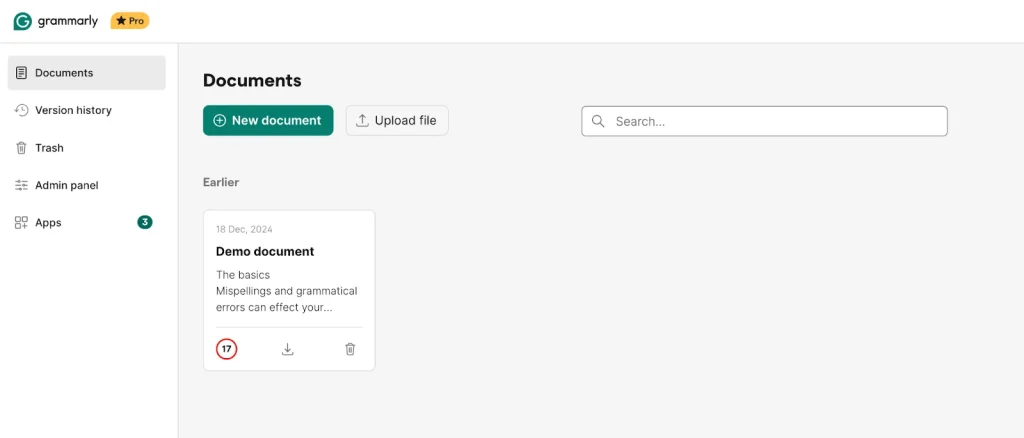
Grammarly AI Humanizer

Overview

Grammarly’s humanizing features operate more like a precision editor than a full rewriting engine. It focuses on clarity, flow, and tone, making it ideal for polishing scripts, captions, community posts, and outlines created with a free AI humanizer or drafting tool.

Strengths

Grammarly improves readability, flow, and tone without heavily altering the structure. The tool is great for creators who want to sound polished but still authentically themselves. Its cross-platform integration (browser, Word, Google Docs) makes it highly accessible.

Weaknesses

Grammarly focuses more on clarity and less on transforming AI-like patterns. For creators needing more dramatic humanization or conversational rephrasing, it works best as a final editor rather than a primary rewriting tool.

How to Use Humanized Scripts During Live Streams

Sounding natural is not only about the words you use. Eye contact also plays a big role during live streams. Reading notes from another screen can break that connection and make delivery feel awkward. A teleprompter helps creators stay focused while speaking naturally. OneStream Live offers a built-in teleprompter, so creators can read their humanized scripts and still look directly at the camera. This helps maintain trust and confidence during live sessions. OneStream Live also allows creators to reach a wider audience by streaming to more than 45 social platforms at the same time.

Multistream on 45+ social platforms & the web

Conclusion

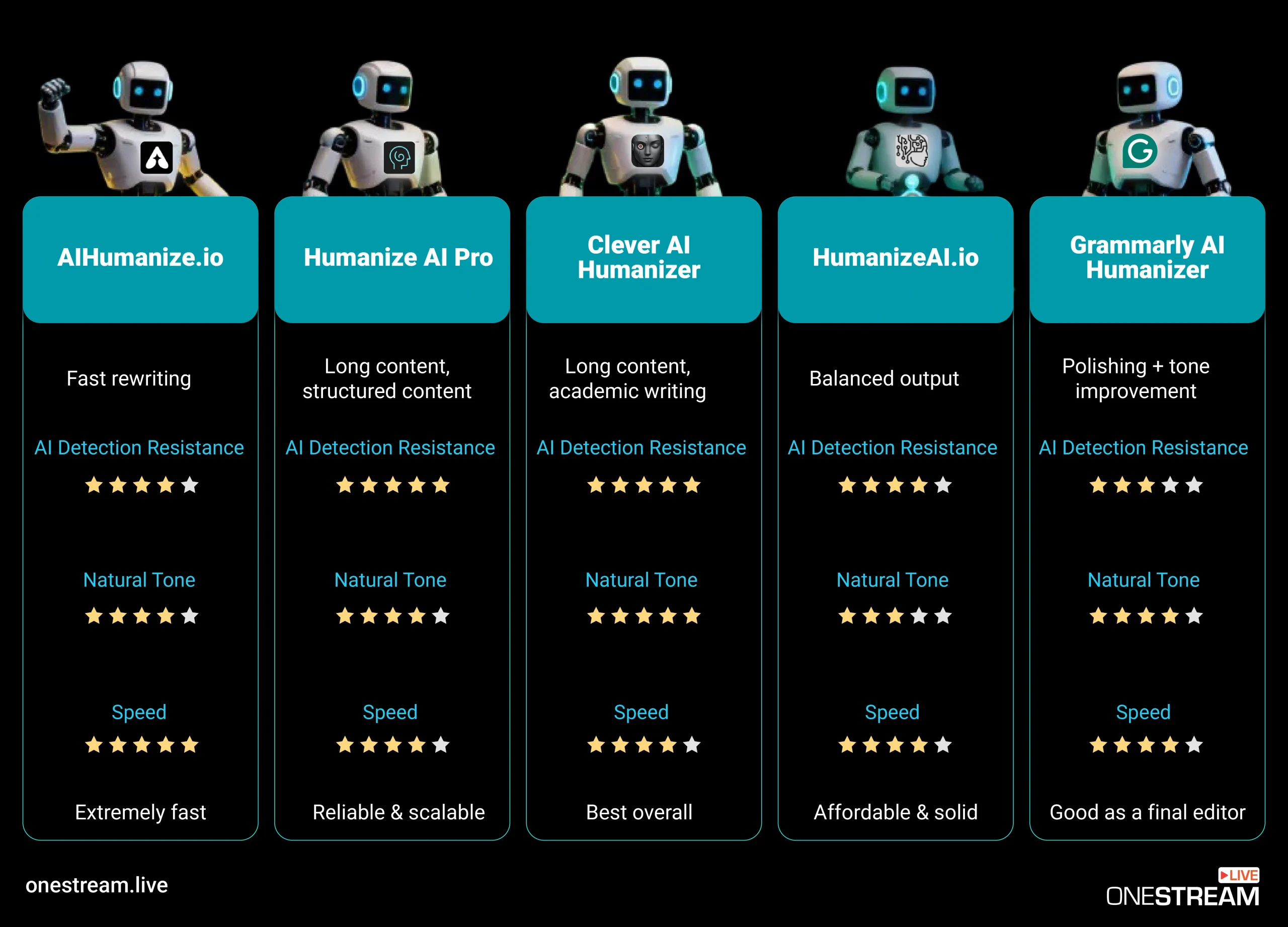
These five AI humanizer tools offer valuable support for creators who want their text-based content, scripts, captions, community posts, or livestream prompts to sound genuinely human. Each tool has strengths in tone, speed, and naturalness, depending on your workflow.

Creators who focus on natural speech flow and clear delivery may find Clever AI Humanizer to be a strong overall choice. Others who need fast edits, long content support, or light polishing can still benefit from the remaining options. Strong writing is only one part of the process, though. Clear delivery and steady eye contact also matter during live sessions. Using live streaming tools like OneStream Live can help creators read prepared scripts comfortably while reaching audiences across multiple platforms.

FAQs About AI Humanizer Tools

AI humanizer tools help creators rewrite AI-generated text so it sounds natural and easy to speak. These tools improve script flow, tone, and clarity, which helps creators feel more confident during videos, livestreams, and recorded content. They are often used for scripts, captions, and community posts.
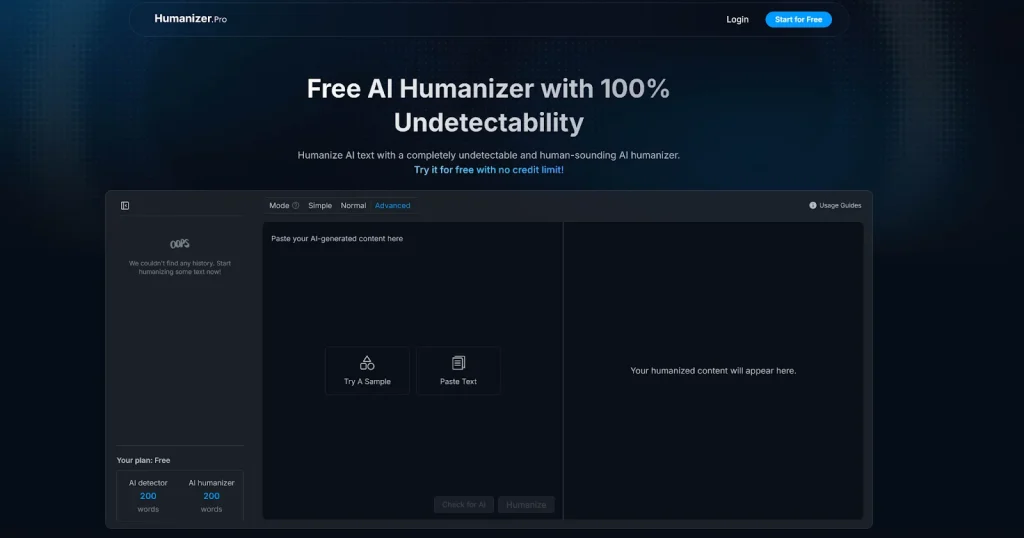
Some of the best AI humanizer tools in 2025 include Clever AI Humanizer, Humanize AI Pro, AIHumanize.io, HumanizeAI.io, and Grammarly. These tools are known for improving conversational tone, reducing stiff phrasing, and supporting different creator workflows based on speed and content length.

AI humanizer tools help improve live stream scripts by making sentences sound more natural and easier to speak. This reduces stiffness and helps creators stay confident while talking on camera during live sessions.

Most AI humanizer tools aim to keep the original meaning while improving tone and flow. Some tools offer light or strong rewrite options, so creators can choose how much change they want based on their content needs.

AI humanizer tools work well for short content such as captions, titles, and community posts. They help remove robotic phrasing and improve clarity, which can increase audience engagement across social platforms.
OneStream Live is a cloud-based live streaming solution to create, schedule, and multistream professional-looking live streams across 45+ social media platforms and the web simultaneously. For content-related queries and feedback, write to us at [email protected]. You’re also welcome to Write for Us!

Picture of Kalim
Kalim
Kalim is a Digital Content Writer at OneStream Live, dedicated to creating SEO-optimized content. When he's not writing, you can find him lost in his passion for music and singing.

Stay in the Loop

Subscribe to our Newsletter
subscribe
Want to expand your industry knowledge?
Learn & Grow With Us